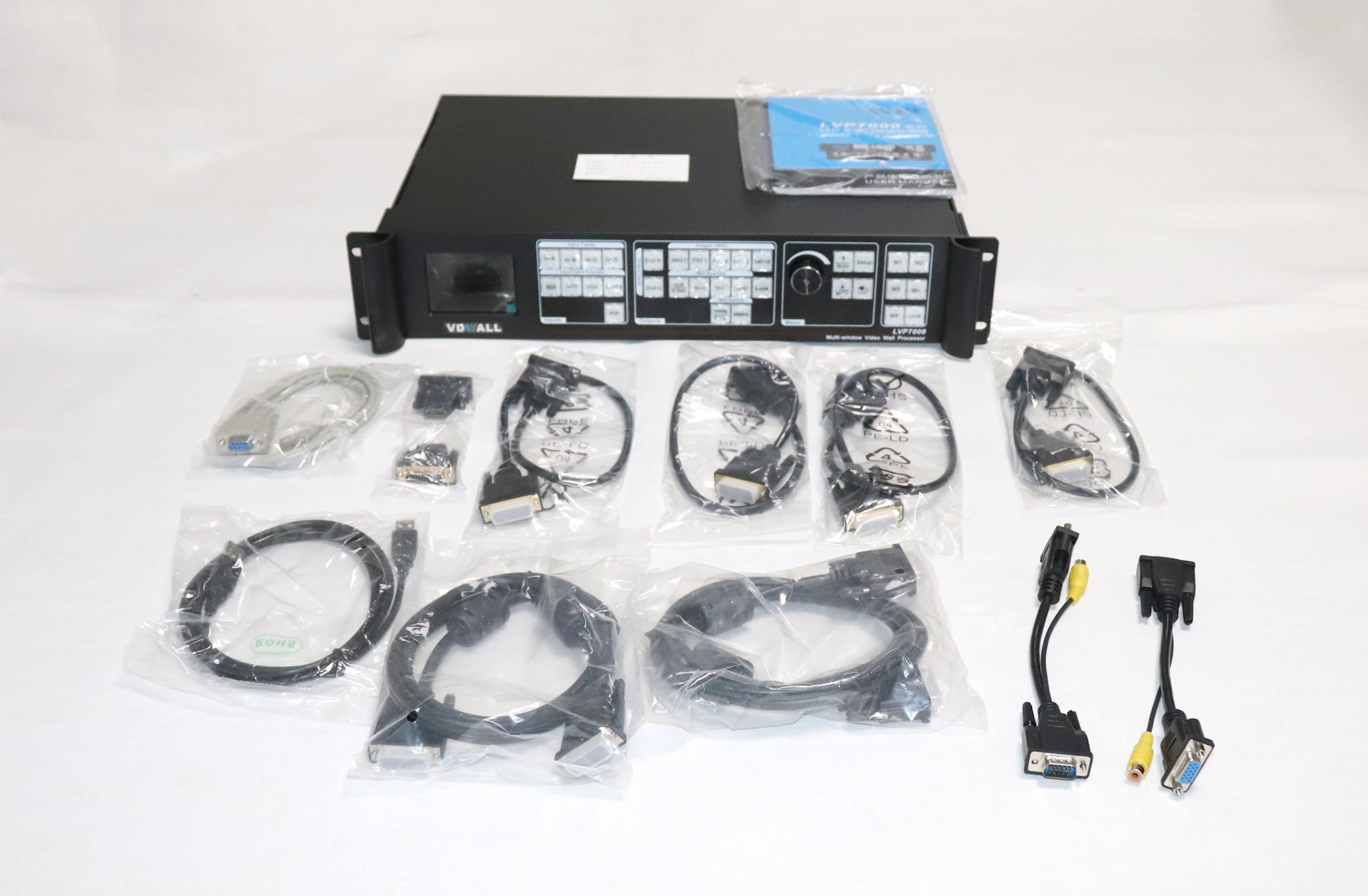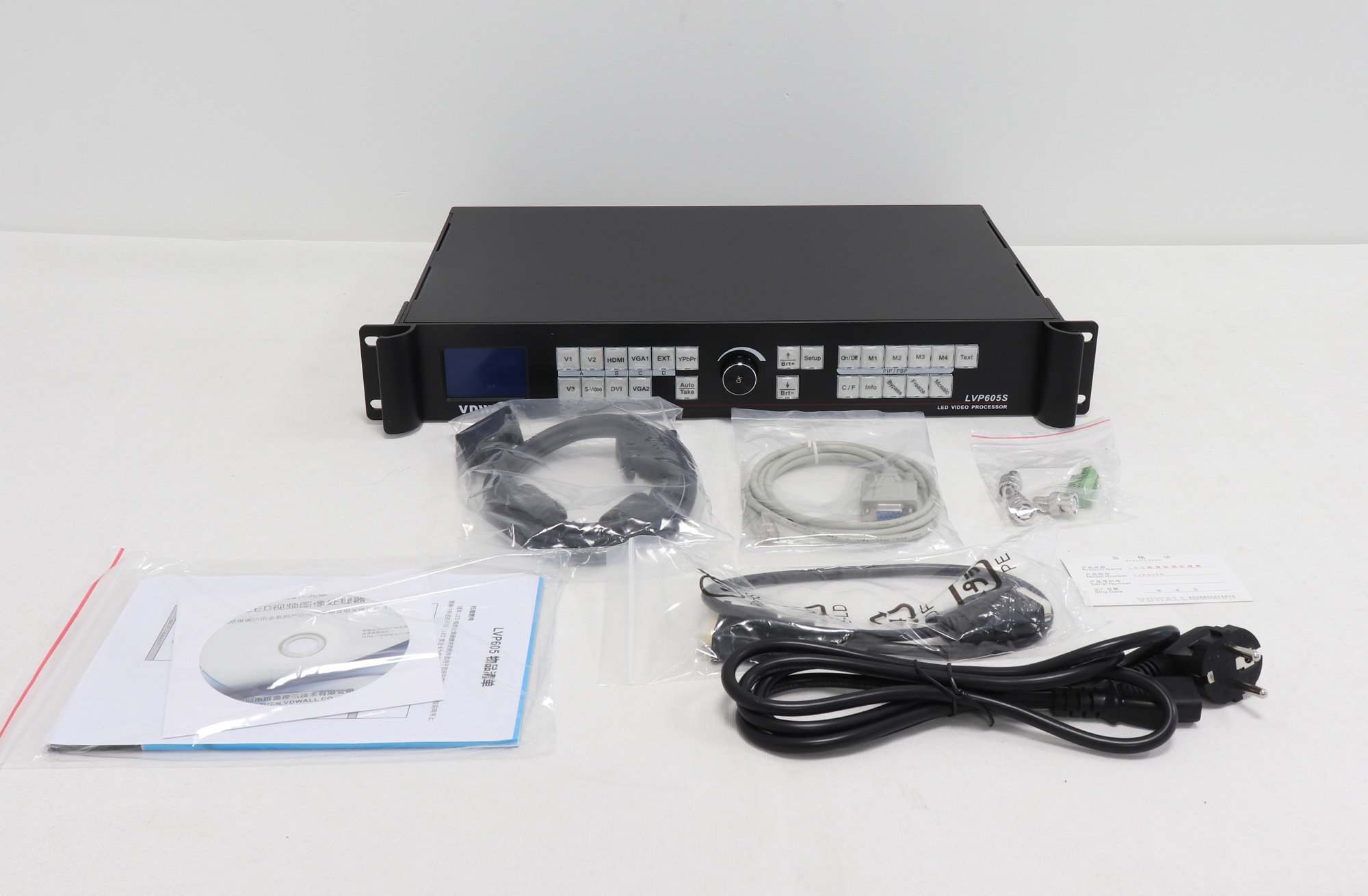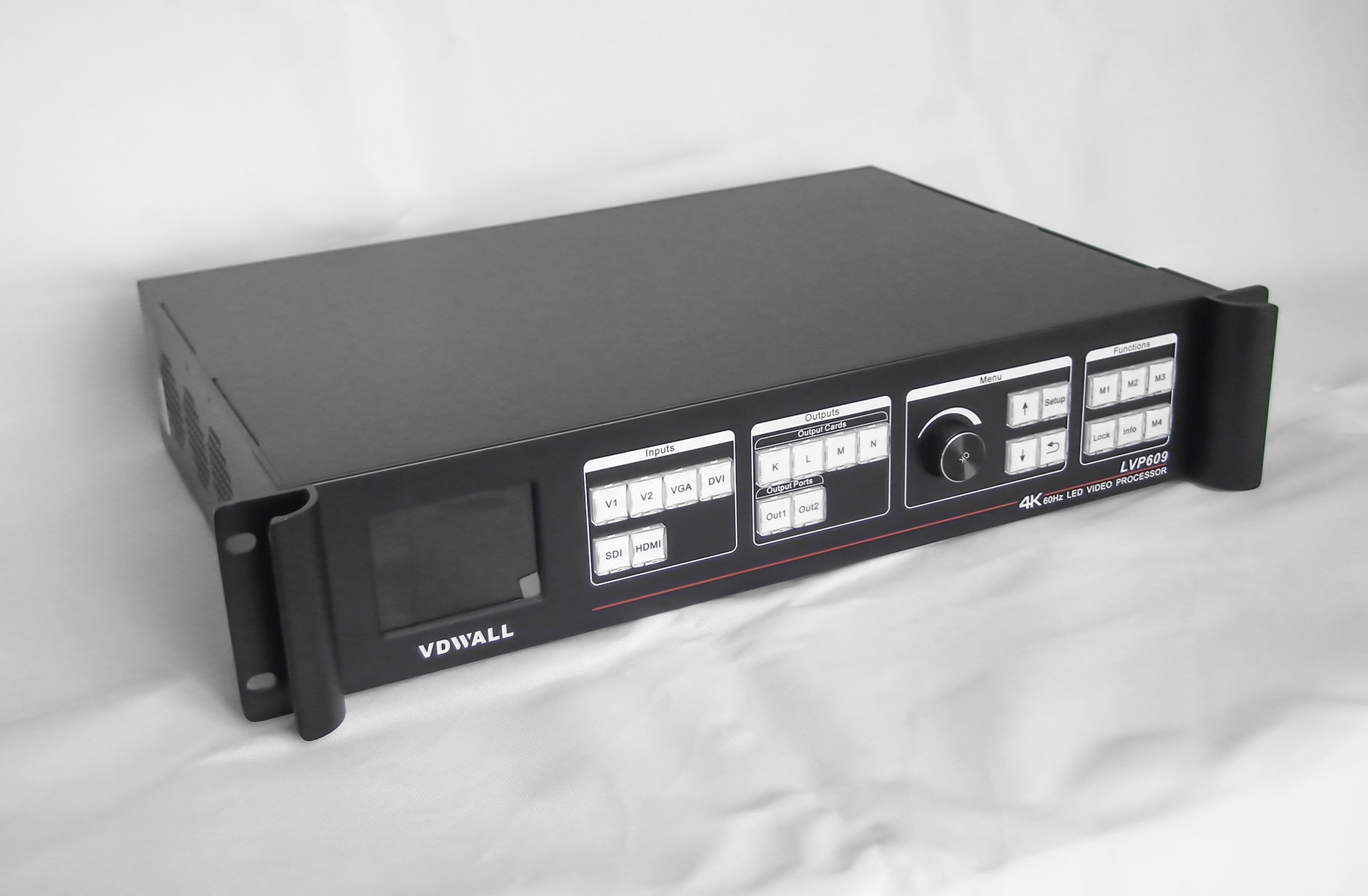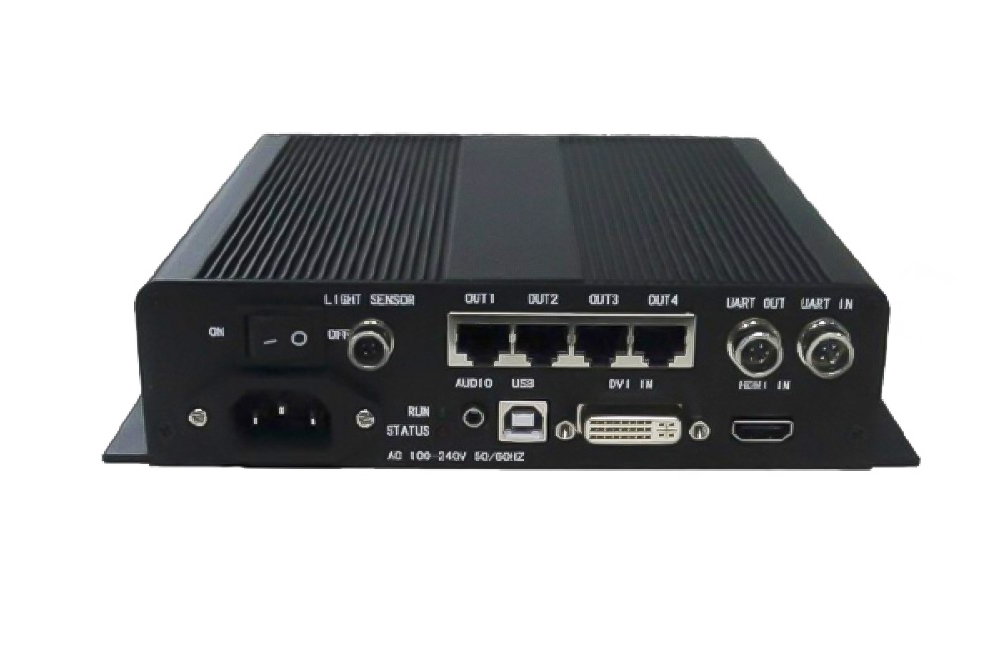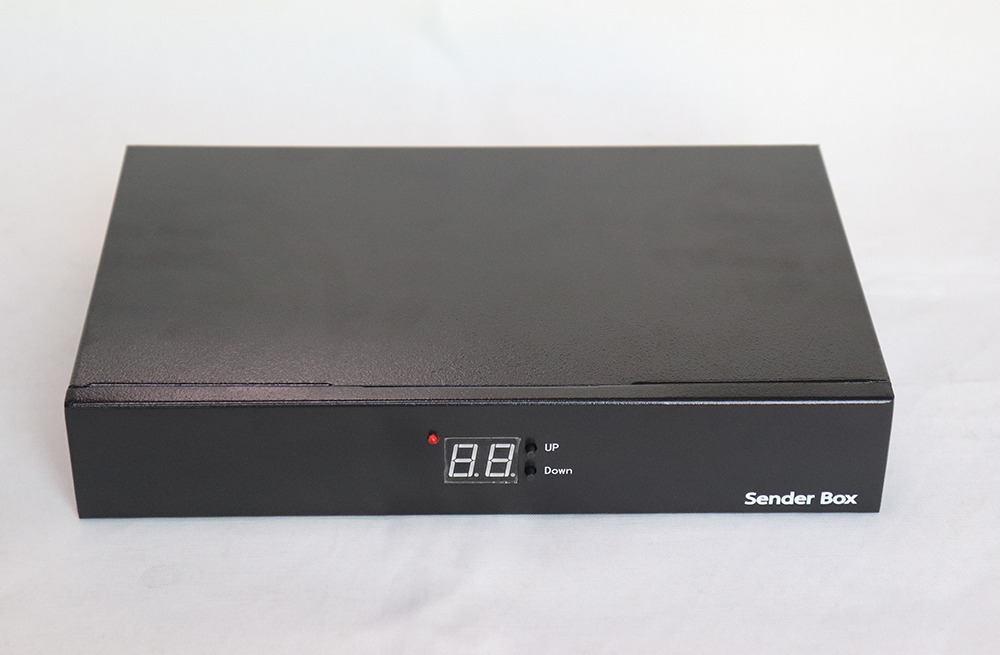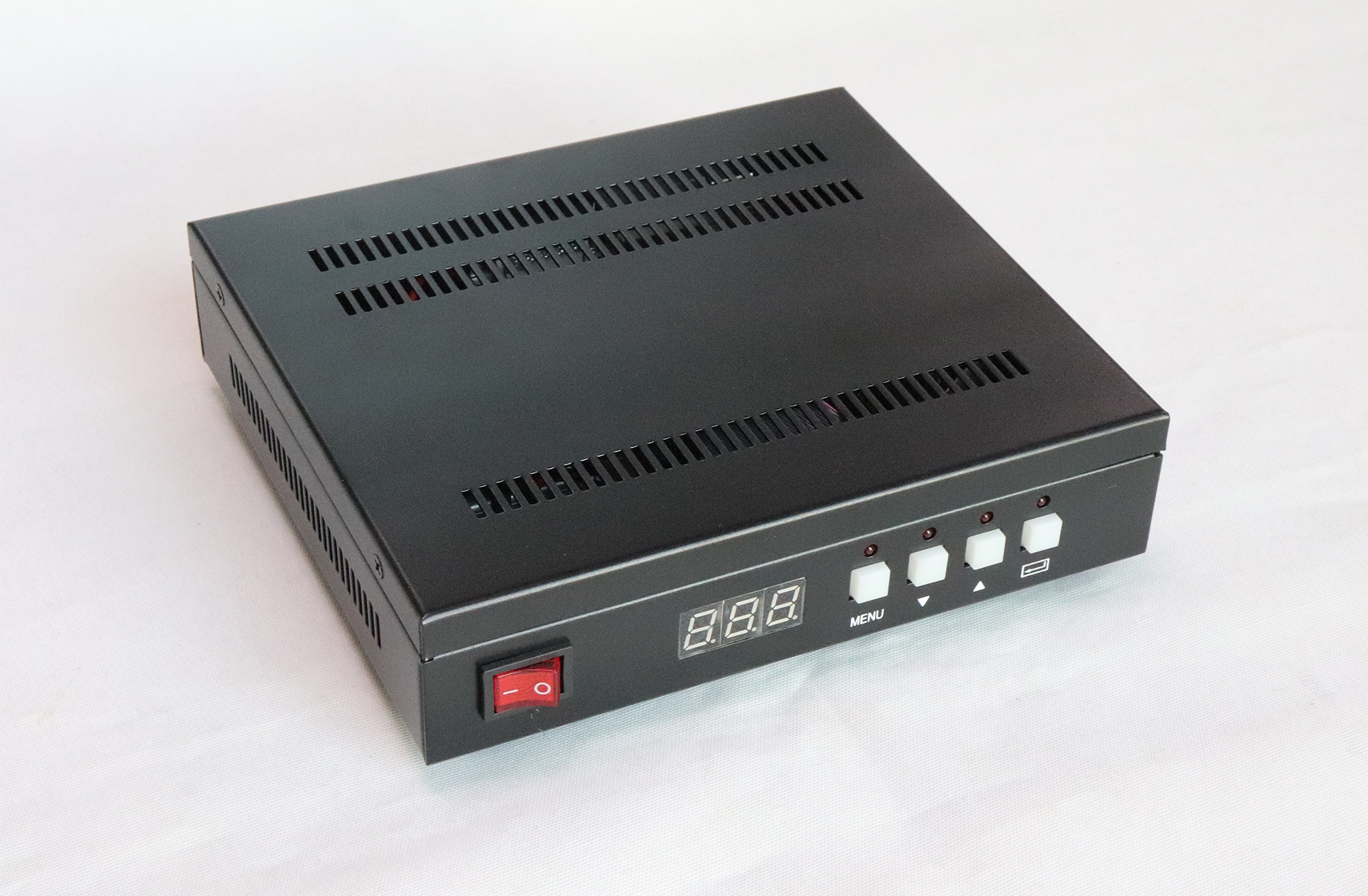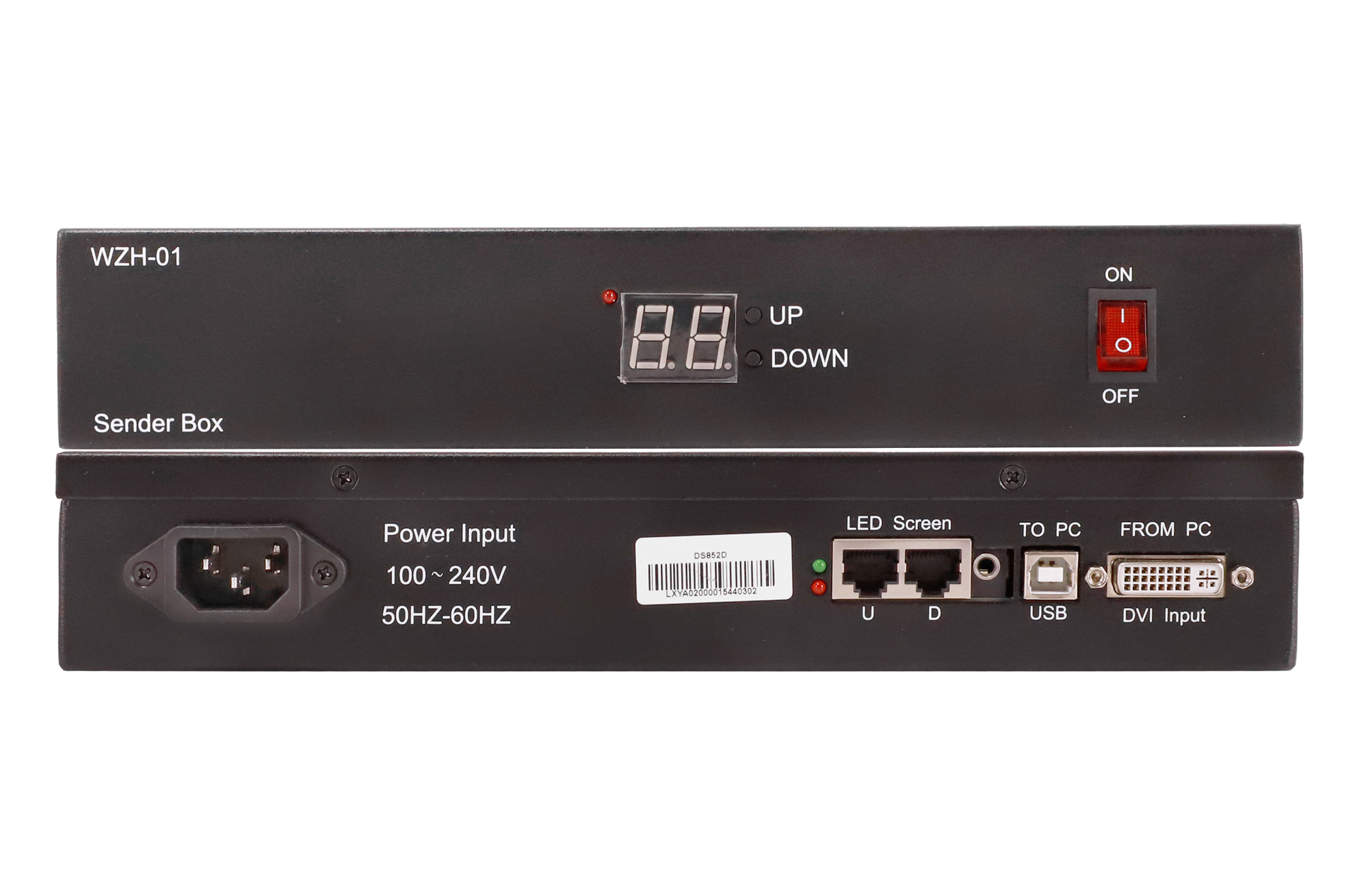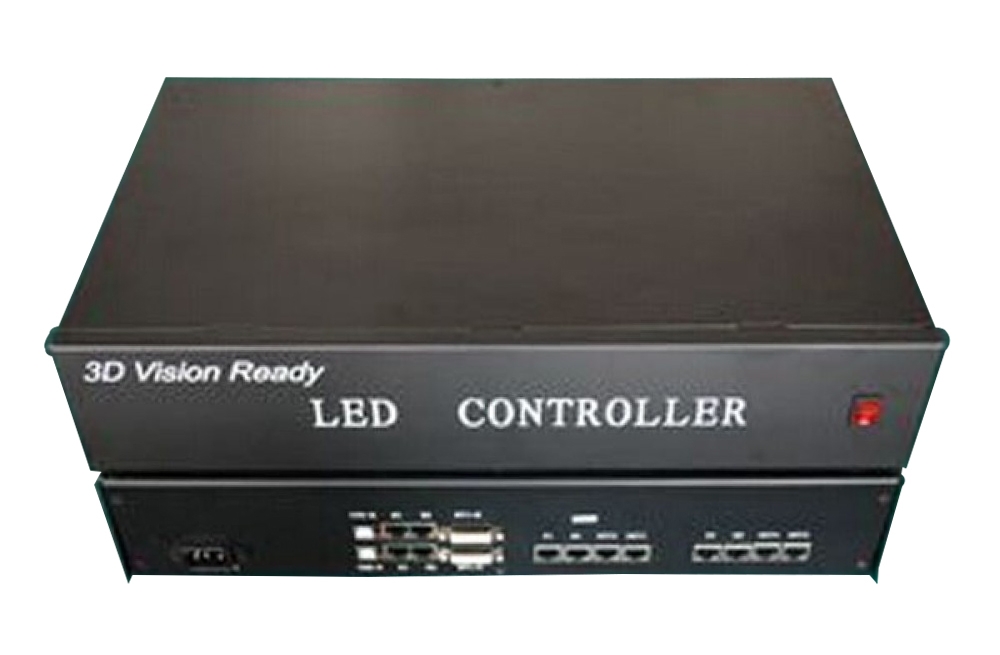
DBStar 3D Vision LED Display Control
This DBStar video controller is intended for a 3D LED display setup with NVIDIA 3D Vision glasses. Check an existing screen against the specified display and receiving-card requirements before planning a conversion.
TECHNICKÉ ÚDAJE
| Parametr | Specifikace |
|---|---|
| Operating system listed | Windows Vista or Windows 7, 32-bit or 64-bit |
| Procesor | Intel Core 2 Duo or AMD Athlon X2 or higher |
| Systémová paměť | 1 GB minimum; 2 GB recommended |
| Volné místo na disku | 100 MB |
| Viewing glasses | NVIDIA 3D Vision glasses |
TECHNICKÉ ÚDAJE
| Parametr | Specifikace |
|---|---|
| obnovovací frekvence LED | More than 1800 Hz |
| Jas | More than 1600 CD, as stated in the source; measurement basis not specified |
| Suggested pixel layout | × 960 768 |
| Scan configuration | Statický nebo 1/4 sken |
| Frekvence hodin | At least 20 MHz |
| Length controlled per receiving card | At most 64 pixels, as described in the source |
| Cabinet layout guidance | Multiples of 32 pixels recommended |
Legacy Monitor and Graphics Compatibility
The original monitor examples are Acer GD245HQ/GD23HZ, Alienware OPTX AW2310, Samsung SyncMaster 2233RZ and ViewSonic FuHzion VX2265wm, each described as 120 Hz. The same source heading says “1200 Hz”, which conflicts with those examples. Confirm the monitor requirement for the exact 3D Vision setup; do not confuse it with the separate LED refresh-rate requirement.
The historical graphics list names GeForce 8800 GT, 8800 GTS, 8800 GTS 512, 8800 GTX, 8800 Ultra, 9600 GT, 9800 GT, 9800 GTX, 9800 GTX+ and 9800 GTX2, plus GeForce 200/100 series or higher. These are source-listed names, not a guarantee that newer GPUs, drivers or operating systems support this legacy workflow.
The source notes that lowering grayscale may help meet its screen requirements. Confirm image-quality and refresh-rate settings together for the installed display.
Často kladené dotazy
Can this controller turn any LED screen into a 3D screen?
The existing screen must meet the listed refresh, brightness, scan and receiving-card layout requirements. Compatibility should be checked for the complete system.
Are NVIDIA 3D Vision glasses required?
The described viewing system uses NVIDIA 3D Vision glasses. Confirm the matching PC, graphics and synchronization setup.
What LED screen refresh rate is specified?
The LED screen requirement is more than 1800 Hz. This is separate from the 120 Hz monitor examples and the conflicting 1200 Hz monitor heading in the old source.
Does the old graphics list guarantee support for a modern PC?
No. The listed Windows versions and graphics models describe a legacy configuration. Verify software, driver and GPU compatibility for the system you intend to use.
Which scan and clock conditions are listed?
The source specifies static or 1/4 scanning, a clock of at least 20 MHz and a controlled length of at most 64 pixels per receiving card.