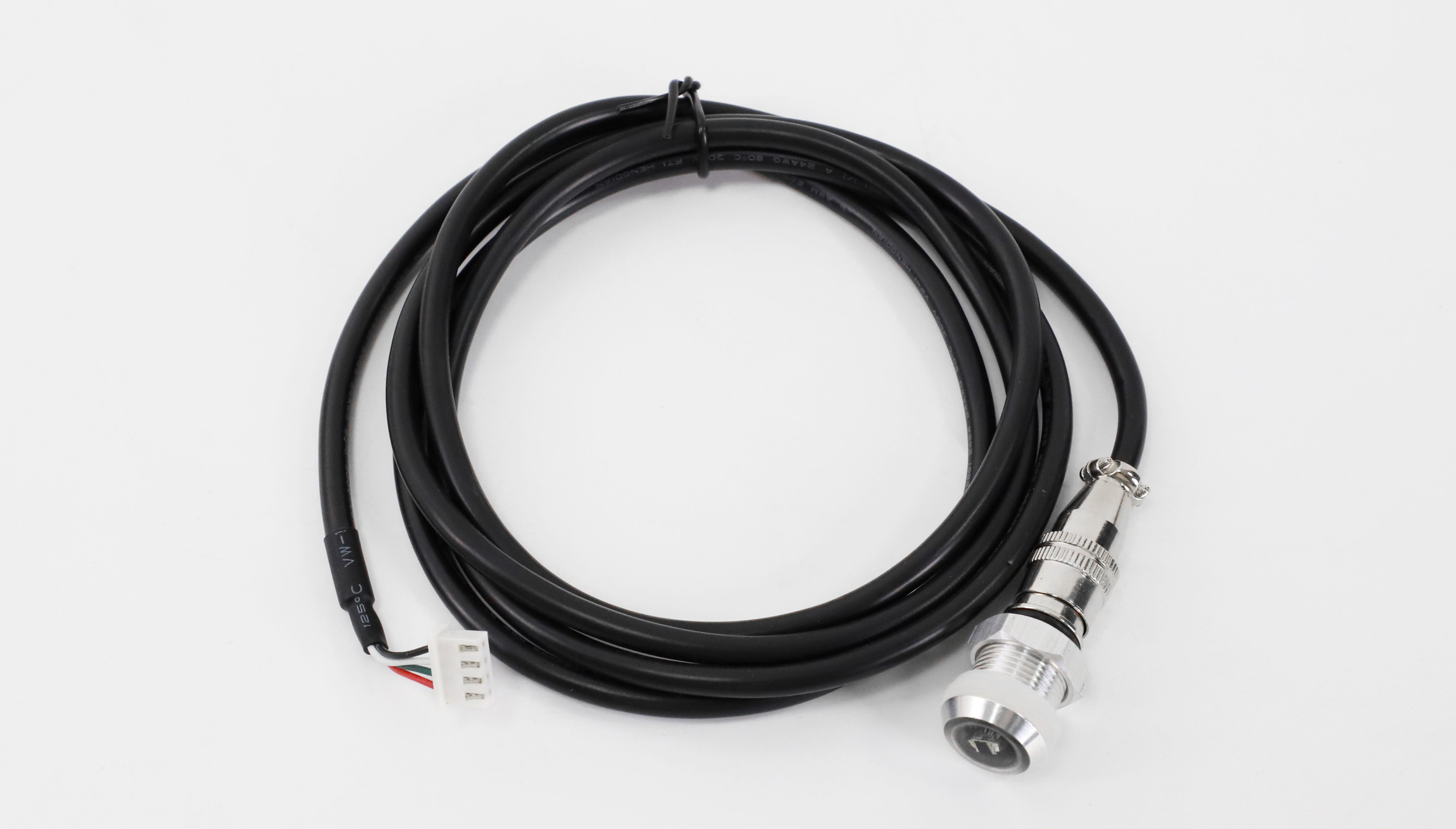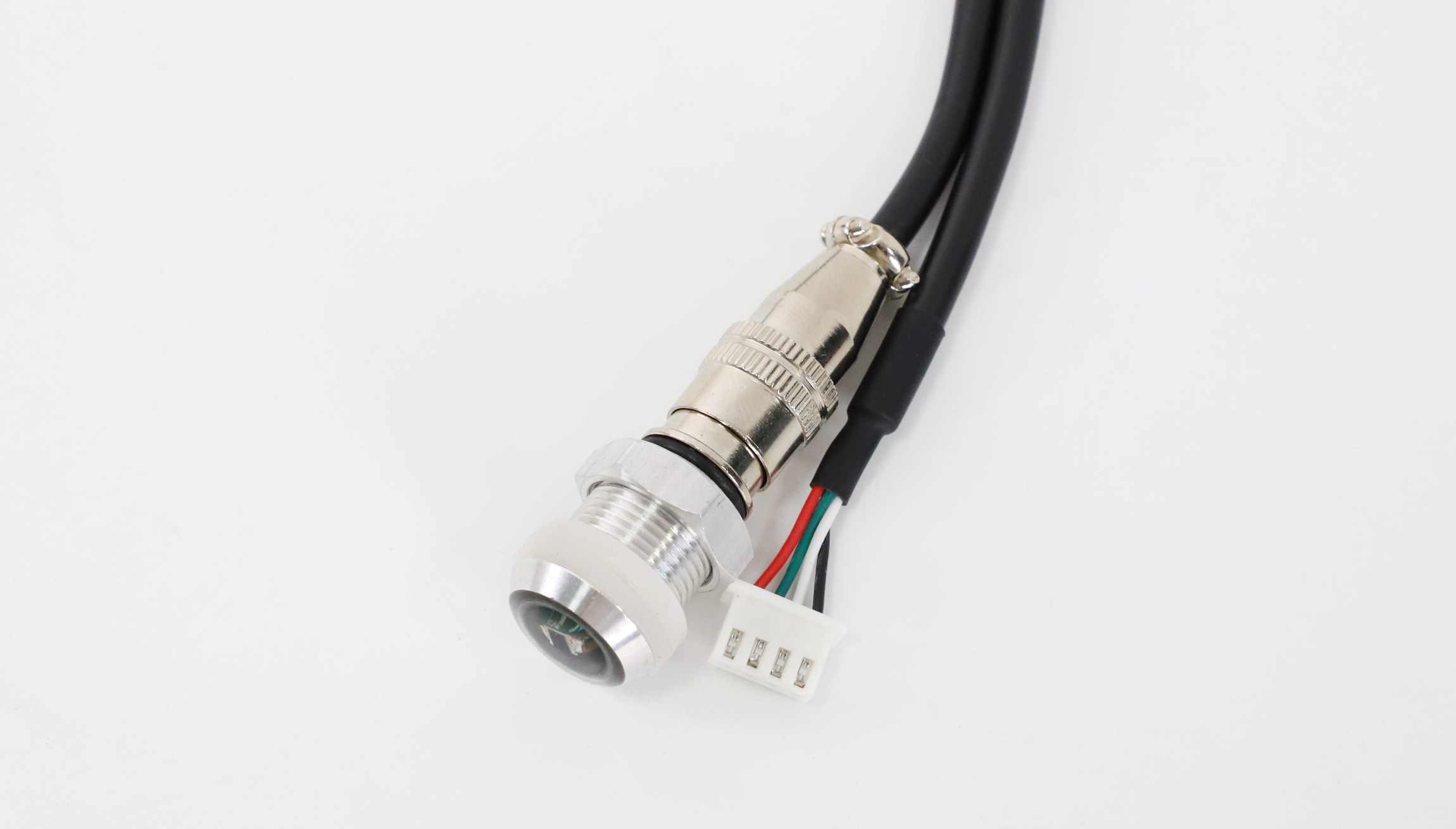
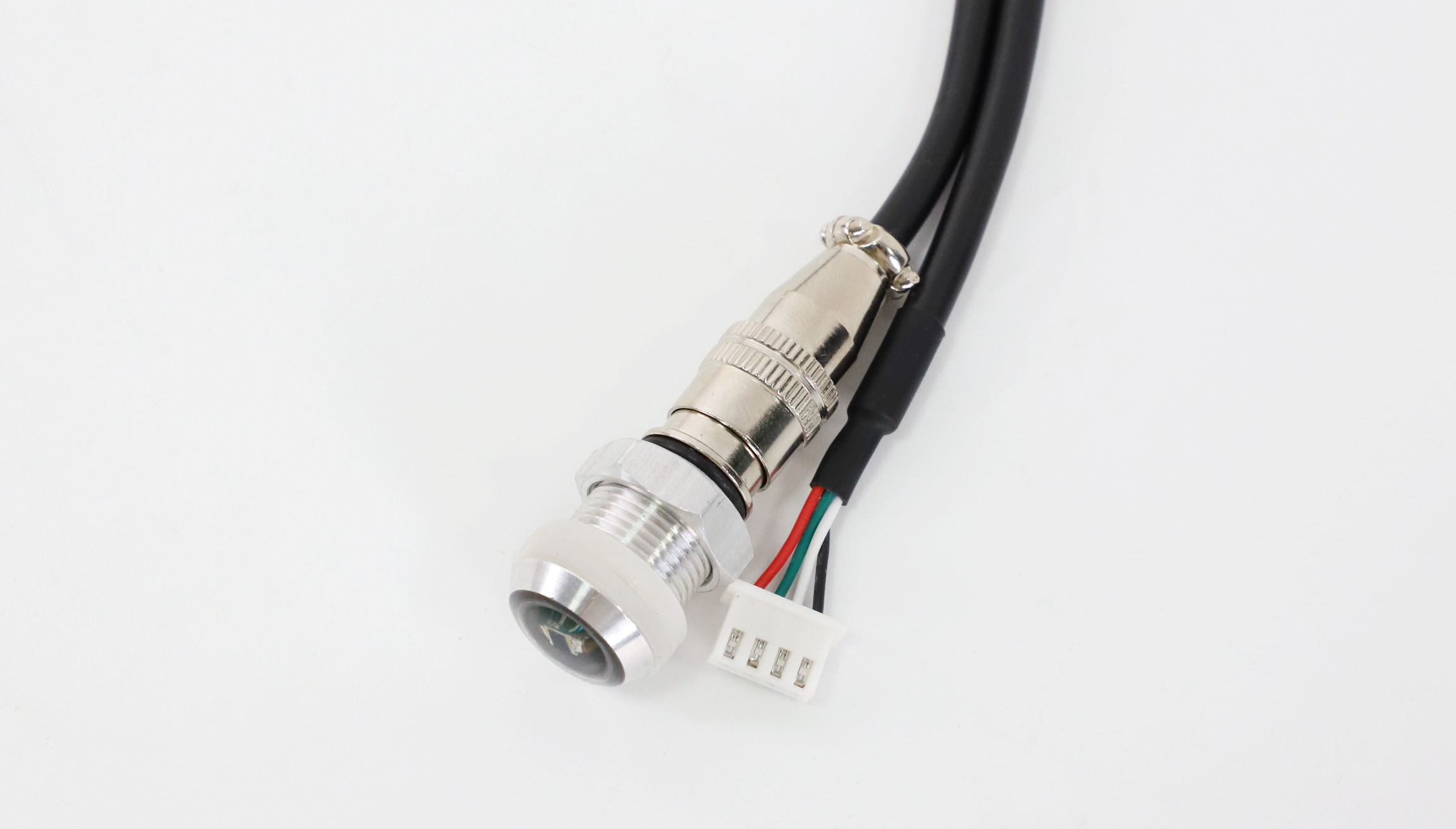
Automatic brightness for an HD-C16C installation
The HD-S107 senses the light around an LED display. A compatible Huidu controller uses those readings to adjust screen brightness as the room or outdoor light changes. Check for a supported SENSOR port and confirm the controller configuration before ordering.
| model | Huidu HD-S107 |
|---|---|
| digunakake suhu | -25°C nganti 85°C |
| Rentang padhang | 1%–100%, kaya sing kacathet ing spesifikasi |
| Sensitivitas dhuwur | One reading every 5 seconds |
| Sensitivitas sedang | One reading every 10 seconds |
| Sensitivitas sithik | One reading every 15 seconds |
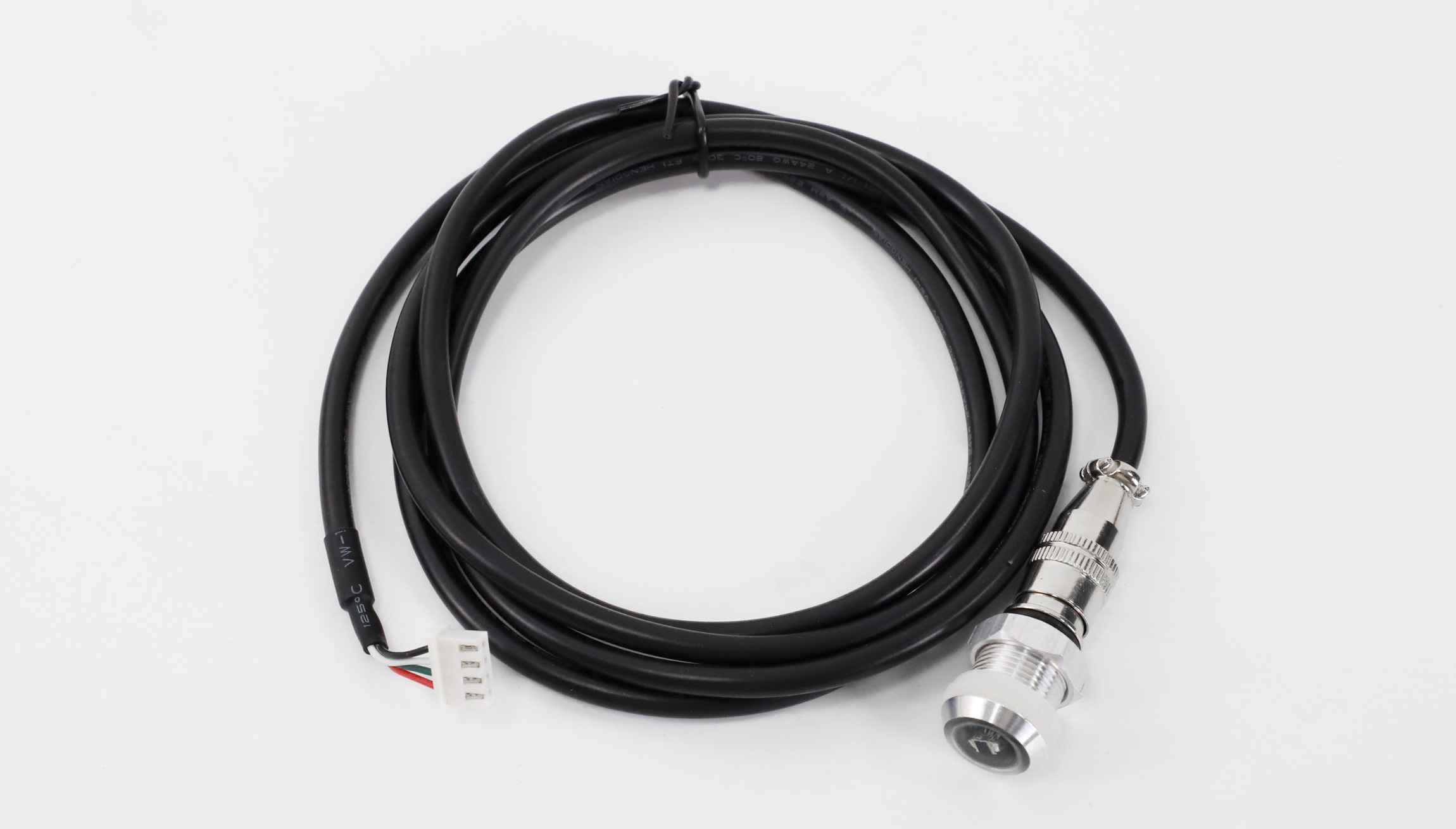
| Kabel standar | 1.5 m |
| Sambungan kontroler | SENSOR port on a compatible control card or playback box |
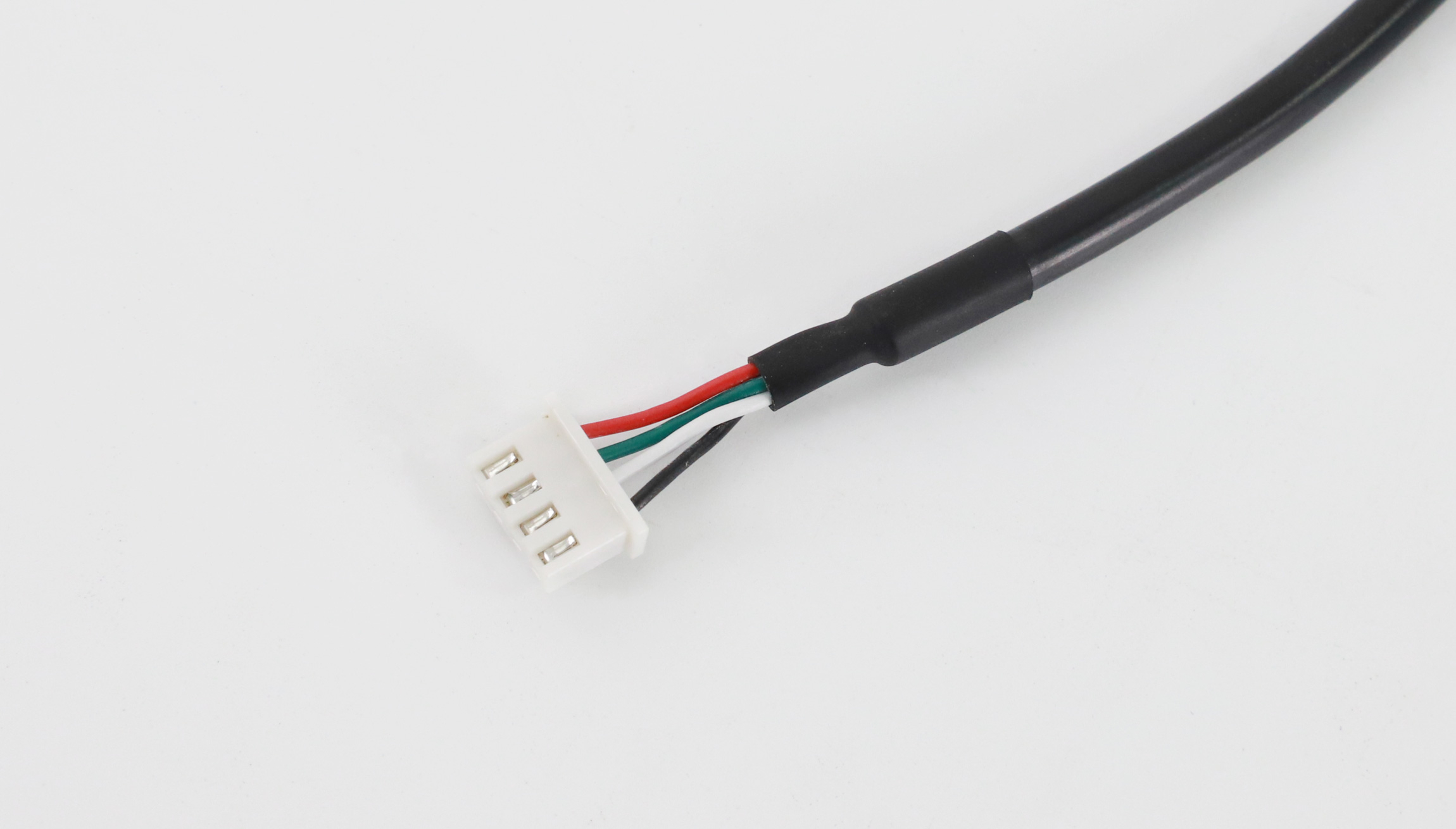
| Referensi konektor | XS10JK-4P/Y |
Fitting the sensor
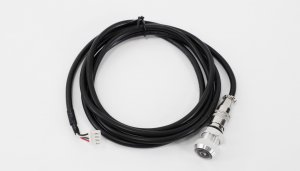
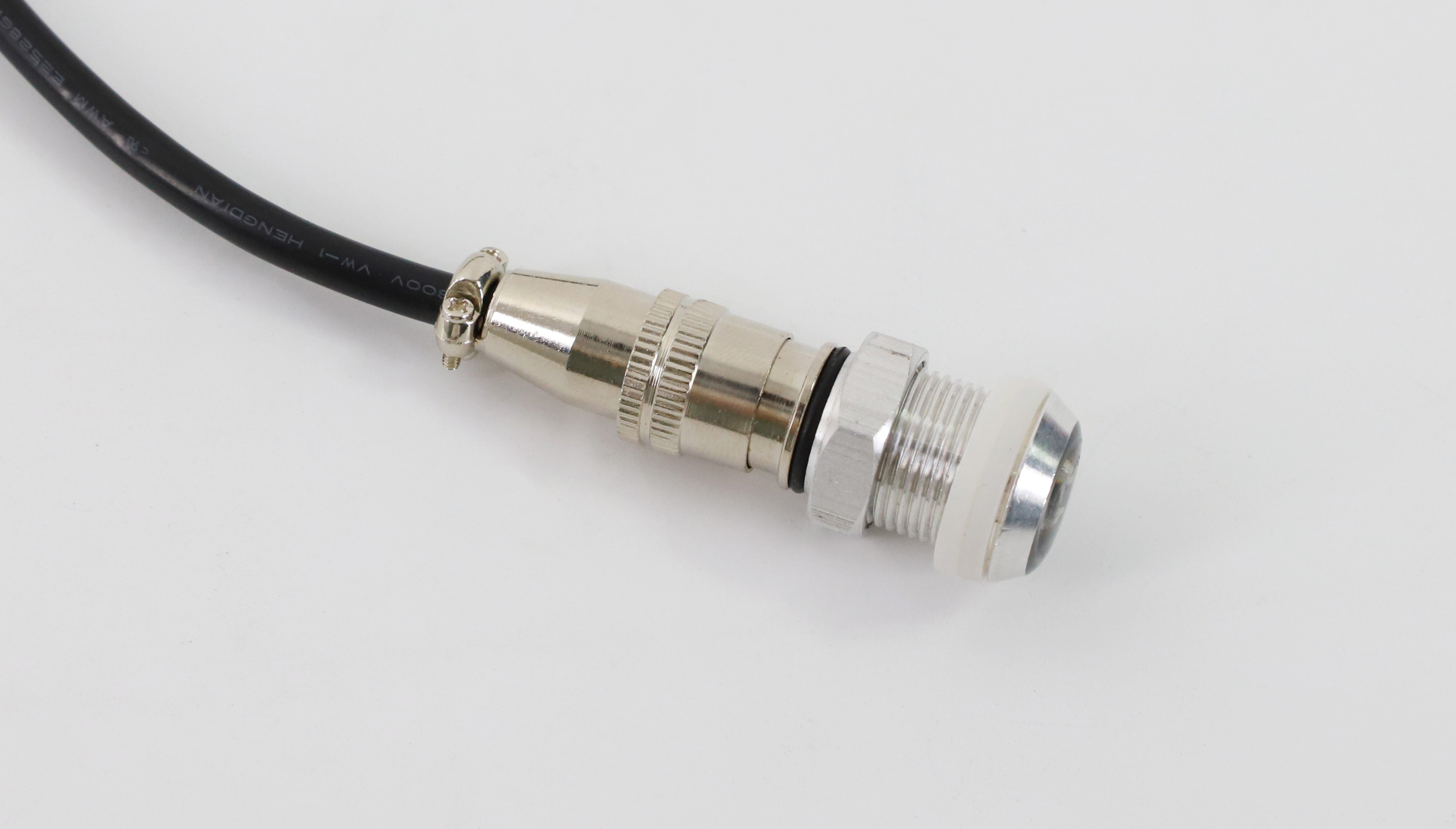
Check the distance from the probe location to the controller against the 1.5 m cable. The installation drawing in Huidu’s specification shows the threaded mount and keyed connector. Line up the key before fitting the connector, then plug the cable into the controller’s sensor port.
Pitakon umum
Does this listing cover the HD-C16C?
Yes. The HD-C16C is the controller named on this listing. Confirm the SENSOR connection and supported configuration on the card you plan to use.
What does the 1%–100% range mean?
Iku carane Huidu lists the brightness range. The specification gives no lux scale.
Which sensitivity setting takes readings most often?
High takes a reading every 5 seconds, medium every 10 seconds, and low every 15 seconds.
Product photos and installation diagrams