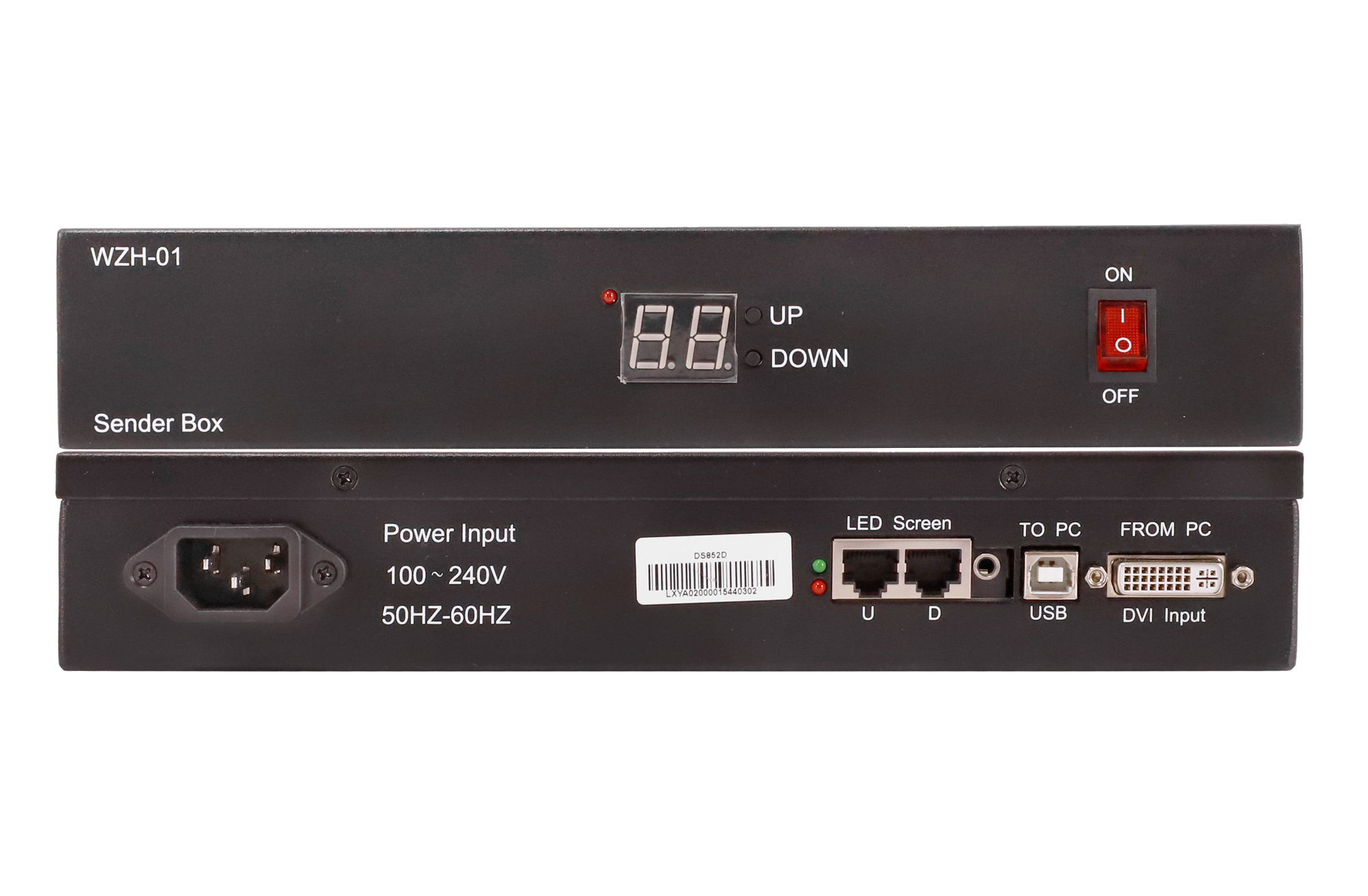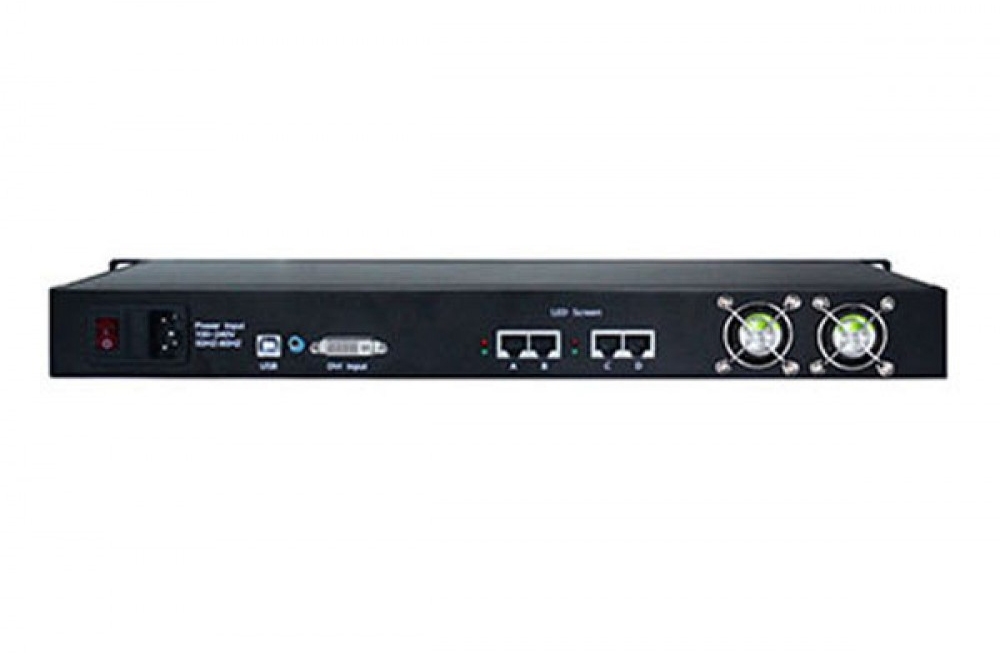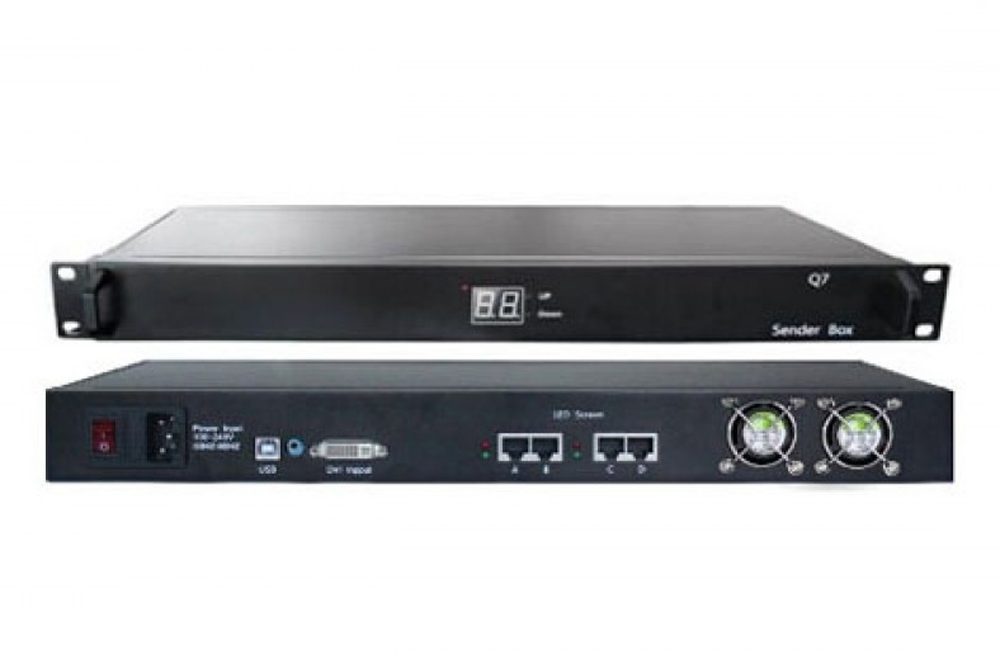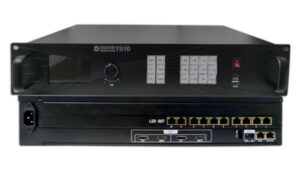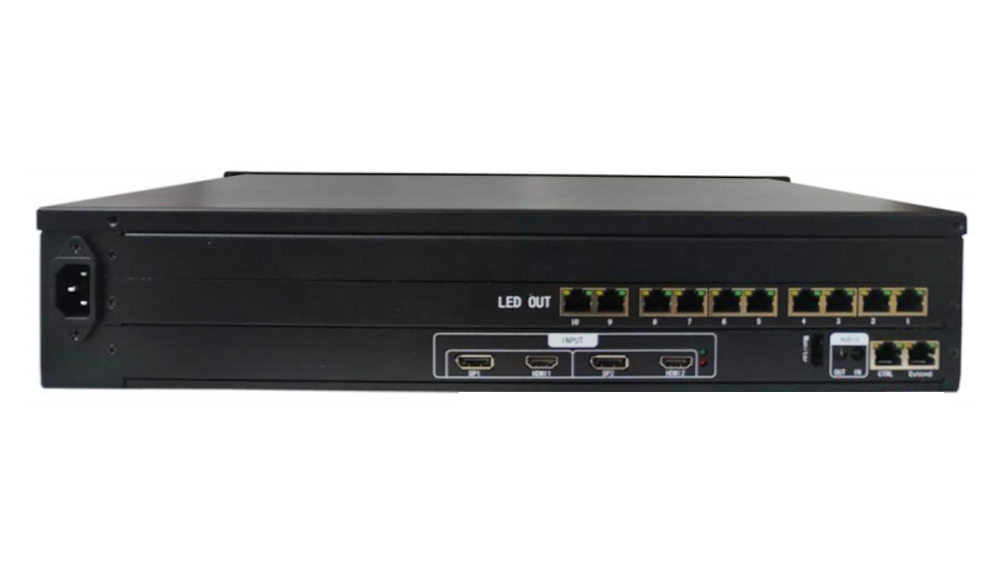
The TS10 sends a live video canvas to LED cabinets over ten Gigabit outputs. Two 4K feeds can be placed side by side for a wide wall or stacked for a taller display.
Video routing and setup
Use USB Type-C or the LAN connection for setup. Output detection helps check the connected chains, and scheduled setup is available. Save a configuration to a USB flash drive or the cloud so it can be restored after a change.
Techninės specifikacijos
| Parametras | detalizavimas |
|---|---|
| Maximum combined load | 6.5 milijonų taškų |
| LED išėjimai | 10 × Gigabit Ethernet |
| Vaizdo įėjimai | 2 × HDMI 2.0 ir 2 × DisplayPort 1.2 |
| Two-source layout | Horizontal or vertical splicing of two 4K inputs |
| Konfigūracijos ryšys | USB Type-C or LAN |
Produkto nuotraukos ir ištekliai
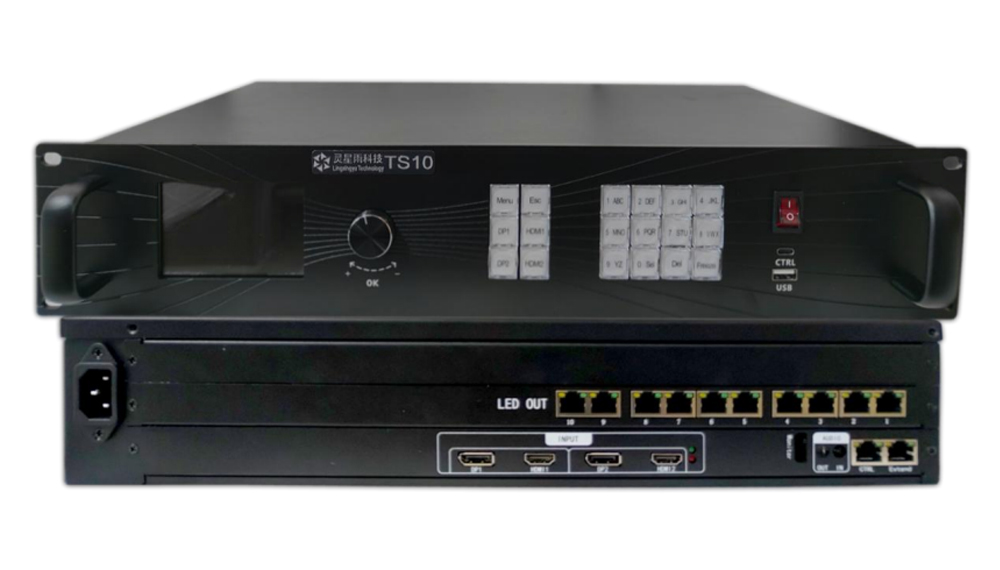
Linsn TS10 LED siuntimo dėžutės specifikacija
Dažnai užduodami klausimai
1. How many cabinet chains can I connect directly?
Ten Gigabit outputs are available. The 6.5-million-pixel figure is the total capacity shared by the output chains.
2. Can I combine two 4K sources on the same wall?
Yes. The sender can place the two inputs side by side or one above the other. Choose the arrangement that matches the content and the cabinet layout.
3. How can I restore the sender settings?
Save the configuration before changing the screen map. The TS10 supports backup and restore from a USB flash drive or the cloud.