Check the driver IC before sizing a cabinet
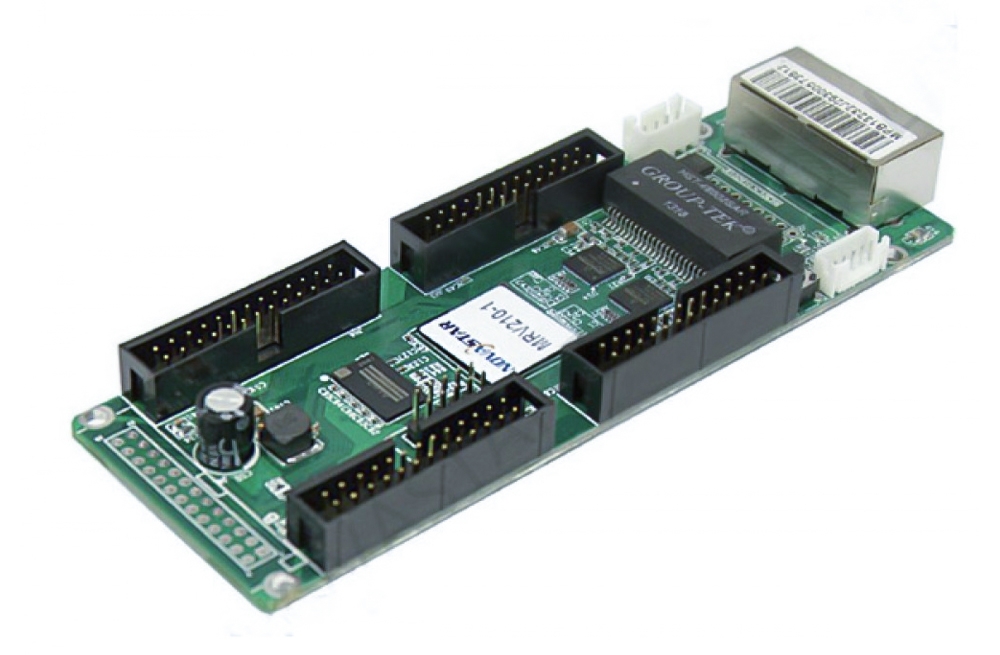
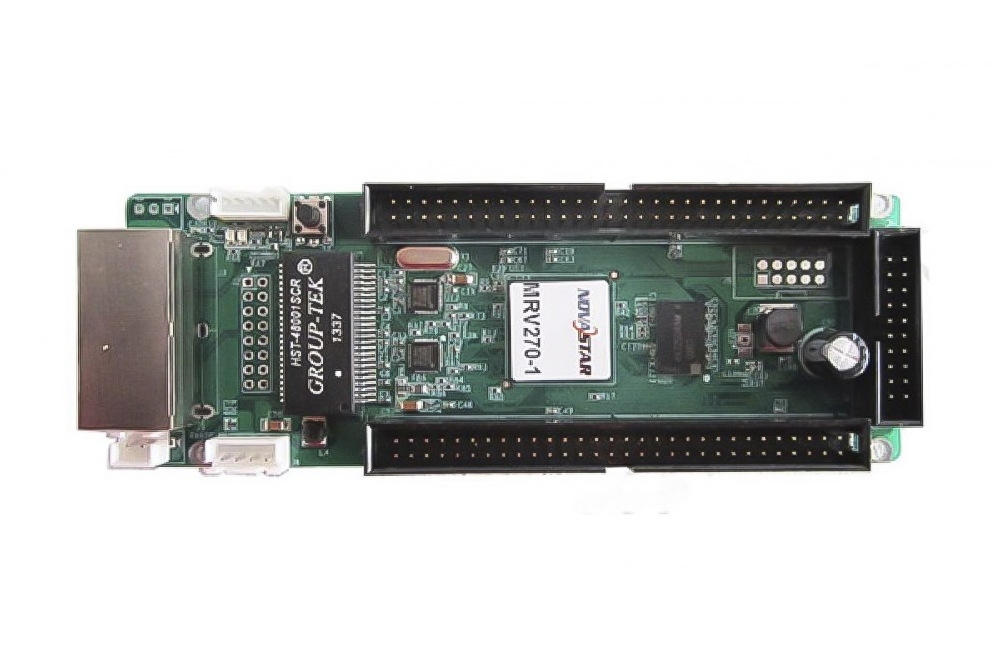
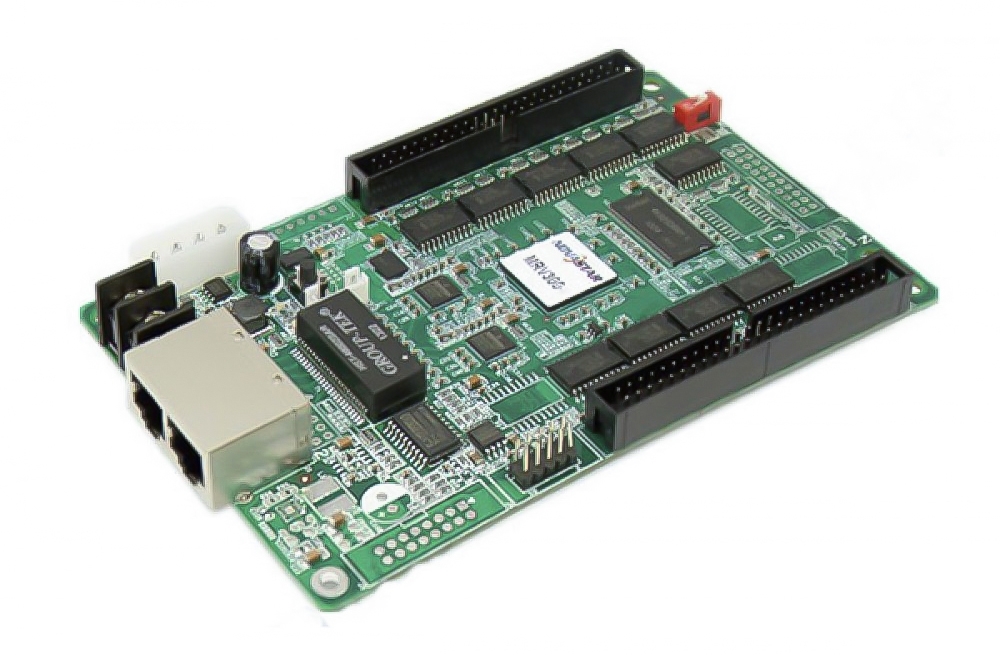
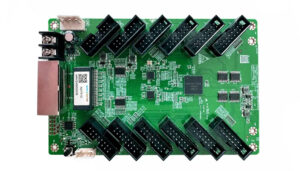
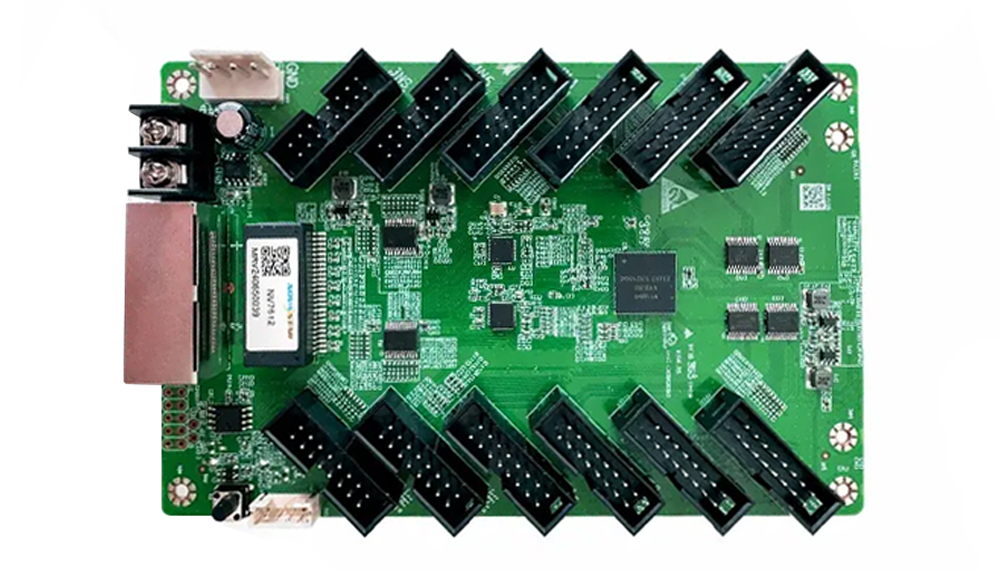
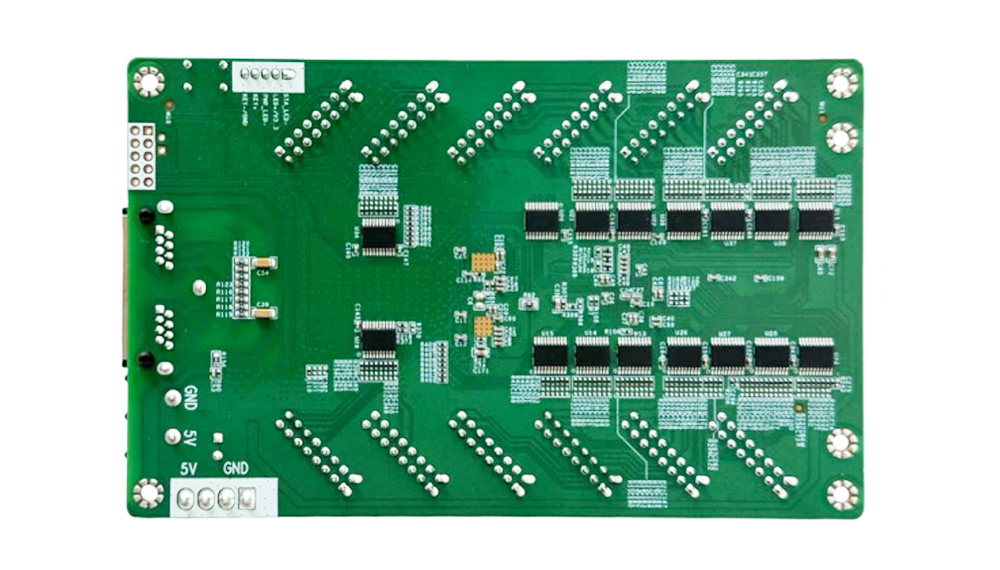
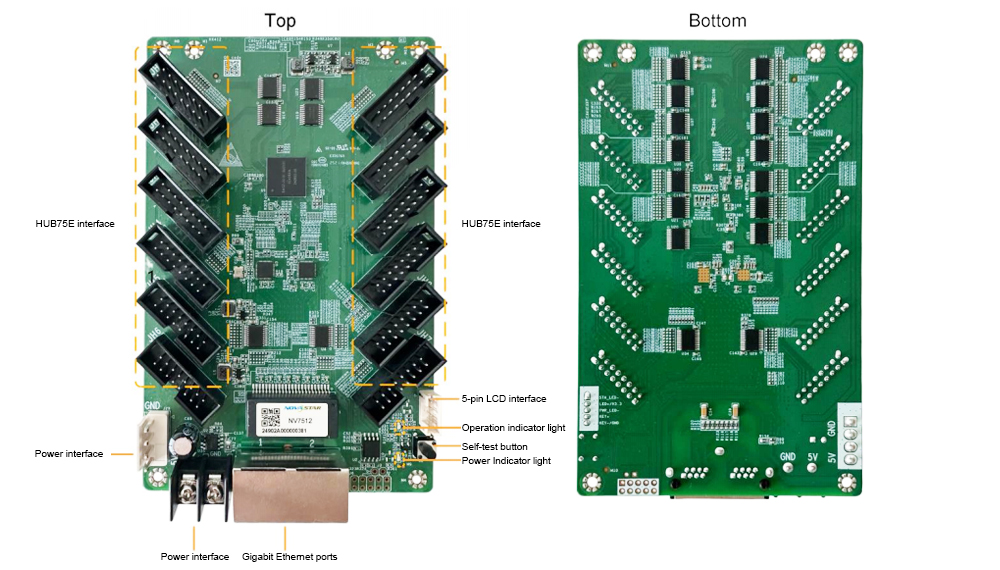
The NovaStar NV7512 feeds compatible LED modules through 12 HUB75E connectors and handles up to 24 parallel RGB data groups. Check the module pinout, driver IC and source bit depth before assigning cabinet pixels to each card.
At 60 Hz, NovaStar V1.0.1 lists up to 512 × 512 pixels for 8-bit signals with PWM driver ICs. The load is lower with a 10-bit source or a common driver IC. Use the row that matches your cabinet.
| PWM, 8-bit | 512 512 × XNUMX teboka |
|---|---|
| PWM, 10-bit | 512 256 × XNUMX teboka |
| Common, 8-bit | 512 384 × XNUMX teboka |
| Common, 10-bit | 512 192 × XNUMX teboka |
| Seranana môdioly | 12 × HUB75E |
|---|---|
| Angon-drakitra RGB | Hatramin'ny vondrona mifanitsy 24 |
| Power fahan'ny | 3.8–5.5 V DC |
| Haben'ny birao | 91.5 × 145.6 × 19.3 mm |
| Fanaraha-maso sary | 18-bit+ processing, pixel-level brightness and color calibration, independent RGB gamma and 90° rotation |
| nomaniny ho solon'izay | Loop backup for the signal path and two stored firmware copies |
Fisintomana ny famaritana
Fanontaniana mahazatra
When does one-frame latency apply?
The one-frame figure applies to the receiving-card stage with driver ICs that have built-in RAM. Check the module driver IC first.
What should I save before changing a card?
Read back the cabinet configuration from a working card and record its port mapping. Compare the replacement card’s pinout, voltage and mounting dimensions before reconnecting the modules.