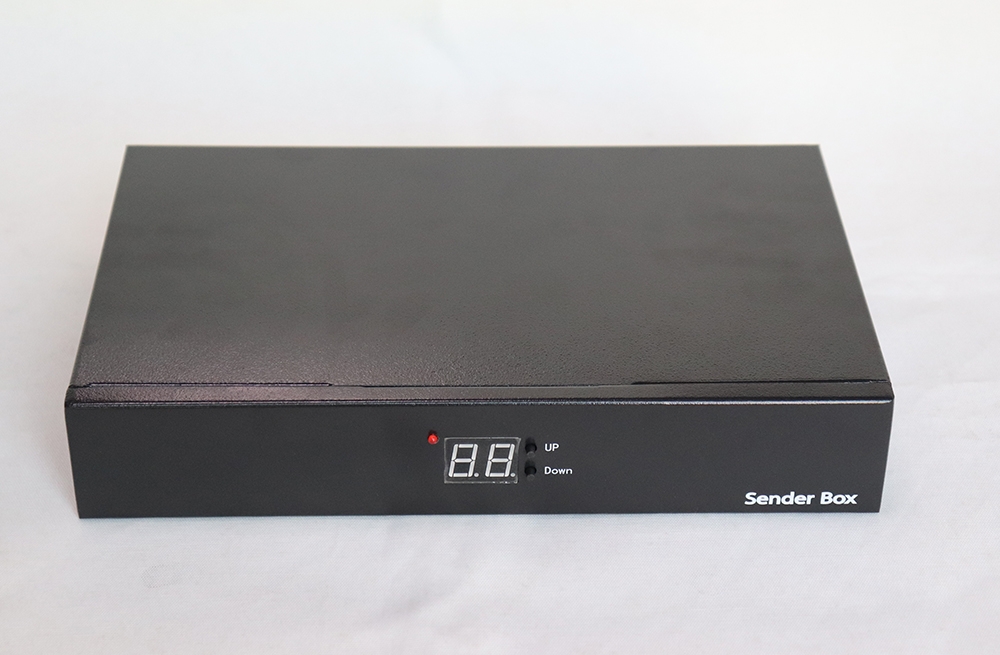
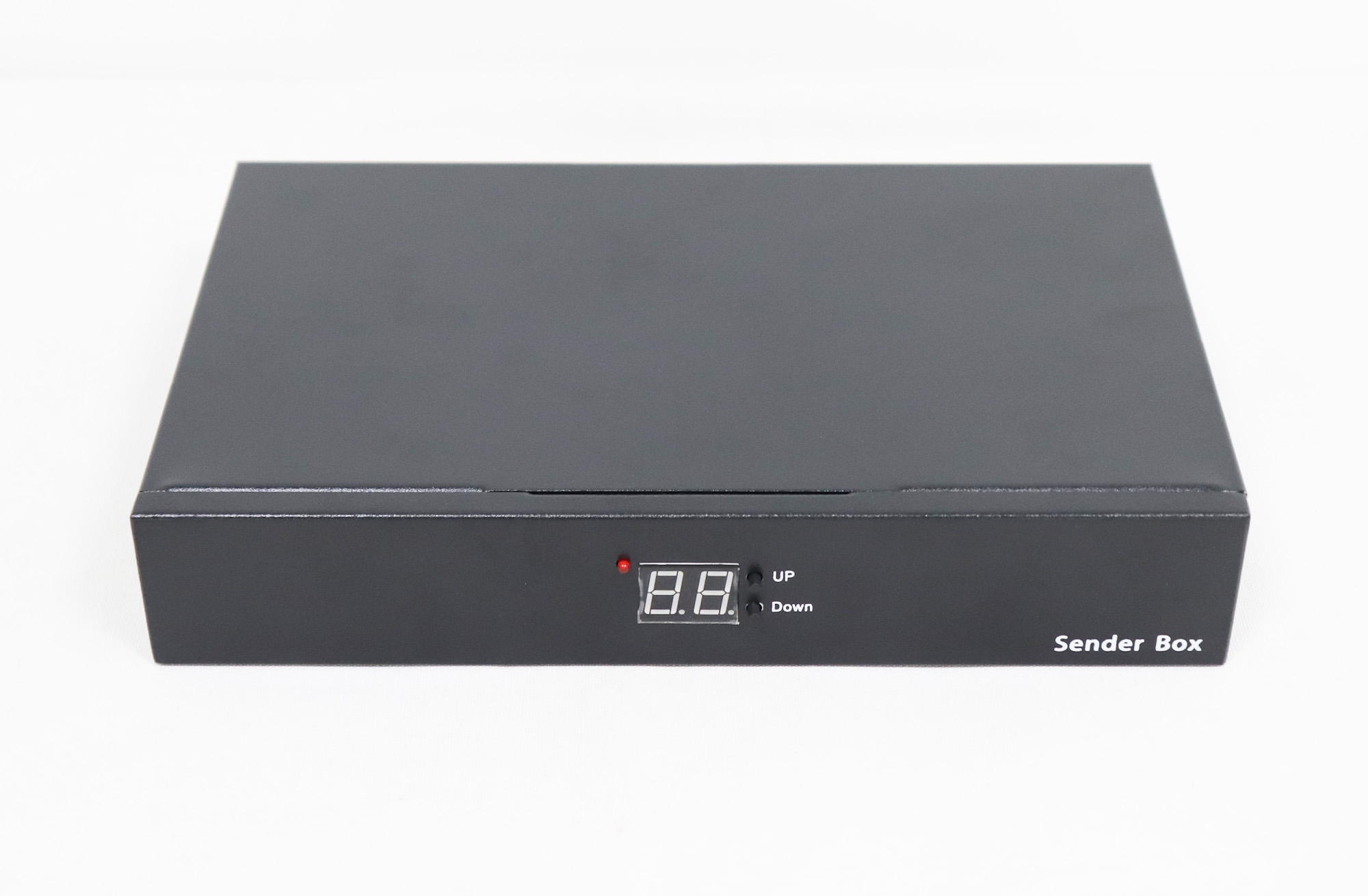
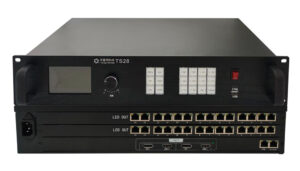
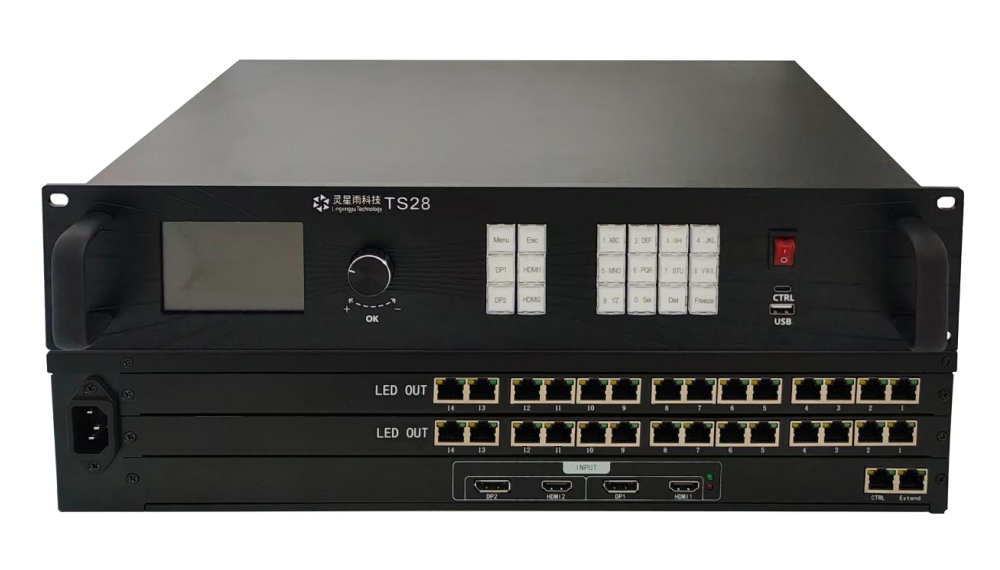
For a wall split across many cabinet chains, the TS28 distributes two 4K input signals through 28 Gigabit outputs. Plan each chain against the cabinet map and keep the combined load within 18.2 million pixels.
Video routing and setup
Use USB Type-C or the LAN connection for setup. Output detection helps check the connected chains, and scheduled setup is available. Save a configuration to a USB flash drive or the cloud so it can be restored after a change.
प्रौद्योगिकी विशिष्टताओं
| प्यारामिटर | विशिष्टता |
|---|---|
| Maximum combined load | 18.2 मिलियन पिक्सल |
| एलईडी आउटपुटहरू | 28 × गिगाबिट इथरनेट |
| भिडियो इनपुटहरू | १ × HDMI २.० र १ × डिस्प्लेपोर्ट १.२ |
| Two-source layout | Horizontal or vertical splicing of two 4K inputs |
| कन्फिगरेसन जडान | USB Type-C or LAN |
उत्पादन छविहरू र स्रोतहरू
बारम्बार सोधिने प्रश्नहरू
1. How do I size a wall for the TS28?
Add the pixel counts of the cabinets assigned to the sender. Their combined load must fit within 18.2 million pixels, and the cabinets must be mapped to the 28 outputs.
2. Can I combine two 4K sources on the same wall?
Yes. The sender can place the two inputs side by side or one above the other. Choose the arrangement that matches the content and the cabinet layout.
3. How can I restore the sender settings?
Save the configuration before changing the screen map. The TS28 supports backup and restore from a USB flash drive or the cloud.