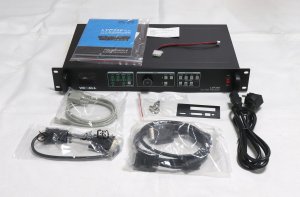
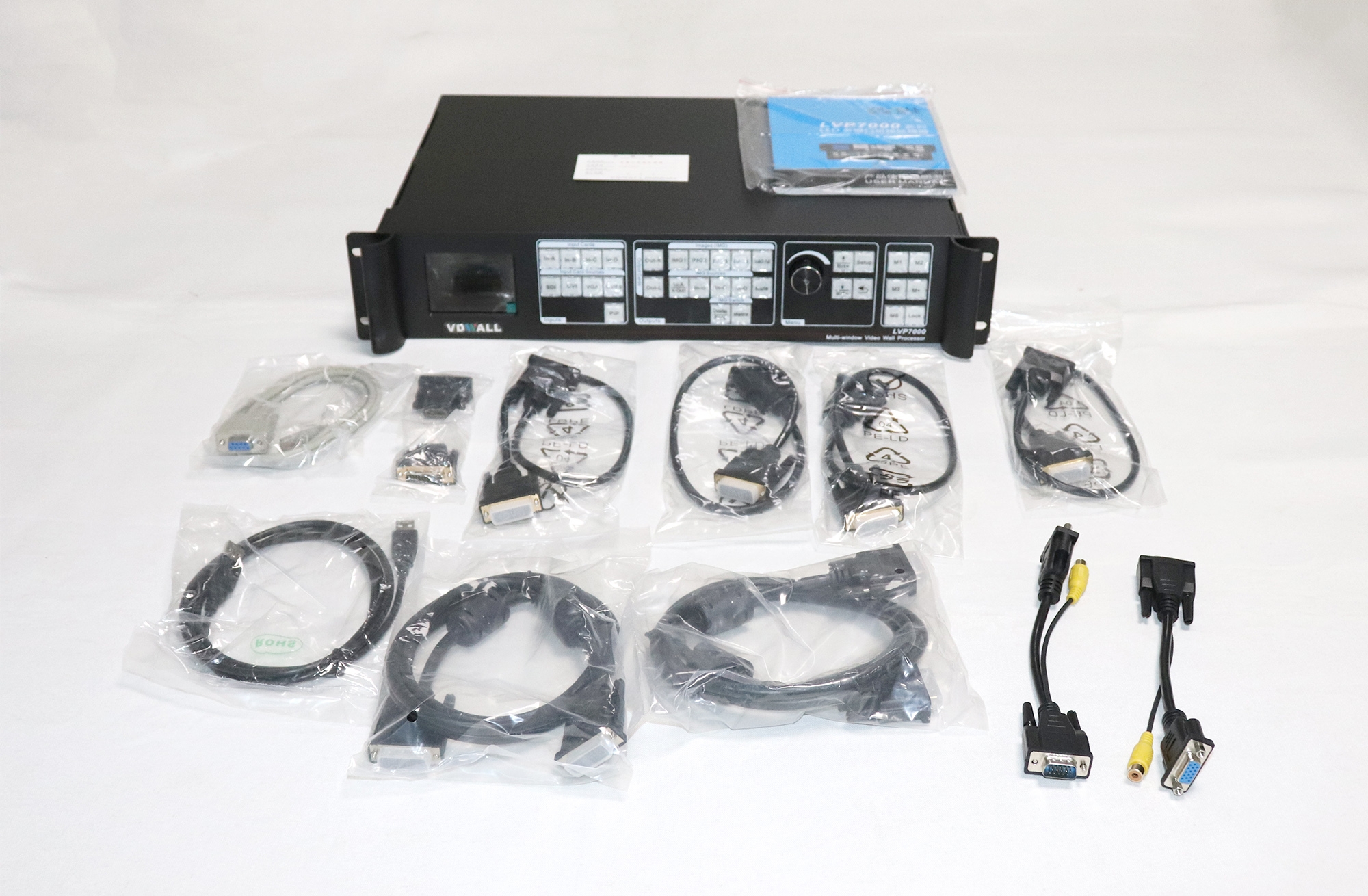
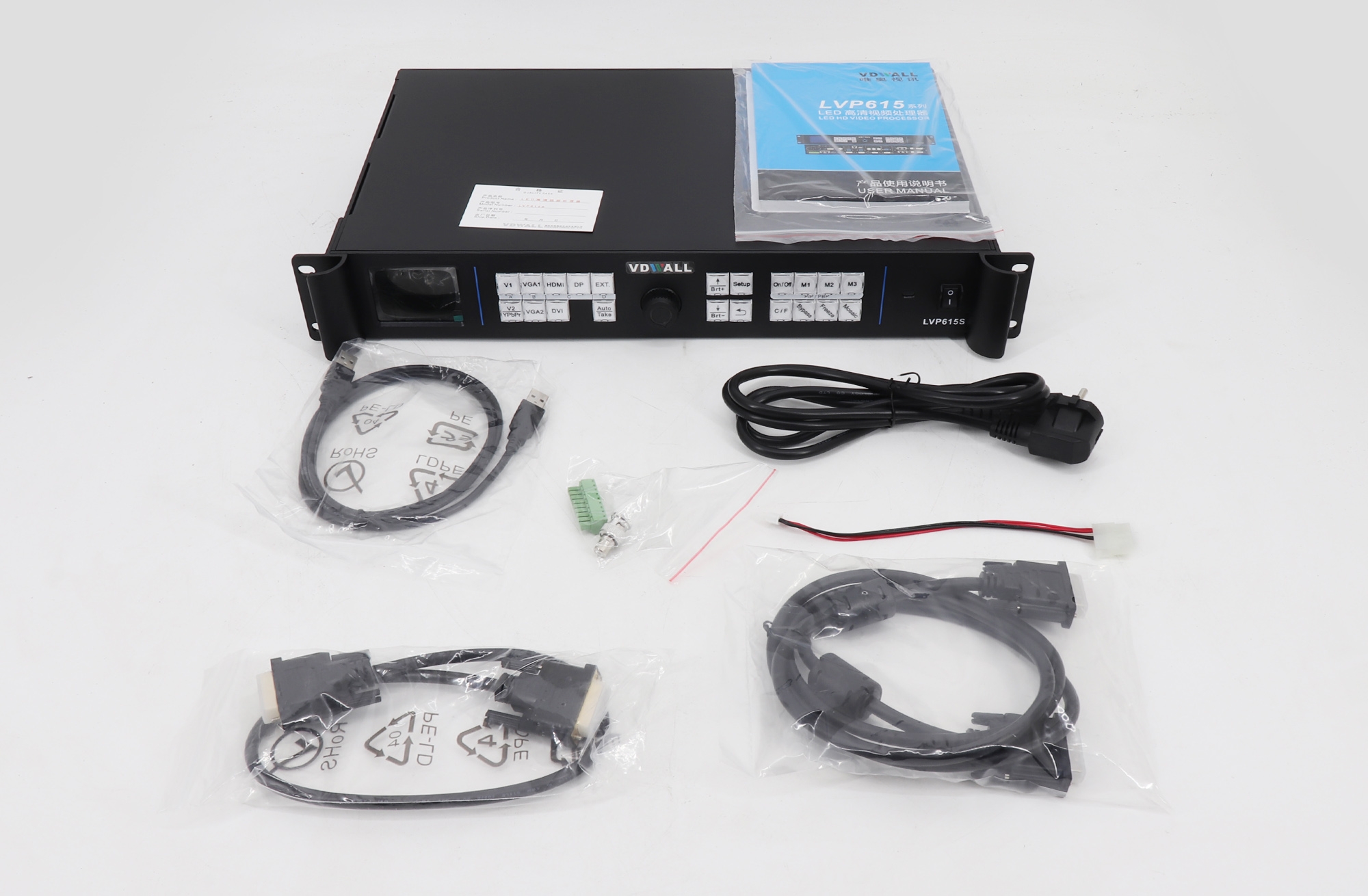
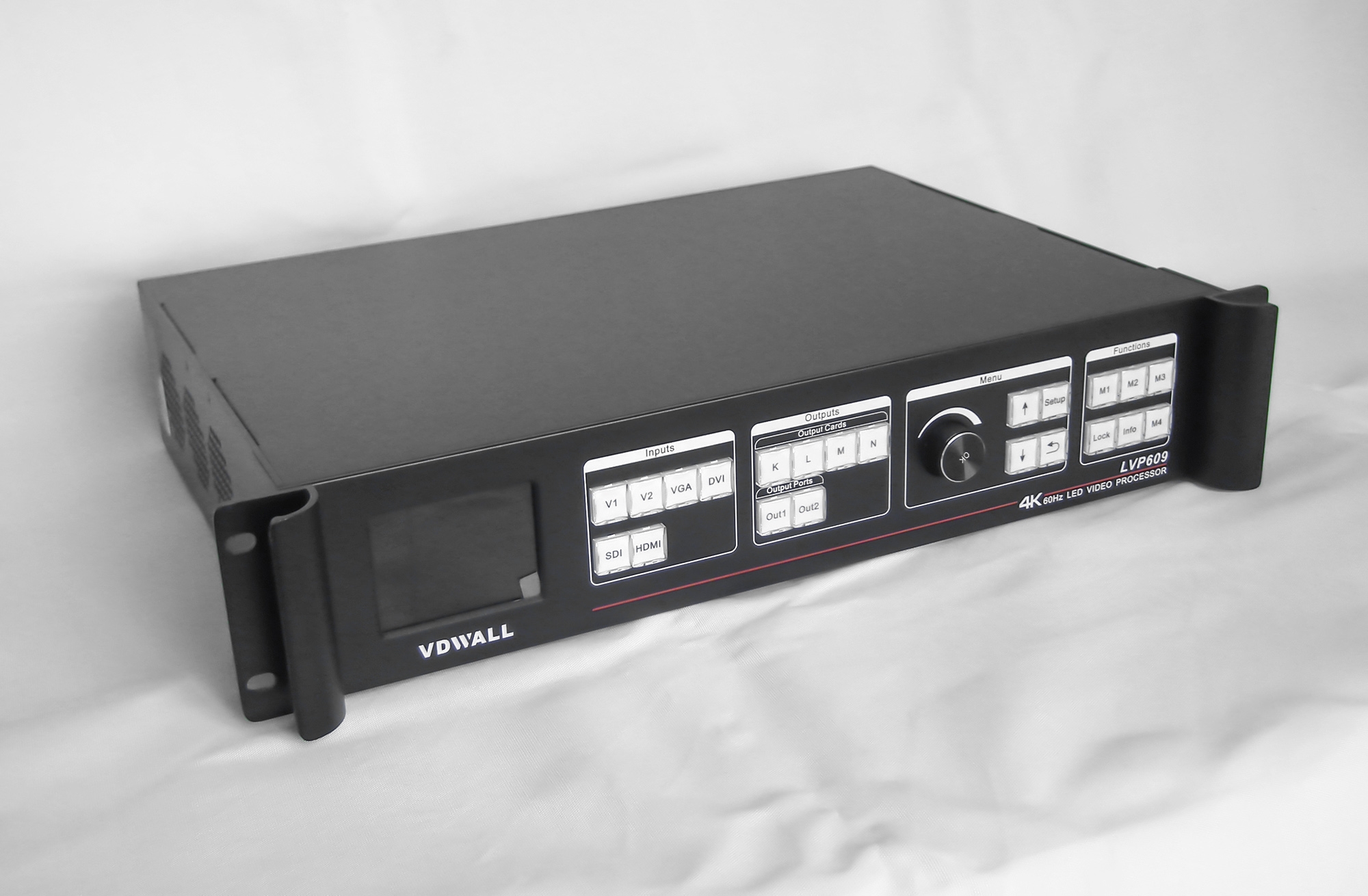
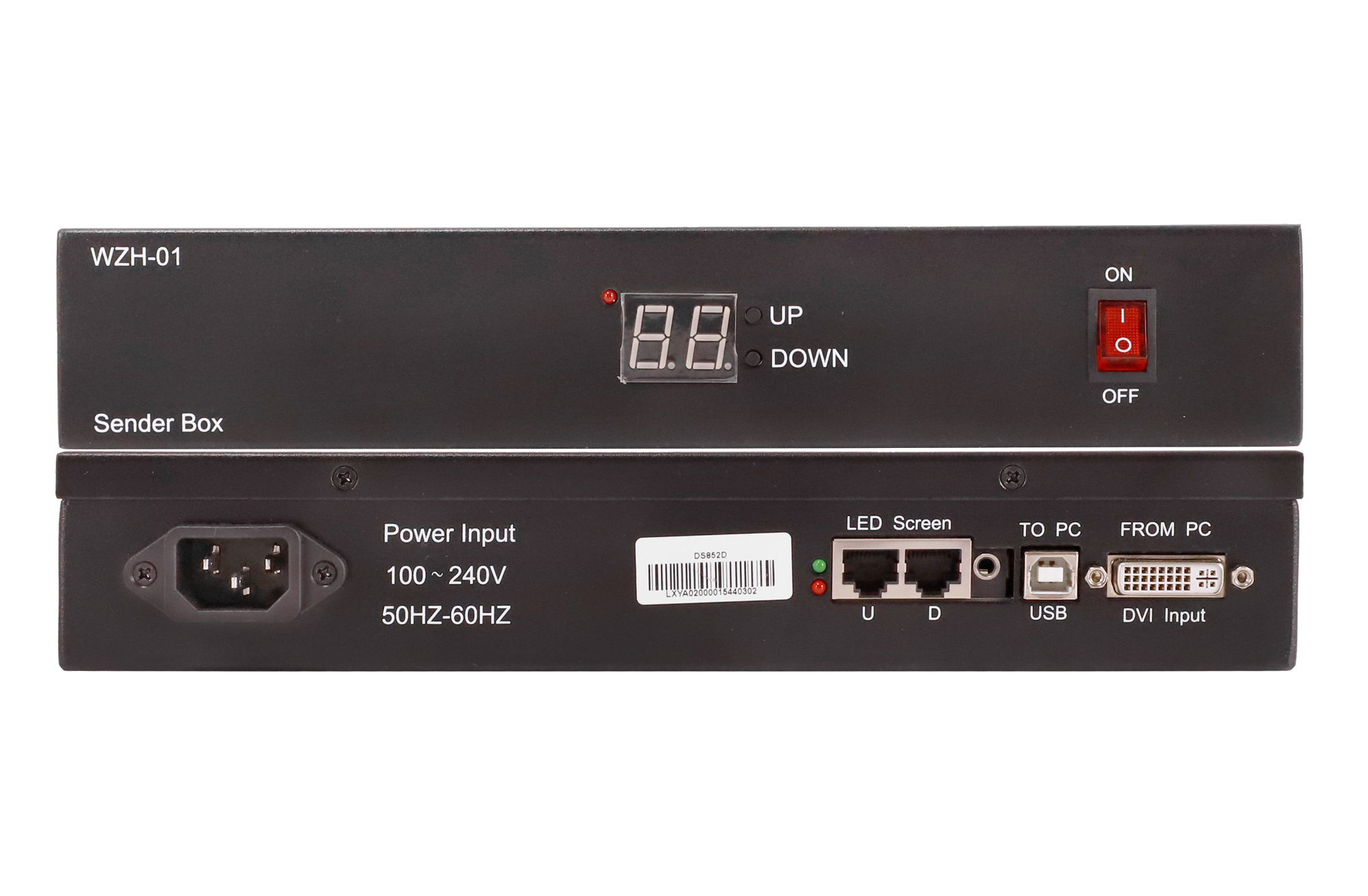
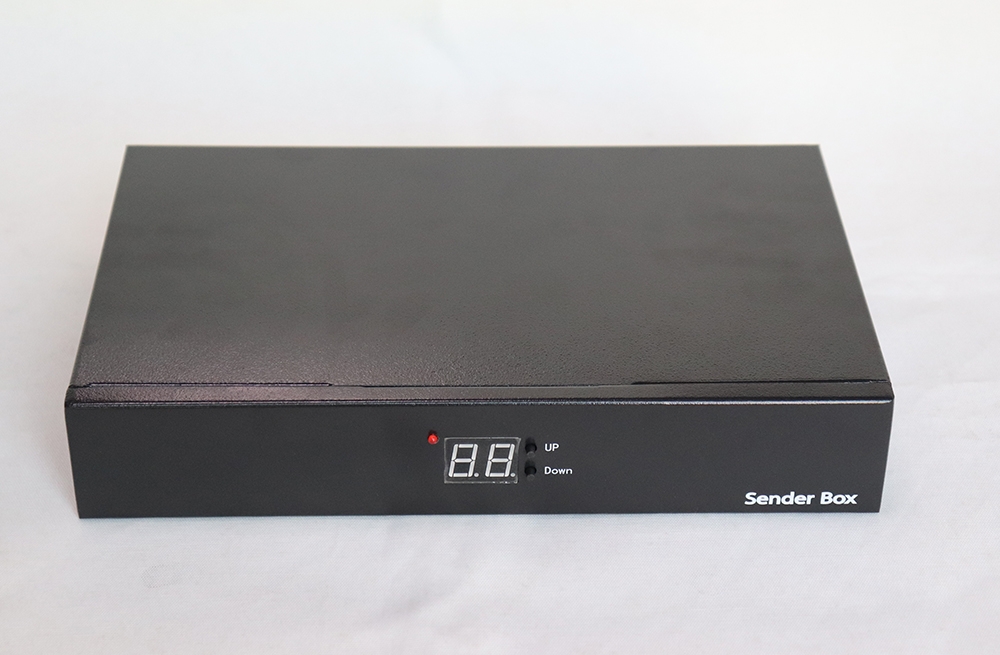
The TS952 takes HDMI or DVI video and feeds the configured screen through four RJ45 outputs. The front-panel knob gives the operator direct brightness control.
Using configuration files
Read back the receiver RCG before changing the wall layout. The TS952 can broadcast receiver settings and the CON connection file, and its LCD permits local configuration without a setup PC.
auiliili Technical
| Parameter | Specification |
|---|---|
| Vitio fa'aoga | 1 HDMI and 1 DVI |
| O galuega faatino a le LED | 4 RJ45 ports |
| Loloto o le ulufale | 8, 10 po'o le 12 bit |
| Faaali le lanu efuefu | 16 bit |
| Faʻasalalauga leo | 1 |
| Pupula otometi | External light-sensor interface |
Ata o oloa ma punaoa


Soo fesili
1. Does the TS952 need a computer for basic setup?
Local setup is available through the LCD controls.
2. Can brightness follow ambient light?
Yes, with a compatible probe connected to the sensor interface. Brightness can also be adjusted using the knob.
3. What can I save from a working system?
The sender supports RCG readback. It also broadcasts RCG receiver files and CON display connection files.