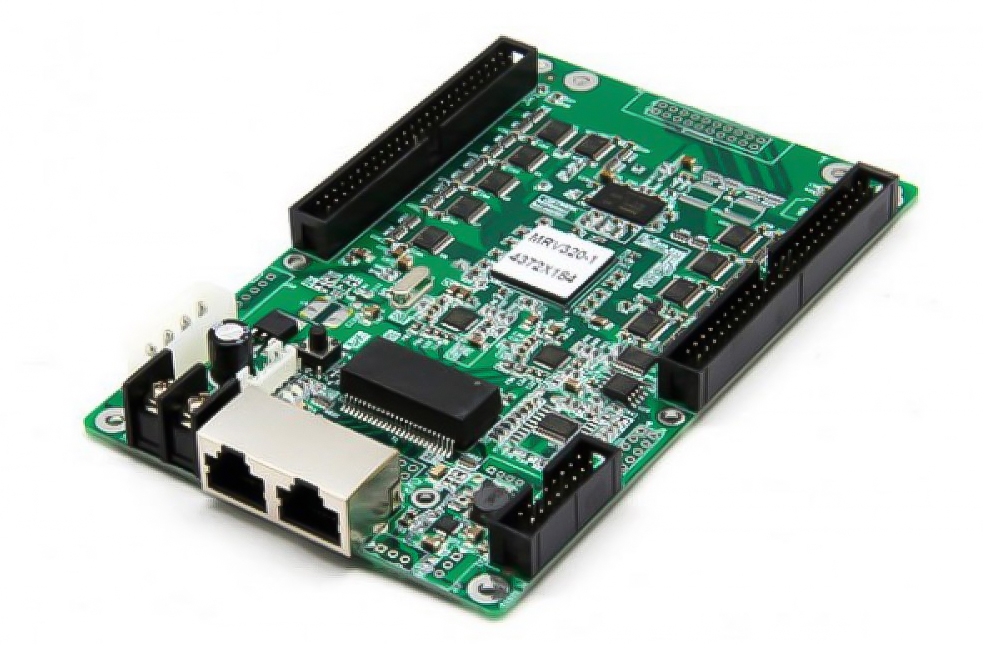
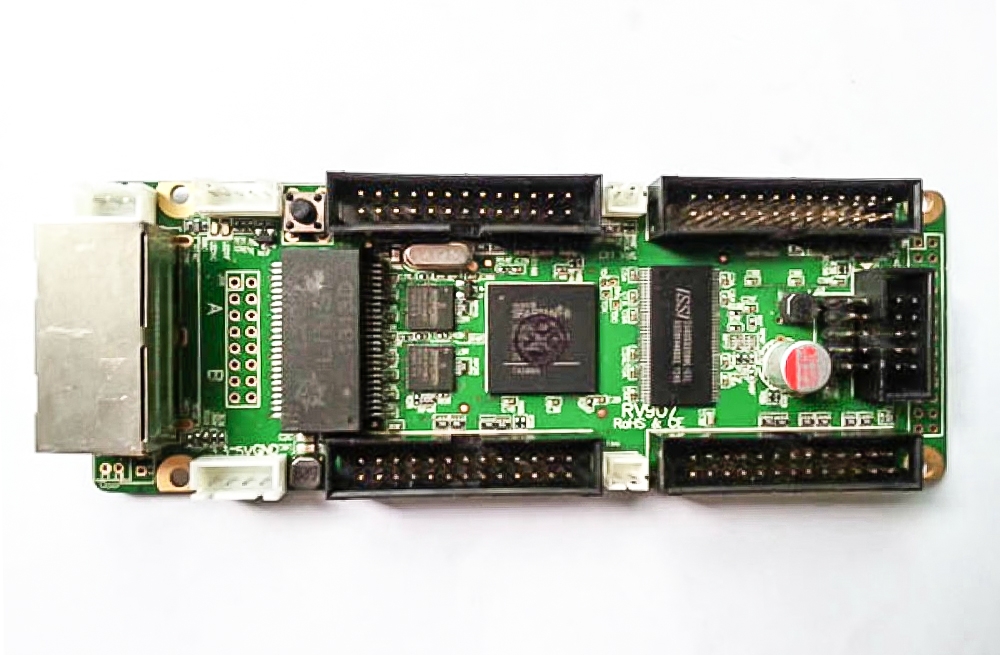
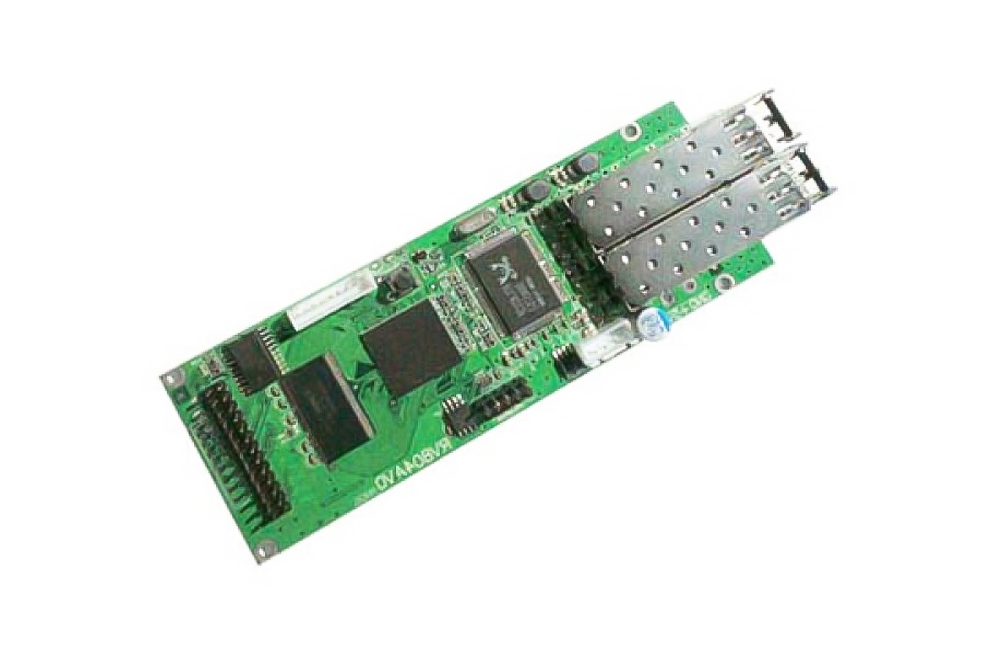
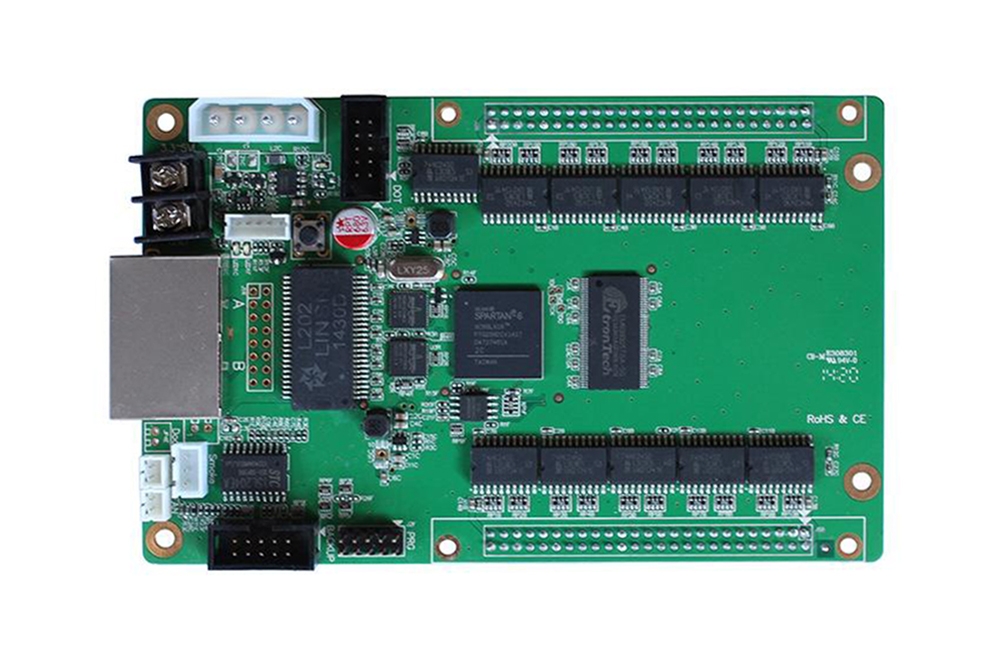
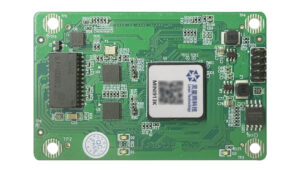
The Mini913K connects to a cabinet carrier through a high-density BTB connector. Its parallel and serial output modes support different module wiring schemes, so the carrier pinout matters when selecting a replacement.
Matching the cabinet board
Check the exact receiver suffix and carrier-board pinout before ordering. Choose the data mode for the installed modules and keep a copy of the cabinet configuration for replacement or service.
caddaymaha Technical
| dhimaya | faahfaahinta |
|---|---|
| Cabinet connection | Isku xiraha BTB-ga cufnaanta sare leh |
| Kaarka ugu badan ee culayska ah | 512×512 pixels |
| RGB output mode | Kooxaha 32 |
| Serial output mode | Kooxaha 64 |
| Taageerada darawalka | IC-yada darawallada guud iyo kuwa PWM |
| qaabeynta | File readback supported |
Sawirada iyo ilaha alaabta
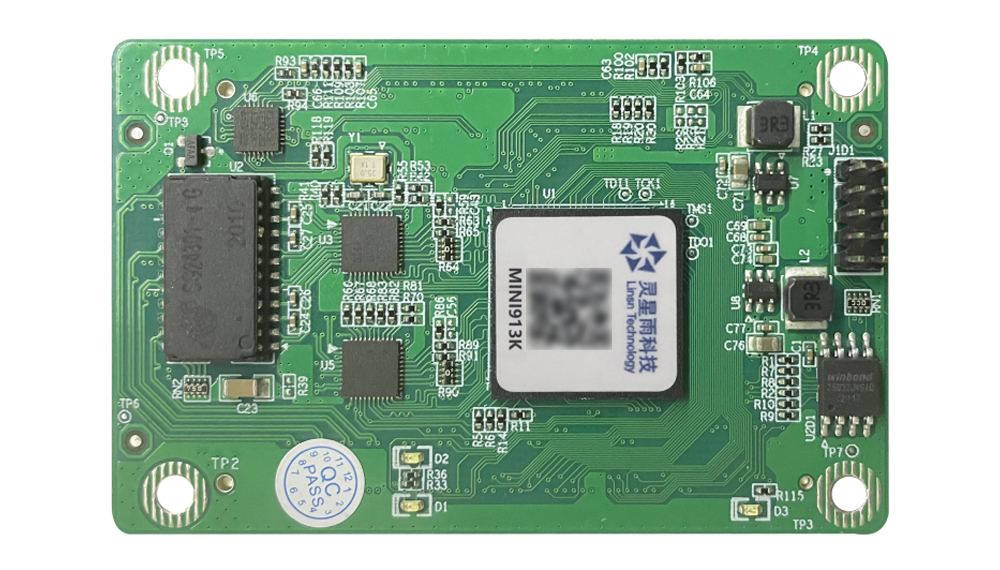

Linsn Mini913K Cadaynta Kaadhka Qaadashada
Su'aalaha badanaa lays weydiiyo
1. Can this receiver plug into a HUB75 ribbon cable?
The Mini913K uses a high-density board-to-board connection. Verify that the cabinet carrier provides the mating connector and correct signal pinout.
2. What is the maximum load on one card?
The published maximum is 512 × 512 pixels. The installed module layout must also suit the selected RGB or serial output mode.
3. Can I retrieve the cabinet settings before replacing a card?
Yes. Configuration-file readback is supported. Save the working configuration and verify it against the replacement card and modules.