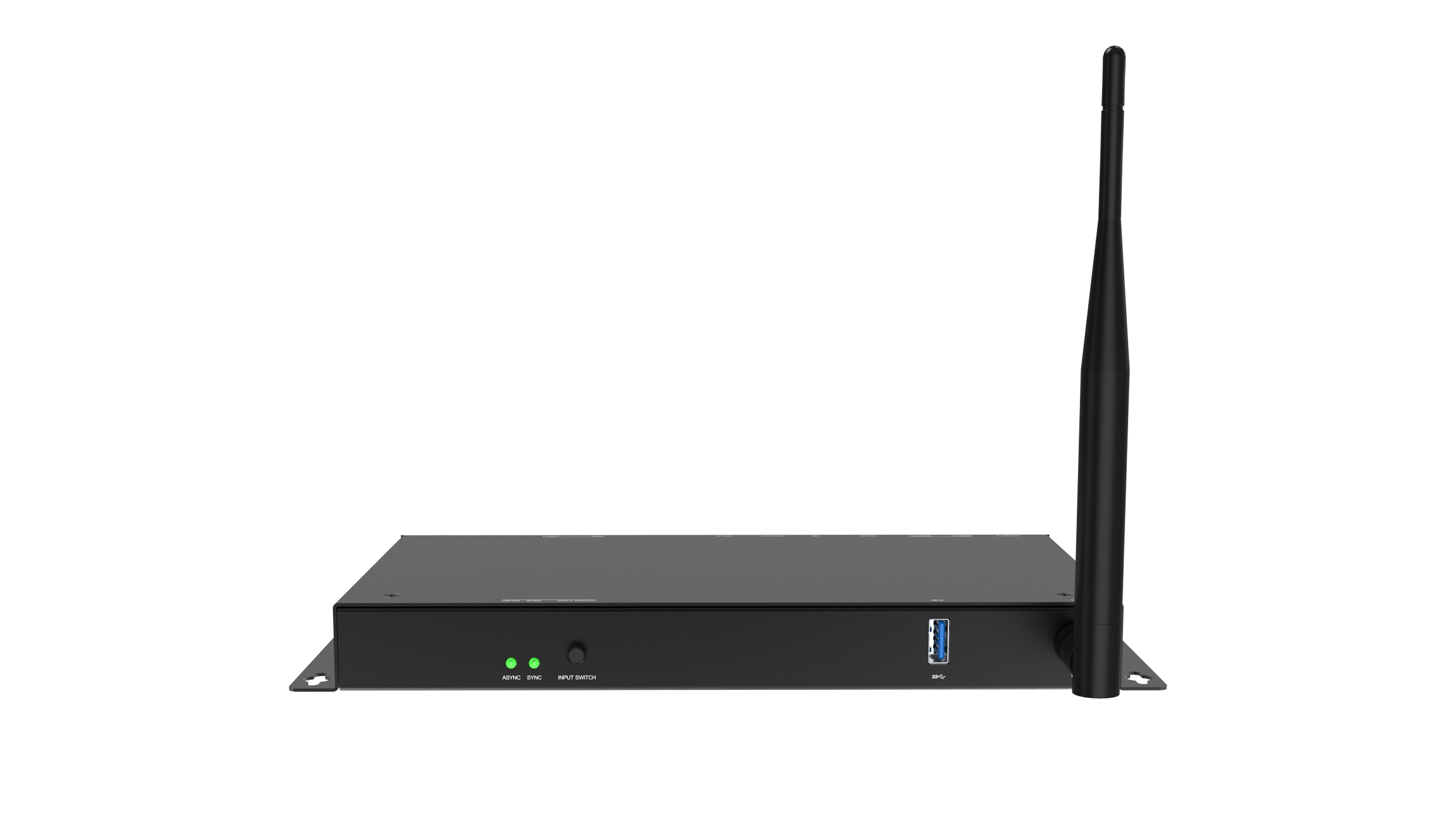
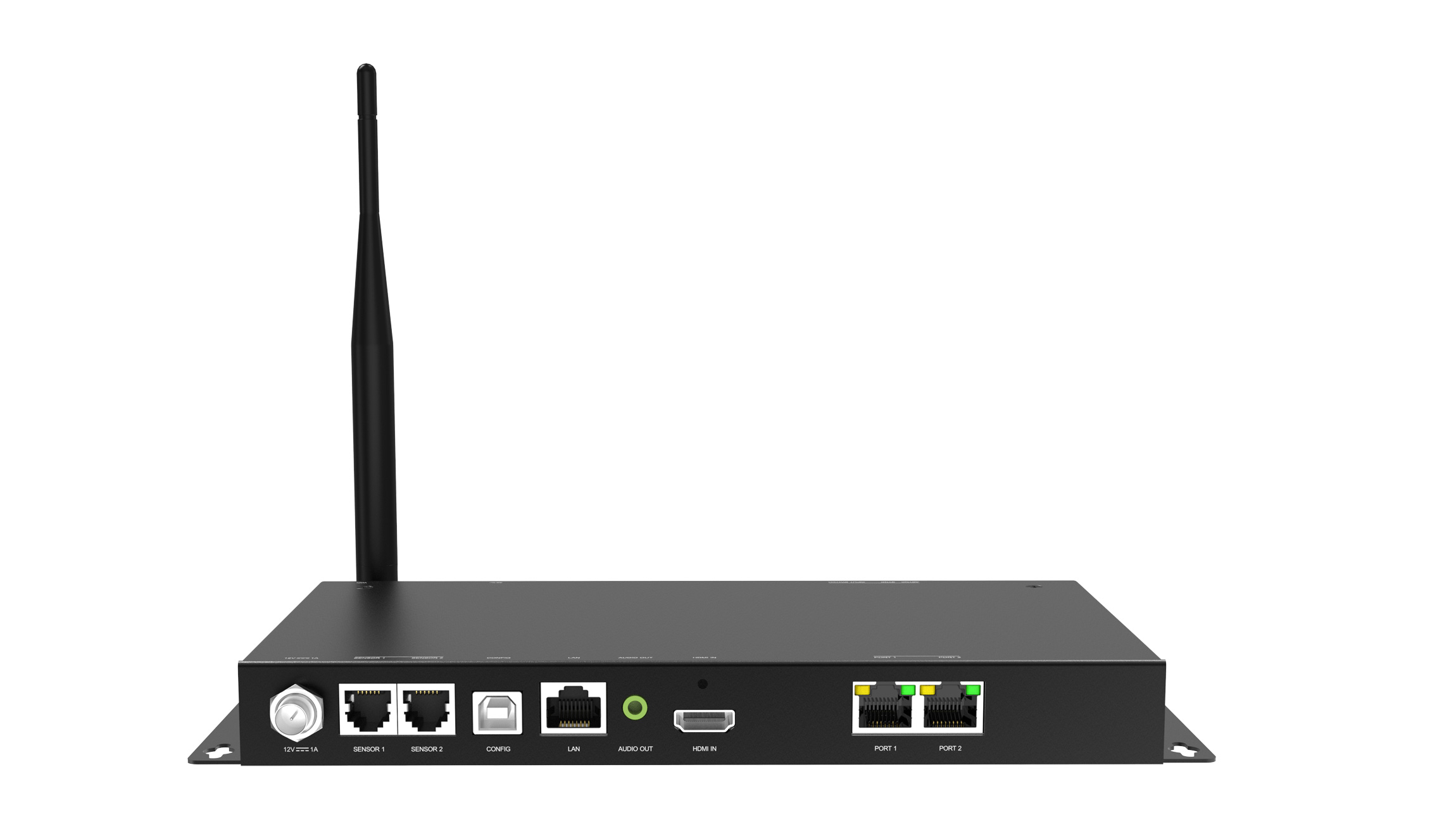
Colorlight A60 for live HDMI and scheduled signage
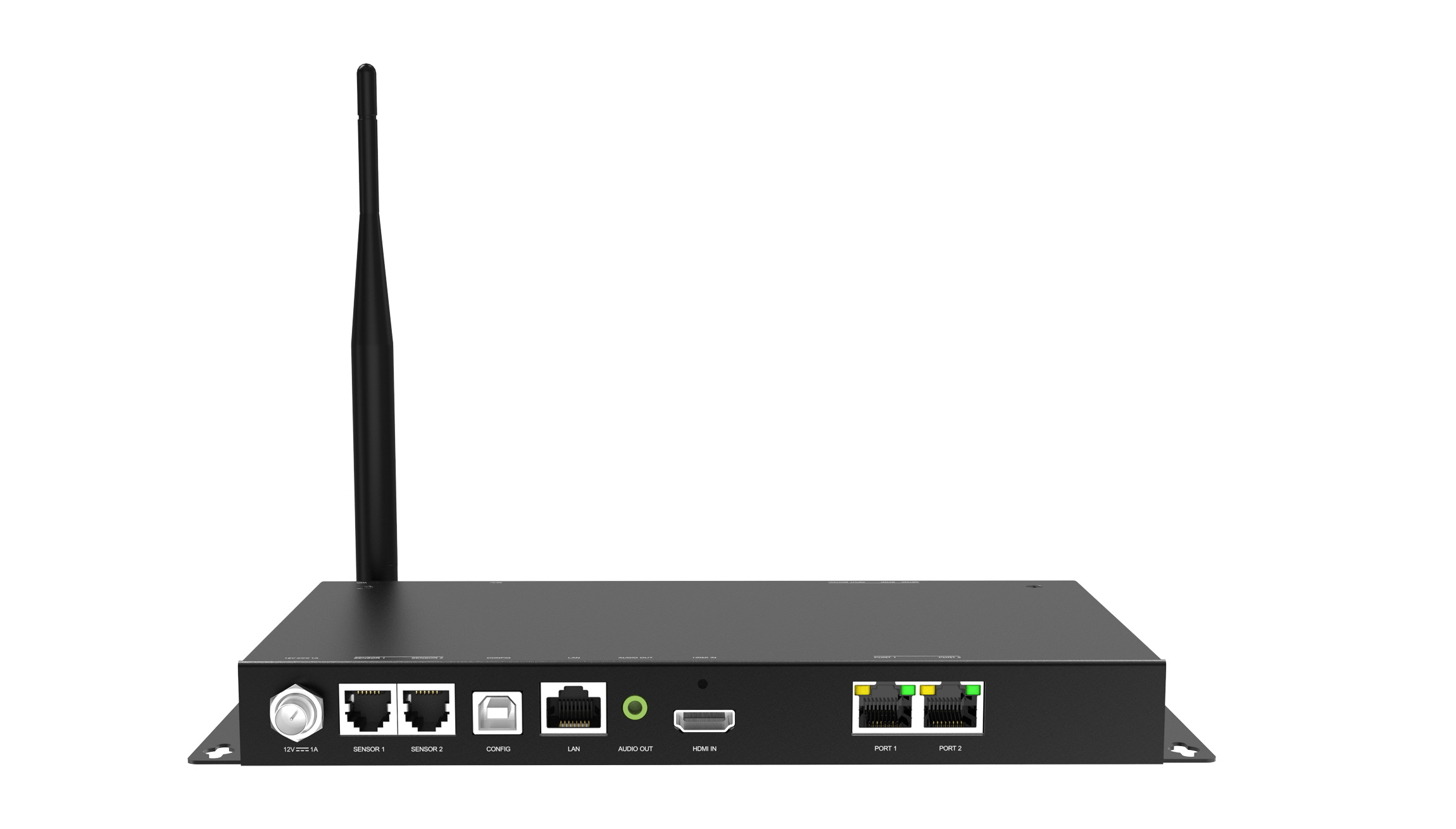
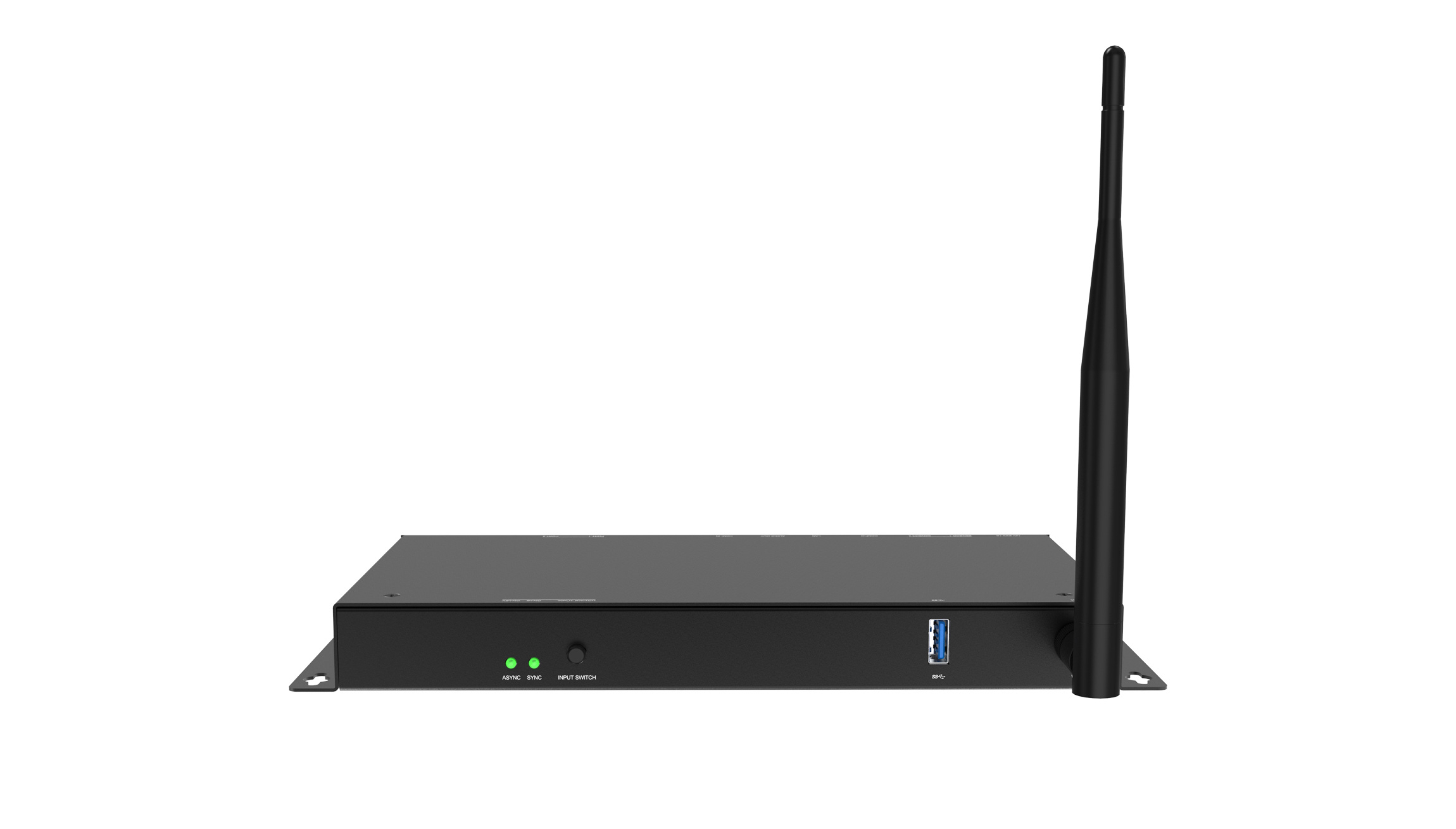
The Colorlight A60 switches between live HDMI and a playlist stored on the player. Set which source takes priority. The two Gigabit LED outputs connect to the receiving cards, and a separate LAN port connects to your network.
For a replacement, check the screen’s pixel dimensions and receiving-card layout before reusing the old configuration.
The A60 V1.1 specification allows up to 1.3 million pixels. A full 4,096 × 2,560 LED canvas exceeds that budget. Check the width, height and total pixel count together.
| Укупно ЛЕД оптерећење | До 1.3 милиона пиксела |
|---|---|
| Максималне димензије екрана | 4,096 пиксела ширине или 2,560 пиксела висине, у оквиру укупног ограничења пиксела |
| Видео улаз | КСНУМКС × ХДМИ КСНУМКС |
| ЛЕД излази | 2 × Gigabit Ethernet for Colorlight receiving cards |
| Репродукција | Live HDMI and stored programs with selectable source priority |
| Stored video windows | One 1080p window or up to three 720p video windows |
| складиштење | 8 GB installed, 4 GB usable |
| Ажурирања програма | УСБ диск, УСБ кабл, ЛАН или Ви-Фи |
| софтвер | PlayerMaster for PC, LED Assistant for mobile control |
| Audio and power | 3.5 mm stereo output. 12 V DC input, 9 W rated power. |
Set up playback
Use HDMI for a live feed. For scheduled content, build a playlist in PlayerMaster and update it over USB or the network. PlayerMaster supports video, images and text. LAN scheduling and NTP can coordinate playback across several configured screens.
Check cabinet wiring and accessories
Record the screen dimensions, receiving-card models and cable routes from both LED outputs. Test the media and HDMI feed during setup. Automatic ambient-light adjustment requires a separate sensor.
Пре наручивања
Send us the screen resolution, receiving-card model and intended playback mode so we can check compatibility. Use software and firmware that match the supplied A60 version.
Најчешћа питања
Can I use live HDMI?
Yes. Connect the source to HDMI IN, then set its priority alongside stored programs.
How do I update content at the screen?
Use a USB drive, USB cable, LAN or Wi-Fi. Save a copy of the current screen configuration if you are replacing a player.
Product photos and connections