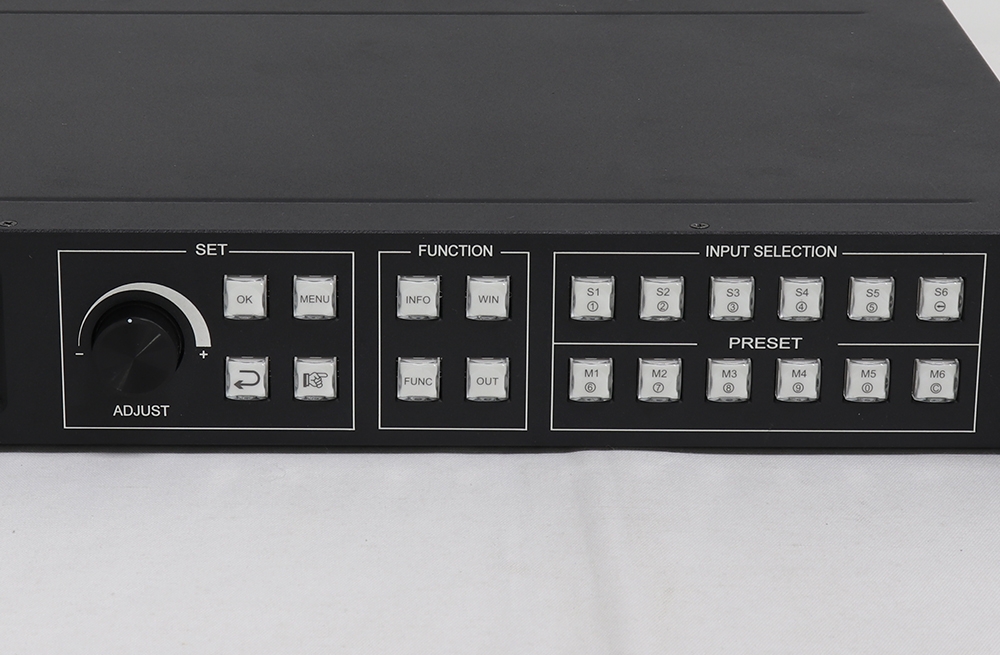
Kystar U6: six-window video processing for LED displays
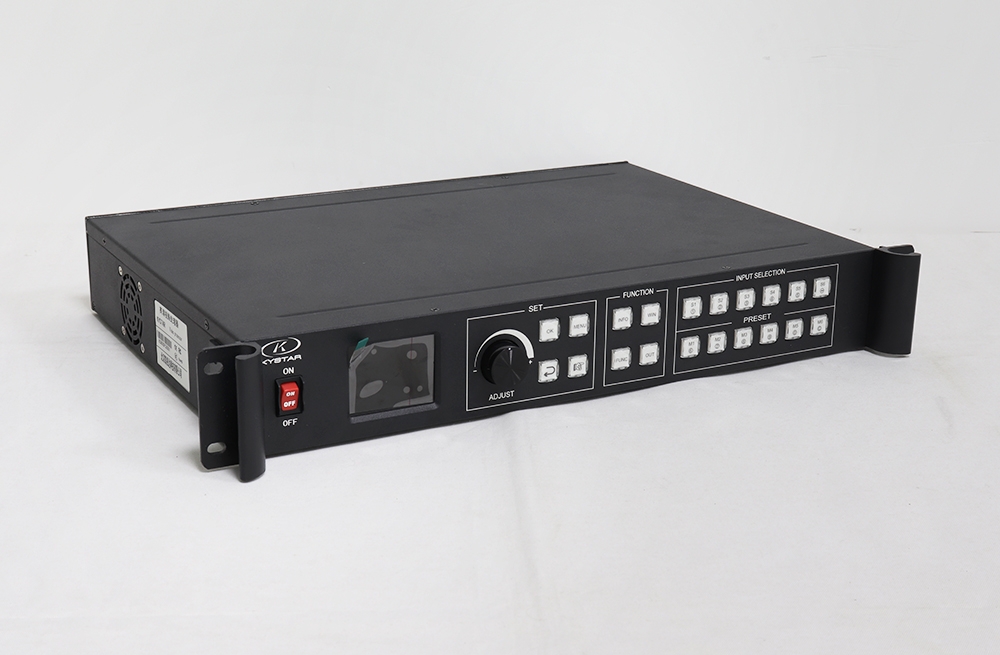
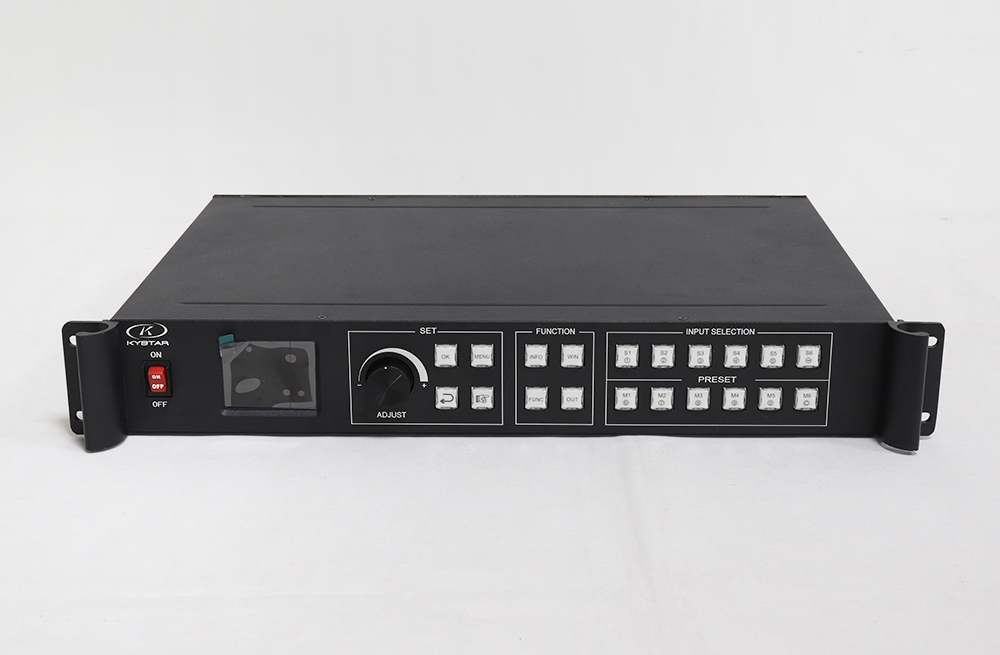
The Kystar U6 is a multi-picture video processor with four DVI splicing outputs and up to six on-screen windows. It lets an operator arrange source images for a main screen, side screens or other display regions. Preview and output monitoring help check the composition during operation.
U6 provides the video-processing stage. Its DVI outputs must connect to compatible LED sending equipment; they are different from Gigabit ports that send data directly to receiving cards. Plan the video and LED-control chain together for the actual screen.
Verified interfaces and configuration notes
| Specification | Details |
|---|---|
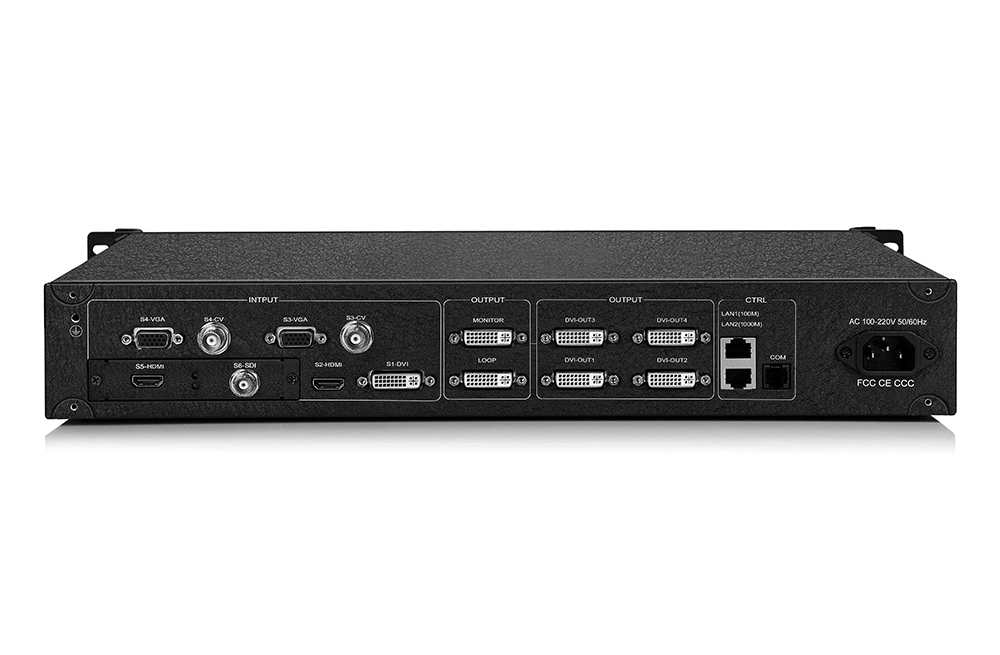
| Splicing outputs | 4 DVI-D outputs |
| Additional DVI outputs | 1 monitoring output and 1 loop output |
| Picture layouts | Up to six windows |
| Standard inputs in v3.1 | 2 CVBS, 2 VGA, 1 DVI and 2 HDMI |
| Standard VGA/DVI/HDMI timing | Up to 1920 × 1200 at 60Hz in the v3.1 interface table |
| Expansion inputs | EX input boards; supported options depend on configuration |
| 4K processing | Requires the matching 4K-capable input interface; not every HDMI/DVI connector has the same timing |
| Control | RS-232 and Ethernet |
| Live tools | Preview, monitoring, overlays, transitions and input-source backup |
Build and control a live composition
- Arrange sources: set each window’s size, position and layer order.
- Preview operation: check input sources and monitor the output through supported local or software workflows.
- Add overlays: prepare supported image or text overlays for the display composition.
- Switch layouts: use documented signal and scene transitions.
- Prepare a backup source: assign a compatible alternate input for the supported hot-backup workflow.
Check input boards and output budgets
The retained U6 brochure describes 4K processing through HDMI 1.4 or dual-link DVI configurations, while the official v3.1 interface table lists standard HDMI/DVI inputs at 1920 × 1200 at 60Hz. Confirm which input boards are installed before specifying 4096 × 2160 processing. Full 4K at 60Hz is not established by the documents used here.
Output limits also vary across the supplied documents. The retained brochure gives examples of 15360 × 600 or 1536 × 6144; the official v3.1 specification lists a 10.4-million-pixel custom splicing budget and separate 15360-pixel width / 7680-pixel height ceilings. Confirm the applicable hardware, firmware, output timing and canvas layout for the supplied unit. These dimensional ceilings are not a fully loaded maximum-width-by-maximum-height rectangle.
Six windows do not mean six independent LED sending outputs. Check how the four splicing outputs feed the required sending controllers and screen regions. A DVI sending device such as the Kystar S4 must also be checked for the chosen output timing and LED pixel budget.
The original software download links are retained below. Select the package that matches the exact processor and firmware, and verify compatibility before installation; the three-in-one package label should not be treated as proof that it applies to every U6 configuration.
Frequently asked questions
How many DVI outputs handle screen splicing?
The official v3.1 specification lists four splicing outputs, plus separate monitoring and loop outputs.
Can every U6 HDMI input accept 4K?
No such assumption is supported. Verify the installed input board and its exact resolution and refresh-rate limits.
Does U6 replace the LED sending system?
Its DVI video outputs need compatible sending equipment and receiving cards to drive the LED display.
Conclusion
U6 combines flexible six-window layouts with splicing, preview and live-operation tools. Confirm the installed input boards, output timing and downstream LED capacity before selecting the configuration. Consult the official Kystar U6 v3.1 specification and preserved files below.

Download Specification
Download Software