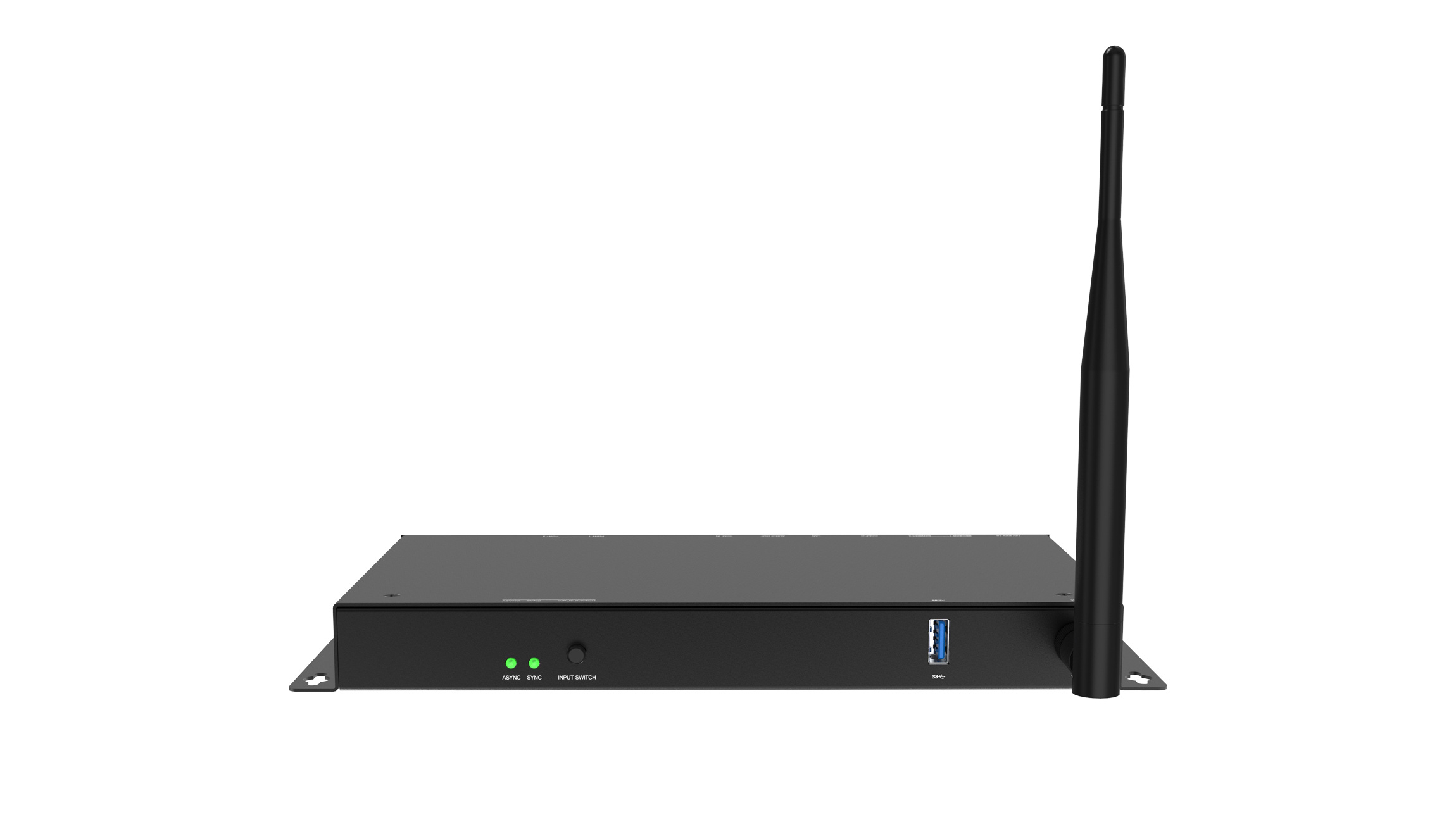
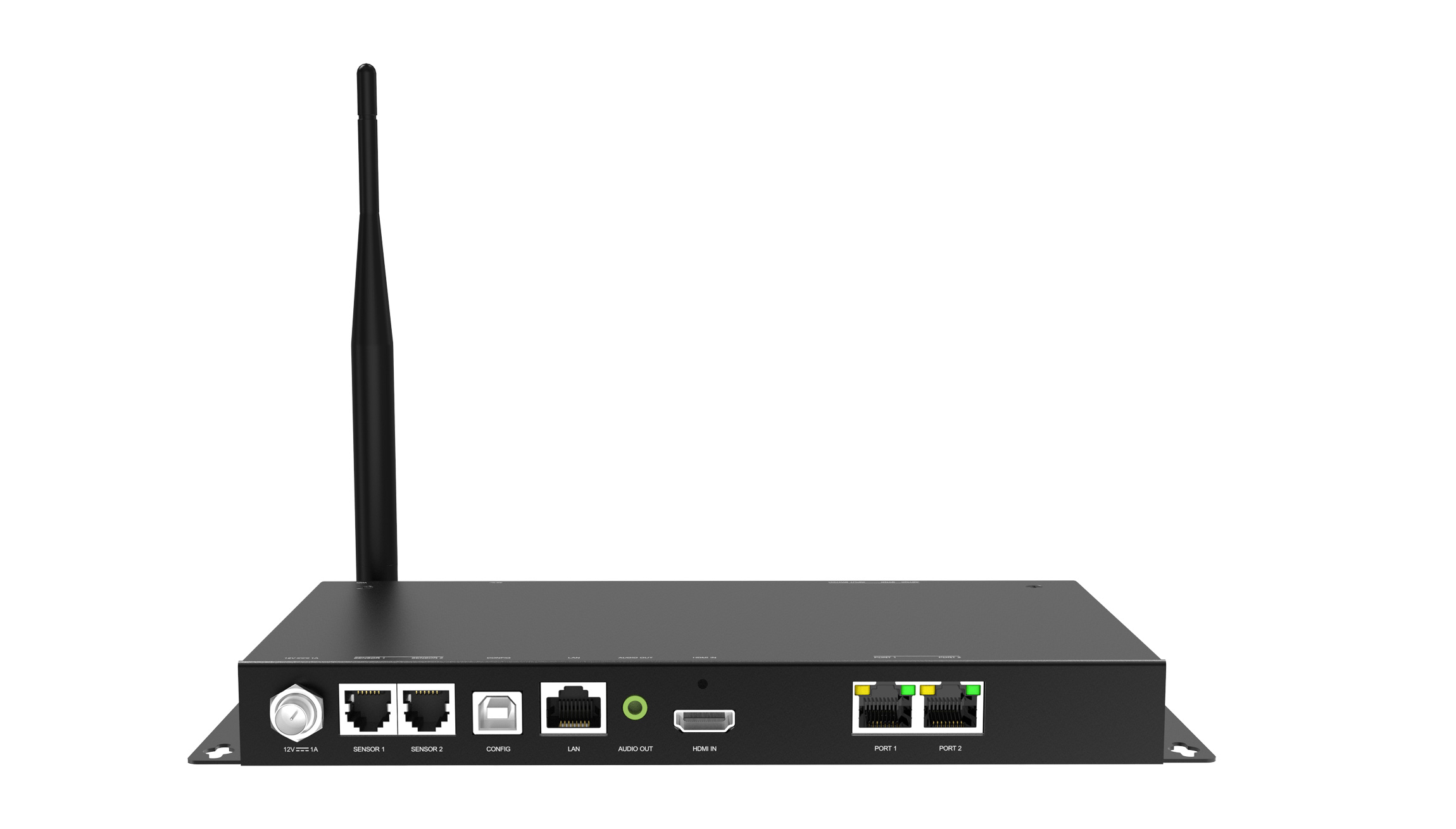
Colorlight A60 LED Player Overview
The Colorlight A60 is a synchronous and asynchronous LED screen player for digital signage. It combines live HDMI display with scheduled content playback, so you can choose the operating mode that fits your installation.
Use the specifications below to check screen size, connections and content management requirements before ordering. For a replacement unit, also compare the receiving cards and screen configuration used by the existing installation.
Colorlight A60 Specifications
| Item | Specification |
|---|---|
| Total LED loading | 1.3 million pixels |
| Maximum dimensions | Width up to 4096 pixels; height up to 2560 pixels, within the total pixel limit |
| Playback modes | Synchronous input and asynchronous playback with priority settings |
| Video input | HDMI 1.4 |
| LED outputs | 2 Gigabit Ethernet ports for Colorlight receivers |
| Storage | 8 GB installed; 4 GB available to users |
| Program updates | USB drive, USB cable, LAN or Wi-Fi |
| Software | PlayerMaster for PC; LED Assistant for mobile control |
| Audio | 3.5 mm stereo output |
| Power | DC 12 V input; rated power 9 W |
Sizing note: 4096 × 2560 describes separate dimension limits, not a fully loaded canvas. Multiply your screen width by height and check the result against 1,300,000 pixels; the port layout and receiving-card configuration must also be suitable.
Choose Synchronous or Asynchronous Playback
Live content through HDMI
Choose synchronous mode when the screen needs to follow an external video source. Confirm the source connection and display mapping before installation. This is useful when an operator needs to change the content being shown in real time.
Scheduled signage content
Choose asynchronous playback for a prepared playlist. The A60 supports USB playback, LAN scheduling and NTP synchronization across multiple screens. PlayerMaster allows multi-window layouts with video, images and text.
Installation and Ordering Checklist
- Screen resolution: provide the complete pixel width and height, not only the physical cabinet dimensions or pixel pitch.
- Receiving cards: confirm the model and configuration already fitted inside the cabinets. Browse our LED receiving cards if planning a complete system.
- Playback workflow: decide whether staff will use a live source, a local playlist or both. Prepare representative content for commissioning.
- Network access: identify how content will be updated at the installation site and who will manage it.
- Optional sensors: automatic ambient-light brightness control requires a separately purchased sensor. Confirm required accessories before ordering.
Send your screen resolution, receiving-card model and intended playback workflow through our contact page for a compatibility check. You can also compare other LED media players.
Frequently Asked Questions
Is the Colorlight A60 only an asynchronous player?
No. It supports both synchronous and asynchronous operation. Choose the mode according to whether your content comes from a live source or a prepared playback program.
Can it drive a 4096 × 2560 LED screen?
Not at that full pixel count. That canvas exceeds the total loading limit. Check both the overall pixel count and each dimension when selecting a controller.
Where can I find the A60 specification and software?
The original product specification remains available below. Use the official Colorlight download center for manufacturer resources, and confirm the correct model and version before applying software or firmware updates.
Conclusion
The Colorlight A60 suits signage projects that need a choice of live and scheduled playback within its loading capacity. Confirm screen resolution, receiver compatibility and the update workflow first to choose a configuration that fits your installation.
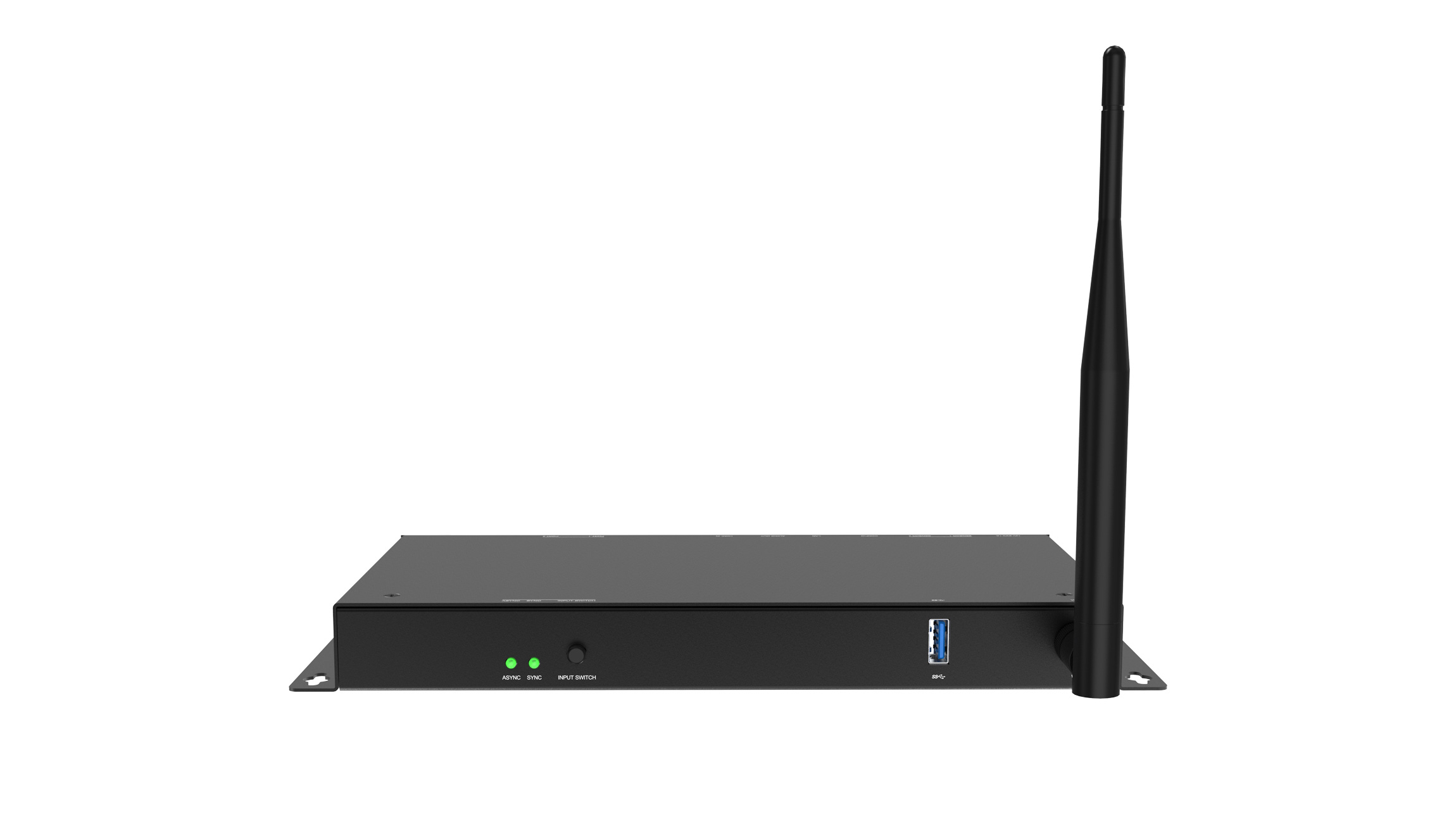
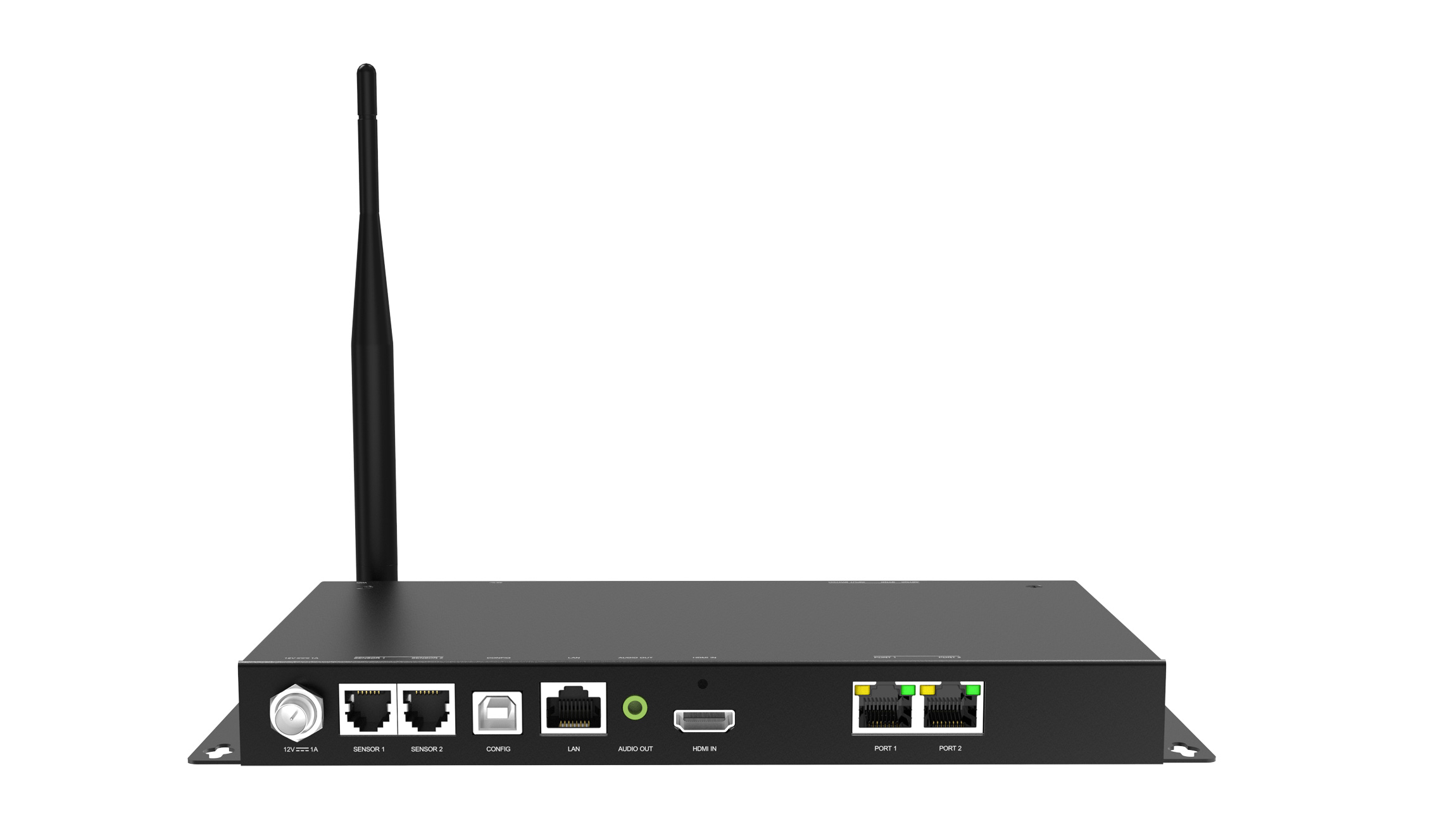
Colorlight A60 Asynchronous LED screen Players photos:
Download Specification: