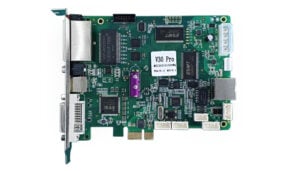
Mooncell V30 Pro LED Sending Card
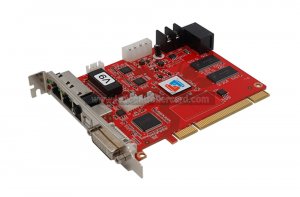
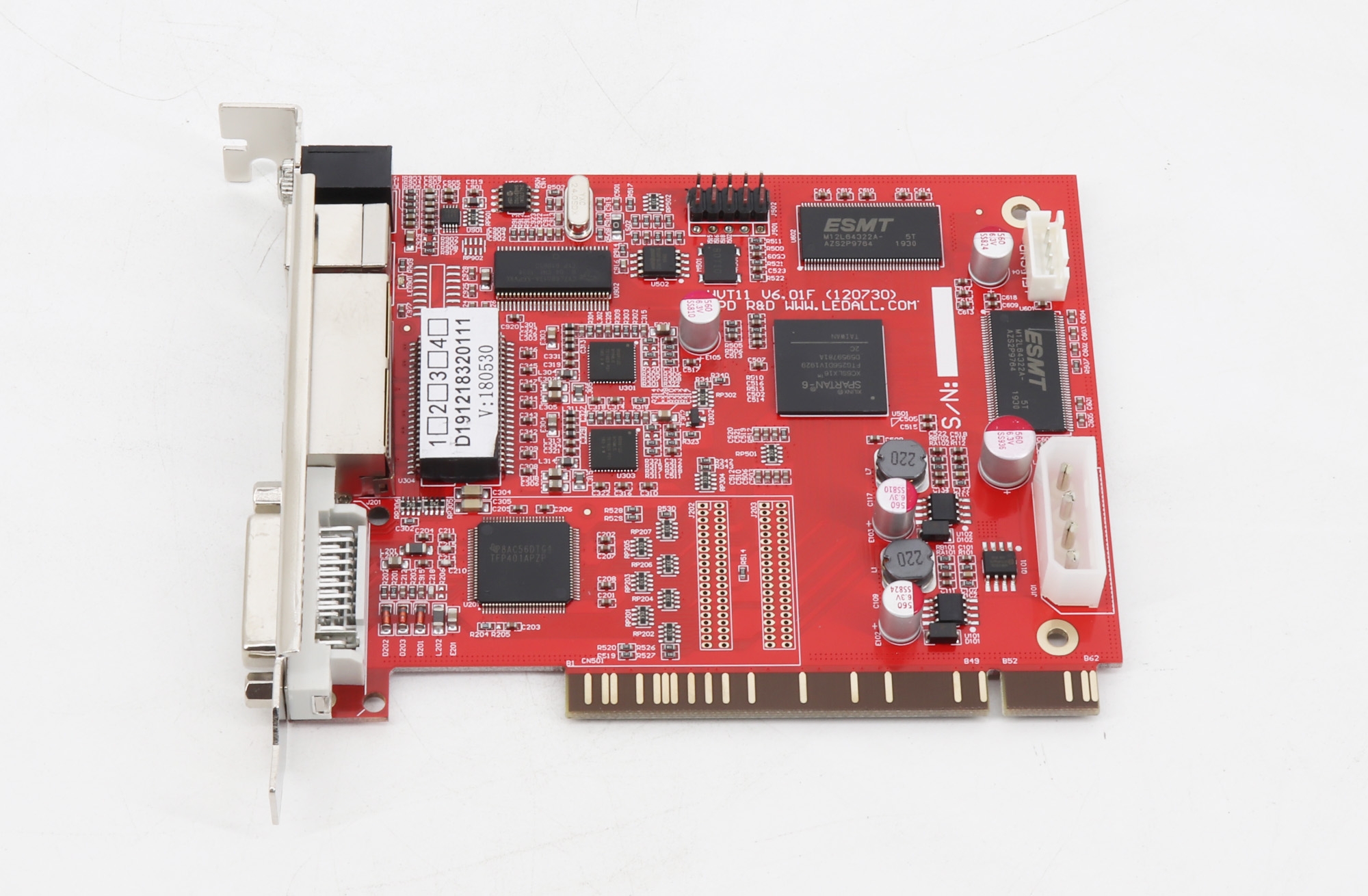
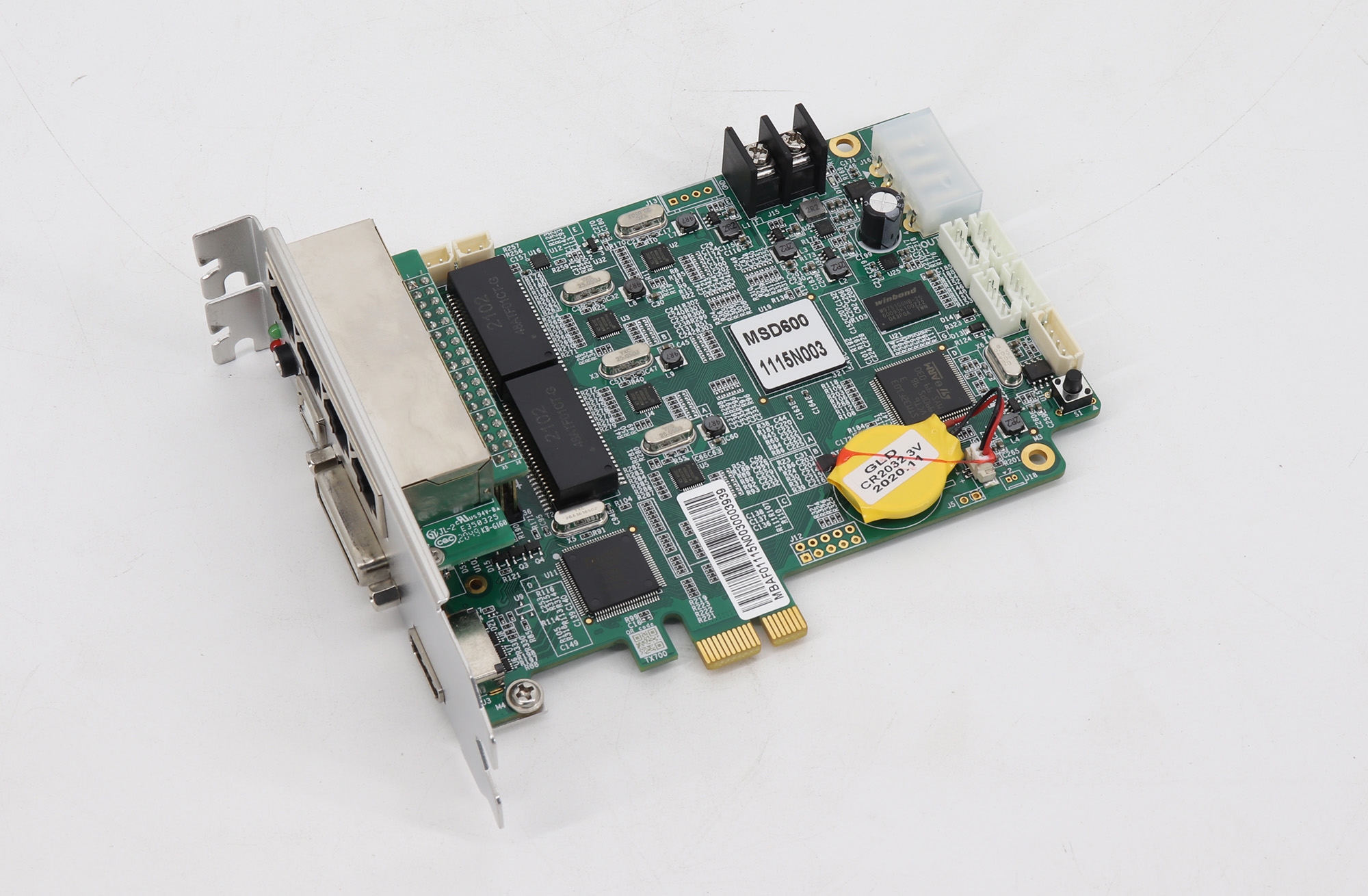
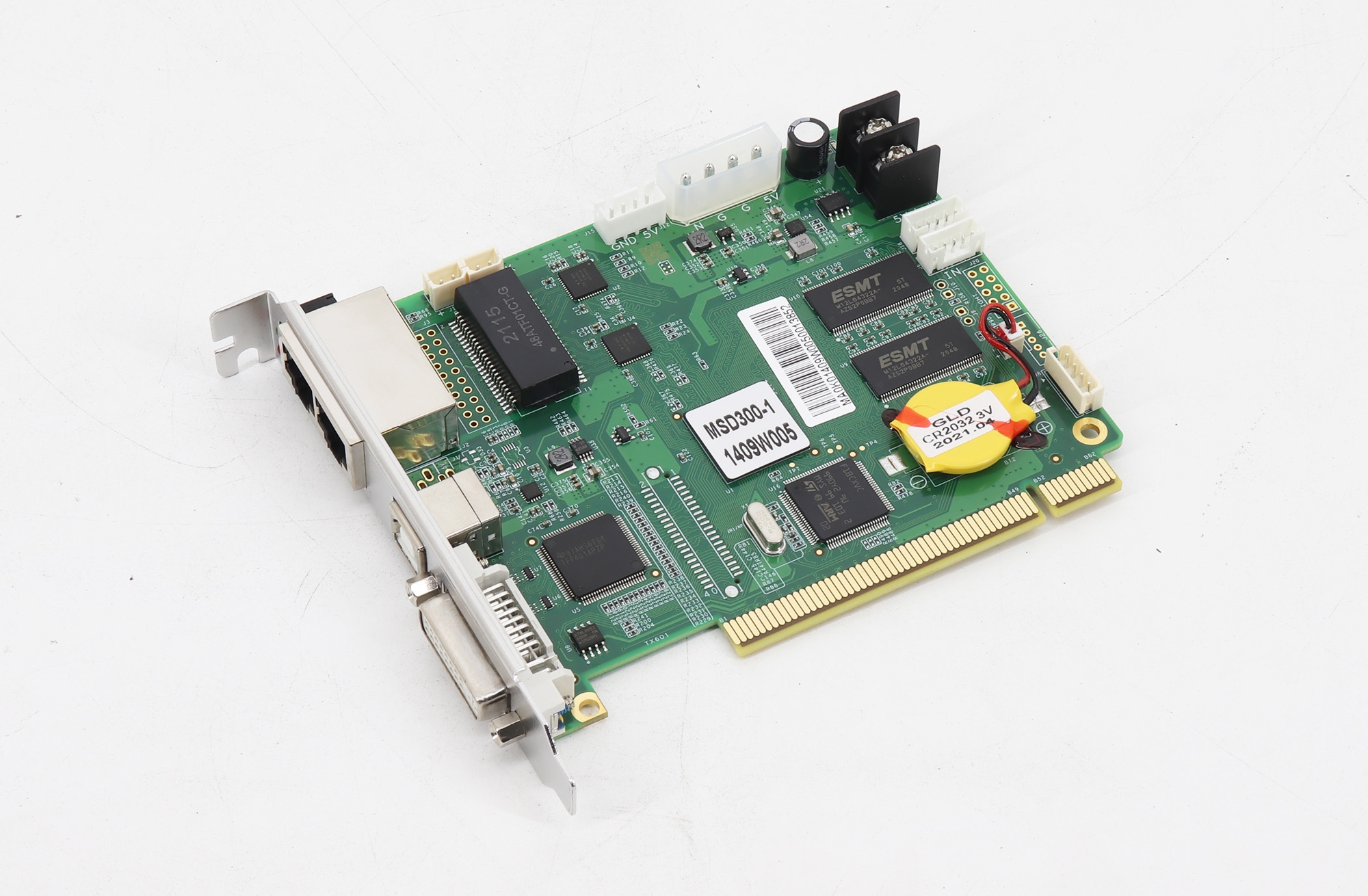
The Mooncell V30 Pro accepts DVI video and sends LED display data through two Gigabit Ethernet outputs. It supports a maximum loading capacity of 1.3 million pixels, USB cascading control and backup functions for configured LED systems.
Technical Specifications
| Parameter | Specification |
|---|---|
| Maximum LED loading capacity | 1.3 million pixels |
| Video and audio inputs | 1 × DVI video input; 1 × AUDIO input |
| LED data outputs | 2 × Gigabit Ethernet |
| Additional Ethernet port | 1 × 100M Ethernet port, as listed in the product specifications |
| Communication | 1 × USB; cascading control from one computer |
| Hardware interface | PCI-E |
| Brightness control | Serial port with light sensor for automatic screen brightness adjustment |
| Preset input resolutions | 1024 × 768; 1280 × 1024; 1366 × 768; 1600 × 1200; 1920 × 1080; 2048 × 1152; 2560 × 960 |
| Custom resolution | Supported |
| Listed input frame rates | 30 Hz, 50 Hz, 60 Hz and 120 Hz |
| Backup | Ethernet port loop dual backup; dual master controller backup |
| Diagnostics | Operating-status monitoring, configuration readback and Gigabit network error-rate detection |
Choosing and Configuring the Card
Check the total LED pixel count, source timing and receiving-card configuration before installation. Preset or custom input resolution does not increase the 1.3 million-pixel LED loading limit, and the listed frame rates do not guarantee every resolution-and-frame-rate combination.
The serial connection can work with a light sensor for automatic brightness adjustment. Use the host software to monitor sending-card status, read back configurations and check Gigabit network error rates. Configure Ethernet loop and dual-master backup according to the system wiring.
Product Image and Specification Download
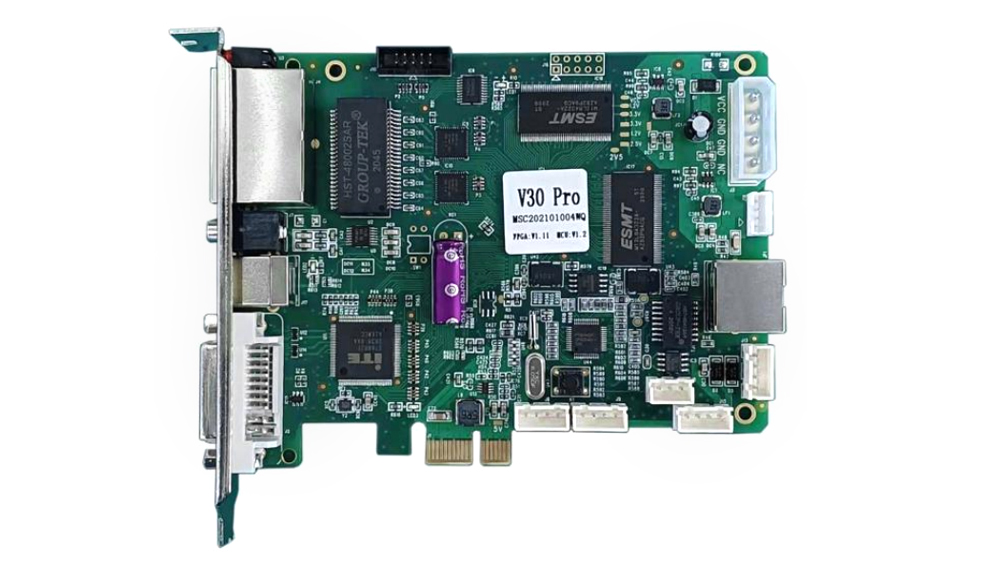
Download Specification:
Mooncell V30 Pro Led Display Sending Card Specification
Frequently Asked Questions
What is the loading capacity of the Mooncell V30 Pro?
The maximum LED loading capacity is 1.3 million pixels. The listed input timings are separate from this LED pixel limit.
What video source can I connect to the V30 Pro?
The card has one DVI video input and one AUDIO input, with synchronous transmission through the network connection. Check the source timing and DVI connection before setup.
How many Ethernet output ports does the V30 Pro have?
It has two Gigabit Ethernet output ports for LED data. The original specification also lists one separate 100M Ethernet port; it should not be counted as a third Gigabit LED output.
Can the V30 Pro adjust LED screen brightness automatically?
Yes. Its serial port can work with a light sensor for automatic brightness adjustment. Check sensor compatibility and the required setup before installation.
Can I control multiple V30 Pro cards from one computer?
Yes. USB communication supports cascading multiple sending cards to one computer. Configuration readback, status monitoring and backup functions are also supported.