Check the module before you order
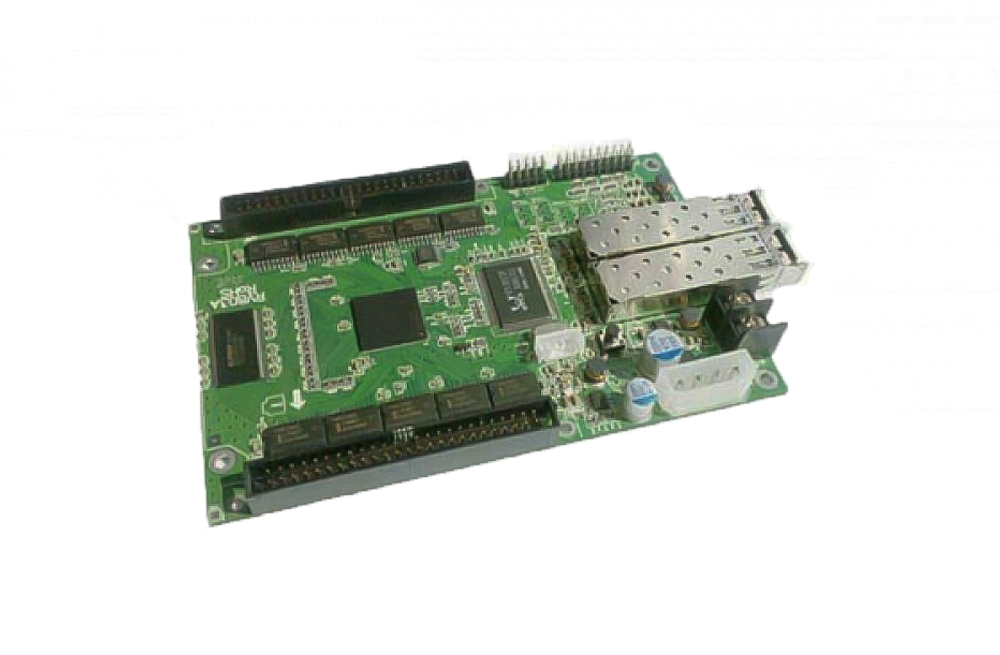
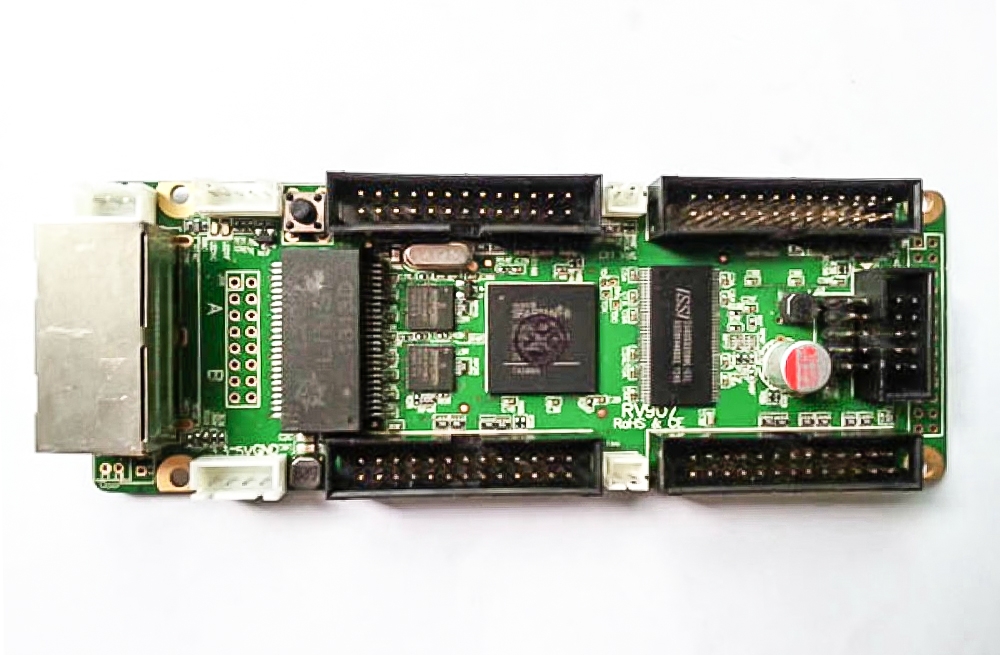
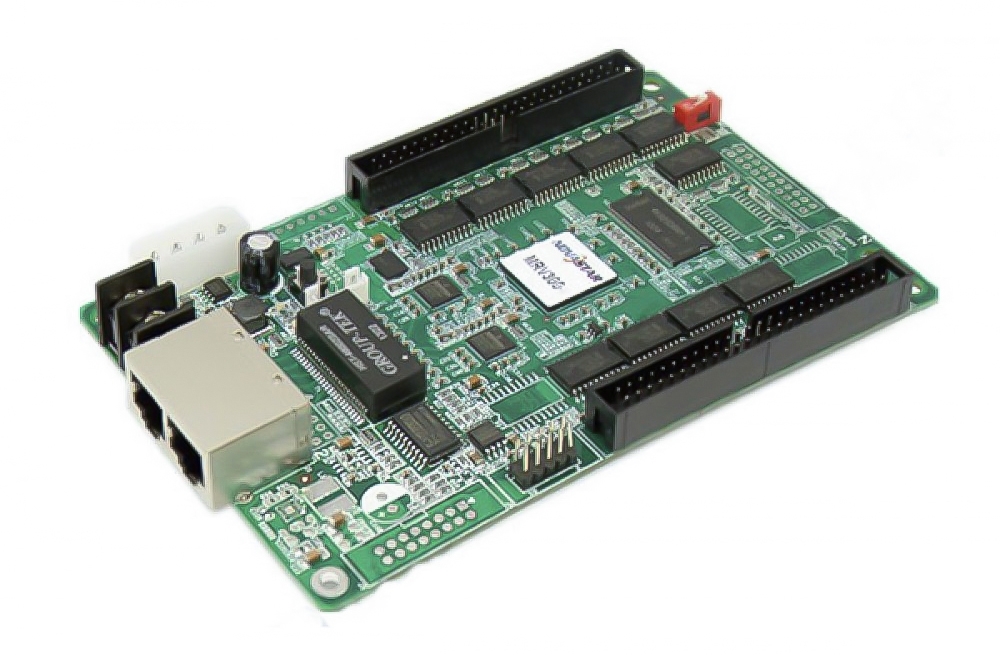
ចំពោះ Huidu HD-R708 is a receiving card for LED cabinets with HUB75E modules. It takes display data from a compatible sending device and connects to the modules through eight onboard HUB75E ports. For a replacement, check the driver IC, scan rate and ribbon-cable pinout against the card already in the cabinet.
Huidu’s V1.0 specification lists a load of 128 × 512 pixels with conventional driver chips និង 256 × 512 pixels with supported PWM chips. Use the figure that matches your module when you size each card’s share of the screen.
លក្ខណៈបច្ចេកទេស HD-R708
| ច្រកម៉ូឌុល | 8 × HUB75E. |
|---|---|
| បន្ទុកភីកសែល | 128 × 512 with conventional chips. 256 × 512 with supported PWM chips. |
| ស្កេន | Static to 1/128, depending on the module setup. |
| អ៊ីសឺរណិត | 2 × Gigabit Ethernet ports. The specification lists up to 80 m with Super Cat5 or Cat6 cable. |
| ថាមពល | 4.0–5.5 V DC input, two DC power connectors and 5 W working power. Huidu recommends a 5 V supply. |
| មាត្រដ្ឋានប្រផេះ | 256–65,536 levels. |
| ឧបករណ៍ដំឡើង | Screen wiring settings, card chaining in any order and an onboard display test. |
The V1.0 sheet also lists full eight-port loading for P1.667, P1.538 and P1.25 modules. Check your driver and wiring before applying that note to a cabinet.
Replacing a card in an existing cabinet
- Read the model on the old card. Check how the HUB75E cables are oriented and which module each port feeds.
- Record the driver IC, scan setting and pixels served by each card. Keep a copy of the current configuration if you can export it.
- Confirm the match with your sending device. Huidu lists compatible asynchronous and synchronous sending cards, dual-mode sending boxes and VP-series video processors.
- Test one cabinet before changing the rest. Check the image on each module and use the onboard test to inspect the display.
Board photos


Specifications and help
If the replacement is unclear, send us the old card model and a photo of its connections.