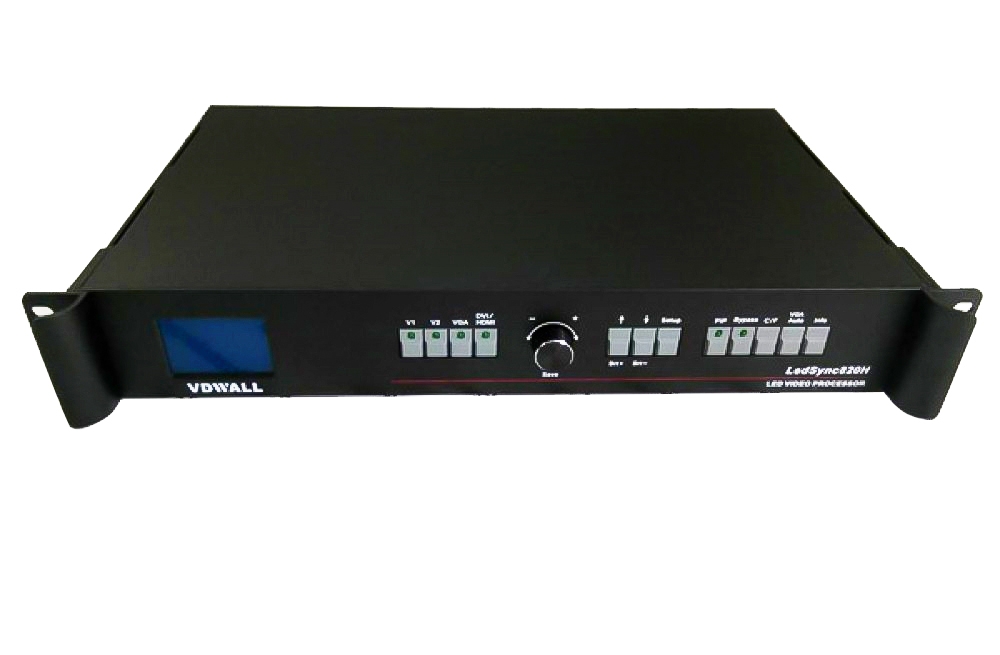
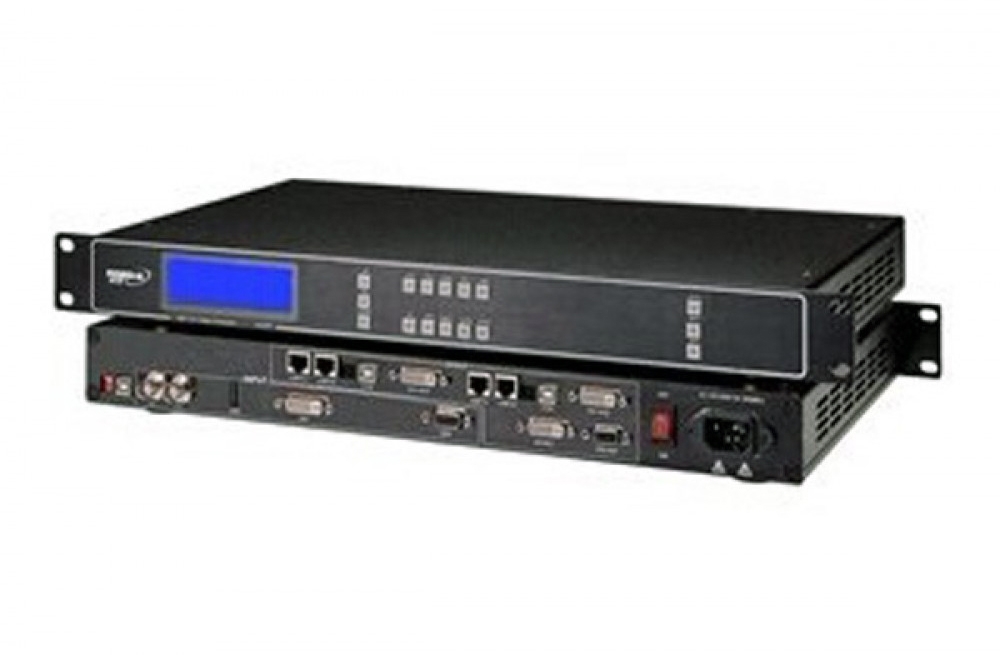
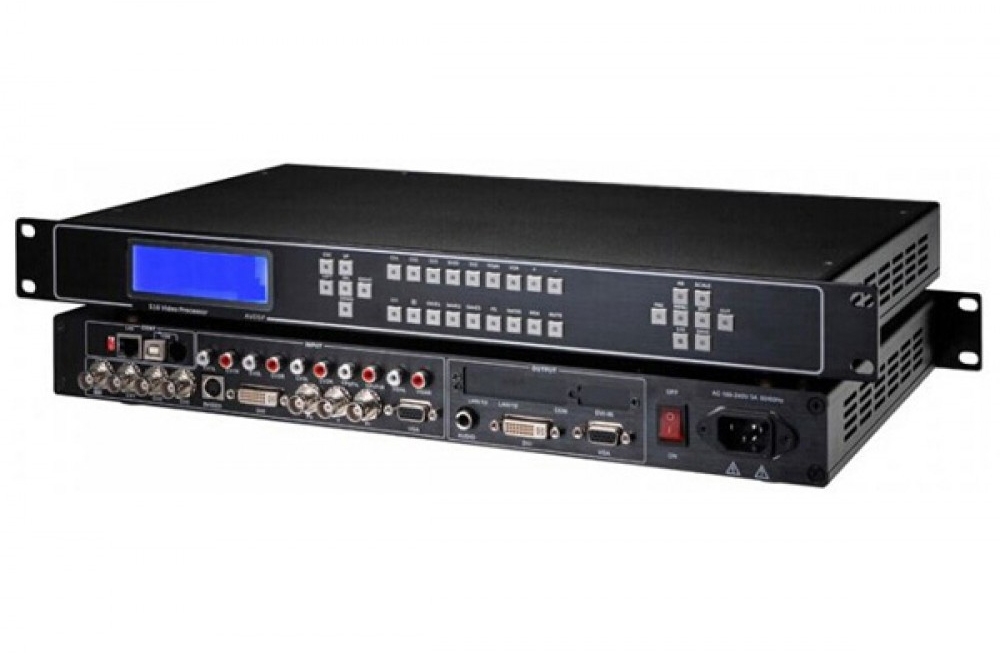
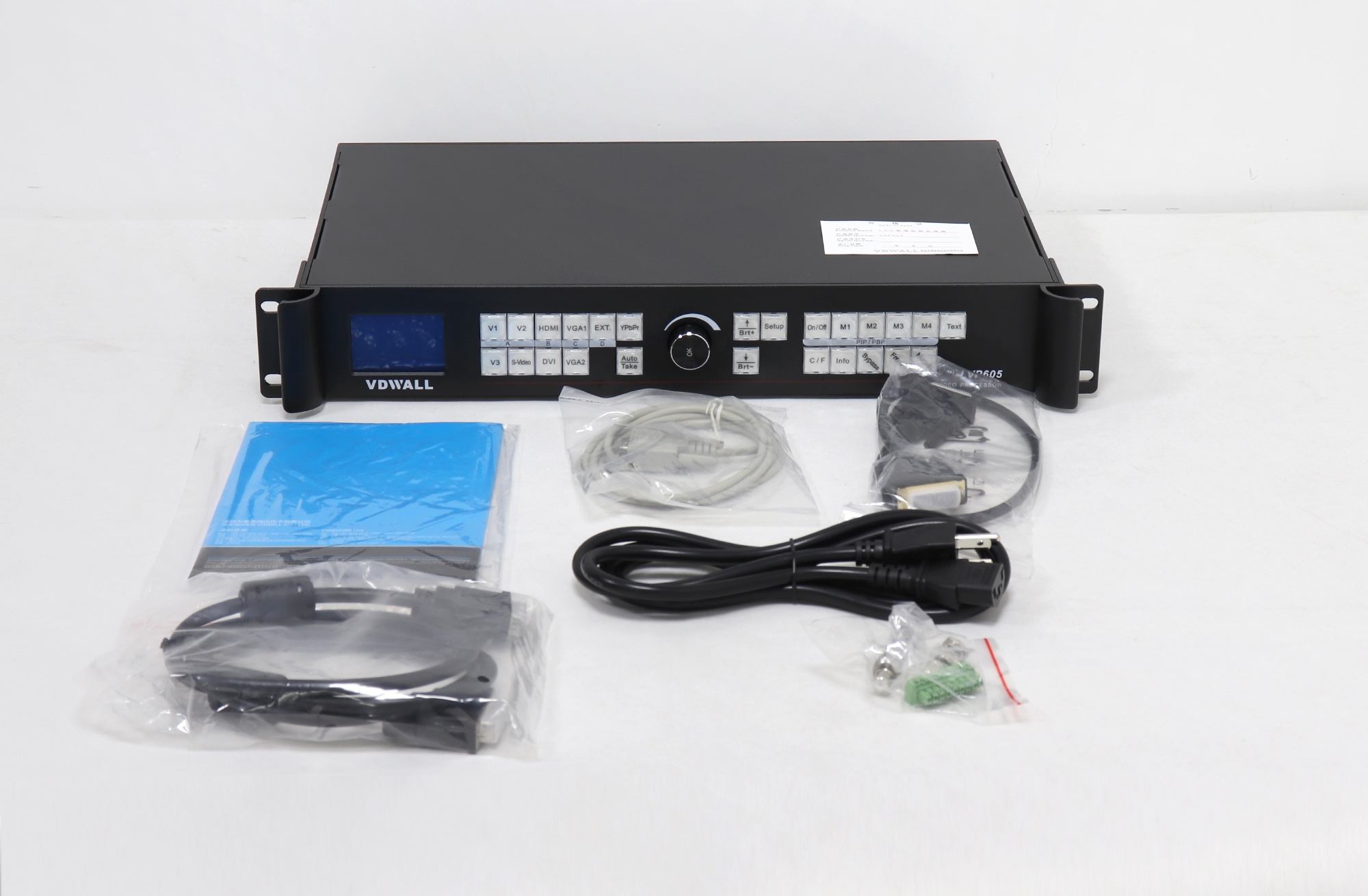
Huidu HDP601 for a single video window
The HDP601 takes a live source or files from a USB drive and sends one processed picture out over DVI. Use it when the downstream LED sending system needs a DVI feed.
Match three settings before buying: the source signal, the limit for USB playback and the DVI timing accepted by the sender.
This table follows Huidu’s HDP601 V1.1 specification. Confirm the hardware and installed inputs if your setup needs SDI.
| Ngā tāurunga ora | 1 × DVI, HDMI, VGA and CVBS. SDI is optional. |
|---|---|
| HDMI or DVI | PC input up to 1,920 × 1,200. HD sources up to 1080p. |
| Tāuru VGA | Tae atu ki te 1,920 × 1,200 i te 60 Hz |
| USB video | Up to 1,280 × 720 at 60 Hz. Select one of the two USB ports. |
| Ngā whakaahua USB | JPG, JPEG, PNG me te BMP |
| Whakaaturanga ataata | 2 × DVI. V1.1 lists 1,920 × 1,280 at 60 Hz as the output reference. |
| Pixel budget | Within 2.45 million pixels in V1.1 |
| Output size limits | Up to 3,840 pixels wide or 1,920 high, within the pixel budget |
| Ororongo | Audio output with synchronized audio and video switching |
| Power | 110–240 V AC, 50/60 Hz. 11 W working power. |
| Size and mass | 440 × 250 × 58 mm. 3.5 kg. |
Match the output to the sender
Connect a DVI output to the LED sending equipment. Set a timing the sender accepts and test the final source, audio and display configuration before the show.
Switch from the front panel
Use the front panel to recall presets, blank the output or lock the keys. For USB playback, test a copy of the actual video and images before relying on the playlist.
Nga paatai puta noa
Can the USB ports play 1080p files?
The V1.1 document lists USB video up to 720p at 60 Hz. The live source inputs have separate limits.
Can I connect the HDP601 directly to the receiving cards?
The two documented outputs are DVI. Use a compatible LED sending system between the processor and the receiving cards.
How do I confirm whether the unit has SDI?
Check the available option and the actual rear panel before ordering.
Whakaaturanga ataata
Hua whakaahua