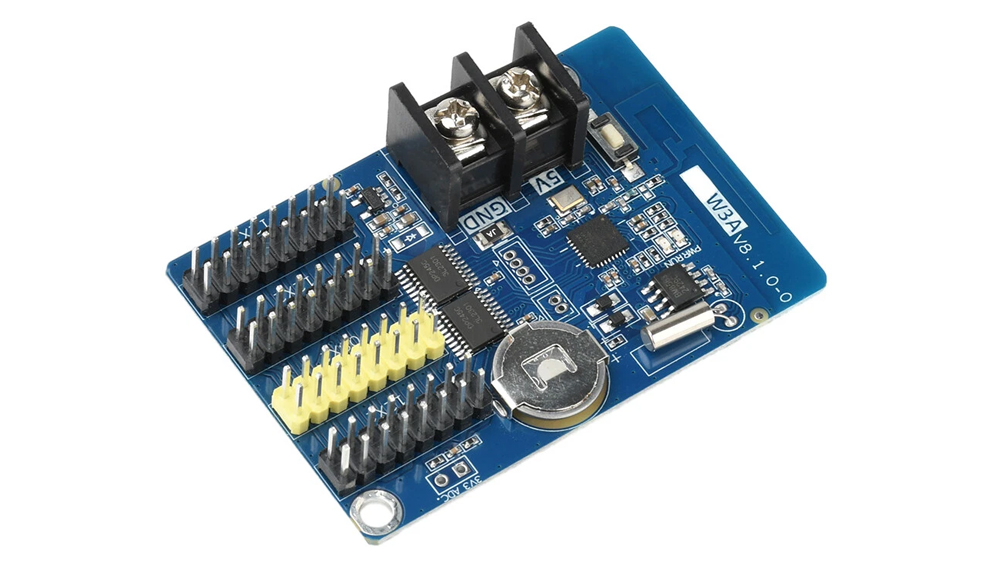
Keep a single- or dual-color sign up to date
The HD-W3A lets you send a new message or schedule to an LED text sign over Wi-Fi. The card keeps the program in local memory, so the sign continues to run after you disconnect your phone or computer.
| Tae kotahi | 1024 × 48 pixels, or 1280 × 32 pixels for a wider sign |
|---|---|
| Tae rua | 768 × 32 pika |
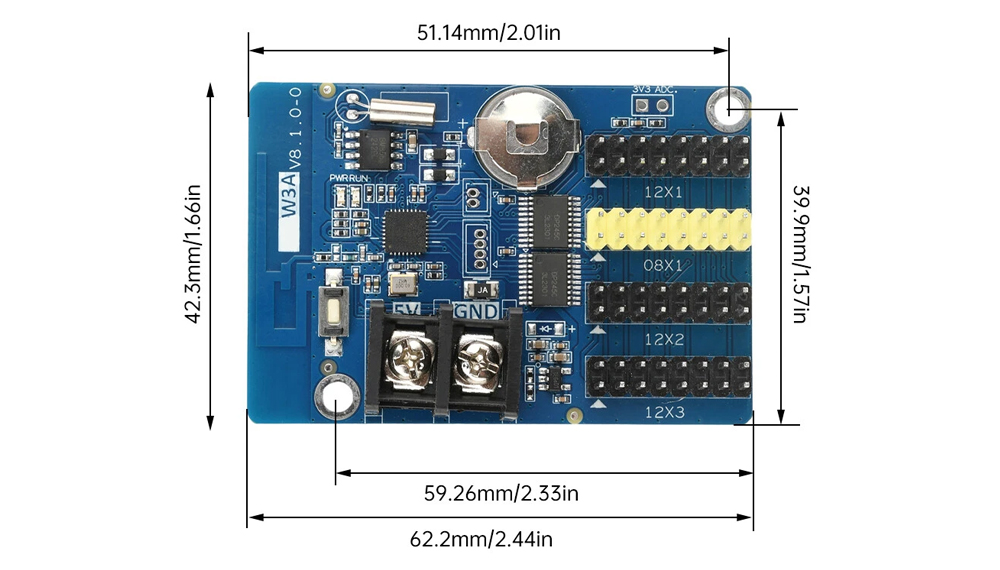
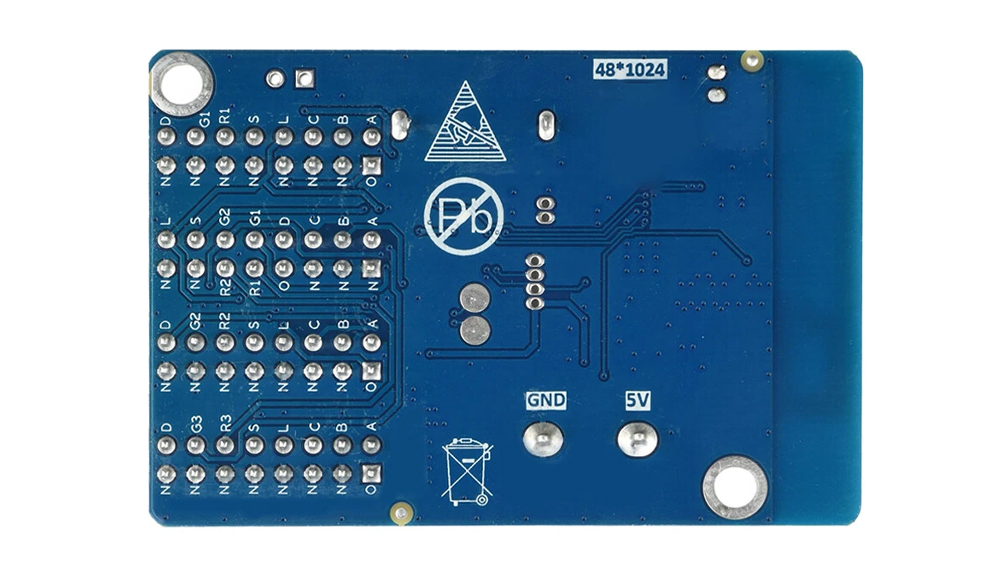
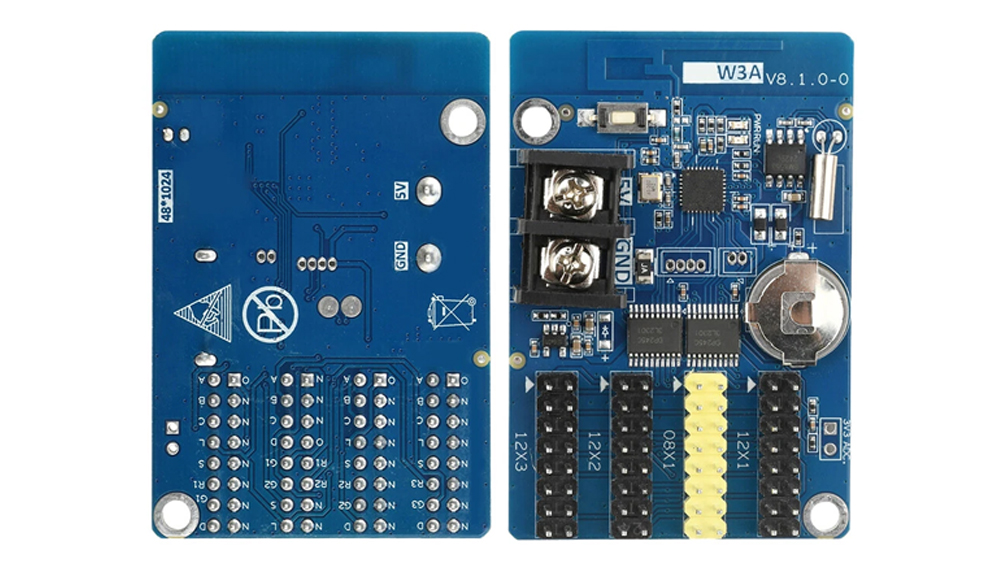
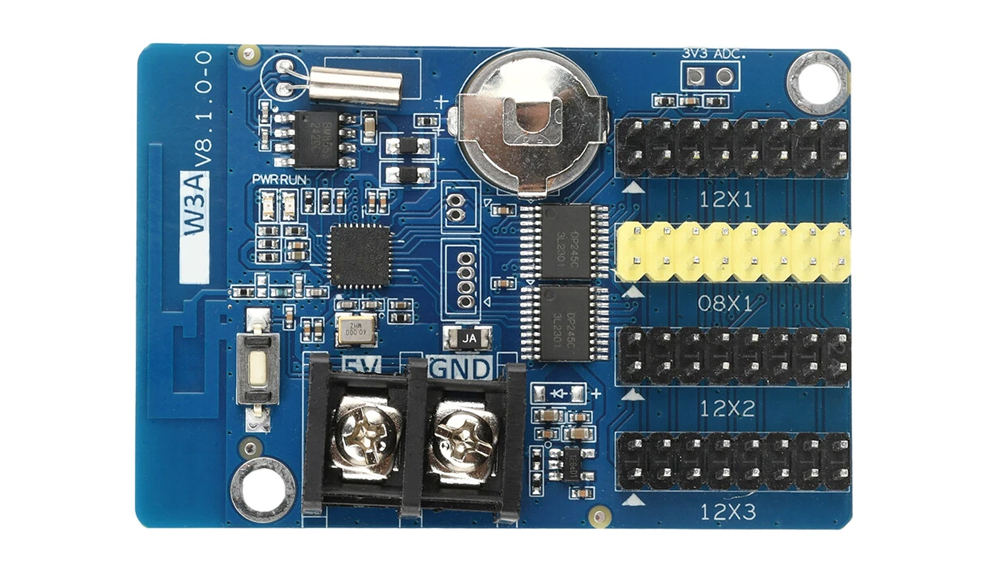
| Ngā hononga kōwae | 3 × HUB12 me 1 × HUB08 |
| supply | 3.3–5.5 V DC, 3 W |
| Aromahara Flash | 2 MB, about 900 KB usable |
| Ngā kaupapa me ngā rohe | Tae atu ki te 1,000 ngā kaupapa me te 20 ngā wāhanga ihirangi motuhake |
| Tīahoaho | Manual, scheduled, or automatic with a compatible external sensor |
| Te whakarite | Timed screen on and off |
Check the modules before fitting the card
Take the pixel dimensions of the assembled sign, then check its color mode, HUB connector and scan settings. A 1,280-pixel-wide single-color layout is limited to 32 pixels high. For dual color, plan around the 768 × 32 limit.
Use a compatible version of HD2018, HD2020, HDsign or the Screen Control app to send programs over Wi-Fi. Along with text, the card can show clocks, lunar calendar information, counters and timers.
Nga paatai puta noa
Does Wi-Fi need to stay connected after an update?
The program is stored on the card. You can disconnect after sending the update.
Can it adjust brightness as the light changes?
Yes, with a compatible external sensor. The card also supports manual and scheduled brightness without the sensor.
Card and connector photos