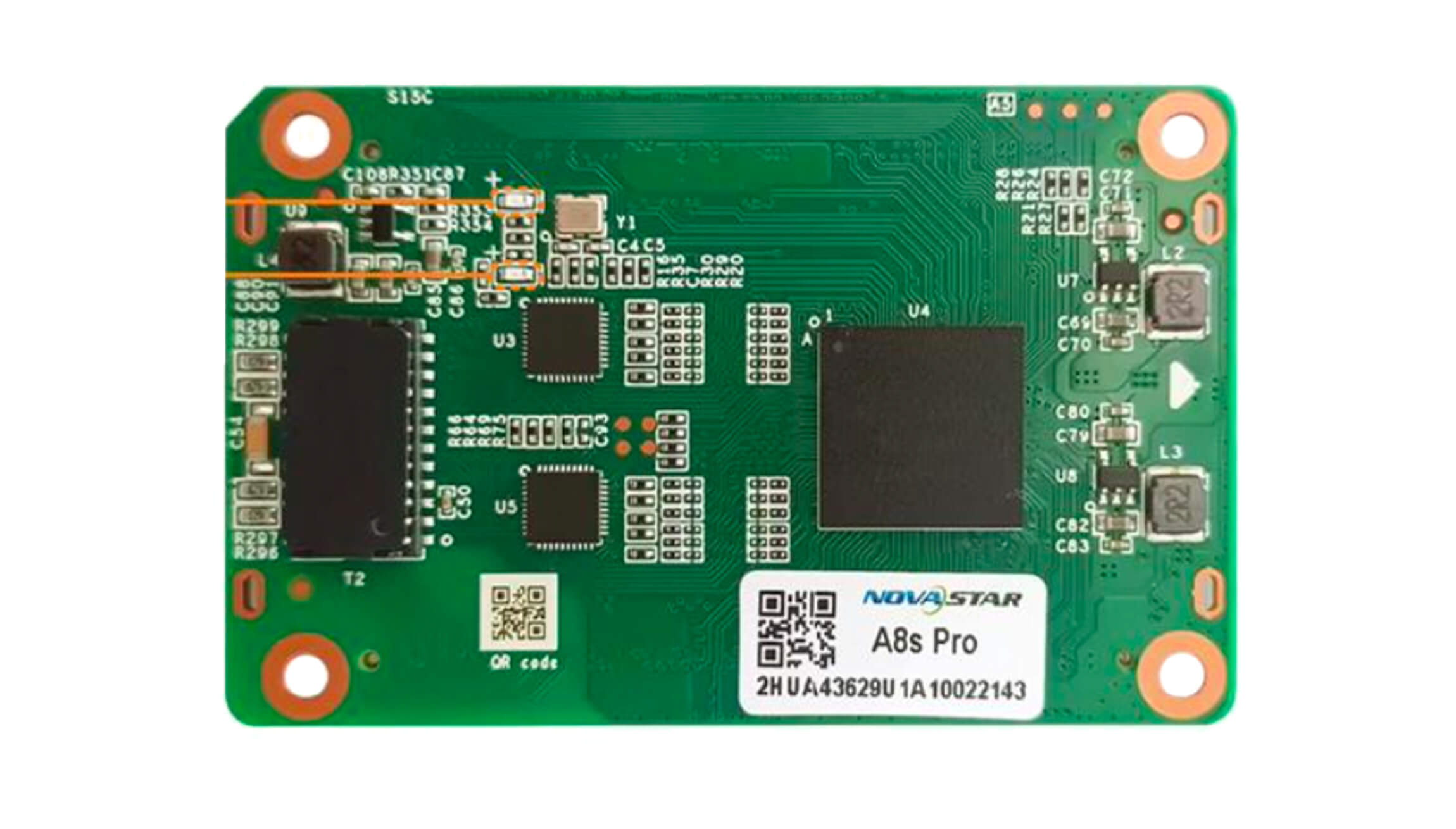
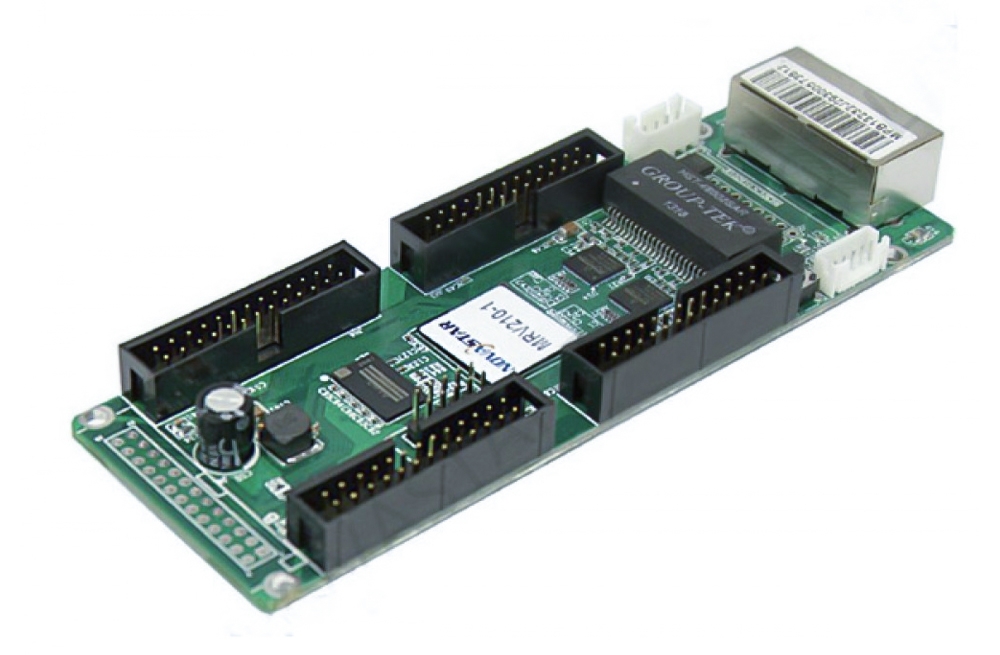
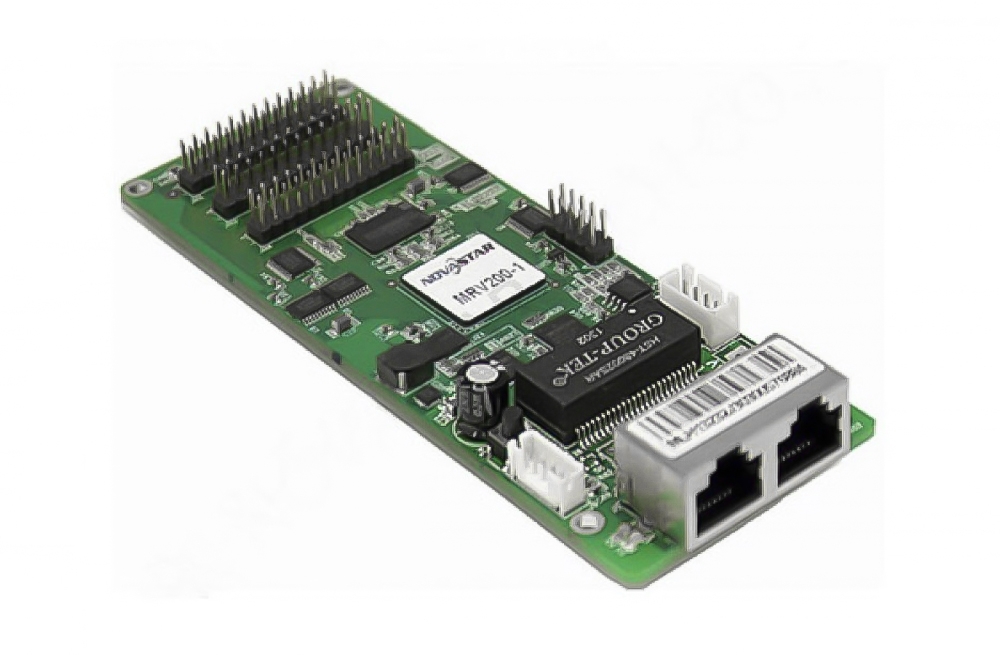
NovaStar A8s Pro LED cabinet receiving card
The A8s Pro sits inside an LED cabinet and drives the connected modules. NovaStar’s V1.1.0 specification rates one card for up to 512 × 512 pixels at 60 Hz. Check the hub board pinout and the LED driver IC when replacing one.
Low latency is a receiving-card feature. It requires supported driver ICs with built-in RAM. Check the full source-to-screen path separately if timing matters for the installation.
| Te taumaha teitei | 512 × 512 pika i te 60 Hz mō ia kāri |
|---|---|
| Hub connection | High-density board connectors |
| Raraunga whakarara | Tae atu ki te 40 ngā rōpū RGB |
| Raraunga raupapa | Up to 64 groups, expandable to 128 under the specification |
| HDR | HDR10 and HLG with a compatible LED system |
|---|---|
| Tōkarikari | Brightness and chroma, multi-layer grayscale and thermal compensation 1.0 |
| Image control | Independent RGB gamma, seam brightness correction, rotation and compatible 3D workflows |
| Tātaritanga | Live Ethernet bit-error detection and packet error counts |
Keep the cabinet configuration
Before swapping a card, save the cabinet’s configuration and calibration files. Record the driver IC and its scan settings. Image Booster depends on the driver IC, so confirm that combination before planning the feature.
Match a replacement module
A module with flash memory can supply its stored calibration coefficients at power-on. Check that the module has compatible coefficients before relying on automatic calibration.
Nga paatai puta noa
Can I connect the card directly to a standard HUB75 panel?
Check the hub or adapter board first. The A8s Pro has high-density board connectors, so the mating board must map the panel signals correctly.
Can I use HDR10 and HLG on the same installation?
The card supports both formats. Confirm that the selected source, sending device and LED system support the intended format.
Hua whakaahua