Colorlight E320 Pro LED Receiving Card
The Colorlight E320 Pro is an LED display receiving card for cabinet-level signal distribution. It supports a maximum load of 512 × 512 pixels and 40 parallel RGB data groups, according to Colorlight’s E320 Pro product information. Use the exact Pro model specification when planning a new cabinet or replacing an existing card.
Key Specifications
| Item | Specification |
|---|---|
| Model | Colorlight E320 Pro |
| Maximum loading | 512 × 512 pixels per card |
| Parallel output | 40 RGB data groups |
| HDR | HDR10 support |
| High frame rate | 120 Hz, 144 Hz or up to 240 Hz with compatible sender frame-rate multiplication |
| Calibration | Brightness and chromaticity calibration; advanced seam correction |
Maximum load and maximum frame rate are separate capabilities. Confirm the usable combination for your module, driver IC, scan mode, sender and firmware before configuring the screen.
Display and Maintenance Features
- Grayscale control: Infi-bit grayscale extension and grayscale refinement support smoother tonal detail.
- Color adjustment: Color gamut adjustment and calibration help match the display’s color output.
- Cabinet alignment: Advanced seam correction helps reduce visible brightness differences at cabinet edges.
- Service tools: Cabinet identification, parameter backup and firmware upgrades without a power restart support maintenance.
- Creative layouts: Irregular display construction and smart module support provide options for compatible projects.
Check Compatibility Before Ordering
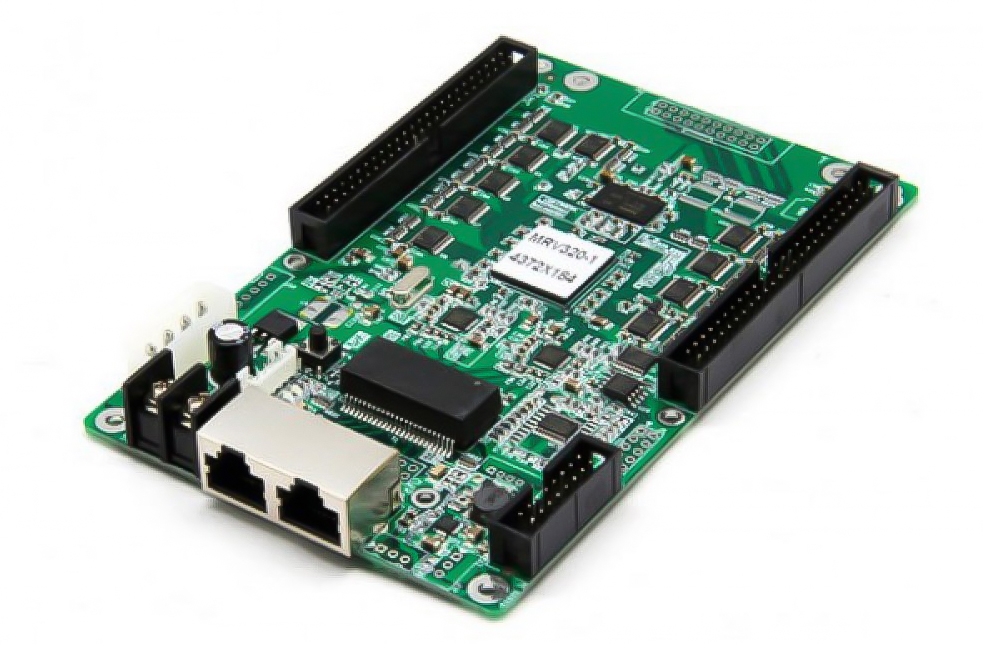
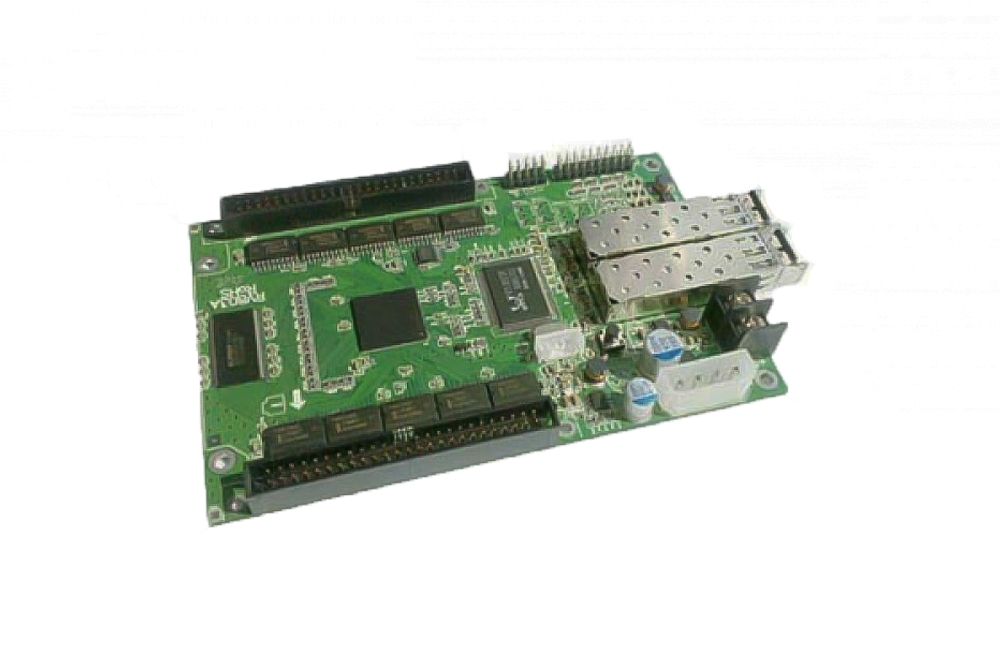
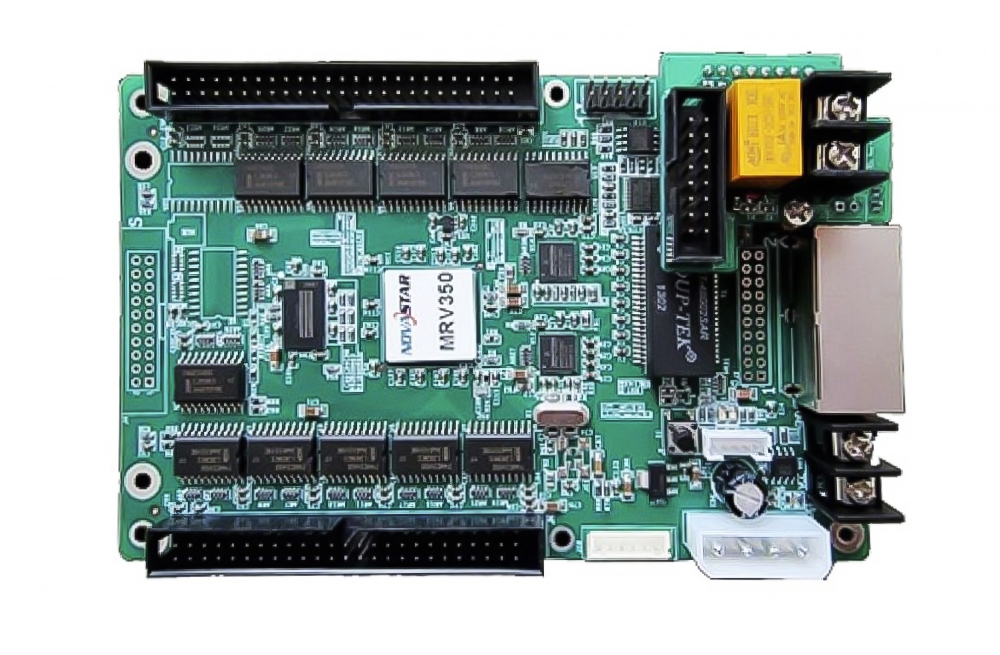
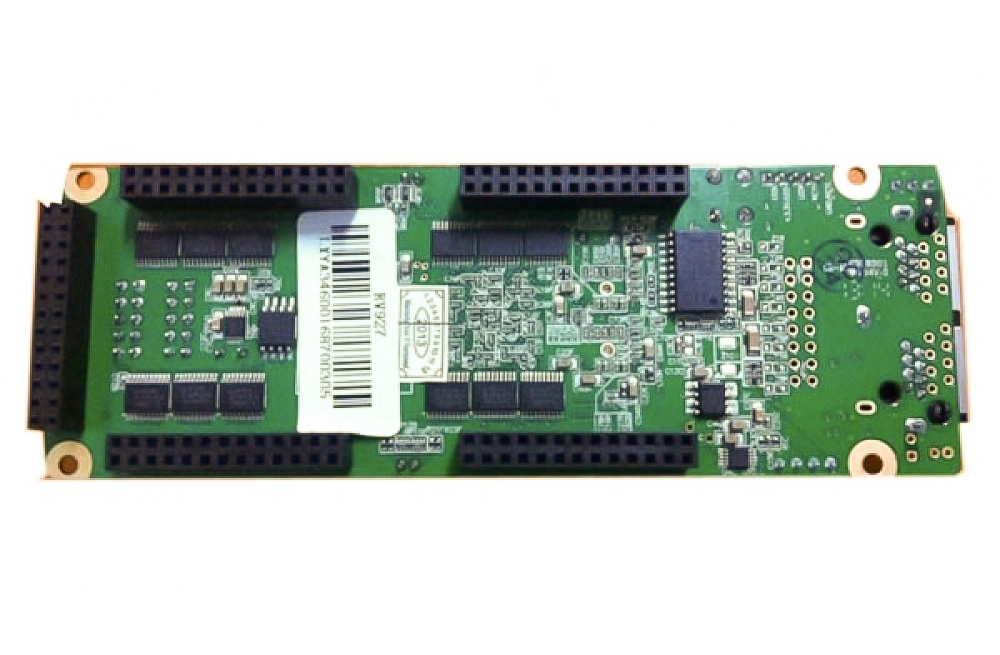
For a replacement, compare the existing card’s complete model name and hardware revision. A similar name or connector appearance alone is not enough to establish compatibility. Check the module connector pinout, cabinet wiring, power requirements, driver IC and scan configuration against the manufacturer’s documentation.
Keep a copy of the working cabinet configuration before replacement. For selection assistance, provide the sender model, module resolution, driver IC, scan ratio and clear photos of the existing card and module connections through our contact page. You can also browse our LED receiving cards and Colorlight products.
Frequently Asked Questions
Is this the Colorlight E320 or E320 Pro?
This listing is for the E320 Pro. When searching for a Colorlight E320 receiving card, verify the full model on your existing hardware and order details before choosing a replacement.
Does 240 Hz mean the LED panel refresh rate?
The manufacturer describes high frame-rate output with sender frame-rate multiplication. It should not be treated as a guarantee of the LED panel’s refresh rate or of maximum loading at every frame-rate setting.
Can I connect an HDMI source directly to this card?
A receiving card is part of the LED control chain. Plan the source connection through a suitable sending controller or video processor, then match the receiving card to the cabinet modules.
Product Image and Documentation
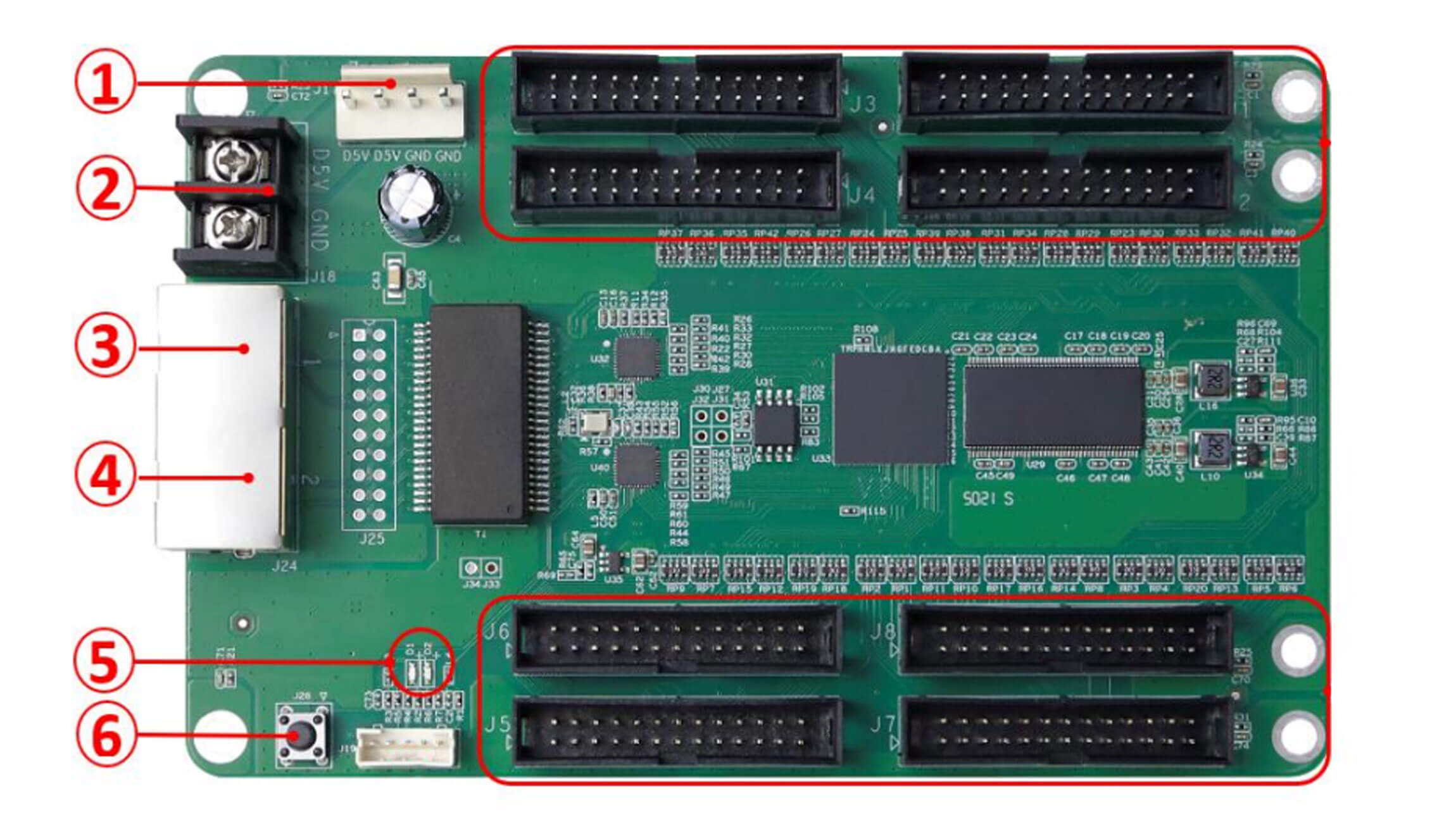
For model-specific specifications and the current manual, consult Colorlight’s E320 Pro product page and official E320 Pro specification downloads.
Conclusion
Choose the E320 Pro after matching the card to your cabinet configuration and required display settings. Confirm the exact model and connection details first, especially when replacing a card in an existing LED screen.