Huidu HD-HT01-TX/RX HDMI Signal Extender
The Huidu HD-HT01-TX/RX is a point-to-point HDMI extender for sending video from an HDMI source to a remote display over a single CAT5e/6 cable. The transmitter (TX) and receiver (RX) support HDMI 2.0 video up to 4K at 60 Hz with 4:4:4 chroma sampling, HDR10 and HDCP 2.2. The HD-HT01 manual specifies up to 70 m at 4K60 or 80 m at 1080p, subject to cable quality and installation conditions.
Key features
- 4K60 HDMI extension: up to 18 Gbps HDMI data rate and 4K at 60 Hz, 4:4:4.
- Single-cable link: connect TX and RX with one CAT5e/6 cable; the manufacturer’s manual recommends shielded cable with good grounding.
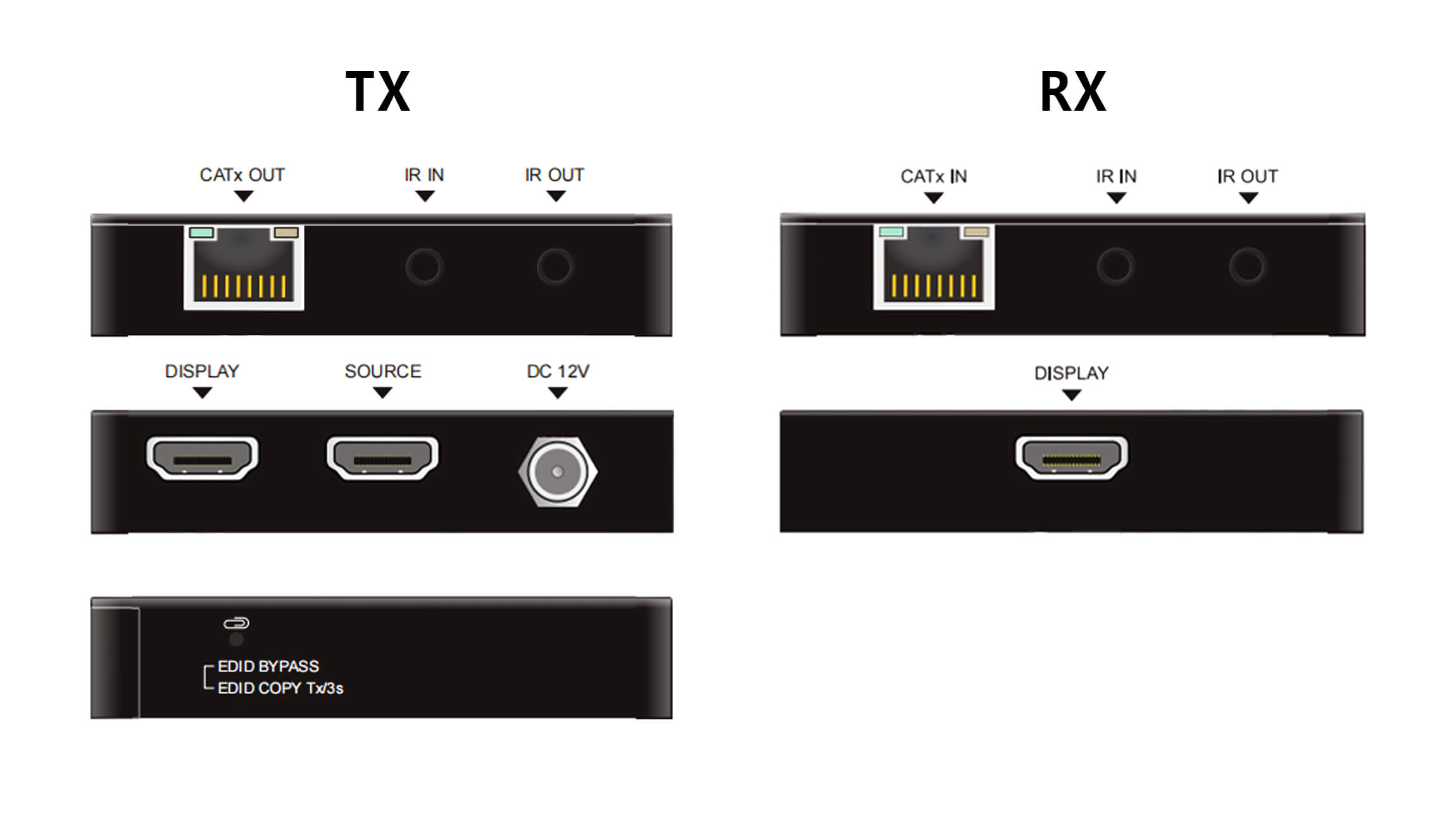
- Local display output: HDMI loop-out on the transmitter lets you connect a display near the source.
- Remote control: bidirectional IR pass-through, with IR input and output ports on both units.
- Display compatibility: EDID management and automatic downscaling from a 4K input to 1080p at the receiver for a 1080p display.
- Power over cable: the transmitter’s CATx output can supply 12 V PoC power to the receiver, as described in the HD-HT01 manual.
HD-HT01 specifications
| Item | HD-HT01-TX/RX |
|---|---|
| Video interface | HDMI 2.0; up to 4K at 60 Hz, 4:4:4; HDR10; HDCP 2.2 |
| Maximum link distance | Up to 70 m at 4K; up to 80 m at 1080p over CAT5e/6 |
| Transmitter connections | HDMI source input, HDMI local display output, CATx output, IR in/out, DC 12 V |
| Receiver connections | CATx input, HDMI display output, IR in/out |
| EDID and scaling | EDID management; automatic 4K-to-1080p downscaling at RX |
How to connect the transmitter and receiver
- Connect the HDMI source to the TX HDMI input. Connect a local display to the TX HDMI loop-out if needed.
- Connect the TX CATx output directly to the RX CATx input with a single suitable CAT5e/6 cable.
- Connect the remote display to the RX HDMI output. Attach the IR emitter and receiver leads if remote control is required.
- Connect the specified 12 V power supply, then check the link and display signal. The manual recommends a CATx cable length of at least 15 m for best video output.
Compatibility note: The RJ45 ports carry the extender’s point-to-point video link. Confirm cable type, grounding, source format and the display’s HDCP capability before installation. The HDMI output’s HDCP version follows the connected display.
Frequently asked questions
Can the HD-HT01 show a 4K source on a 1080p display?
Yes. The receiver can automatically downscale a 4K input to 1080p for a compatible 1080p display.
How far can the HD-HT01 carry 4K video?
The HD-HT01 product manual specifies up to 70 m for 4K and up to 80 m for 1080p over CAT5e/6. Actual performance depends on the cable and installation.
Does the transmitter provide a local HDMI output?
Yes. The TX has an HDMI loop-out for a local display near the source.
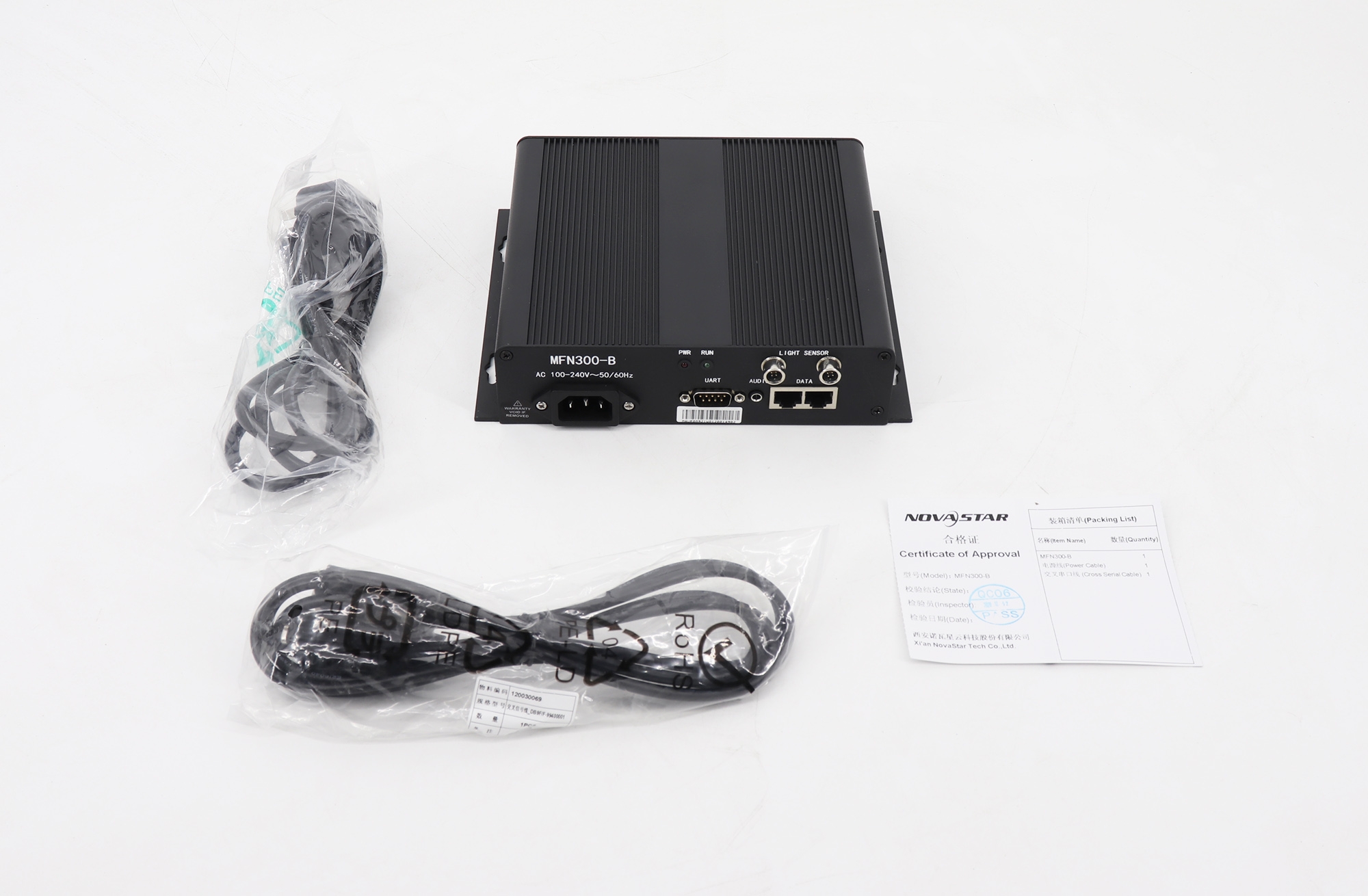
Product image and manual
Download: Huidu HD-HT01-TX/RX product manual (Chinese PDF).
For project compatibility or availability, contact our team.
Conclusion
The HD-HT01-TX/RX is suited to a direct HDMI source-to-display run where 4K60 video, a local loop-out and IR control are needed over CAT5e/6. Check the HD-HT01 manual and cable conditions when planning the link distance.