What Does the Kystar DVI Splitter Do?
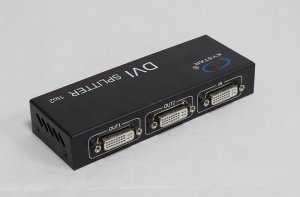
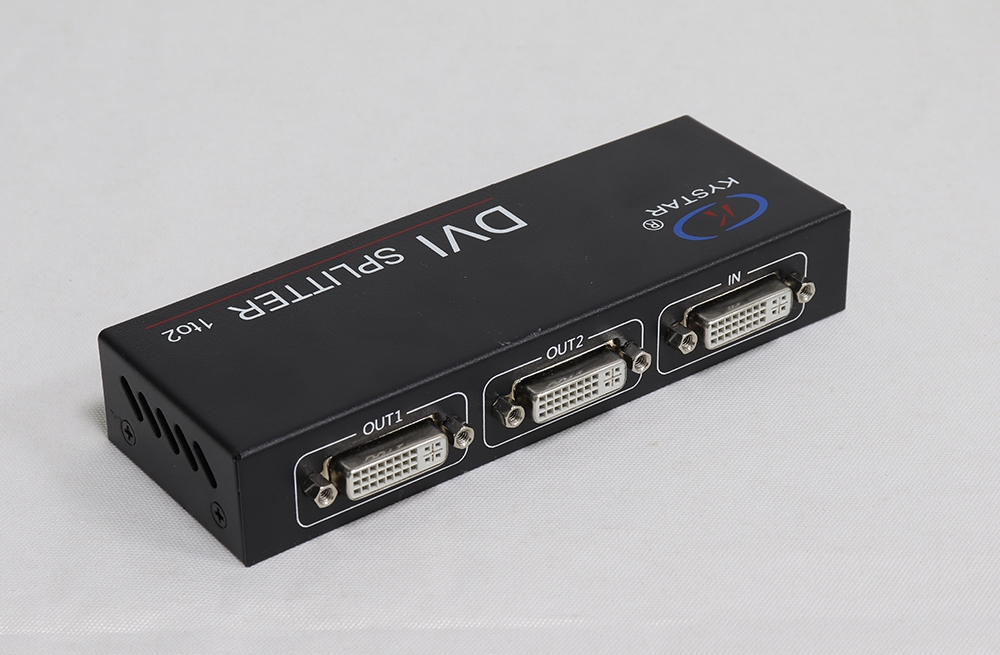
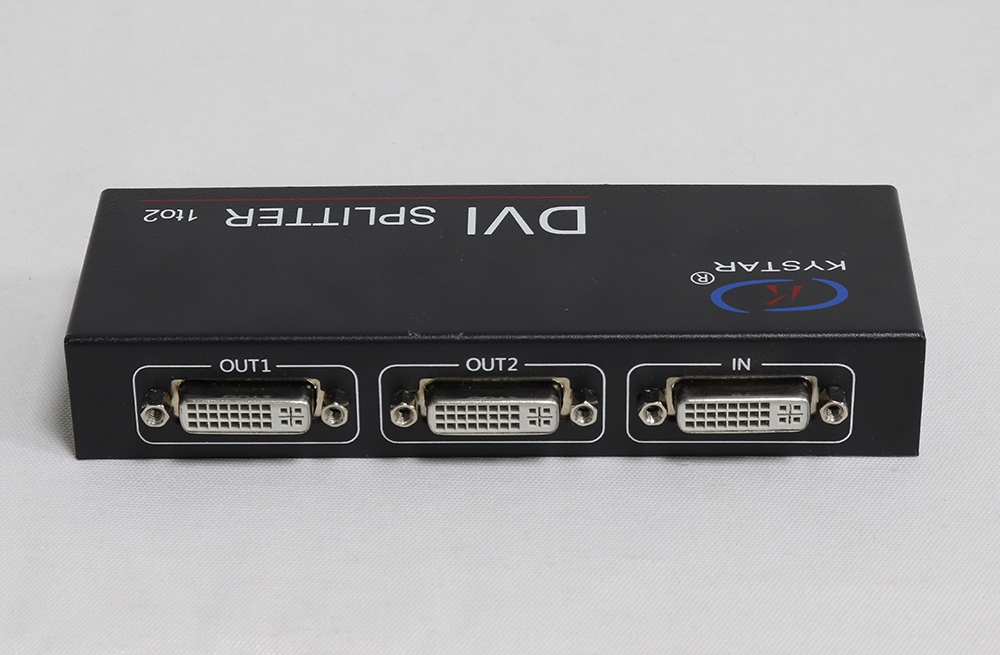
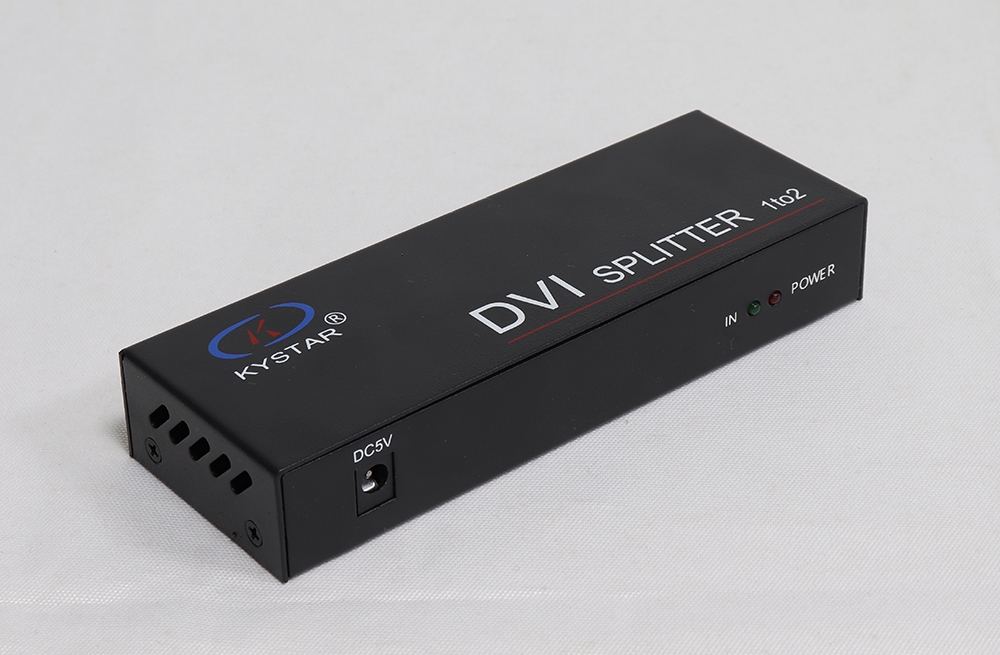
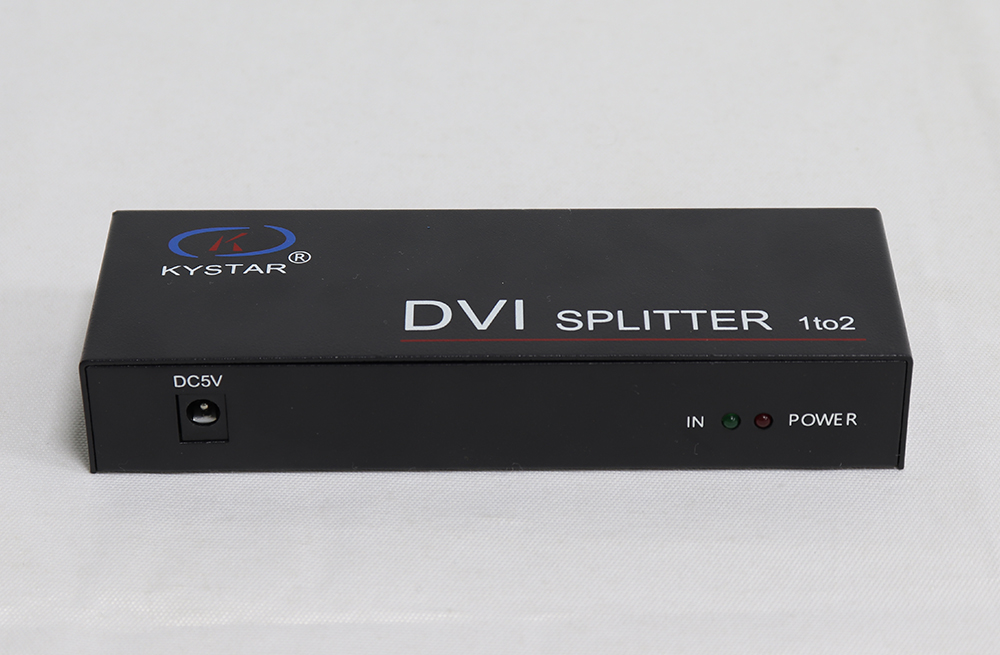
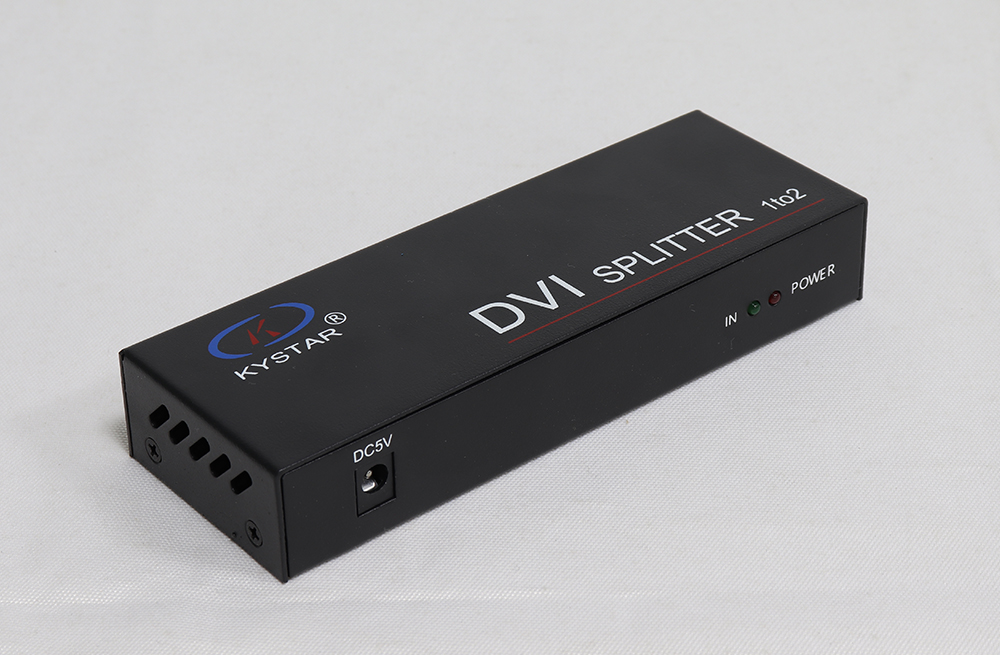
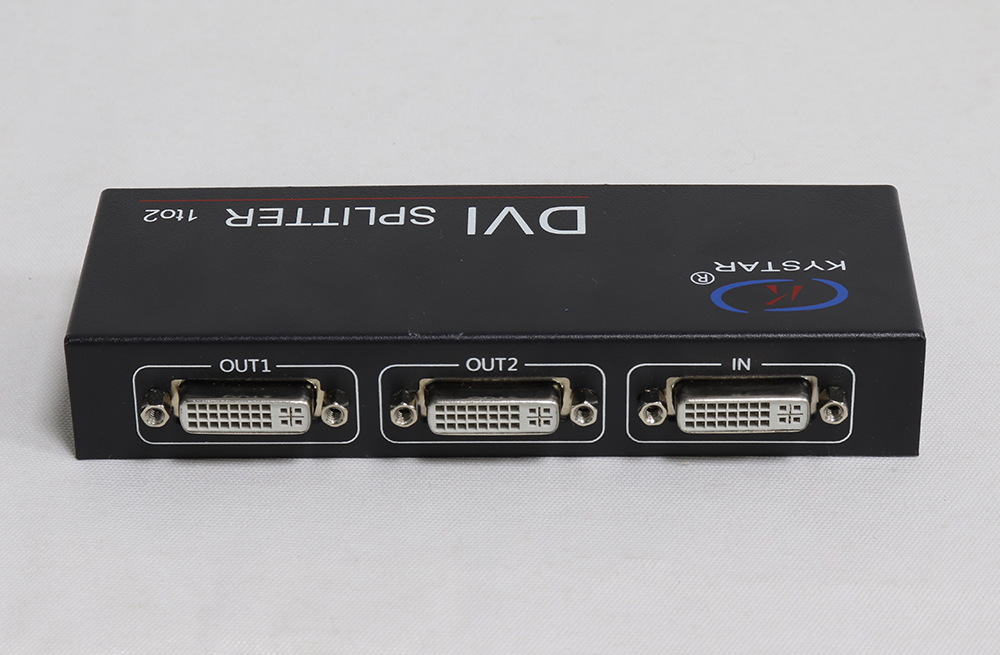
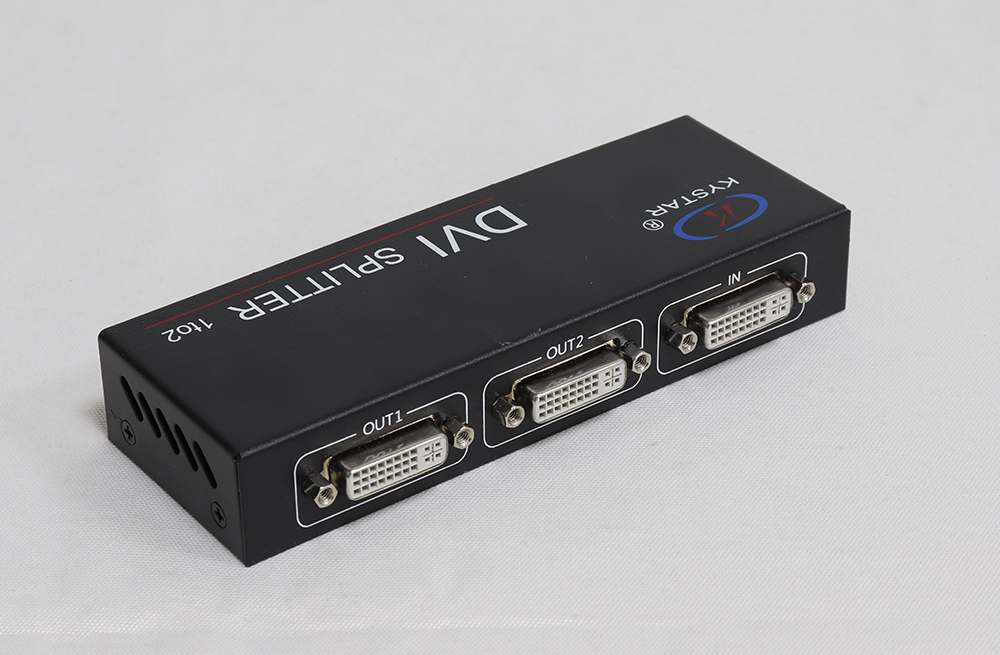
The Kystar DVI Splitter is a compact powered video distributor with one DVI input and two DVI outputs. It copies the same digital source to both outputs, allowing two compatible downstream devices to receive one video feed. Use it in an LED display signal chain where a processor or computer’s DVI output must feed more than one sending-card input.
Uses and Features
- One-to-two signal distribution: send the same source image to two DVI destinations.
- Powered signal amplification: the original specification describes signal amplification; choose cable lengths suitable for the actual source, timing and destination.
- Multiple supported timings: distribute listed standard and supported custom resolutions within the device’s signal limits.
- Compact enclosure: place the 154 × 59 × 26 mm unit near the source or sending-card equipment while keeping ventilation clear.
Verified DVI Splitter Specifications
| Specification | Details |
|---|---|
| Video input | 1 digital DVI input. |
| Video outputs | 2 DVI-D outputs carrying copies of the input signal. |
| Signal specification | DVI 1.1; 165 MHz bandwidth and single-pixel signal transmission, as listed in the original model document. |
| Highest listed standard timing | 1920 × 1200 at 60 Hz. Custom timings must remain within the supported signal range. |
| Other listed timings | 1920 × 1080, 1680 × 1050, 1600 × 1200, 1440 × 900, 1400 × 1050, 1366 × 768, 1360 × 768, 1280 × 1024, 1280 × 800 and 1024 × 768, at 60 Hz. |
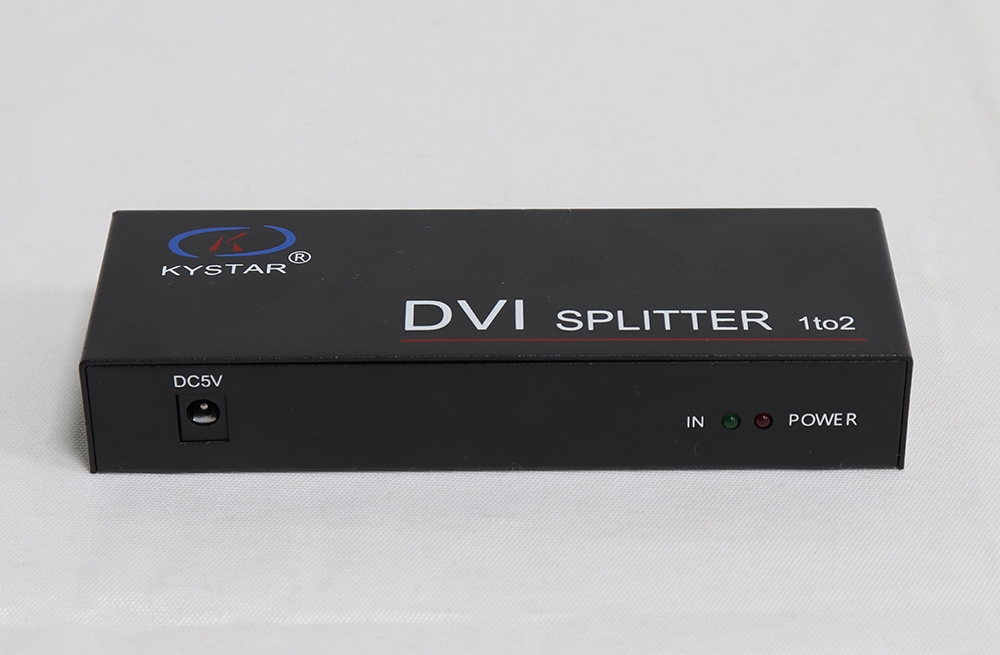
| Power supply | 5 V, 1 A. Confirm connector size and polarity for the supplied adapter. |
| Power consumption | 5 W, listed in the model specification. |
| Operating temperature | 0–40°C. |
| Dimensions | 154 × 59 × 26 mm (L × W × H). |
Compatibility and Installation
Connect a compatible digital DVI source to IN, then connect OUT1 and OUT2 to the receiving devices. Both destinations must accept the selected source timing. Configure any LED sending-card mapping in the sending system; the splitter itself does not assign LED cabinet coordinates.
The connector’s physical pin arrangement does not establish analog VGA conversion or Dual Link DVI processing. Confirm digital DVI compatibility with your source, cables and receiving equipment. The verified specification does not establish 4K, HDCP behavior, EDID management or a guaranteed maximum cable distance, so check these requirements before selecting the unit.
For an example of DVI distribution within an LED sending system, see the manufacturer’s Kystar S2 installation guide. That wiring example does not establish universal card compatibility. If you need an enclosure to organize several sending cards, compare the Kystar KS604 sending box and confirm its card and input configuration.
Frequently Asked Questions
Can each output show a different source?
No. This device duplicates one input signal. Independent video sources or separately processed layouts require suitable switching or processing equipment.
Does the splitter increase the LED system’s pixel capacity?
No. It distributes the video signal. LED pixel load is determined by the downstream sending system, receiving-card configuration and screen mapping.
Does it support 4K input?
The original model document lists timings up to 1920 × 1200 at 60 Hz. Select other equipment if your source requires an unsupported 4K timing.
Summary and Documentation
Choose the Kystar DVI Splitter when one digital DVI feed must be copied to two compatible destinations. Match the source timing, cables and 5 V supply to the installation. The original Chinese model specification and product images are preserved below.
Original Product Images and Specification
More Pictures of KYStar DVI Splitter for LED Large Video Screen:
Download Specification
KYStar DVI Splitter for LED Large Video Screen Specification (Chinese)