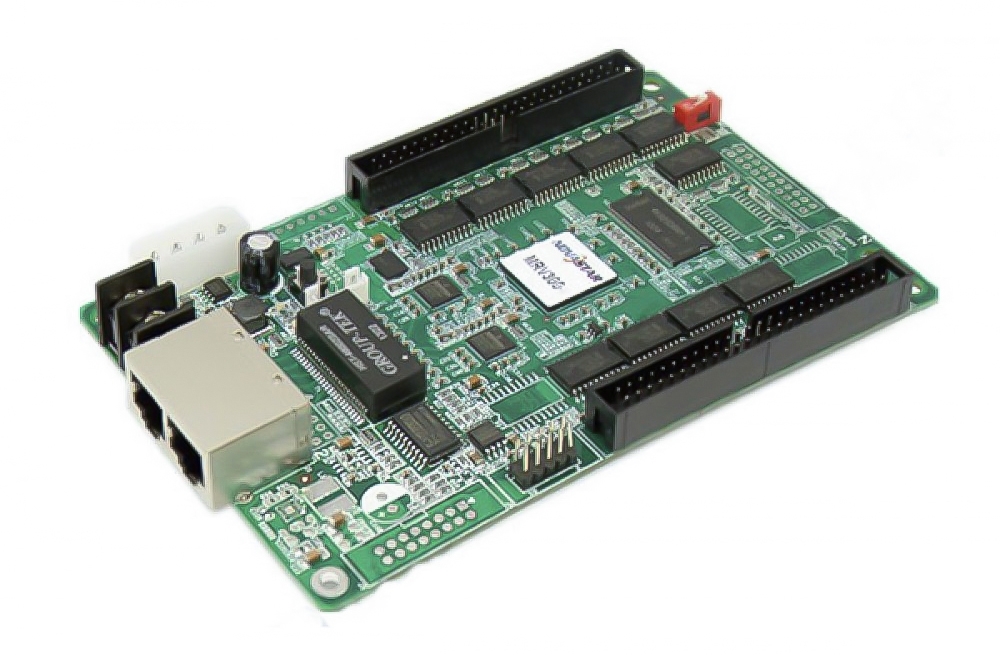
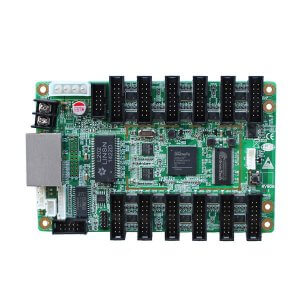
What Is the Kystar G612 Gold Card?
The Kystar G612 is a full-color LED receiving card that takes data from a compatible sending controller and converts it into control signals for LED modules. It provides 12 standard output interfaces and 24 RGB data groups. Select it for panels whose pinout, driver IC, scan mode and required load match the supplied G612 board and firmware.
Features for Screen Setup and Maintenance
- Panel data outputs: connect modules through the 12 interfaces using the documented ribbon-cable signal arrangement.
- Pixel calibration: apply supported point-by-point brightness and chrominance correction with low-gray compensation.
- Grayscale and refresh tuning: configure low-brightness grayscale and frequency multiplication for the actual panel and image-quality requirements.
- Configuration recovery: read back existing settings and use supported recovery functions when maintaining the display.
- Network diagnostics: check communication status and cable sequence while arranging cabinets or irregular screen areas.
Verified G612 Specifications
| Specification | Details |
|---|---|
| Role | Receiving component for full-color LED displays; requires a compatible sending controller. |
| Module interfaces | 12 standard interfaces with a 16-pin signal arrangement. Verify the module pinout and ribbon-cable orientation. |
| RGB data groups | 24 groups per receiving card. |
| Recommended pixel area | 128 × 768, approximately 98,000 pixels, as listed in the model documents and manufacturer’s G612 product information. Confirm the load for the actual panel configuration. |
| Network connections | 2 Gigabit ports for the LED sending/receiving data chain. |
| Driver support | Multiple general-purpose, PWM, point-detection and dual-latch driver categories are described in the model documents. Confirm the exact IC with the applicable firmware. |
| Power reference | 3.5–6 V, 0.6–1.0 A in the original specification. Verify the supplied board’s 5 V power connections and polarity. |
| Maintenance functions | Configuration readback, recovery, communication status checking and cable-sequence detection. |
Compatibility and Pixel-Load Planning
The recommended 128 × 768 area is a model reference, not a guarantee for every module and scan mode. Confirm the required width, height, RGB data grouping, driver IC, scan ratio and refresh target in the supported configuration software. The input signal’s resolution at the sending controller is a separate specification from each receiving card’s mapped module area.
Keep a working configuration before replacing a card. Match the replacement board’s exact model and revision, reconnect ribbon cables in the documented orientation and verify color order, panel addressing and cabinet mapping. The G616 receiving card has a different interface and data-group arrangement, so compare hardware and configuration rather than assuming it is a direct substitute.
Frequency multiplication can help tune the display for filming, but scan lines and banding depend on LED drivers, scan mode, refresh settings and the camera’s shutter or exposure. Test the finished screen with the intended camera. Calibration also requires suitable correction data and compatible software.
A sending option such as the Kystar S2 must be checked for firmware compatibility, total screen load and the allocation of receiving cards to each output.
Frequently Asked Questions
Does G612 play video by itself?
No. It receives LED display data from an upstream sending system and drives module control signals. Media playback and source processing belong to the appropriate upstream equipment.
Is 98K a complete LED wall capacity?
It is a single-card load reference. A complete wall uses the required number of receiving cards within the sending system’s total capacity and cable mapping.
Can I replace any receiving card with G612?
Confirm the exact connector pinout, driver IC, scan configuration, firmware and load first. Matching the general product category alone is insufficient.
Summary and Model Documentation
Choose G612 for compatible LED modules needing its 12-interface, 24-RGB-group arrangement. Verify the card revision and configuration before installation, then test load, color, grayscale and refresh. Consult the manufacturer’s G612 product information and the preserved original documents below.
Original Product Images and Downloads
More Pictures of KYStar Gold Card G612 LED Screen Receiving Card:


Download Specification:
KYStar-Gold-Card-G612-LED-Screen-Receiving-Card-Specificatio(Chinese)
KYStar-G612-Full-color-receiving-card-specification.pdf