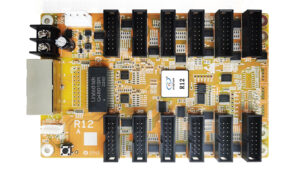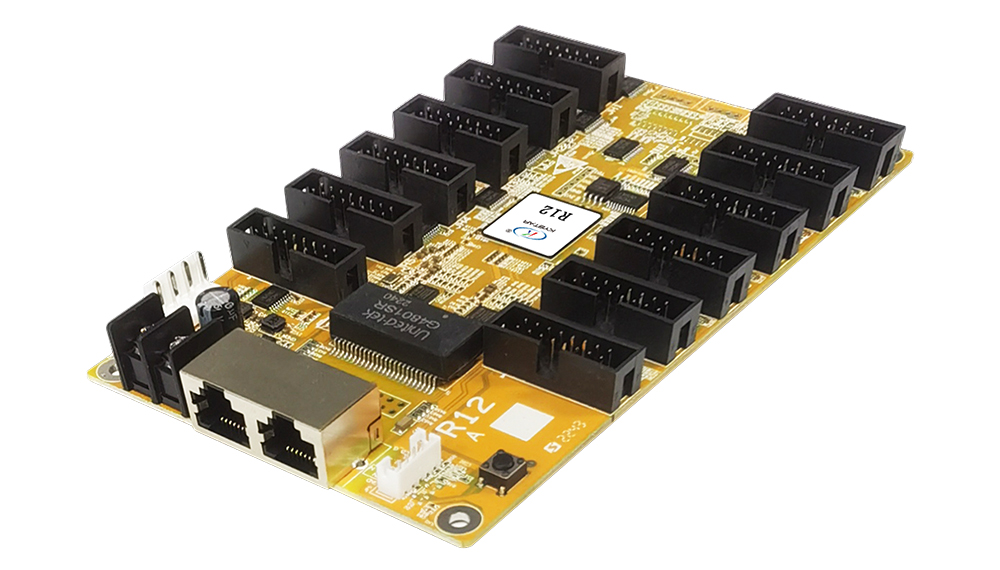
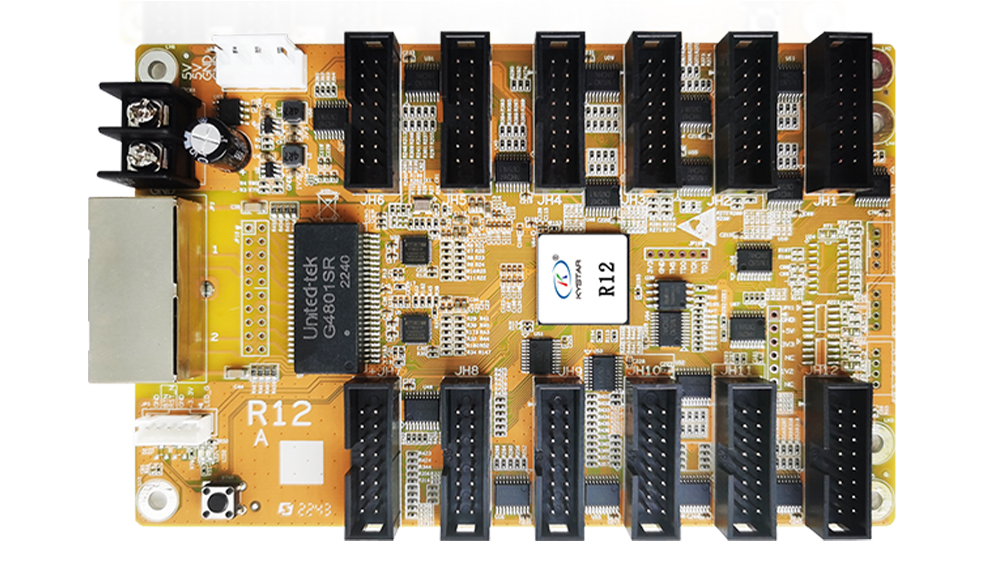
Kystar R12: twelve-interface LED receiving card
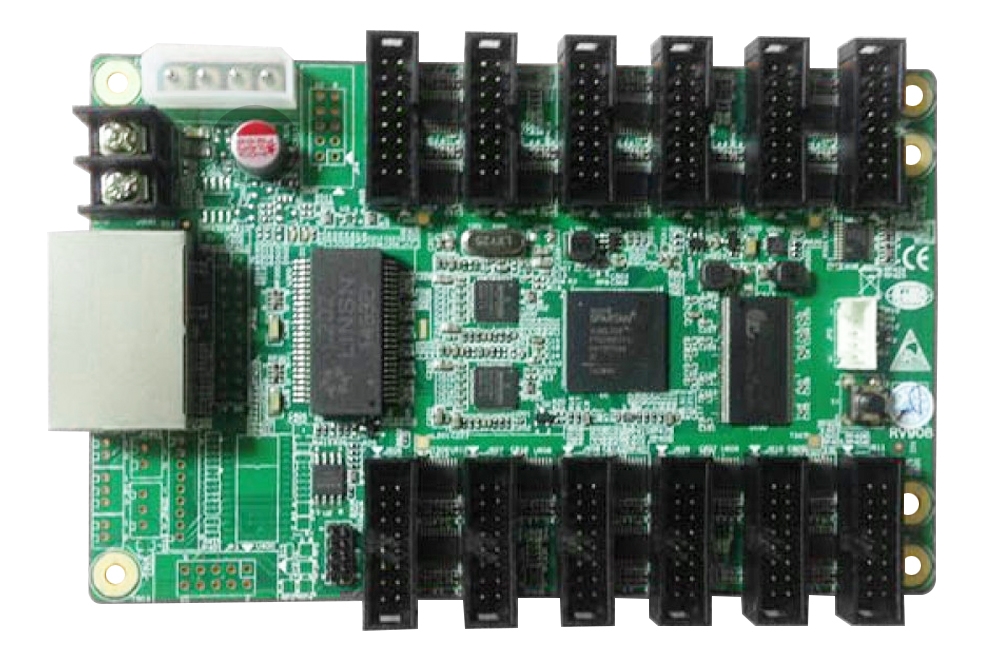
The Kystar R12 is a Gold Card Series receiver that converts incoming LED display data into module-control signals. It provides 12 module interfaces and 24 RGB data groups. Its B1.0 specification distinguishes a maximum load of 512 × 512 pixels from a 512 × 320 load with correction data.
Use the R12 at the cabinet level of a compatible LED control system. Select it by module wiring, driver IC, scan ratio and the image settings required for the project.
Verified R12 specifications
| Specification | Details |
|---|---|
| Module outputs | 12 × 16-pin interfaces, JH1–JH12 |
| RGB data groups | 24 |
| Maximum stated load | 512 × 512 pixels |
| Load with correction data | Up to 512 × 320 pixels |
| Network ports | 2 Gigabit Ethernet ports; either can act as input or output |
| Driver support | Common driver, PWM and dual-latch categories; verify exact IC |
| Calibration | Brightness and chromaticity correction with low-grayscale compensation |
| Maintenance | Configuration readback, repair and network diagnostics |
| Power reference | DC 3.5–6V; 0.6–1.0A in the model document |
| Status extension | JP5 connection for a compatible status-display configuration |
Plan the cabinet around the required calibration mode
The two load figures describe different conditions. A 512 × 512 area contains 262,144 pixels, while 512 × 320 contains 163,840 pixels. If your cabinet requires correction data, plan against the documented corrected load rather than selecting the larger headline maximum alone.
For example, a 512 × 384 cabinet contains 196,608 pixels. It is below the stated maximum but above the documented correction-data load. That distinction matters before choosing a card count or assuming that all calibration settings will fit.
Setup and maintenance benefits
- Calibrate the screen: use supported brightness and color-correction settings for the applicable load.
- Recover configuration: read back settings and use the repair workflow when servicing a cabinet.
- Trace cable layout: inspect network status and connection sequence.
- Configure irregular areas: use supported point mapping for the actual module layout.
Compatibility checks before installation
Match the 16-pin interface definitions to the modules before connecting them. Connector shape alone does not establish compatibility. Confirm the exact board revision, driver IC, scan ratio, firmware, refresh requirement and calibration mode.
The sending controller’s total and per-output budgets also limit the full display. A suitable controller such as the Kystar S10 must be assessed with the receiving-card chains and cabinet mapping. Camera results depend on shutter settings and screen configuration, so no universal scan-line-free result is promised. Use stable power and the correct firmware procedure when updating the card.
Frequently asked questions
What is the R12 load with correction data?
The B1.0 document lists up to 512 × 320 pixels when correction data is used, distinct from its 512 × 512 maximum.
Does R12 replace the sending controller?
No. It receives data at the LED cabinet; the display still needs a compatible sending controller and video source.
Can I choose R12 from the interface count alone?
Confirm the module pinout, scan mode, driver chip and corrected pixel budget as well as the number of connections.
Conclusion
R12 offers twelve module interfaces and practical calibration and maintenance functions. Size the cabinet for the required correction mode and verify the module configuration before ordering. Consult the official Kystar R12 B1.0 specification and the preserved download below.
Download Specification:
Kystar R12 LED Display Screen Receiver Card Specification