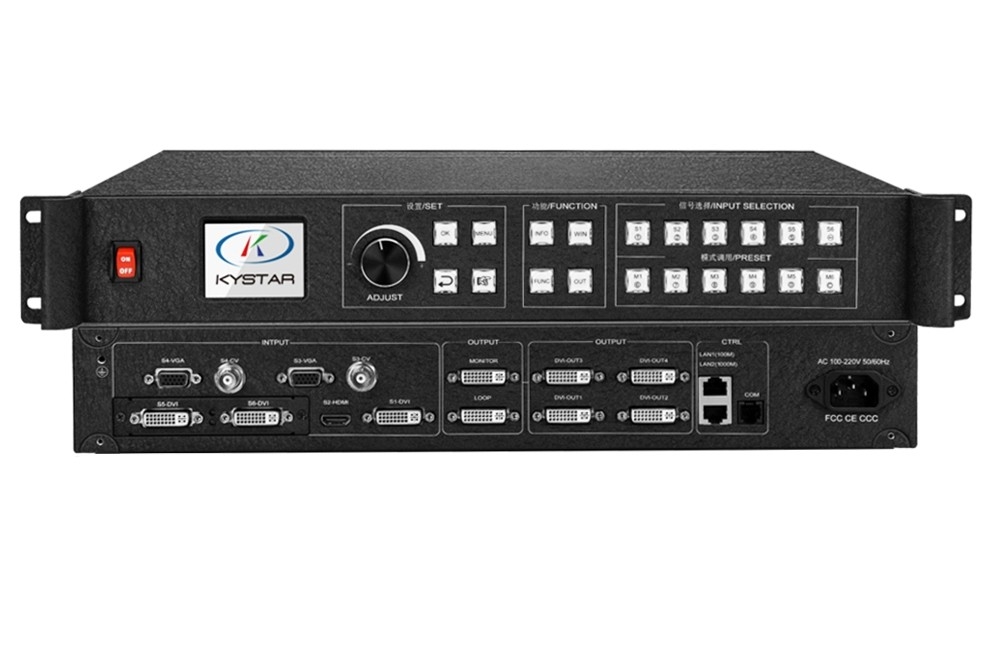
Kystar U4 for four-window LED video processing
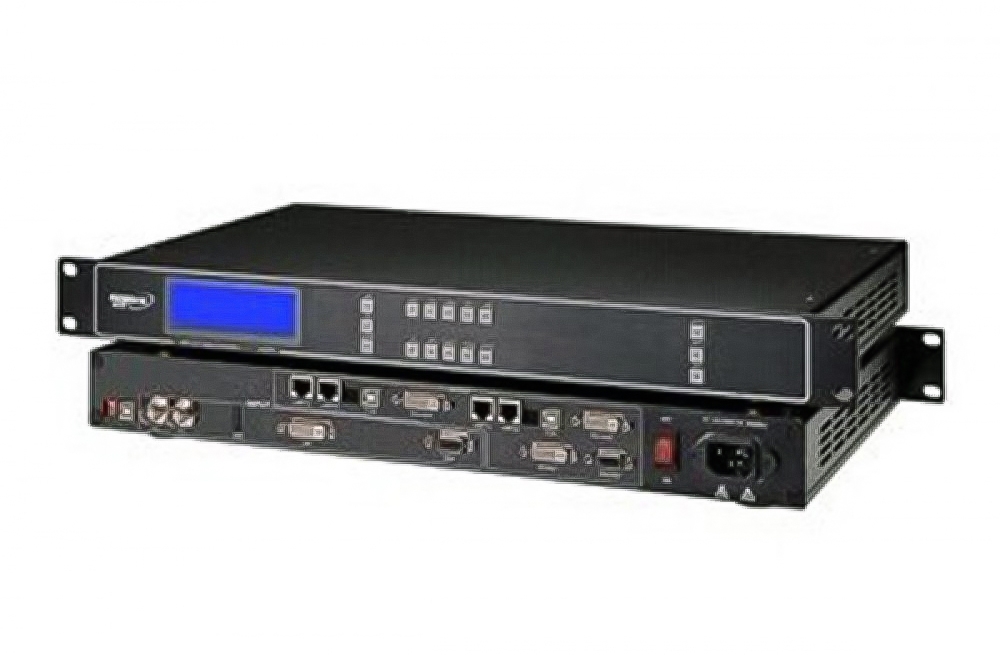
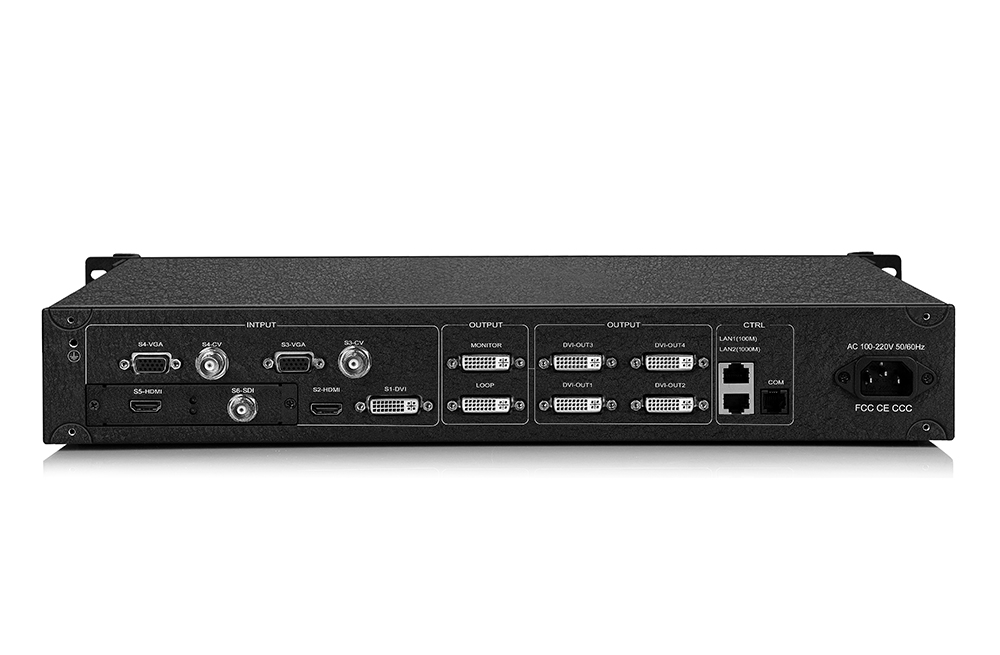
The Kystar U4 is a multi-image splicing processor for LED display systems. It supports four simultaneous windows, with independent size, position and layer order. Four DVI outputs handle the spliced display composition, while additional DVI connections serve monitoring/preview and loop-output roles.
This arrangement suits a main screen with side-screen regions, a wide presentation display or a composition assembled from several sources. U4 processes video; compatible sending controllers and receiving cards are still required to drive the LED modules.
Documented interfaces and functions
| Specification | Details |
|---|---|
| On-screen windows | Up to four |
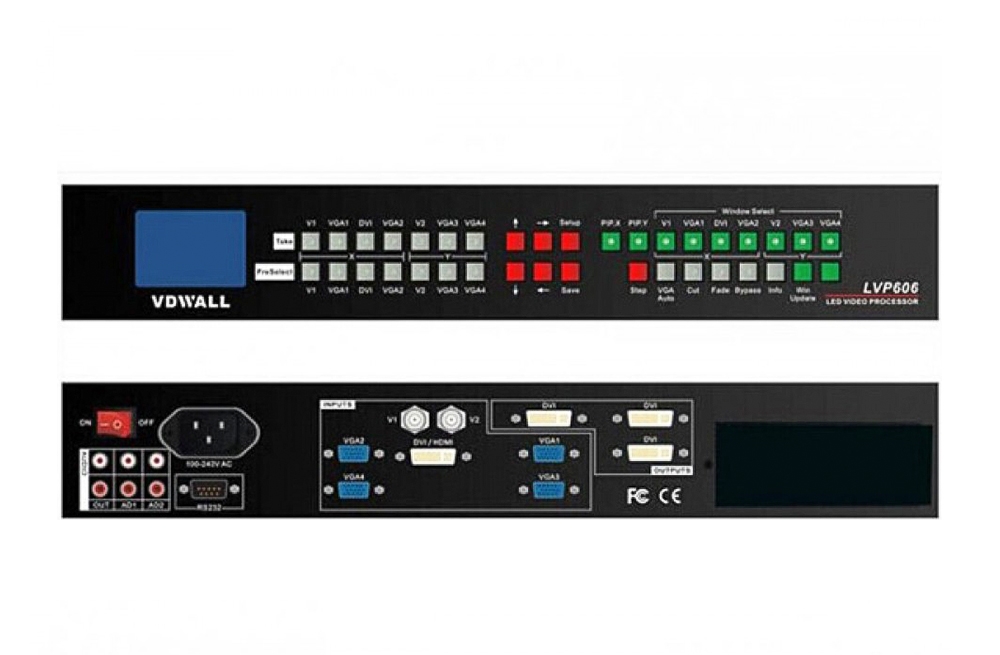
| DVI output roles | 4 splicing/program outputs; 1 monitoring/preview output; 1 loop output |
| Base source interfaces | DVI, HDMI, VGA and composite video; check the supplied unit |
| Standard DVI / HDMI / VGA timing | Up to 1920 × 1200 at 60Hz in the brochure interface table |
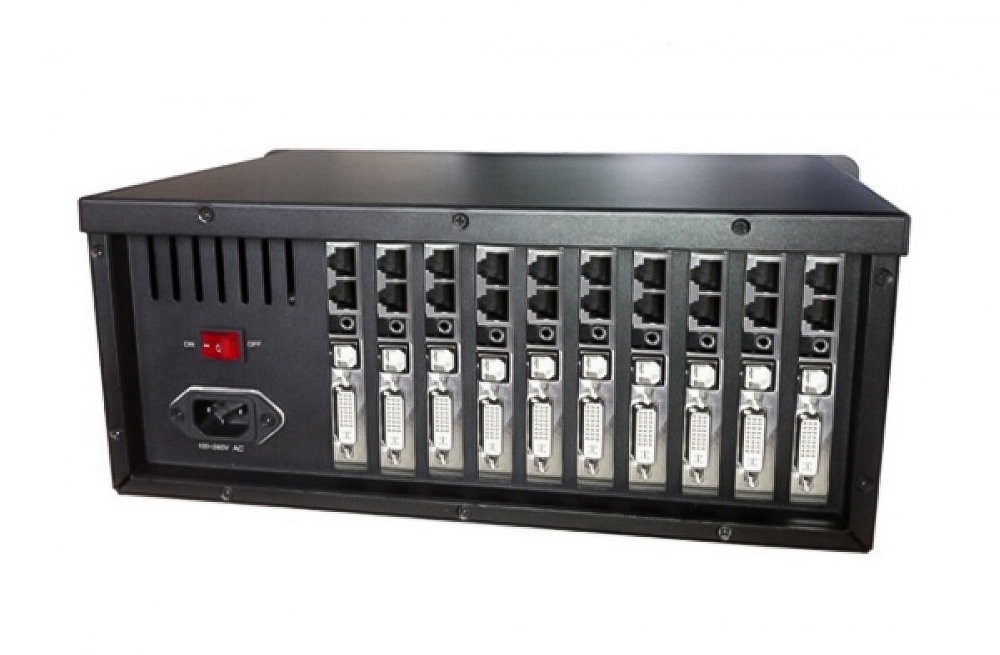
| Expansion inputs | Optional/configurable interfaces including digital and legacy signals; verify installed board |
| 4K processing | Brochure describes HDMI 1.4 and dual-link DVI configurations up to 4096 × 2160; verify timing and board |
| Image controls | Window layout, transparency, edge feathering and supported overlays |
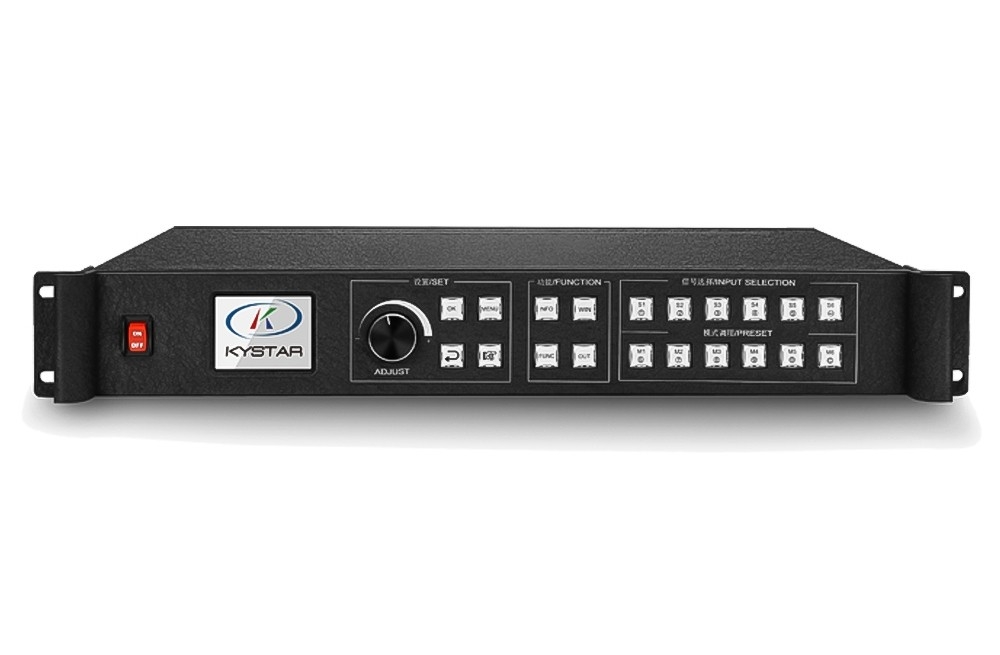
| Live operation | Transitions, source backup, local monitoring and preview |
| Management | Ethernet or serial control through compatible Kystar software |
Tools for presentations and live source switching
- Compose four windows: place source images in the required screen regions and adjust their layer order.
- Monitor operation: inspect the output and preview input sources through the supported workflow.
- Add overlays: use supported image or text layers for labels and prepared display information.
- Switch sources or presets: apply documented transitions for live operation.
- Prepare input backup: assign a compatible alternate source for the source-loss workflow.
Input boards and output timing need configuration checks
The brochure distinguishes standard input timing from expanded 4K processing. Do not assume every HDMI or DVI connector accepts 4096 × 2160, or that the documents establish full 4K at 60Hz. Confirm the installed board, supported source timing and required cabling.
The preserved brochure also gives inconsistent splicing examples: one section shows 15360 × 400 and 960 × 6144, while its parameter table gives smaller arrangements. Treat these as document-specific examples, and confirm the actual firmware, output mode and canvas before sizing a screen. Maximum width and height are separate constraints and must not be combined into a fully loaded maximum-size rectangle.
Match every DVI output to the downstream sending controller’s supported timing. The sending system’s total and per-port LED load, receiving-card configuration and cabinet mapping remain separate requirements. For a model with a documented six-window layout, compare the Kystar U6 using its own specifications.
The existing software downloads are preserved below. Confirm which package applies to the supplied processor and firmware before installation; a package labeled for three-in-one control systems is not automatic proof of compatibility with every U4 revision.
Frequently asked questions
Does U4 display four or six windows?
The model brochure documents four simultaneous windows. Previewing several input sources is a different function from the number of composition windows.
Does U4 send data directly to LED receiving cards?
Its DVI outputs provide video to compatible sending equipment. The LED network needs the appropriate sending and receiving system.
Can I order from the maximum splicing dimensions alone?
Confirm the exact output mode, board revision, source timings and downstream pixel budget. The retained document’s examples need a configuration check.
Conclusion
U4 provides four-window composition, DVI splicing and live-operation tools for an LED video system. Select the installed interfaces and output mode to match the sending equipment and screen layout. Consult the preserved U4 brochure and Kystar’s official website when checking the actual hardware and firmware.
Download Specification:
Download Software