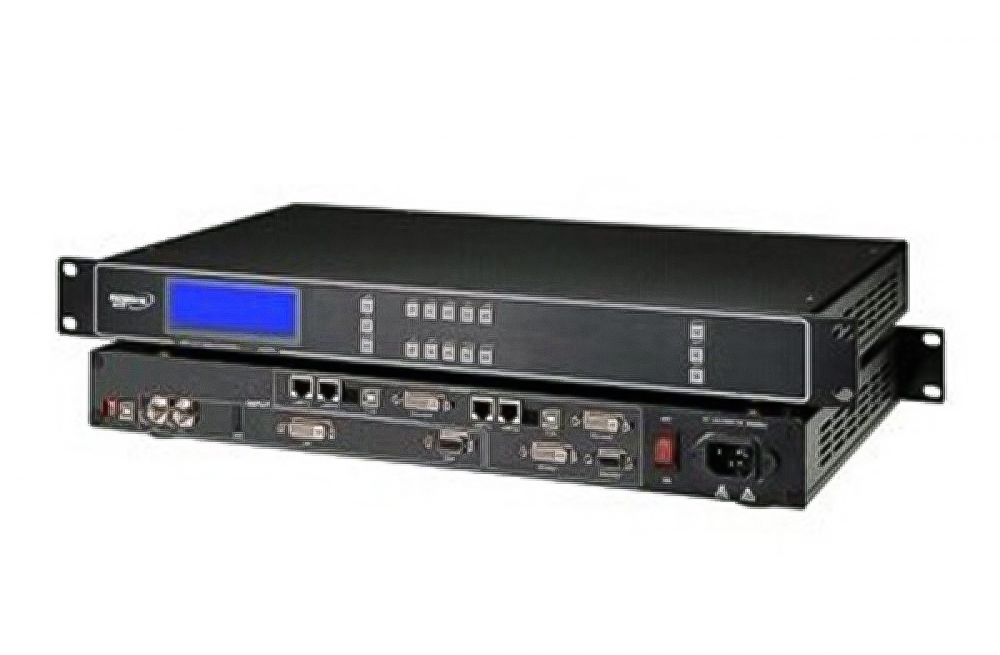
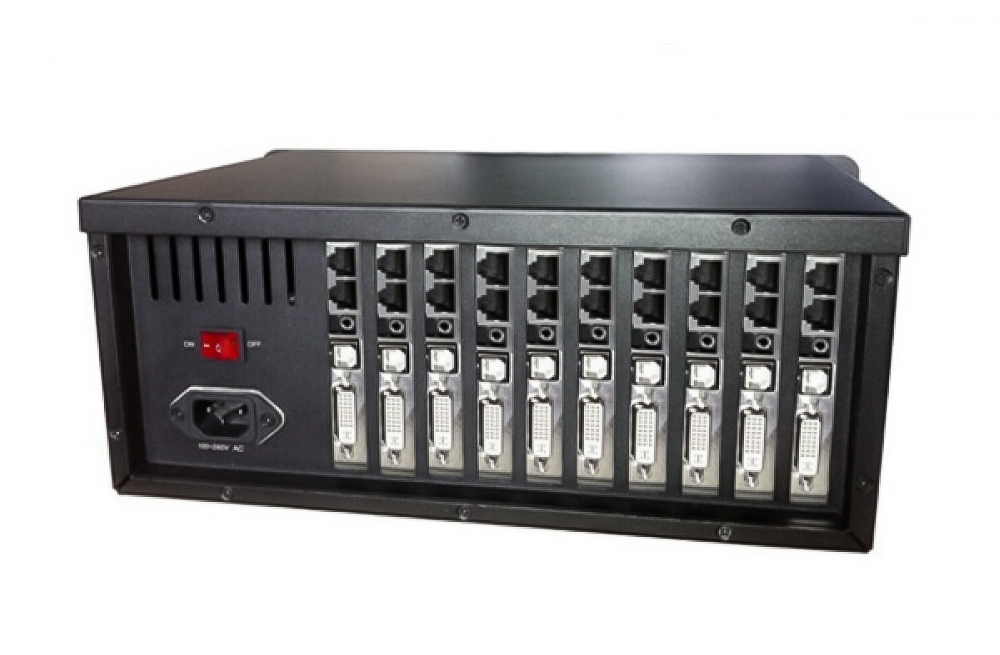
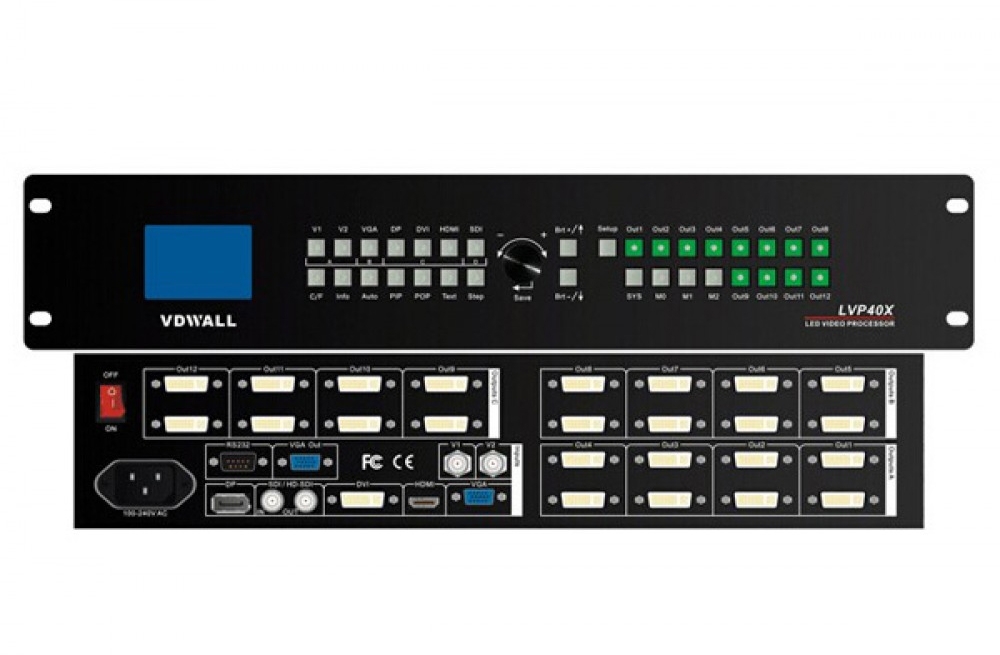
The Mooncell MTB600E LED master controller sends display data through six Gigabit Ethernet outputs and supports a total load of 2.6 million pixels. It provides PC configuration, status monitoring and backup connection options for LED display systems.
MTB600E specifications
| Parameter | Specification |
|---|---|
| Ethernet outputs | 6 Gigabit ports |
| Total pixel capacity | 2.6 million pixels |
| Per-port capacity | 650,000 pixels, within the total unit limit |
| Loading width range | 128–4096 pixels |
| Loading height range | 64–4096 pixels |
| Image offset range | 0–4095 pixels horizontally and vertically |
| Documented input ports | DVI video and 3.5 mm audio; see HDMI note below |
| PC communication | USB Type-B |
| Backup functions | Network-port loop backup and dual-master backup |
| Power input / rated power | AC 100–240 V, 50/60 Hz / 16 W |
Video input and installation planning
The available description and PDF differ on HDMI input. DVI is identified in the PDF input table; confirm HDMI availability against the actual unit before purchase. Match the screen layout, per-port allocation and total pixel count before wiring the receiving cards.
Preset resolutions listed include 1920 × 1080, 2048 × 1152 and 2560 × 960, with custom resolutions also supported. The listed frame-rate options include 30, 50, 60 and 120 Hz; confirm the required combination of resolution and refresh rate for your system.
Frequently Asked Questions
What is the total pixel capacity of the MTB600E?
The complete controller is rated for 2.6 million pixels. Although each of its six network outputs is listed at 650,000 pixels, adding those figures does not change the stated whole-unit limit.
Does the MTB600E have HDMI input?
The original product description lists HDMI, and the PDF mentions an HDMI indicator. However, its feature list and rear-panel input table list DVI video input only. Confirm the rear-panel connections and hardware revision before ordering for an HDMI source.
Can I use a 4096 × 4096 LED screen?
No. The width and height ranges are individual layout limits, and the total screen load must also remain within 2.6 million pixels.
Does the controller support backup connections?
Network-port loop backup and dual-master backup are listed. These functions require a correctly configured backup system and cabling; confirm the receiving-card arrangement when planning the installation.
How can I configure and monitor the MTB600E?
Connect it to the PC software through USB. The listed functions include configuration readback, operating-status monitoring and Gigabit network error-rate detection.
Product photo and specification download

manual pdf Download: