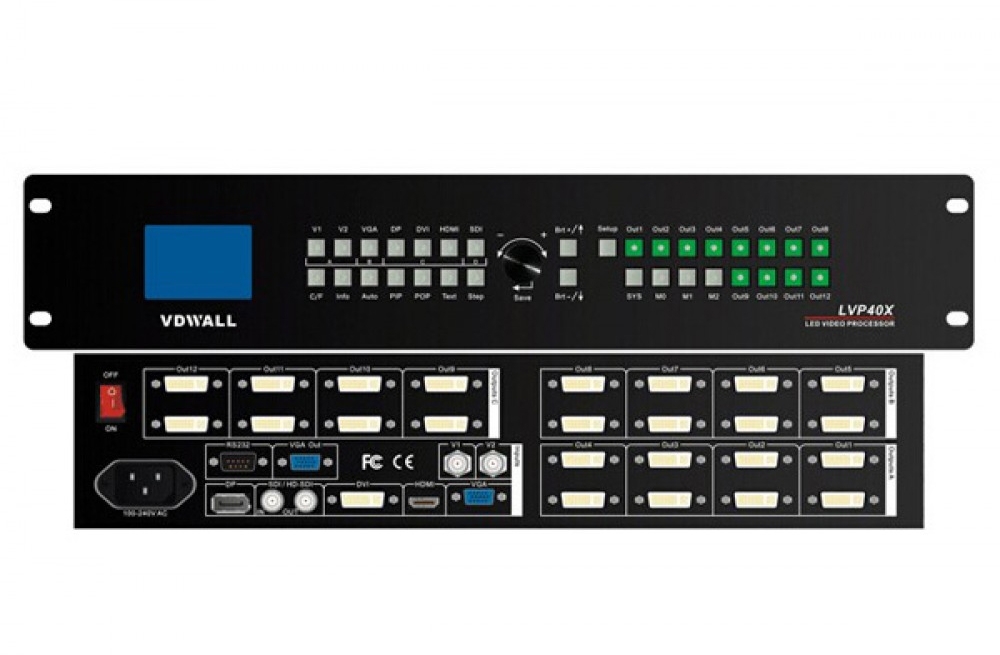
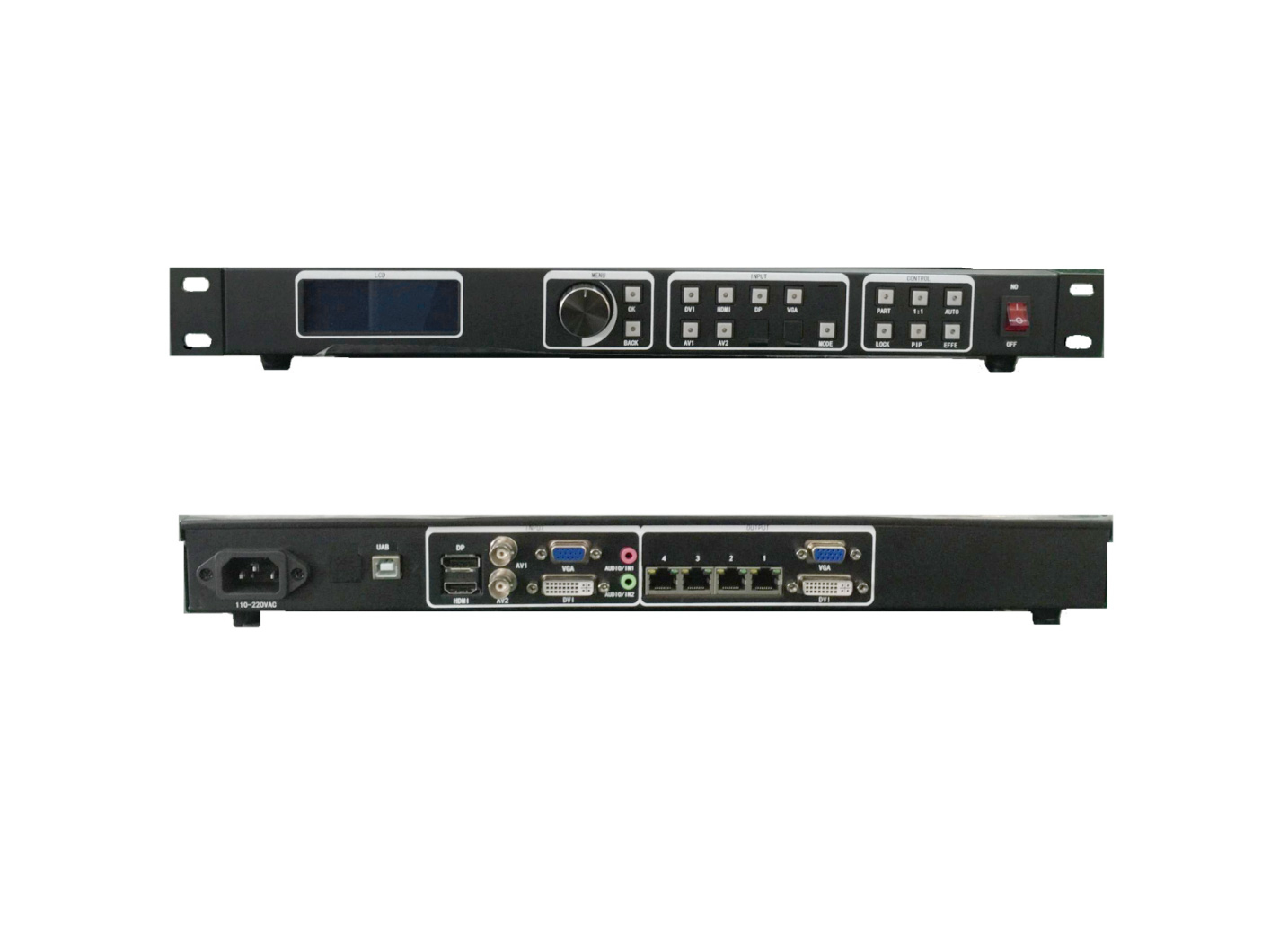
The Mooncell MVB2S LED video processor combines display control and video processing with two Ethernet outputs and a maximum load of 1.3 million pixels. USB playback, scene presets and front-panel controls support everyday operation of small and medium LED screens.
MVB2S product specifications
| Parameter | Specification |
|---|---|
| Model | Mooncell MVB2S |
| Processor type | Two-in-one LED video processor |
| Ethernet outputs | 2 |
| Maximum total LED load | 1.3 million pixels |
| Local playback | USB video and picture playback |
| Scaling modes | Full-screen, point-to-point and custom |
| User scenes | 8 saved scene templates |
| Source transitions | Seamless switching or fade-in/fade-out |
| Audio | Independent audio input and output; synchronized video/audio switching |
| Display controls | Window position/size adjustment, window capture and one-button black screen |
Playback and screen control
Use full-screen, point-to-point or custom scaling to match the content to the display. Adjust window size and position, save common scenes and choose seamless or fade transitions when changing input sources. The front-panel LCD and illuminated buttons provide status and control feedback.
Before ordering, confirm the required video connections and USB media formats against the exact unit. These details should not be taken from a different MVB model.
Frequently Asked Questions
How many pixels can the Mooncell MVB2S drive?
The MVB2S is listed with two Ethernet outputs and a maximum total load of 1.3 million pixels. Check the cabinet layout and receiving-card configuration against that total before setup.
Can the MVB2S play images and video from USB?
Yes. USB playback supports videos and pictures. File-system, codec and playback-resolution limits are not listed in the available page text; confirm those details for your media before deployment.
What scaling options does the MVB2S provide?
It supports full-screen scaling, point-to-point display and custom scaling, together with window-position, window-size and capture adjustments.
Can I save and recall screen layouts?
Yes. You can create eight user scenes, save them as templates and recall them for repeat setups.
How do I blank the display or switch sources?
The listed controls include a one-button black screen. Source changes support seamless switching or fade transitions, with synchronized audio and video switching.
Product photos and specification download


Download Specification