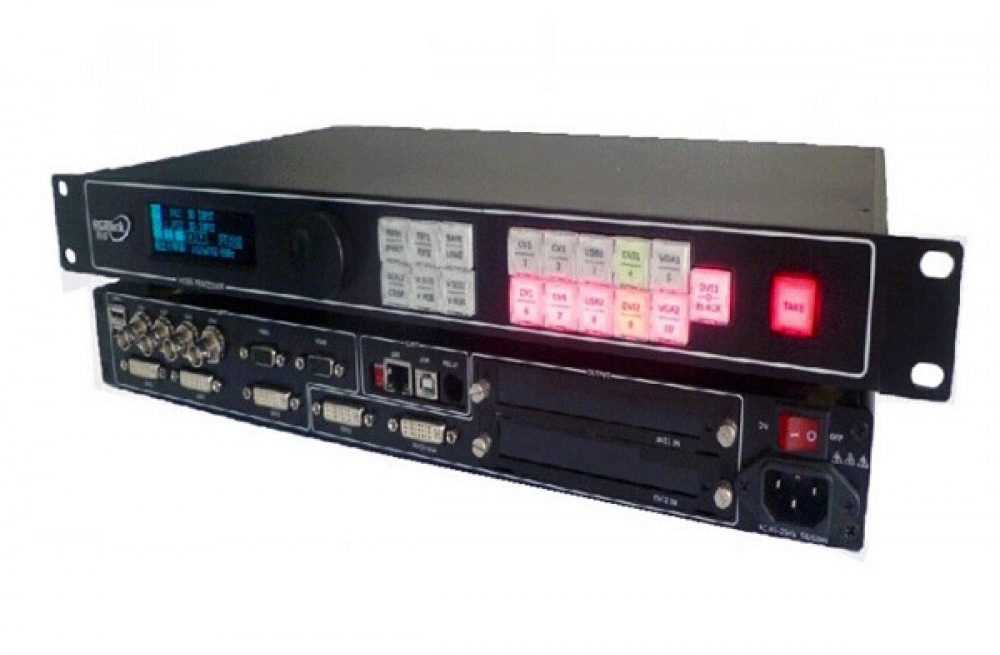
Mooncell MVB4S Pro LED processor with front-panel setup
The MVB4S Pro combines video processing and LED sending with four Ethernet outputs and a 2.6-million-pixel load. Front-panel quick setup and a wizard mode help configure screen connections, while HDMI/DVI dual-picture display supports picture-in-picture layouts.
Product specifications
| Parameter | Specification |
|---|---|
| Model | Mooncell MVB4S Pro |
| LED outputs | 4 Gigabit Ethernet ports |
| Total / per-port loading | 2.6 million / 650,000 pixels |
| Maximum output width / height | 3840 / 1920 pixels, within the total loading limit |
| Video inputs | 1 × HDMI, 1 × DVI, 1 × VGA, 1 × CV |
| HDMI, DVI and VGA formats | VESA resolutions up to 1920 × 1200 |
| Additional output | DVI LOOP |
| Dual-picture display | HDMI and DVI; picture-in-picture or picture-outside-picture |
| Audio | Independent 3.5 mm input and output |
| Setup | Front-panel quick setup and wizard mode; USB PC debugging |
| Power input / rated power | AC 100–240 V, 50/60 Hz / 20 W |
Source switching and display controls
Switch input sources instantly or with a fade, scale the input to the display layout, and use graphic overlay or keying for subtitles and image composition. The processor supports scheduled signal switching, scheduled brightness adjustment and multi-device cascading.
The Pro model has its own specification. Match the complete MVB4S Pro name and rear-panel connections when selecting a replacement.
Frequently Asked Questions
What is the MVB4S Pro loading capacity?
It supports 2.6 million pixels across four Gigabit Ethernet ports, with up to 650,000 pixels per port. The separate maximum output width and height are 3840 and 1920 pixels.
Can HDMI and DVI display two pictures together?
Yes. The specification describes simultaneous HDMI and DVI dual-picture display, with picture-in-picture or picture-outside-picture layouts and adjustable size.
Do I need computer software for quick screen setup?
The MVB4S Pro provides front-panel quick screen connection using its knob and buttons, plus a wizard mode. A USB debugging connection is also documented for PC control.
Does it support timed switching and brightness adjustment?
Yes. The listed functions include scheduled signal switching and scheduled brightness adjustment, along with EDID management and device voltage and temperature checks.
Are LAN and RS232 standard working control interfaces?
The linked specification marks LAN and RS232 as reserved interfaces. Check the unit’s supported control method rather than relying on the connector label alone.
Product image and specification download

Download Specification: