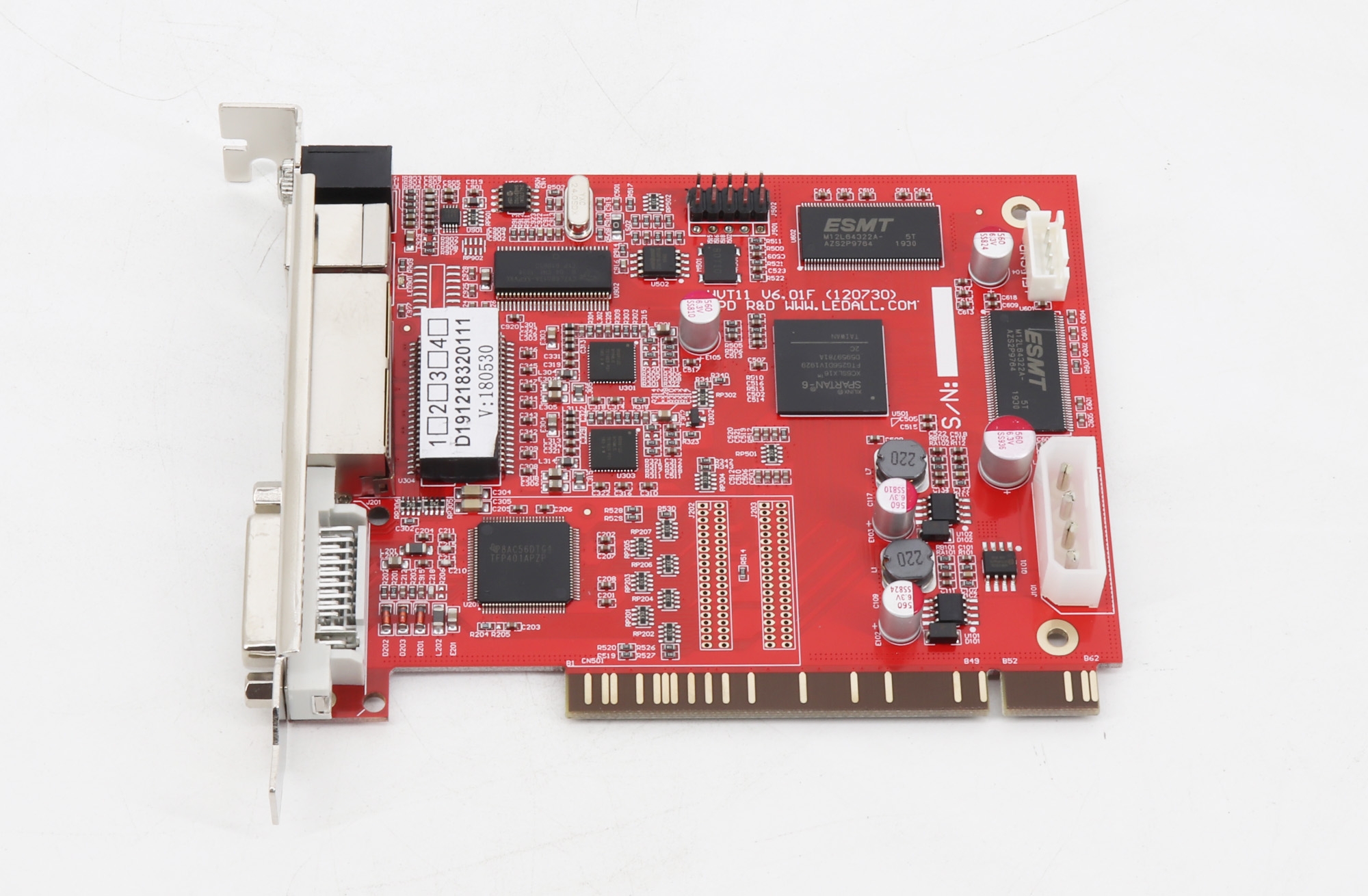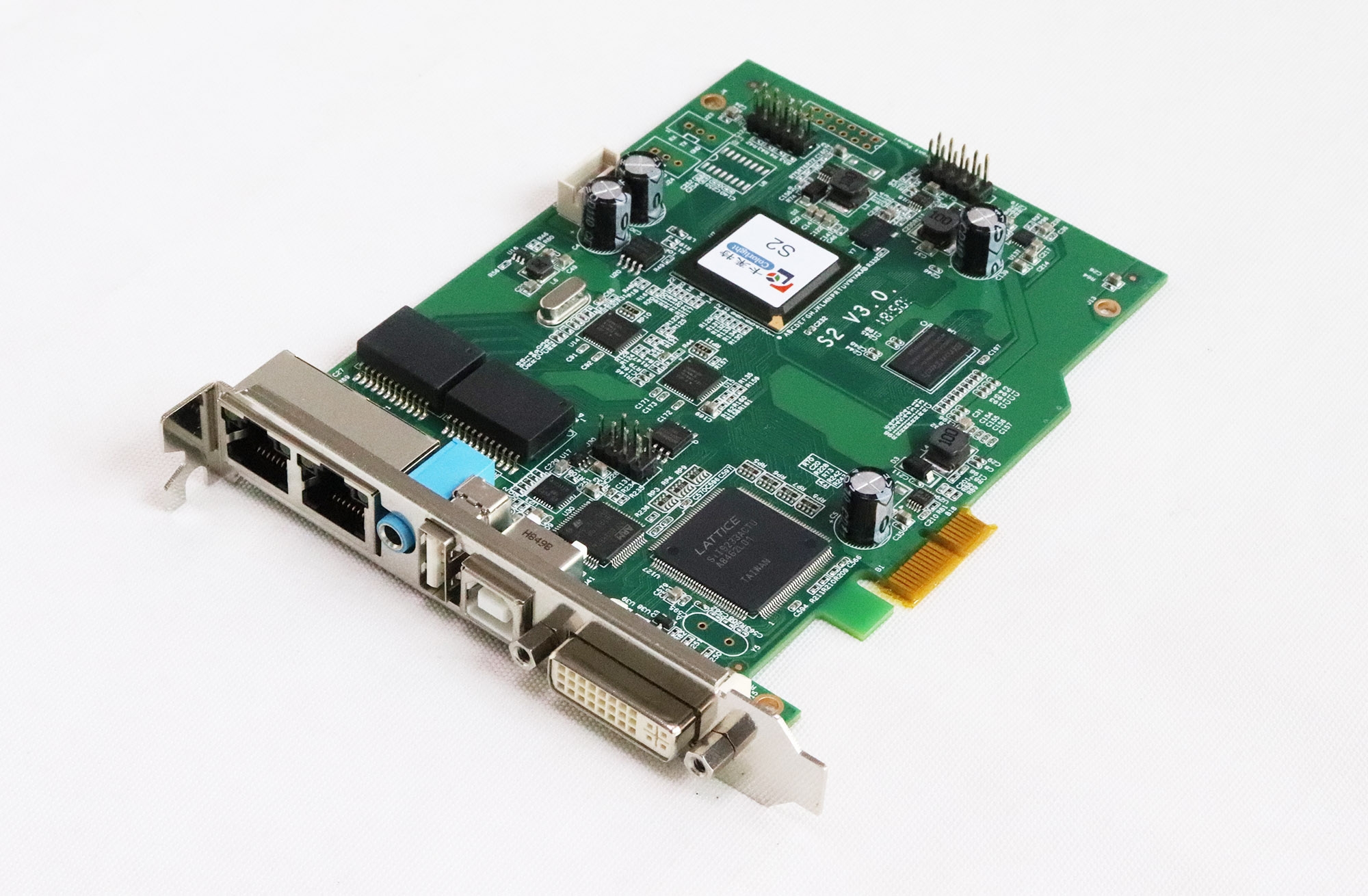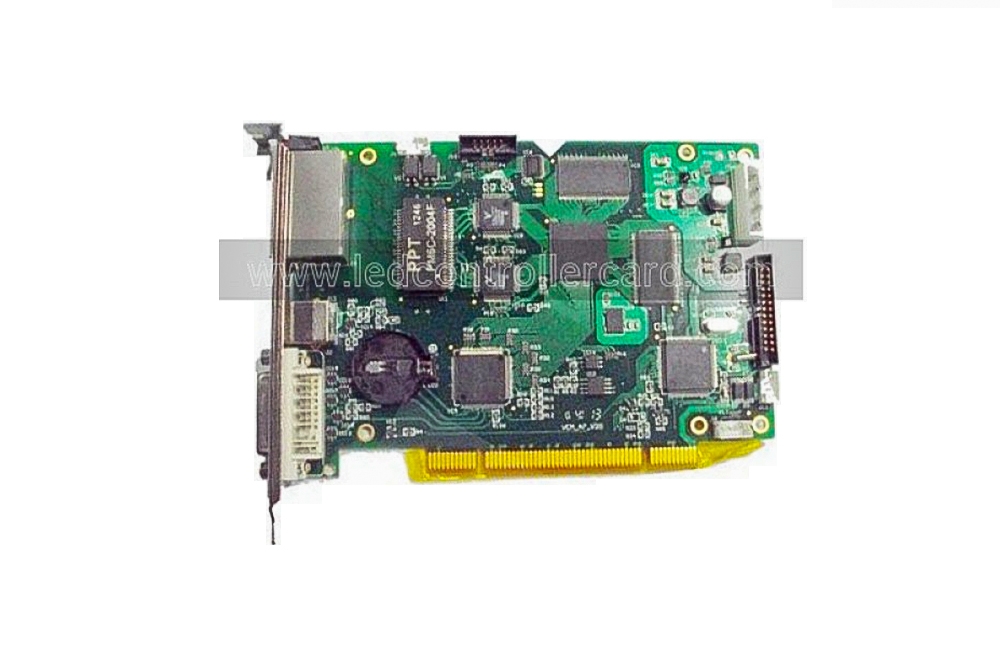
The Mooncell VCMA7-V20 is a synchronous LED sending card for a DVI video source. Its listed LED capacity is 1.3 million pixels, divided across two network interfaces with a maximum of 650,000 pixels per interface.
VCMA7-V20 specifications
| Parameter | Specification |
|---|---|
| Model / function | VCMA7-V20 synchronous LED sending card |
| Video source connection | 1 DVI input |
| Network interfaces | 2 |
| Maximum card load | 1.3 million pixels |
| Maximum load per network interface | 650,000 pixels |
| USB communication | Multiple sending cards supported on the same PC |
| Supported source timings listed | 640 × 480, 800 × 600, 1024 × 768, 1280 × 1024, 1280 × 720, 1280 × 800, 1366 × 768, 1600 × 1200, 1920 × 1080, 2048 × 1152, 2560 × 960 |
| Display functions | Movable image window, resolution readback and color-space conversion |
| Backup feature | DVI dual backup |
| Working current entries | 0.6 A and 1.0 A; conditions require confirmation |
| Protection current | 3.0 A |
| Operating / extreme temperature | −10°C to 65°C / −20°C to 75°C |
| Operating humidity | 0–95% |
Setting the source and display area
Select a supported computer timing, then configure the active display area and image-window position for the LED screen. Supported source timings and LED loading capacity are separate: the timing list does not increase the card pixel limit.
USB communication supports configuring multiple sending cards from one PC. Check the installed receiving cards and power connection against the full V20 model before replacement.
Frequently Asked Questions
Is the VCMA7-V20 a synchronous sending card?
Yes. The product description identifies it as a synchronous LED sending card with DVI video input and USB communication. Standalone media playback is not specified.
What load can each network interface handle?
The listing gives 650,000 pixels per network interface and 1.3 million pixels for the complete card. Confirm the cabinet allocation when configuring the display.
Can I move the image window on the LED display?
Yes. The listed image window is movable, and the card can read back the computer screen resolution. Keep the selected display area within the loading capacity.
Can VCMA7-V20 replace VCMA7-V20EX?
The available information does not establish direct interchangeability. Check the complete model code, revision, power connections and receiving-card configuration before changing between V20 and V20EX.
What power connection does the VCMA7-V20 need?
The source text mentions three power methods without identifying the connectors or supply voltage. Confirm the exact wiring and voltage for the board before installation; the current figures alone do not establish the supply requirement.