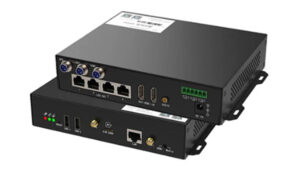
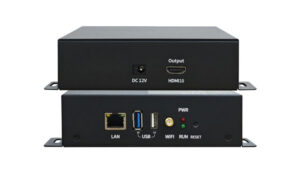
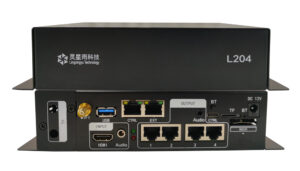
NovaStar JT20 Traffic LED Multimedia Player
The NovaStar JT20 is an all-in-one traffic LED multimedia player that combines sending and receiving functions in one compact controller. It is designed for traffic information screens and other LED displays that need reliable local playback, remote content publishing and centralized status monitoring.
With eight standard HUB75E connectors and support for up to 16 groups of parallel RGB data, the JT20 connects directly to compatible LED modules. Its integrated hardware and software simplify installation, daily operation and maintenance across single-screen and multi-screen deployments.
Key Specifications
| Maximum loading capacity | 512 x 384 pixels |
|---|---|
| Maximum width | 1280 pixels (1280 x 128) |
| Maximum height | 512 pixels (384 x 512) |
| LED module connectors | 8 x standard HUB75E |
| Parallel RGB data | Up to 16 groups |
| Processor | 4-core, 1.2 GHz |
| Memory | 1 GB RAM |
| Internal storage | 8 GB total, approximately 4 GB available |
| Video decoding | Hardware decoding of 1080p video |
| Audio | 1 x stereo audio output |
| USB | 1 x USB 2.0 port for USB playback |
| Sensor/control interface | 1 x RS485 connector |
| Relay support | Maximum DC 30 V, 3 A |
Content Publishing and Screen Control
- Local and remote publishing: publish programs and control the LED screen from a PC or supported third-party client platform.
- Cluster management: manage content and screen control across multiple locations from a centralized workflow.
- Remote monitoring: monitor the operating status of clustered screens to support efficient maintenance.
- USB playback: update or play content through the built-in USB 2.0 port when a network connection is not required.
Connectivity and Expansion
Built-in Wi-Fi AP
Phones, tablets or computers can connect to the JT20’s built-in Wi-Fi access point for setup and management. The default SSID is AP + the last eight digits of the serial number, and the factory default password is 12345678. Change the default password during commissioning to protect the controller.
RS485, GPS and Relay Control
The RS485 connector can connect to a supported sensor, such as a light sensor, or to an expansion module for related functions. GPS support helps deployments that require location or time-related capabilities. Relay support, rated up to DC 30 V and 3 A, enables compatible external control scenarios.
4G Network Note
The JT20 ships with a 4G module. According to the current product specification, its 4G network access is supported in China only. Buyers planning an international deployment should confirm cellular compatibility before ordering.
Typical Applications
- Traffic guidance and road information LED screens
- Cross-region traffic display networks
- Public information and message displays
- LED signs requiring scheduled or USB media playback
- Installations requiring centralized publishing and remote status monitoring
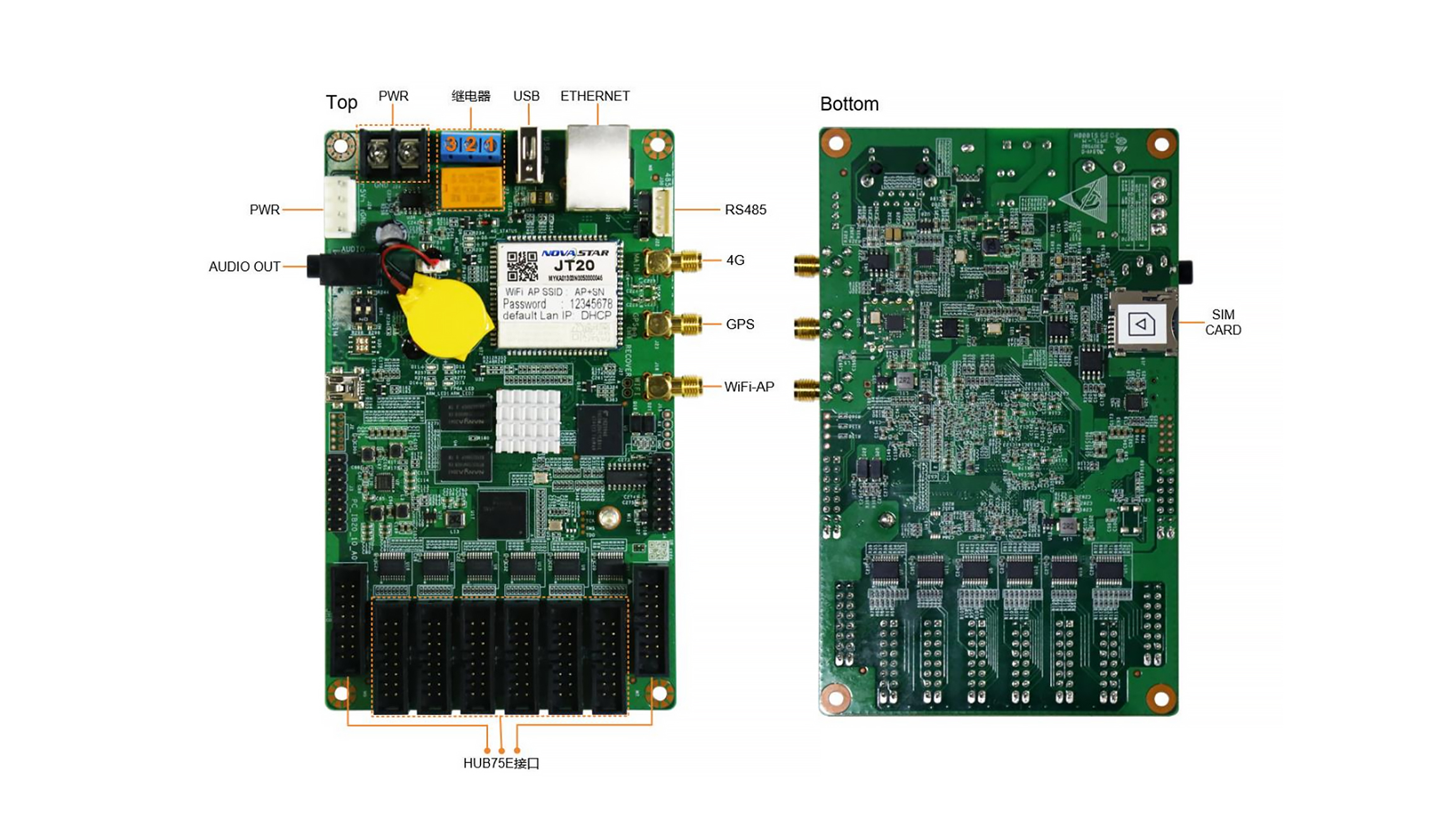
Product Image
Frequently Asked Questions
What is the loading capacity of the NovaStar JT20?
A single JT20 supports up to 512 x 384 pixels. The maximum width is 1280 pixels at 1280 x 128, and the maximum height is 512 pixels at 384 x 512.
Can the JT20 play 1080p video?
Yes. The controller provides hardware decoding for 1080p video. Its final LED screen output area remains subject to the JT20’s maximum loading capacity.
Can the JT20 control LED modules directly?
Yes. It integrates sending and receiving capabilities and provides eight standard HUB75E connectors, supporting up to 16 groups of parallel RGB data for compatible LED modules.
Does the JT20 support remote management?
Yes. It supports remote solution publishing, screen control and clustered screen status monitoring through a PC or supported third-party client platform.
Is the JT20 suitable for use outside China?
The controller can be used for compatible LED display applications, but the included 4G module is currently specified for network access in China only. Confirm network and project requirements before purchase.
Download Specification
Download the NovaStar JT20 Traffic Multimedia Player Specification (PDF)