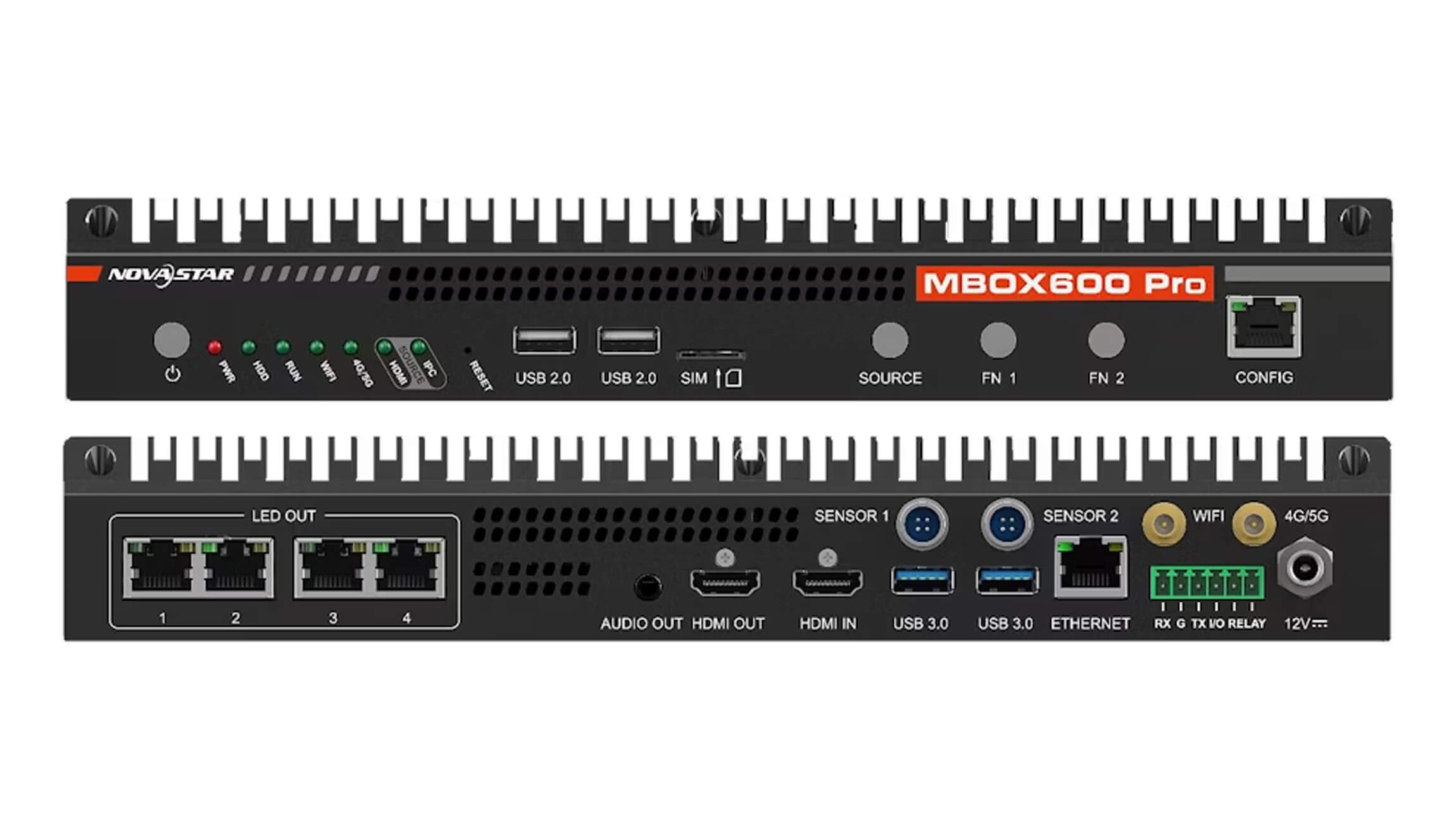
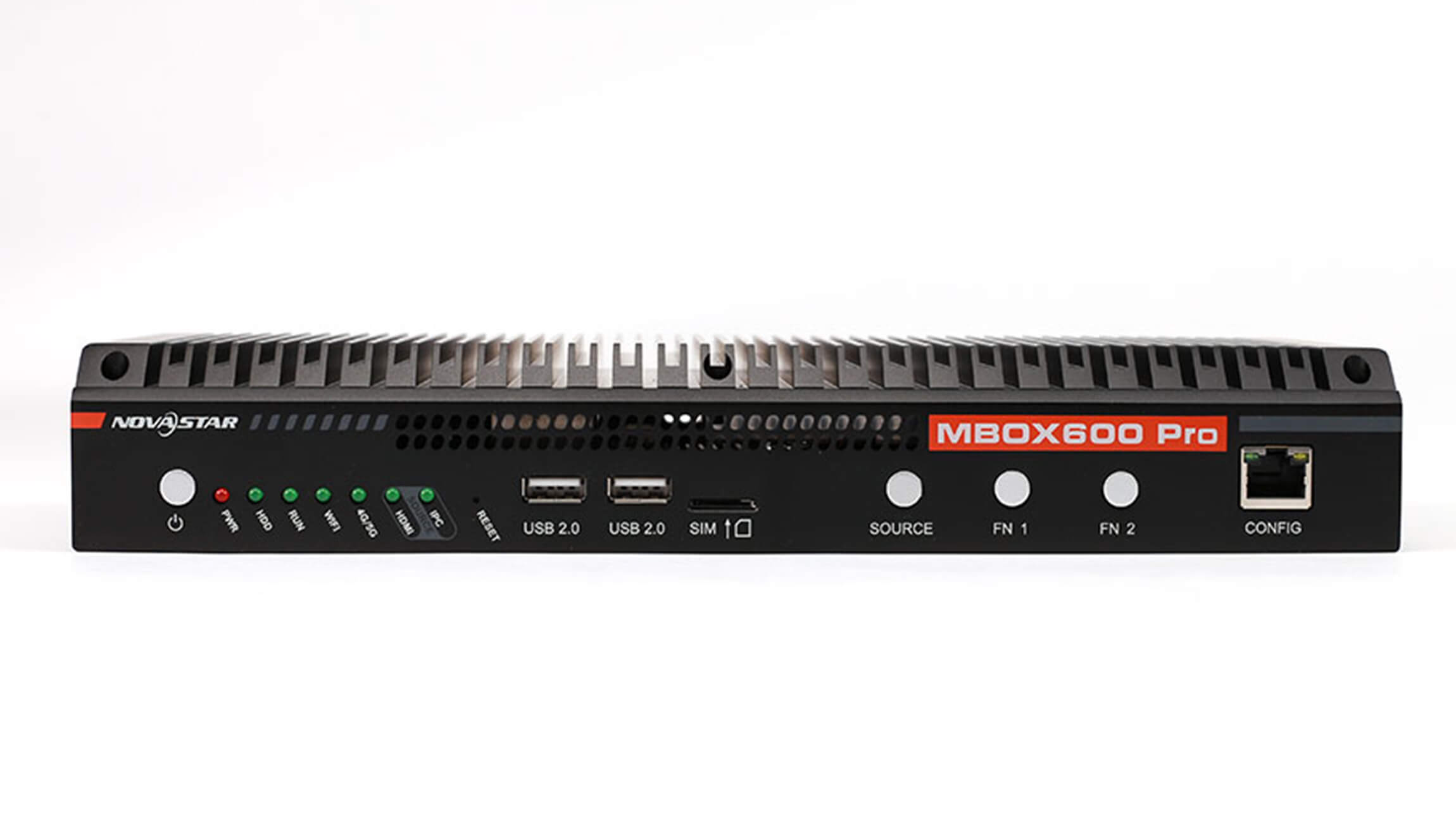
NovaStar MBOX600 Pro LED Display Controller
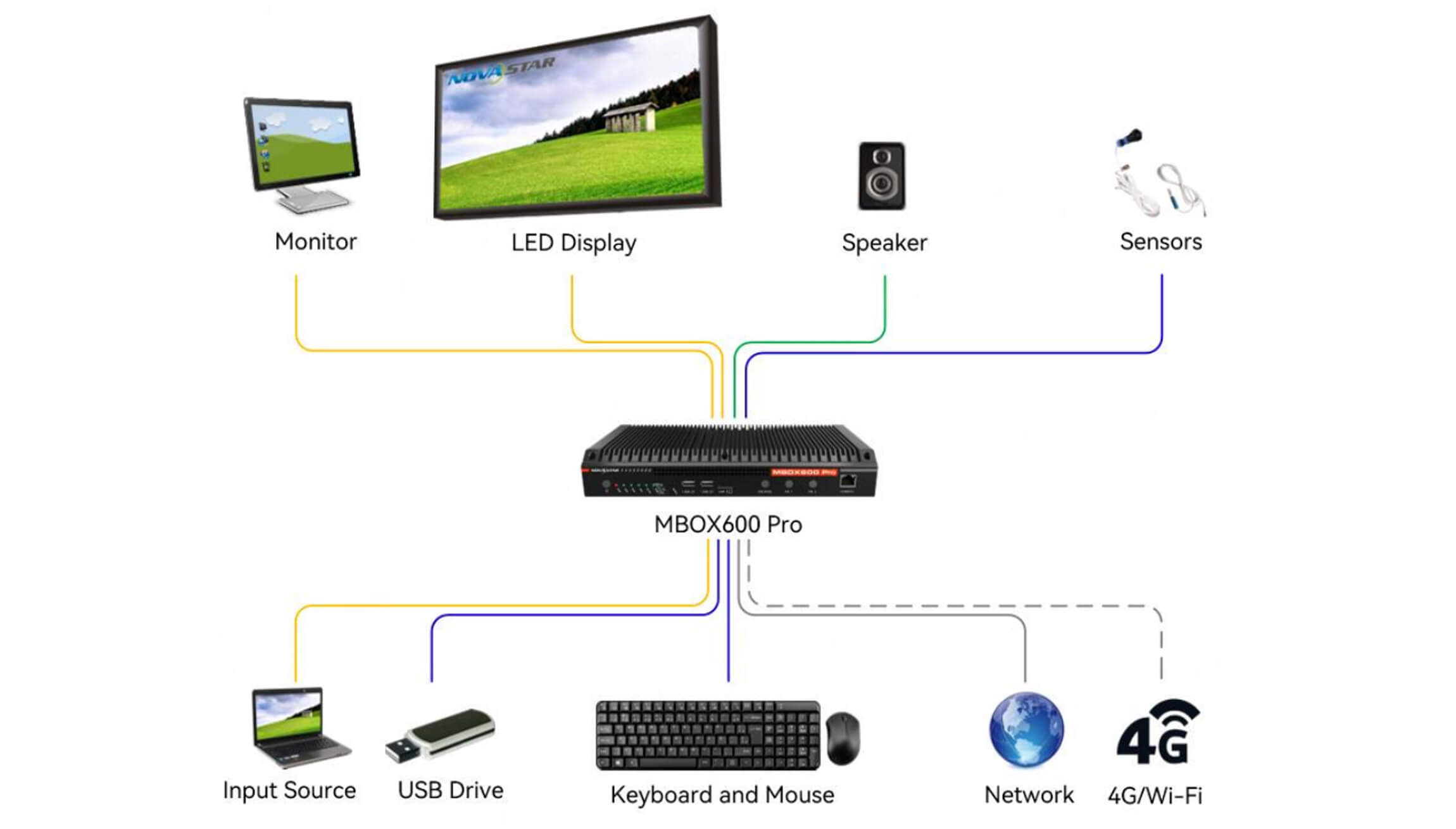
The NovaStar MBOX600 Pro is an industrial LED display controller for professional fixed LED screens, digital signage and unattended display sites. It combines an industrial PC with a built-in sending card, so operators can manage content playback, screen control and device monitoring from one platform.
With SNMP system monitoring, remote management, Wi-Fi connectivity and optional 4G/5G expansion, the MBOX600 Pro is designed for reliable operation where the display must keep running with minimal on-site maintenance. Its web-based interface also supports system configuration and secondary development.
Why choose the MBOX600 Pro?
- Integrated controller design: industrial PC and LED sending capability in one enclosure.
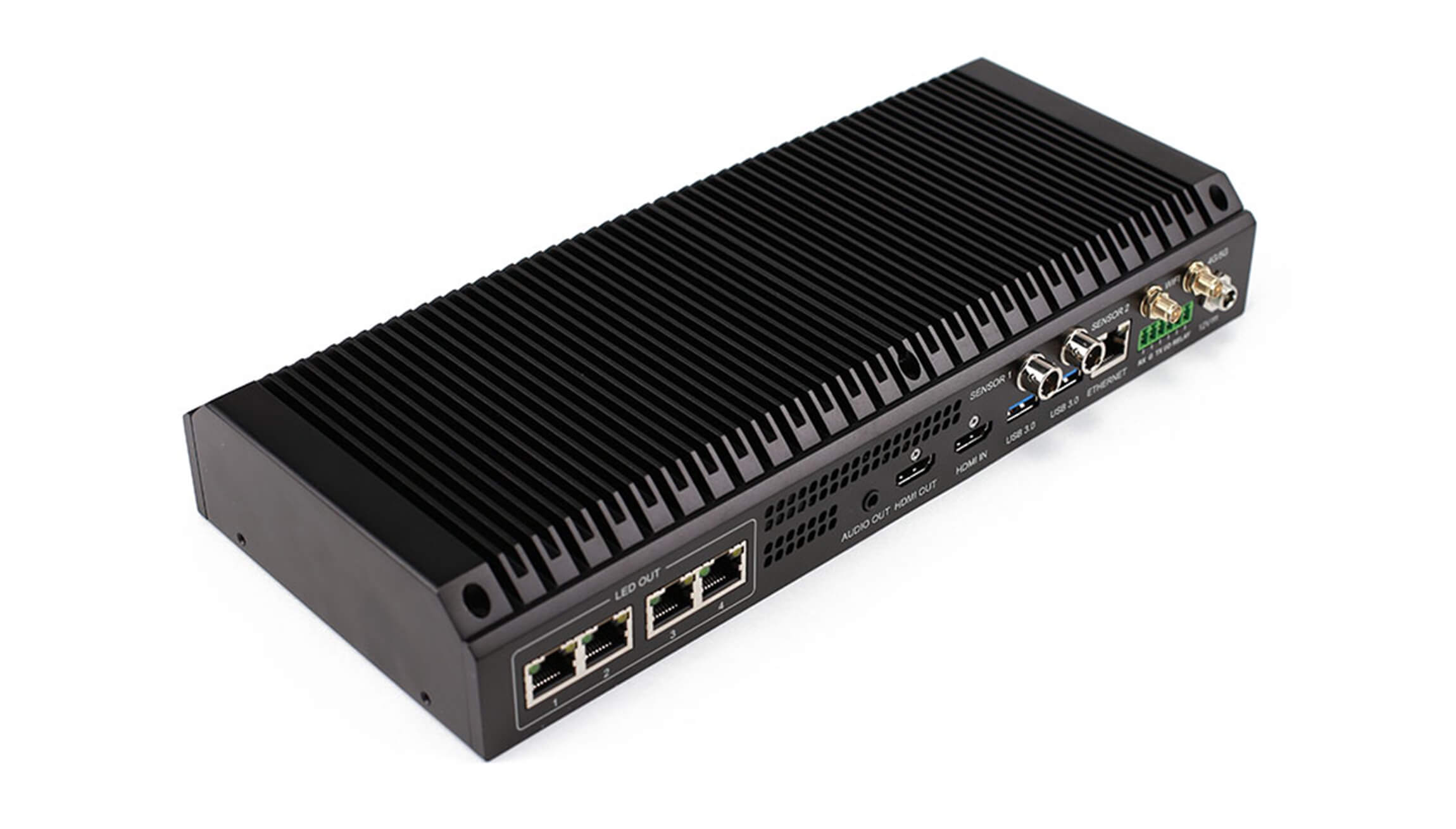
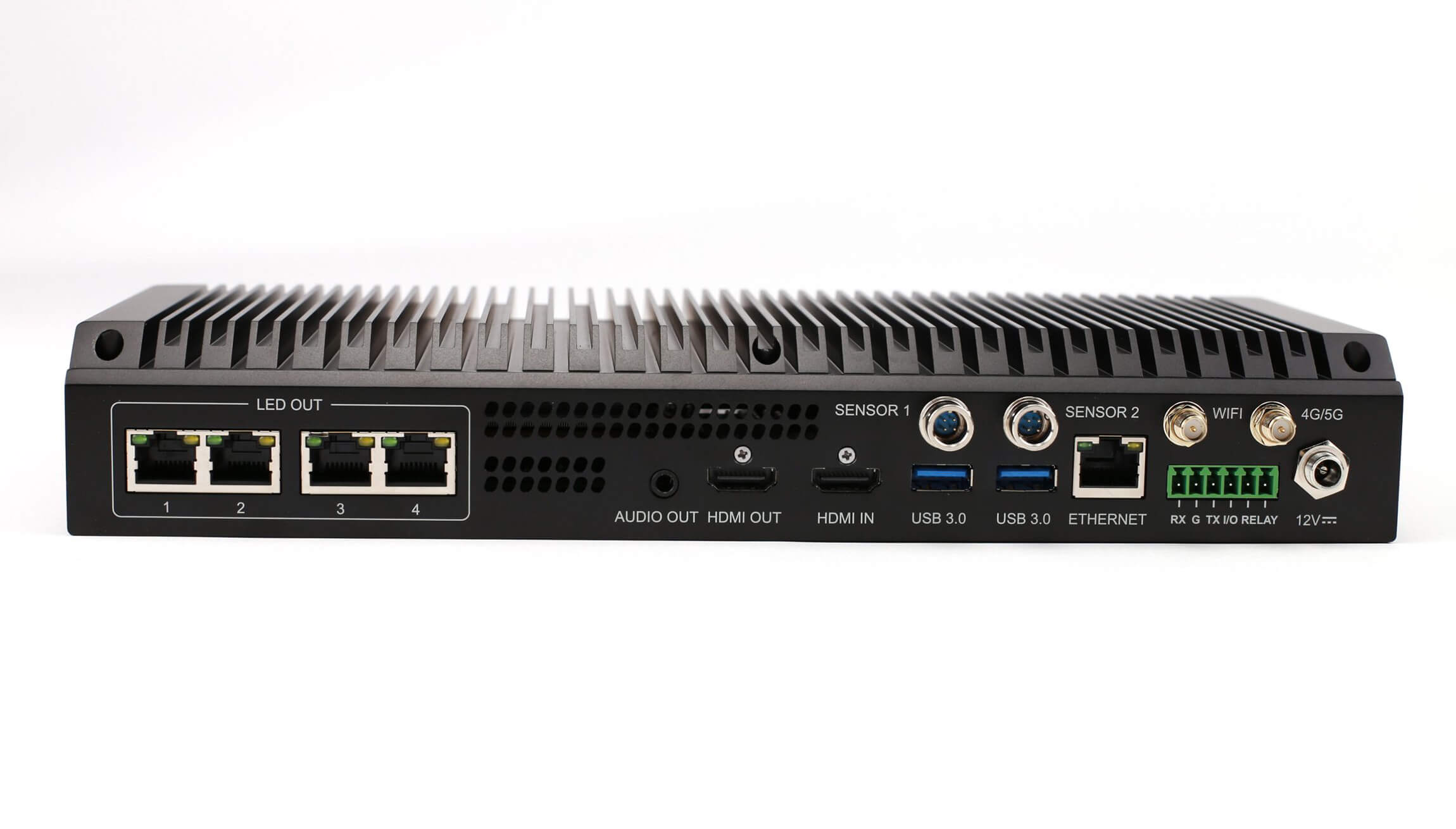
- 2.6 million pixels: drives large-format LED displays through four Gigabit Ethernet outputs.
- Remote operations: SNMP monitoring, TCP/IP networking and a dedicated remote-management Ethernet port.
- Flexible connectivity: HDMI input and output, stereo audio, USB peripherals, Wi-Fi and optional 4G/5G modules.
- Unattended-site ready: suitable for outdoor fixed screens and other installations that need centralized monitoring.
Technical specifications
| Item | Specification |
|---|---|
| LED outputs | 4 × Gigabit Ethernet; up to 2,600,000 pixels |
| Video input | 1 × HDMI 1.3 |
| Video output | 1 × HDMI 1.3 with output scaling |
| Output range | Width 64–4096 px; height 64–1920 px; total ≤ 2.6M pixels |
| Supported resolutions | 1366×768, 1440×900, 1600×900, 1920×1080 and 2048×1152 |
| Processor | Intel® Processor N97, 4 cores / 4 threads, up to 3.6 GHz |
| Memory and storage | 4 GB or 8 GB RAM; 128 GB or 256 GB SSD |
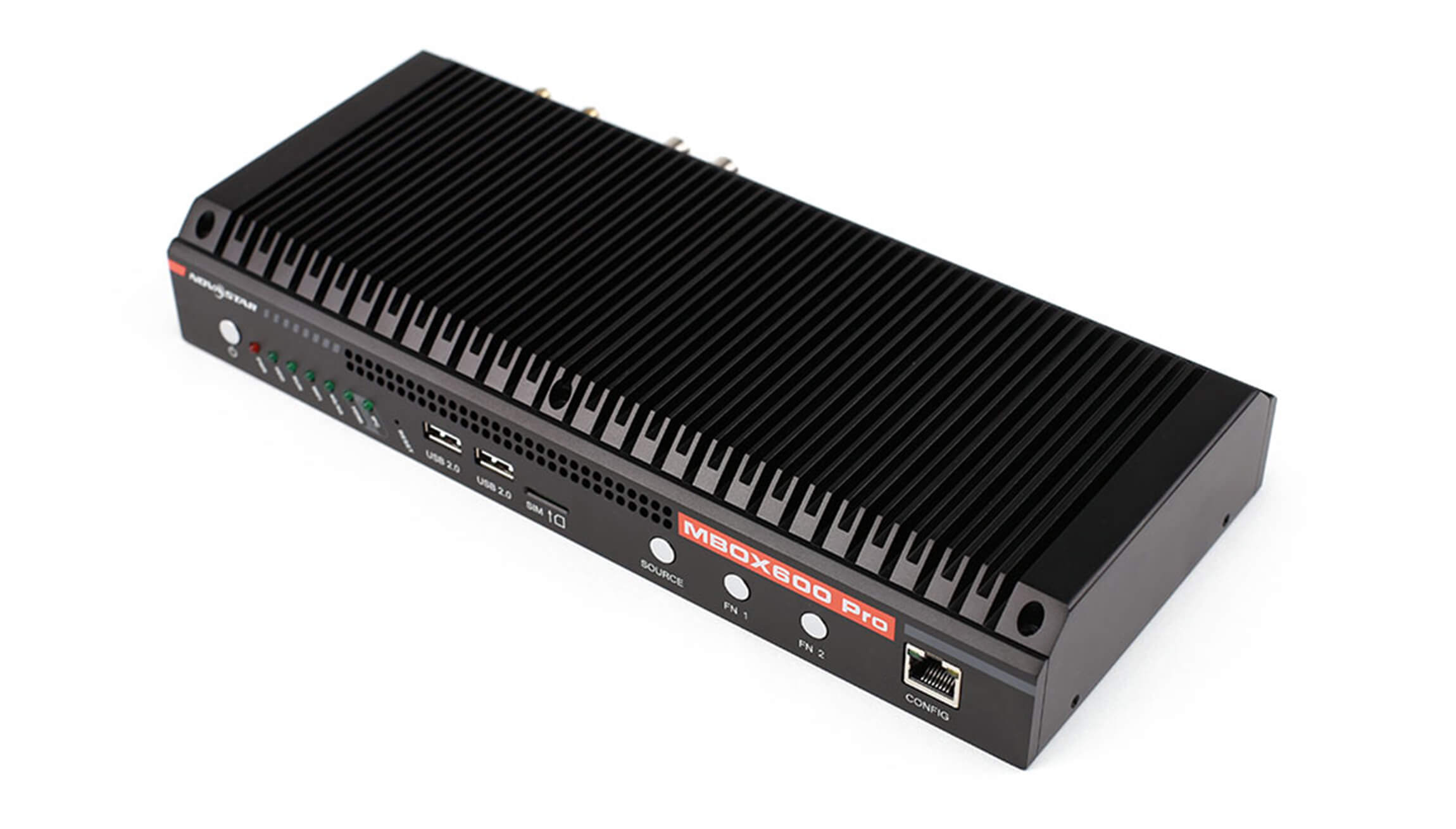
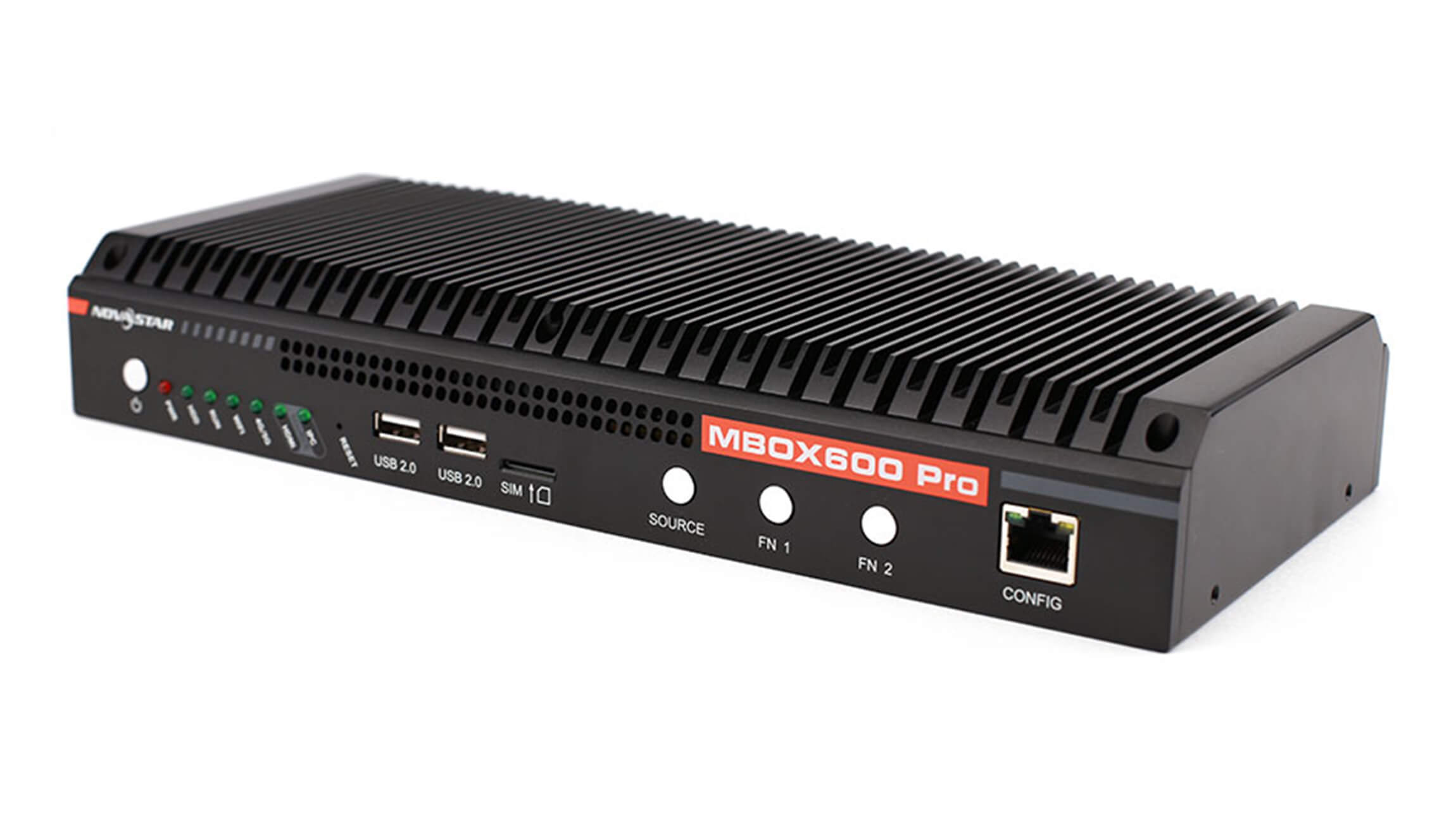
| Network and control | 2 × Gigabit Ethernet, TCP/IP, 2 × USB 2.0, 2 × USB 3.0, Wi-Fi |
| Monitoring and sensors | SNMP system monitoring; 2 × sensor connectors for light sensors |
| Audio | 1 × stereo audio output |
Applications and setup
Use the MBOX600 Pro for outdoor fixed LED signs, commercial digital signage, transport information displays, control rooms and other professional LED video wall installations. Connect a monitor to the HDMI output to preview playback, install software and configure the controller. The web interface makes day-to-day operation accessible from a networked computer.
Optional connectivity: the controller supports 4G/5G modules, but a module is not included by default and must be purchased separately. Wi-Fi can be used for Internet access when a wired connection is not required.
What is included and configuration options
Select the version that matches your deployment: MBOX600 Pro (9U4A3 or 9U8A4) with Linux or Windows 10. Please confirm the operating system, RAM/SSD configuration and required network method before ordering.
Downloads
Download the NovaStar MBOX600 Pro specification
Download the NovaStar MBOX600 Pro user manual
Product image