RGBlink V2 / V2S LED Video Processor
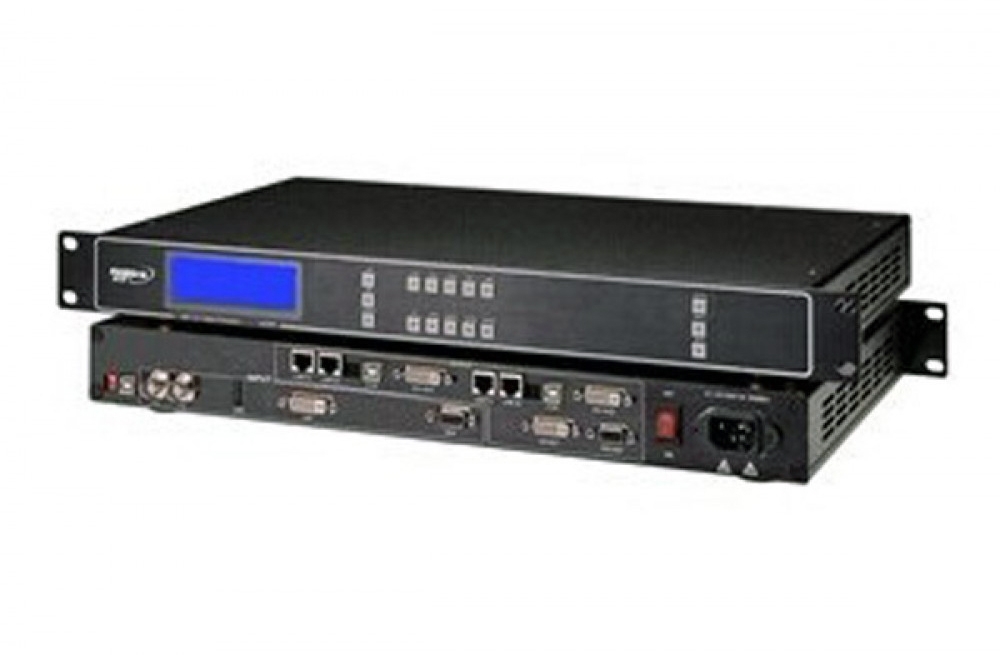
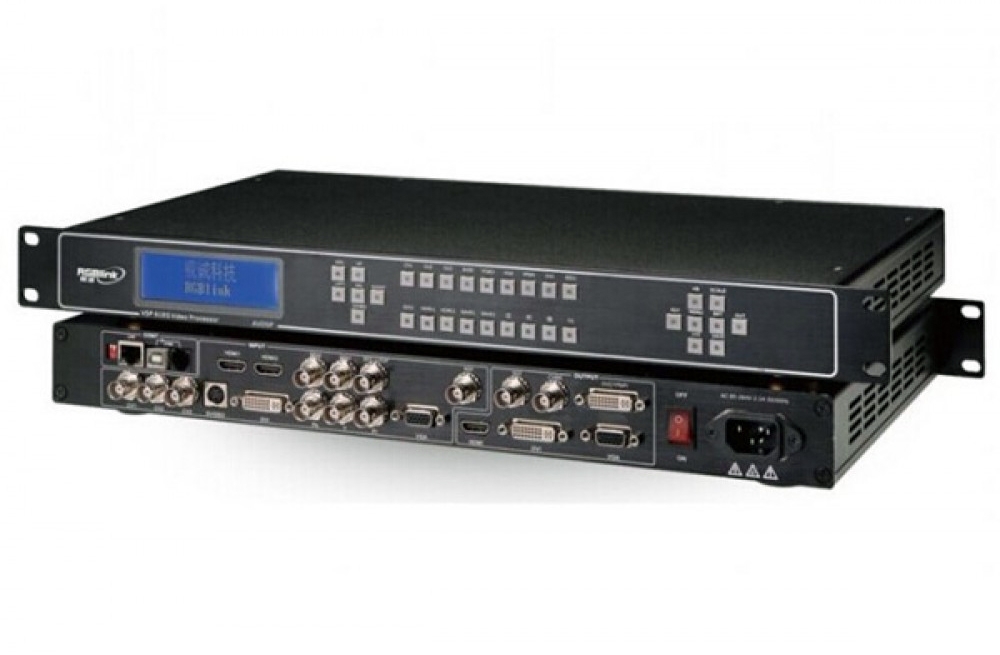
The RGBlink V2 / V2S processes and switches video for LED displays. Picture-in-picture lets you combine sources in one layout, while seamless switching and selectable transitions support presentations that use several video feeds. The 1U chassis fits a standard rack.
Display and switching functions
- Scale video to a user-defined output resolution.
- Manage EDID to match source timing to the display workflow.
- Use TAKE pre-sync and transition effects when switching sources.
- Adjust audio and video synchronization.
- Use built-in test patterns and cascaded splicing for screen setup.
Specifications and configuration
| Item | Specification / function |
|---|---|
| Product type | LED video processor |
| Rack format | 1U standard rack mount |
| Picture layout | Picture-in-picture |
| Switching | Seamless switching; multiple transition effects; TAKE pre-sync |
| Output timing | User-defined output resolution |
| EDID | Customized EDID management |
| Audio | Audio and video synchronization controls |
| Setup functions | Built-in test patterns; multiple cascaded splicing display |
| Input expansion | Modular input option; confirm the selected configuration |
The V2 user manual identifies SDI and additional input modules as options. Select the version that matches your source connections; the presence of an expansion slot does not mean every input module or LED sending card is included.
Frequently asked questions
Does the RGBlink V2 / V2S support picture-in-picture?
Yes. Picture-in-picture is a listed function, allowing a secondary picture to appear within the main display layout.
Can I set a custom output resolution?
Yes. User-defined output resolution and customized EDID management are supported. Match the timing to the connected display system and follow the manual for setup.
Is SDI included in every V2 / V2S configuration?
Do not assume it is. The V2 manual lists SDI as optional, and this product has selectable configurations. Check the selected version and required input modules before ordering.
Can the processor switch between sources without a hard cut?
It supports seamless switching, multiple transition effects and TAKE pre-sync control. The manual explains how to select and operate these modes.
Where can I download the V2 / V2S specification and setup manual?
The original specification and V2 user manual are available in the download section below. Check the document model and revision against your unit.
Product images and downloads


Download Specification