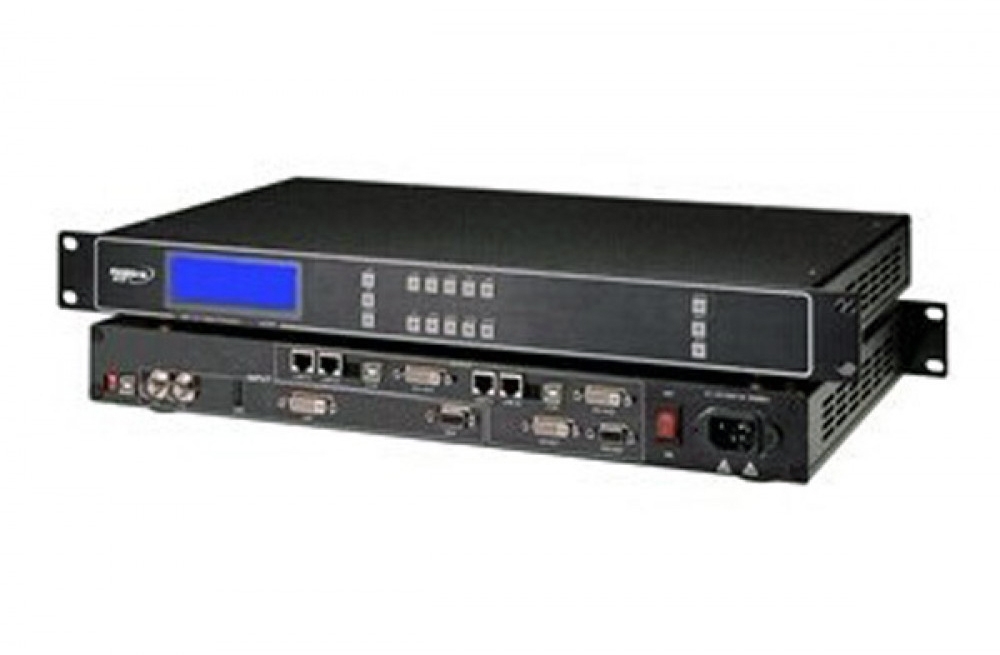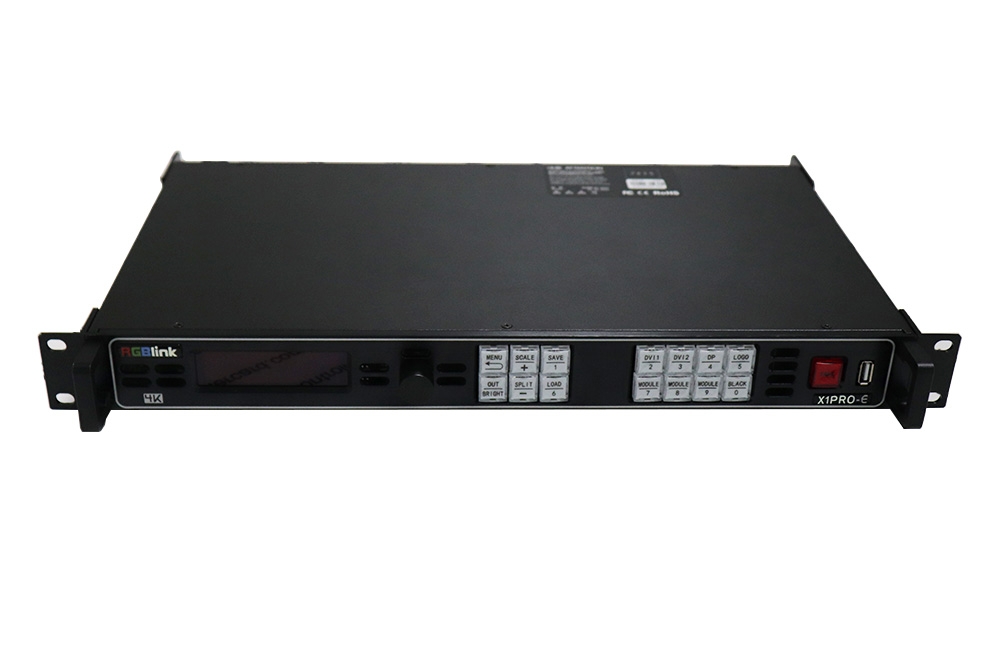
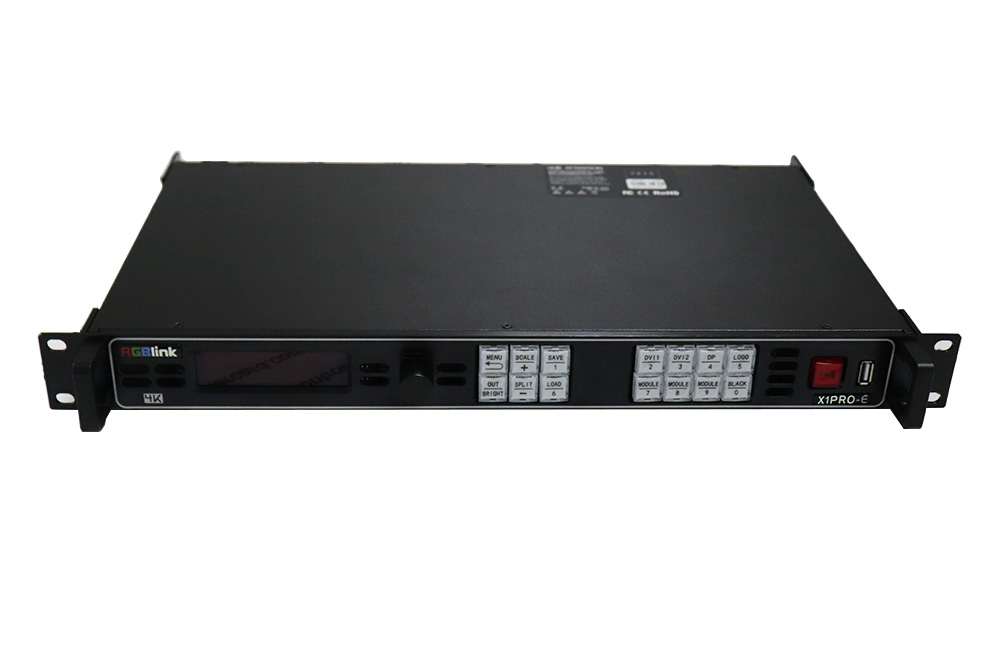
RGBlink VENUS X1PRO-E video scaler and splicer
The X1PRO-E divides a 4K source across four 2K DVI outputs and supports spliced layouts including 4K2K and 8K1K. Independent scaling and pixel-to-pixel adjustment help match the source to the screen arrangement. The 2K and dual-2K operating modes provide preview capability.
Connections and configuration
| Parameter | Specification |
|---|---|
| Chassis | 1U |
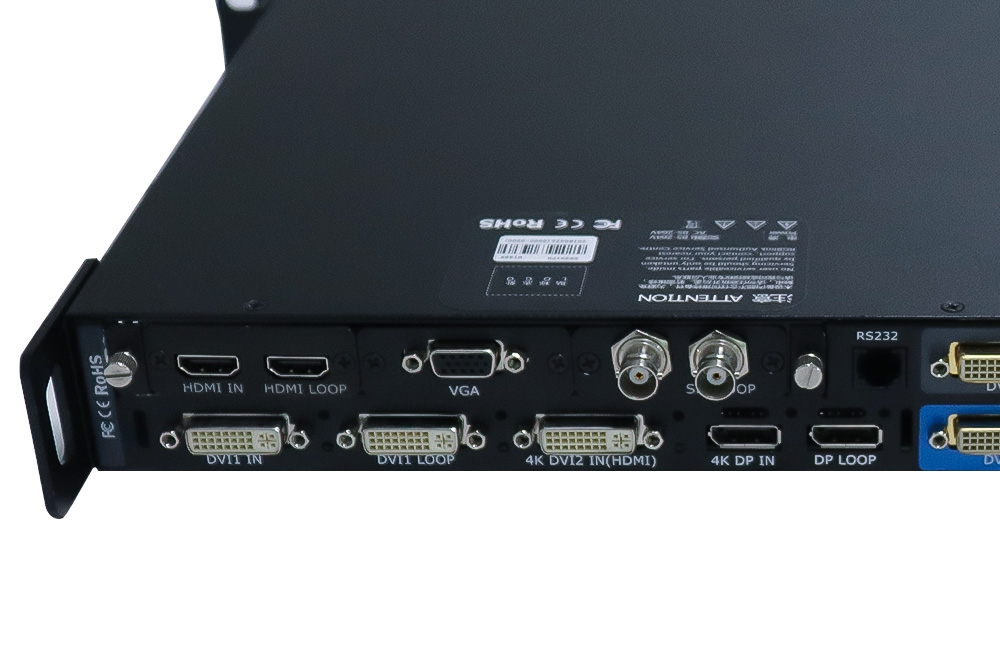
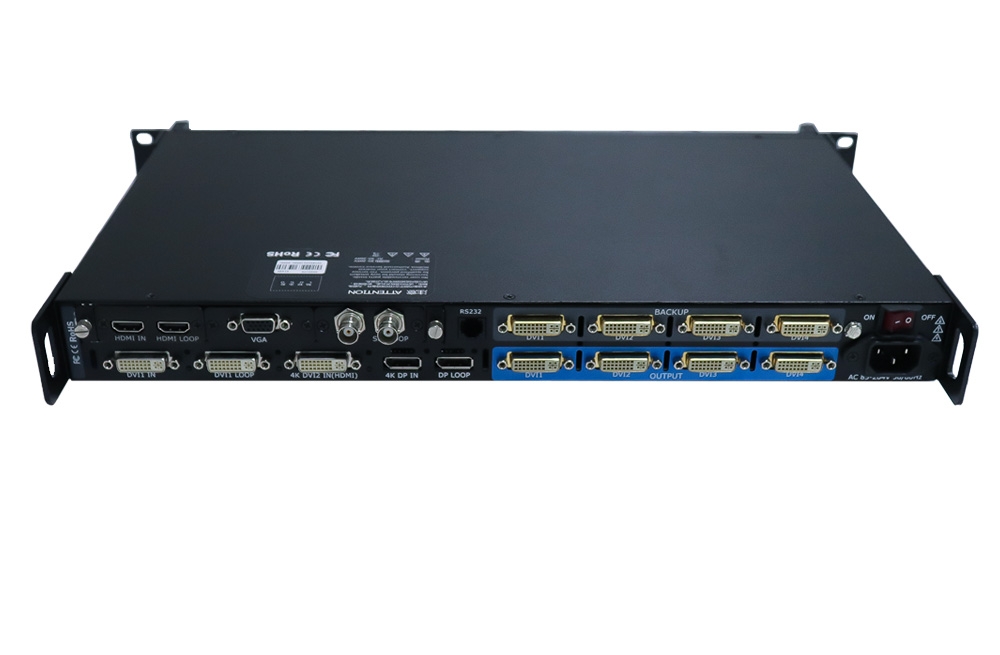
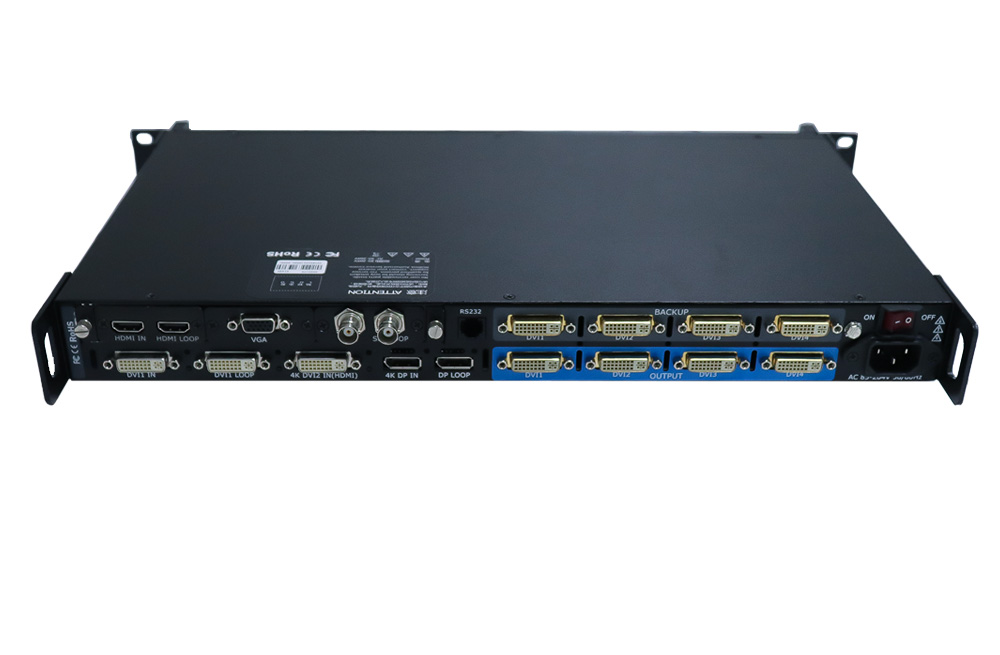
| Standard input connections | DVI input/loop pair; additional DVI with HDMI/HDCP support; DisplayPort input/loop pair |
| Input expansion | 3 optional input-module slots |
| Module choices | DVI, HDMI, SDI, DisplayPort, CVBS and USB; confirm the selected option |
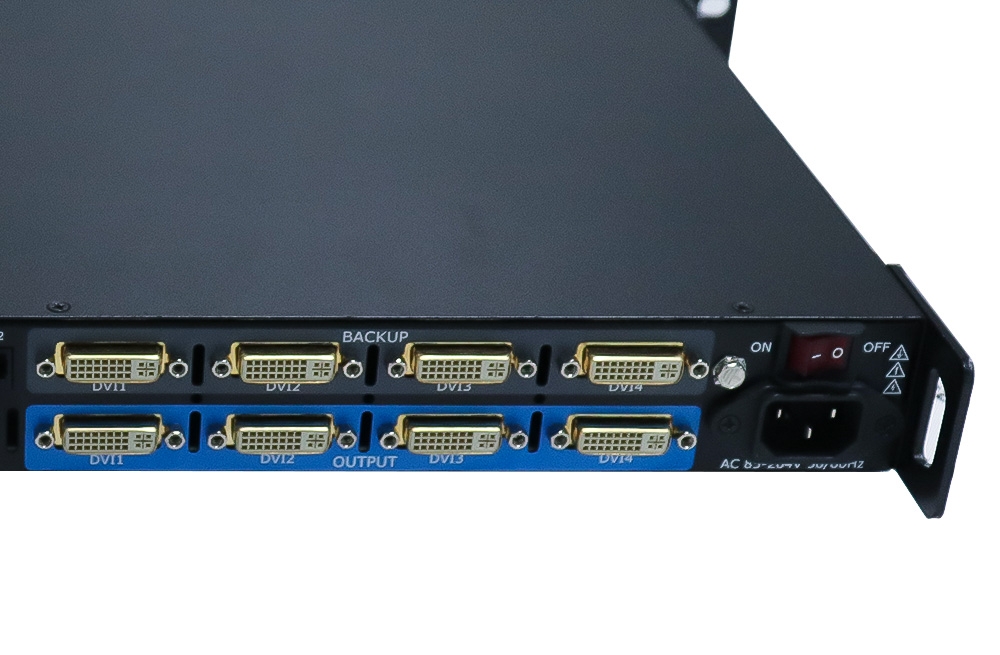
| Primary outputs | 4 × DVI |
| Backup connections | 4 × DVI loop/backup |
| Spliced layouts | 4K2K and 8K1K; select the applicable mode |
| Switching and setup | Seamless switching; independent scaling; built-in test patterns |
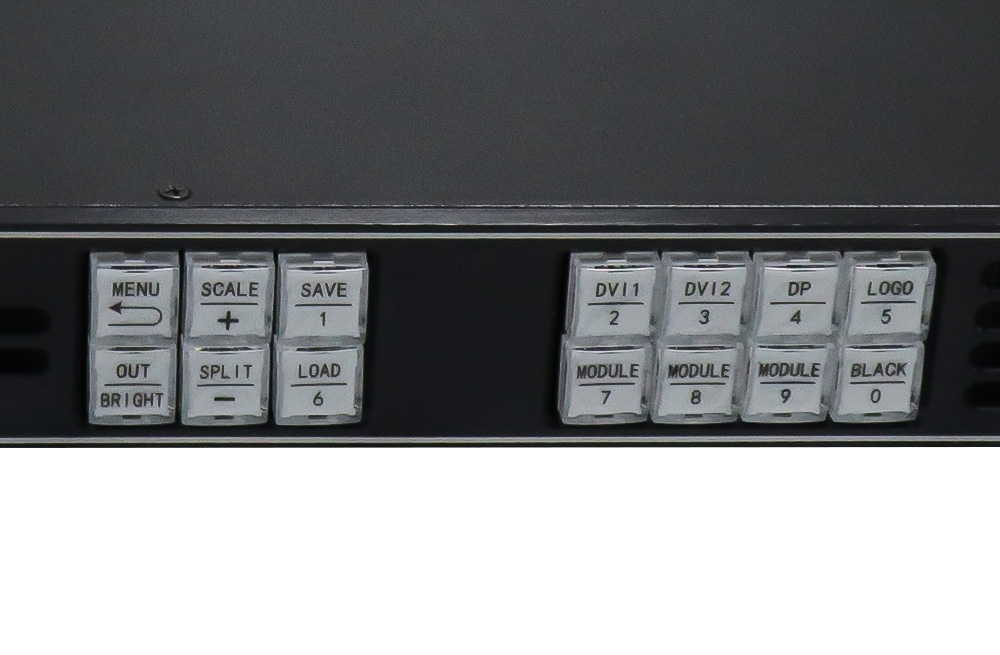
| Control | Front panel or XPOSE via RS232; serial USB input |
| Maximum power | 65W |
| Power input — original page | AC 100–264V, 50/60Hz |
| Power input — attached specification | AC 100–240V, 50/60Hz |
| Temperature — original page | −25°C to 55°C |
| Temperature — attached specification | 0°C to 55°C |
| Humidity | 20–90% RH |
| Net weight / dimensions | 2.7 kg; 480 × 303 × 45 mm |
| Packaged weight / dimensions | 6.3 kg; 535 × 355 × 130 mm |
Document differences: The original page and attached specification list different voltage and temperature ranges, as shown above. Confirm the applicable ratings on the supplied unit before installation. The PDFs below contain detailed connector and signal timing information; input capability and output timing must be checked separately.
Frequently asked questions
Does X1PRO-E provide four independent 4K outputs?
No. The listed design splits a 4K source across four 2K DVI outputs. A 4K2K or 8K1K spliced layout is a combined canvas, not a 4K signal on each DVI output.
What are the additional DVI connectors used for?
The original connection table lists four primary DVI outputs and four DVI loop/backup connections.
Can I add SDI or USB media input?
Those are optional input-module choices. The chassis has three option slots; confirm the modules supplied with the order.
How is X1PRO-E controlled?
Use the front panel or connect to XPOSE through RS232. Serial USB control is also listed in the connector table.
Which voltage and temperature ranges should I use?
The page and PDF disagree on these ranges. Confirm the exact unit ratings before installation; both source values are shown in the table rather than treated as interchangeable.
Product images and original manuals
Download Specification: