VSP618 video scaling and picture-in-picture
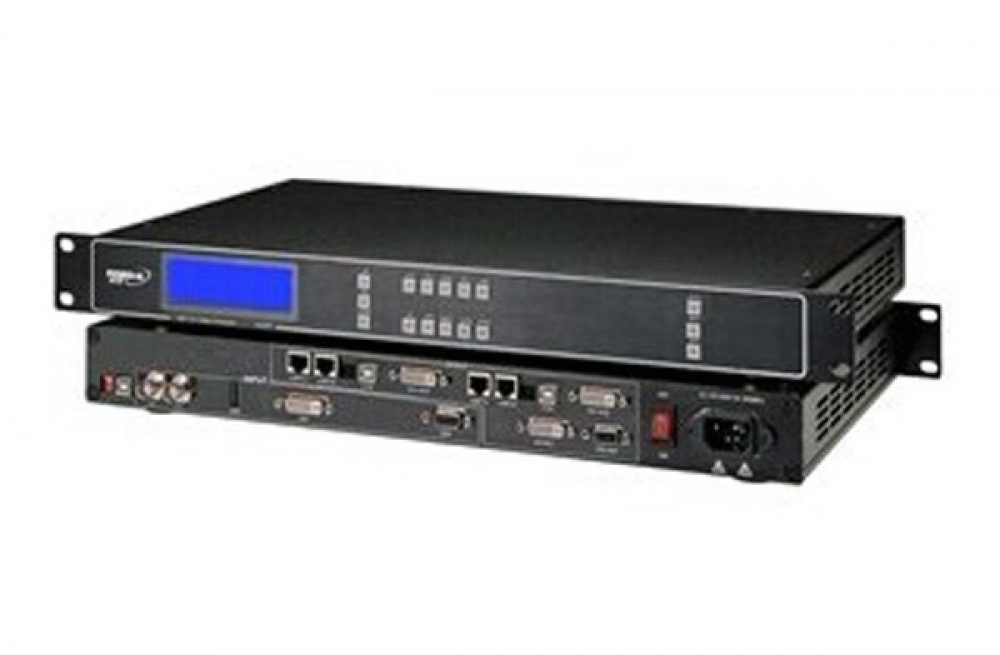
The RGBlink VSP618 brings computer and video sources into an LED display workflow. Front-panel controls let you select a source, adjust image size and position, crop the picture and configure a second window. Brightness, contrast and user aspect-ratio adjustments help adapt the image to the screen.
Connections and supported functions
| Parameter | Specification |
|---|---|
| Product | RGBlink VSP618 HD video processor |
| Input families | VGA, DVI, component YPbPr, composite and S-Video; additional inputs depend on model option |
| HDMI input option | Quick-start guide: VSP618C, VSP618BC and VSP618BCD |
| SDI input option | Quick-start guide: VSP618B, VSP618BC and VSP618BCD; SDI loop output is described |
| Video outputs | VGA, DVI and HDMI, as identified in the quick-start guide |
| DVI input timings listed on this page | 800 × 600@60Hz; 1024 × 768@60Hz; 1280 × 768@60Hz; 1280 × 1024@60Hz; 1600 × 1200@60Hz; 1920 × 1080@50/60Hz |
| Image functions | PIP, cropping, zoom, user aspect ratio, brightness and contrast |
| Video standards | NTSC and PAL |
| Control | Front panel, RS232 and USB; LAN/TCP/IP is optional |
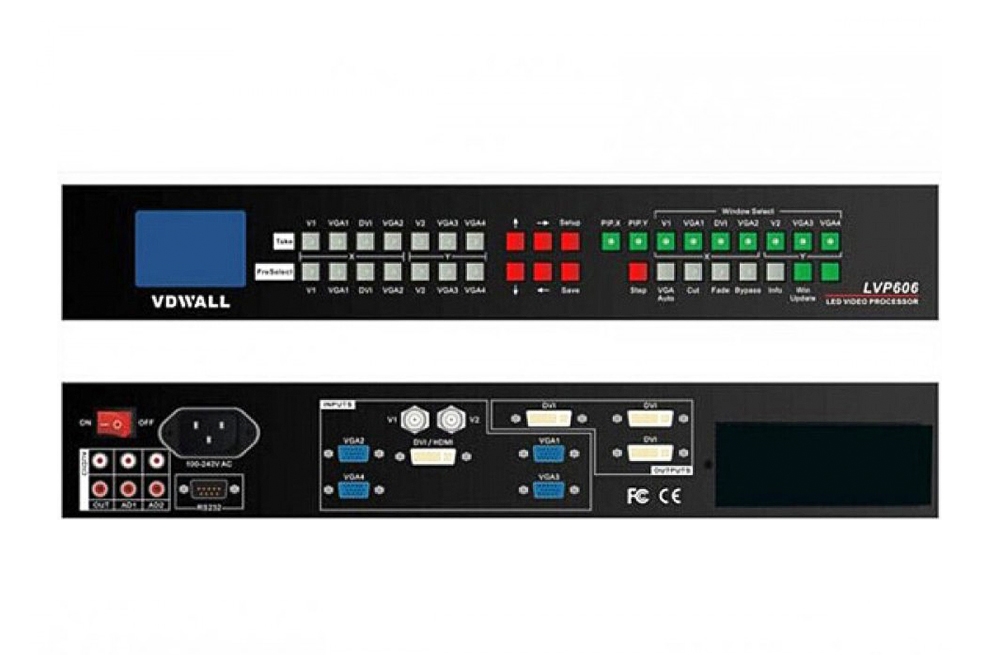
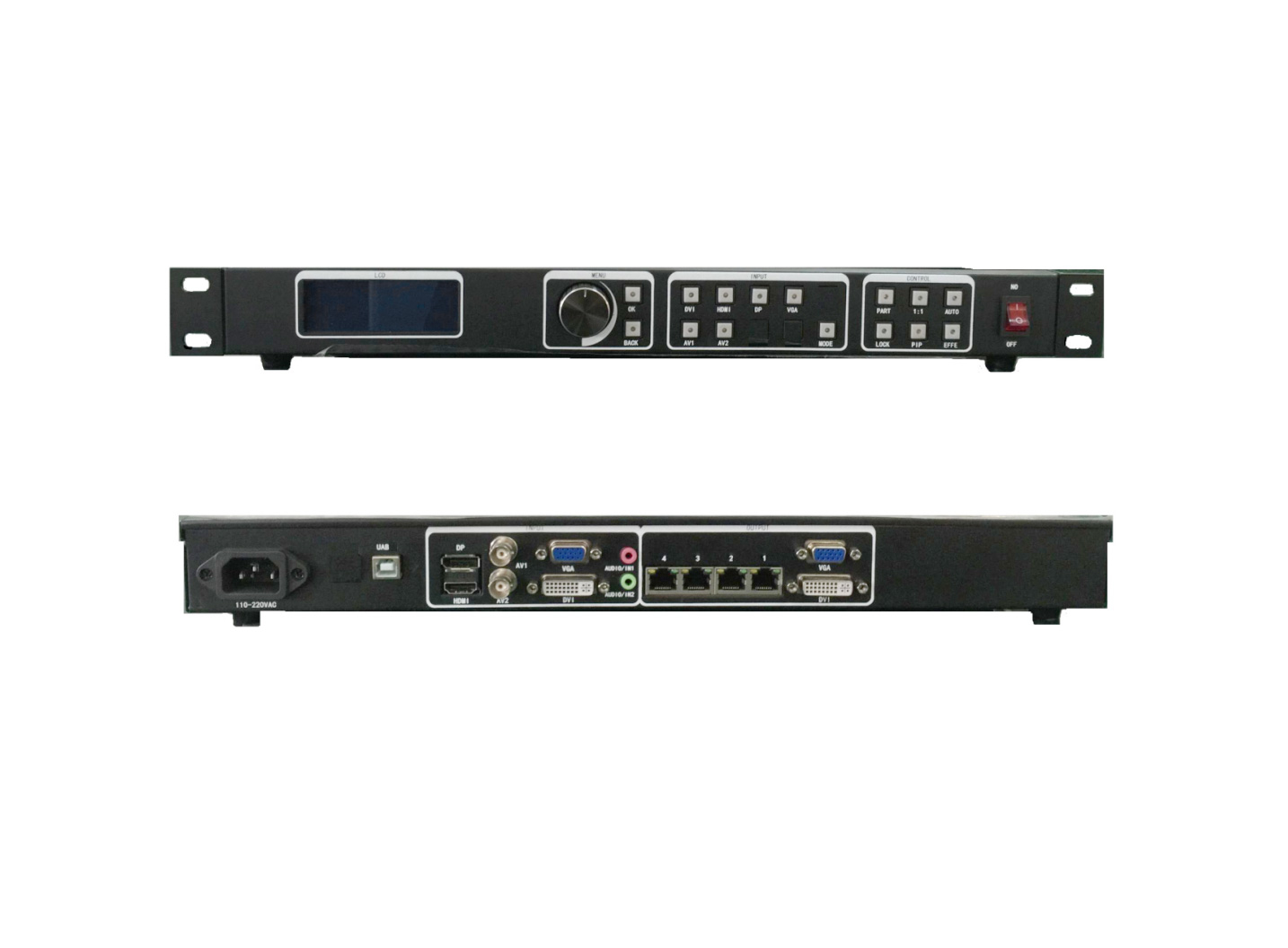
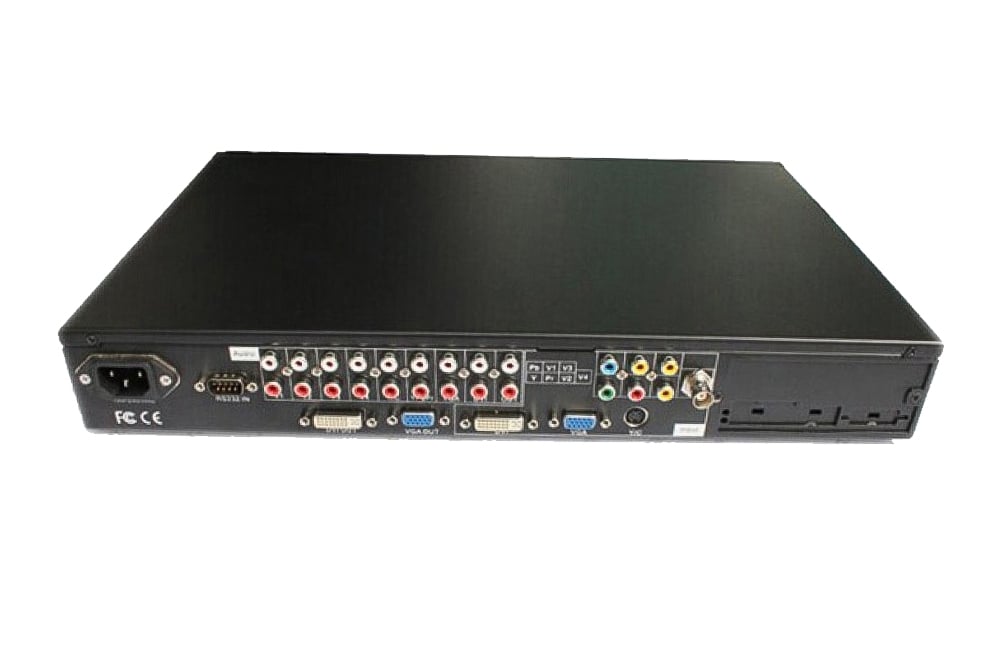
The quick-start guide below provides the output-format menu and rear-panel connection diagram. Check the exact VSP618 variant before specifying HDMI or SDI inputs; an output connector does not establish that the corresponding input option is installed.
Frequently asked questions
Does the VSP618 have HDMI and SDI inputs?
These inputs depend on the version. The guide identifies HDMI input on C/BC/BCD models and SDI input on B/BC/BCD models. Check the rear panel and supplied configuration before ordering.
What video outputs does the VSP618 provide?
The linked quick-start guide identifies VGA, DVI and HDMI output connections. Choose an output format compatible with the receiving display equipment.
Can I change the PIP window size and position?
Yes. The VSP618 supports picture-in-picture and front-panel adjustment of window size and position, along with cropping and zoom.
Can the VSP618 be controlled over a network?
LAN/TCP/IP control is an option rather than a standard feature in the quick-start guide. RS232, USB and front-panel operation are also described.
Product media and downloads