Sysolution S30 for USB Playback and LED Screen Setup
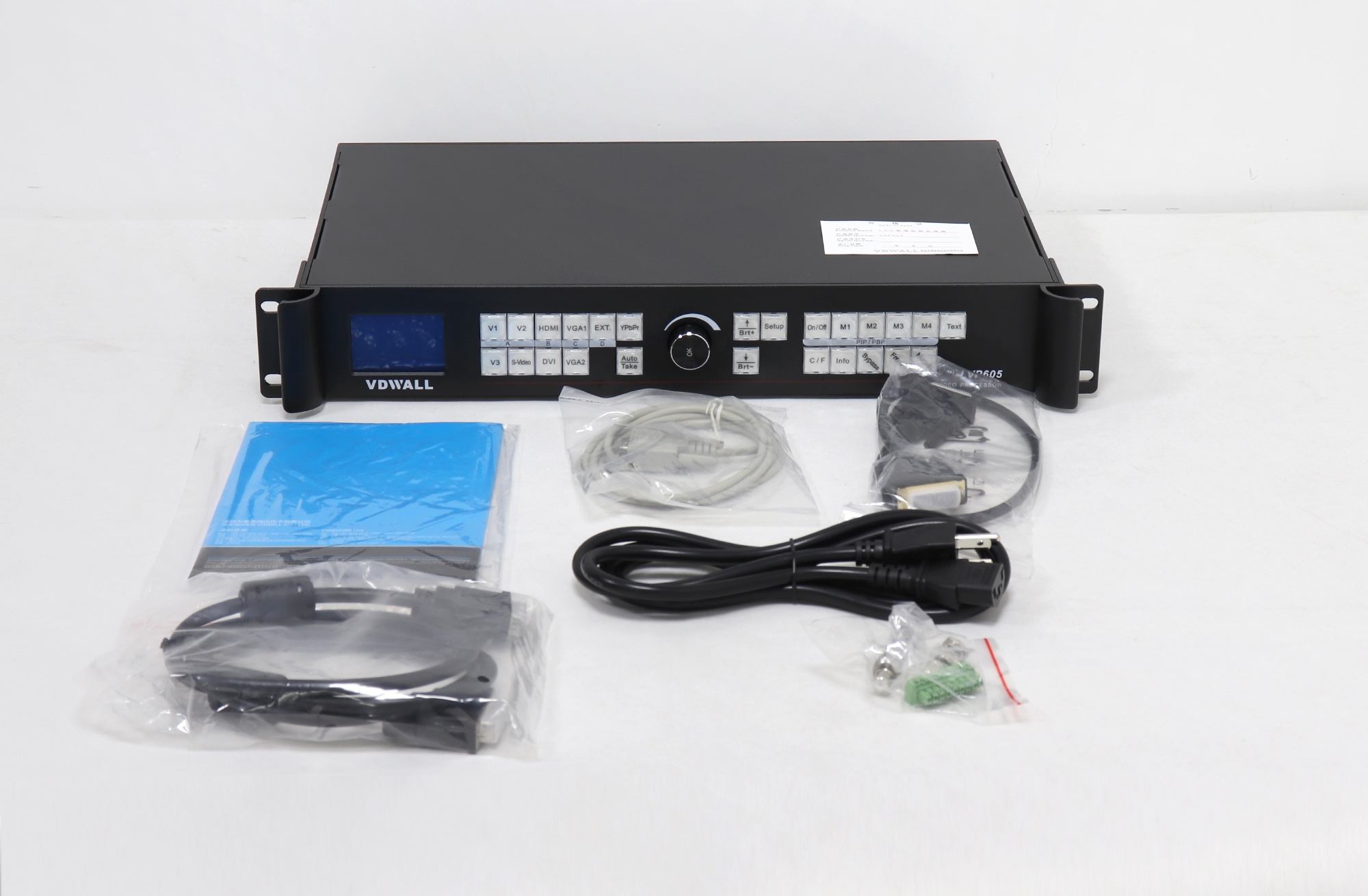
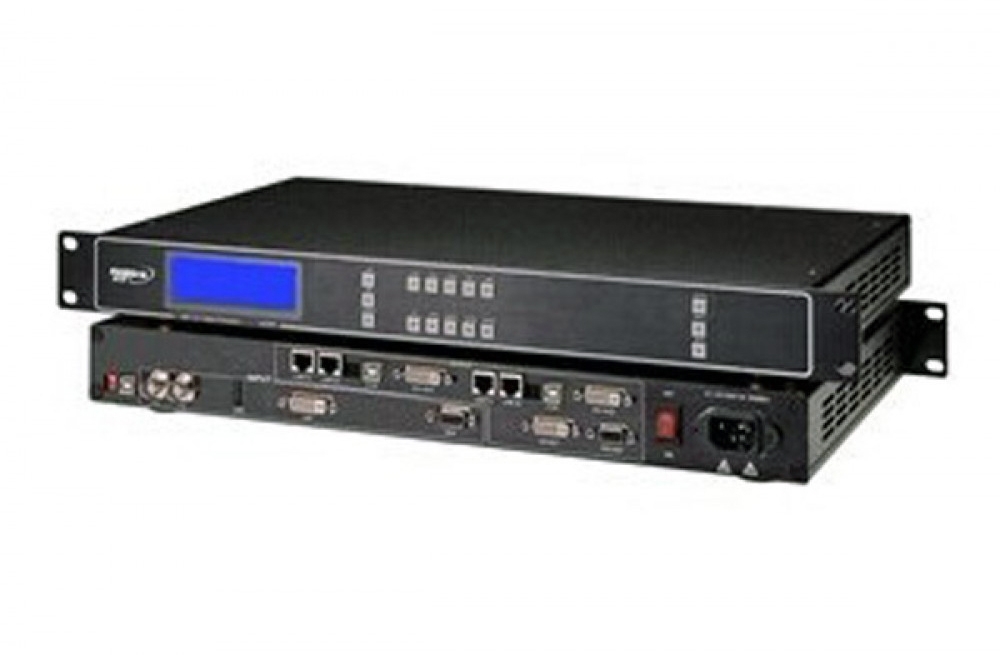
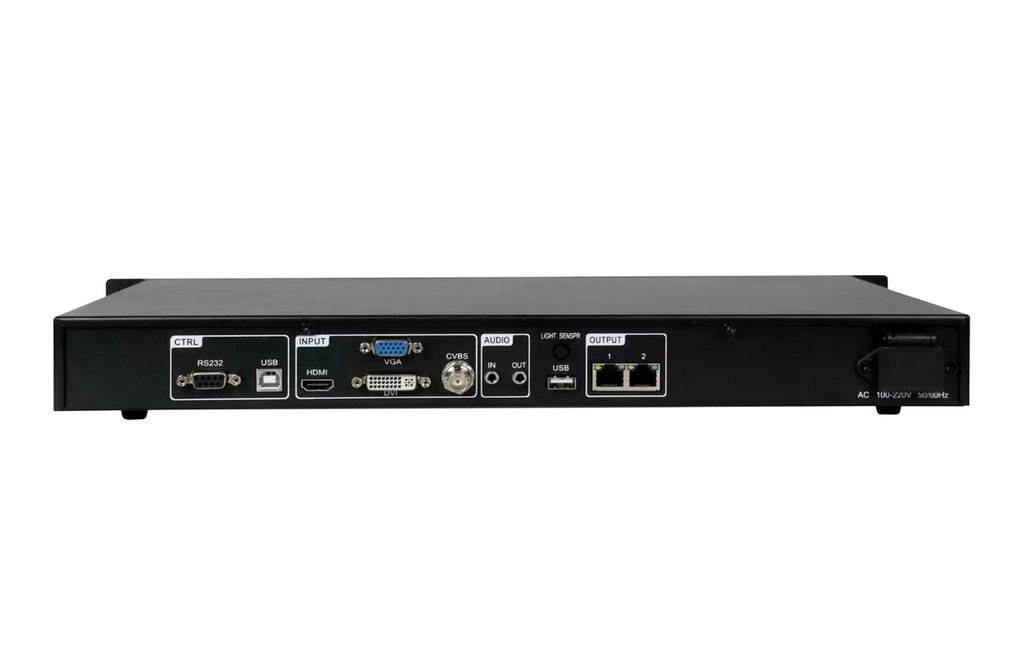
The S30 combines video processing and LED sending for installations that need direct receiving-card connections and straightforward local operation. Its two Gigabit Ethernet outputs connect to compatible LED receiving cards, while USB playback provides a local media source.
Operating Features
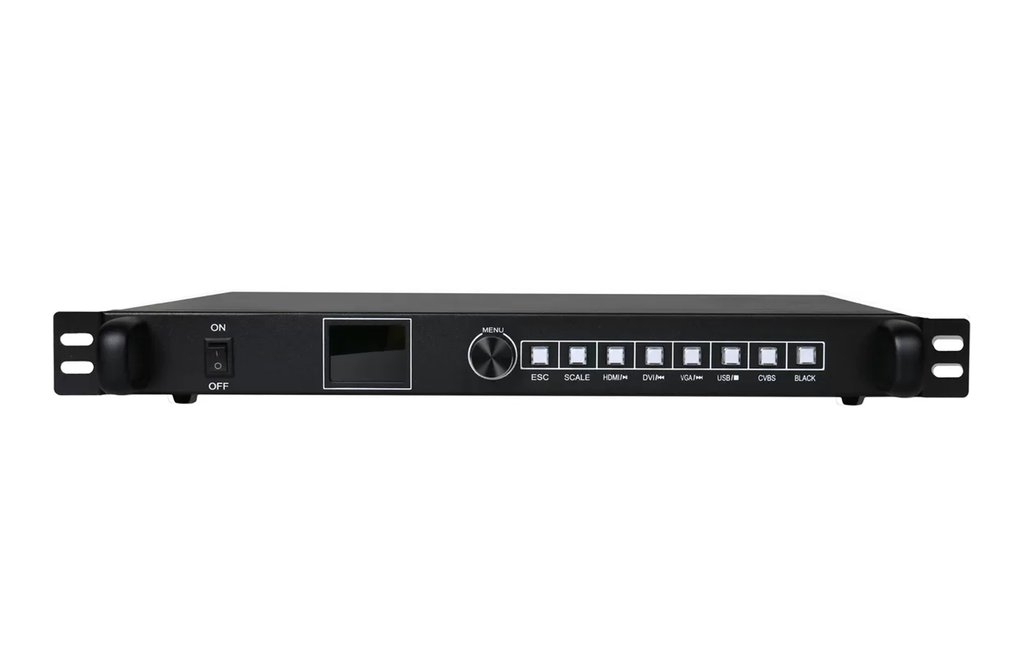
USB connections on the front and rear panels support media playback. The processor also supports seamless switching between its input channels. Screen setup can be carried out from the device without using computer software for the basic display configuration.
Technical Features Table
| Parameter | Specification |
|---|---|
| Model | S30 |
| Device type | 2-in-1 LED video processor |
| LED outputs | 2 × Gigabit Ethernet |
| Output destination | Compatible LED receiving cards |
| USB media playback | Supported through front and rear panel USB connections |
| Screen setup | Local configuration without a computer |
| Source switching | Seamless input-channel switching |
| Image processing | Adaptive interlaced-image processing, noise reduction and image enhancement |
Preparing Content and Configuration
Test the intended media files on the S30 before an event or installation handover. Confirm the supported file format, video timing and USB-drive format for the firmware in use. Keep a copy of the source files and the working cabinet configuration.
For a replacement processor, check the source connectors, receiving-card compatibility and total LED load. The number of Ethernet ports alone does not establish the supported canvas resolution.
Frequently Asked Questions
Can the S30 play media from a USB drive?
Yes. The original listing specifies USB playback through USB connections on the front and rear panels. Test the intended files before deployment.
How many LED network outputs does the S30 have?
It has two Gigabit Ethernet outputs for compatible receiving cards.
Do I need a computer to set up the LED screen?
The S30 supports local display setup without computer software for that process.
Can it switch inputs without a black transition?
Seamless switching between input channels is a listed S30 function. Check the connected sources and signal timings during commissioning.
What should I check before replacing an existing processor with an S30?
Check the exact hardware revision, source inputs, LED pixel load, receiving-card configuration and media requirements. Use the linked specification and the existing system settings.