Sysolution S40 LED Processor for Front-Panel Setup
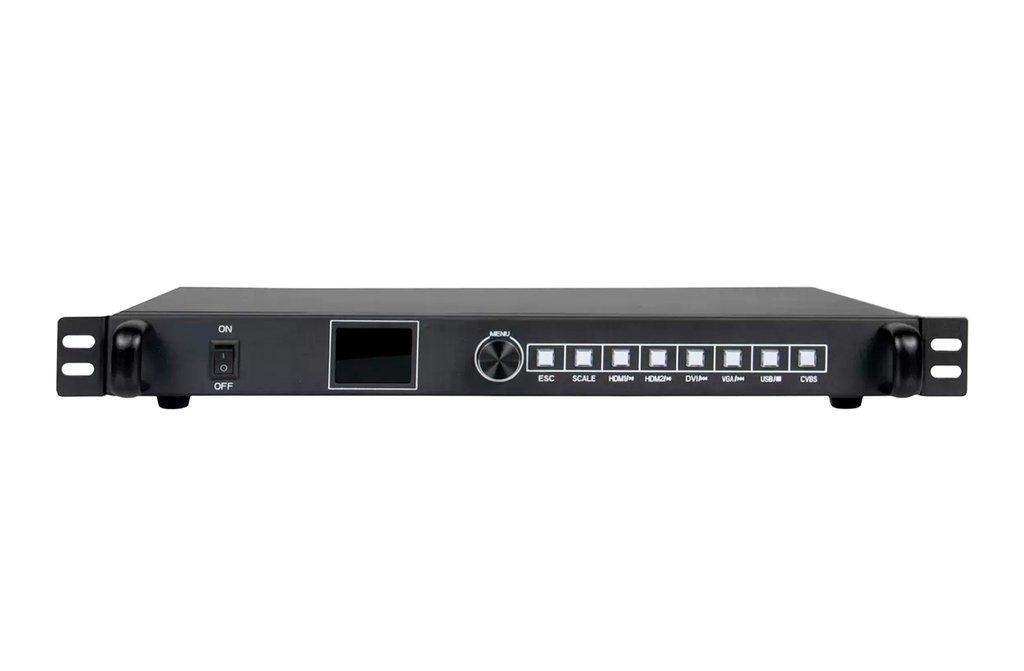
The S40 integrates video processing and LED sending in one hardware unit. Its front-panel controls let installers configure the display without computer software for the screen-setup process. Seamless input switching supports changes between connected sources.
Technical Specifications
| Parameter | Specification |
|---|---|
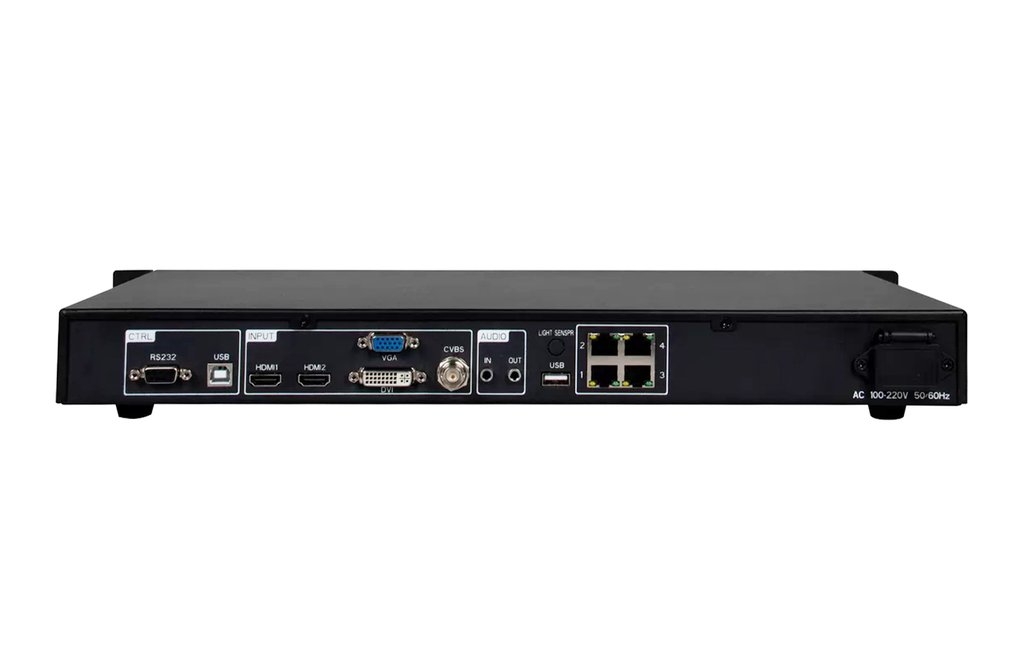
| Video inputs in interface table | 2 × HDMI; 1 × DVI; 1 × VGA; 1 × CVBS |
| LED outputs in interface table | 4 network ports |
| Scene presets | 8 |
| Image controls | Window position, size and cropping |
| Configuration | LCD, knob and buttons; custom input EDID |
| Control interfaces | RS232; USB-B |
| Input voltage | AC 100–240 V, 50/60 Hz |
| Rated power | 11 W |
| Operating temperature | −20°C to +70°C |
| Operating humidity | 10%–90% RH, non-condensing |
| Chassis dimensions | 430 × 251 × 44 mm |
Output Configuration Notes
The original introduction describes two network outputs, while the PDF interface table and function section describe four. Confirm the supplied unit against its rear panel. The PDF also contains inconsistent pixel-load entries, so a single maximum capacity is not asserted here. Verify the required canvas with the hardware revision before ordering.
Setup and Replacement
Record the existing source timing, cabinet layout and receiving-card configuration before replacing a processor. Check each source at the required resolution, then verify the whole LED canvas and save the working scene.
Frequently Asked Questions
Can the S40 be configured without a computer?
Its screen-setup functions can be operated using the front-panel knob, buttons and LCD.
How many Ethernet outputs does the S40 have?
The linked interface table specifies four, but the introduction says two. Confirm the actual supplied revision and rear panel.
Which video sources can connect to the S40?
The interface table lists HDMI, DVI, VGA and CVBS inputs.
Can I save display layouts?
The specification lists eight user scene presets.
What is the S40 maximum pixel capacity?
The linked document contains inconsistent load figures. Confirm the intended screen dimensions and supported load for the supplied unit before purchase.
Product Image