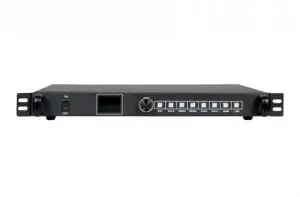
Sysolution S40 2-in-1 LED Video Processor
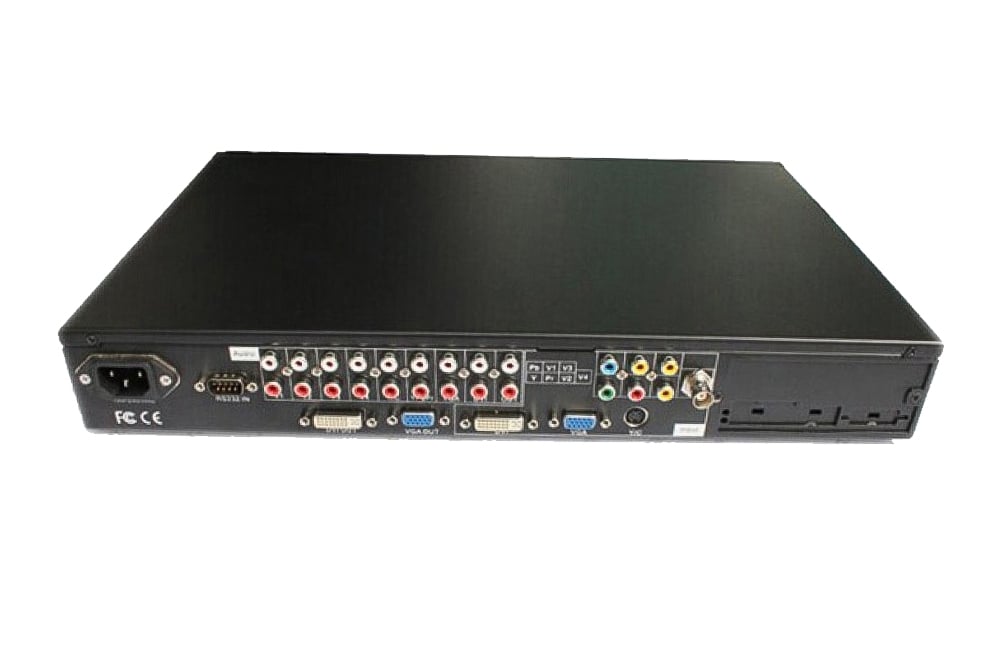
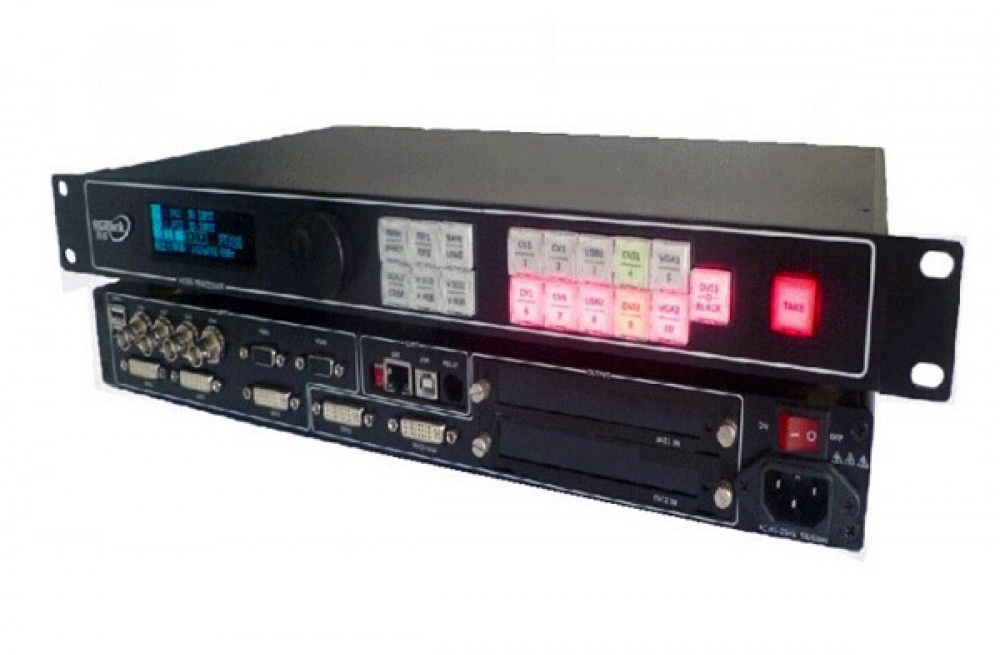
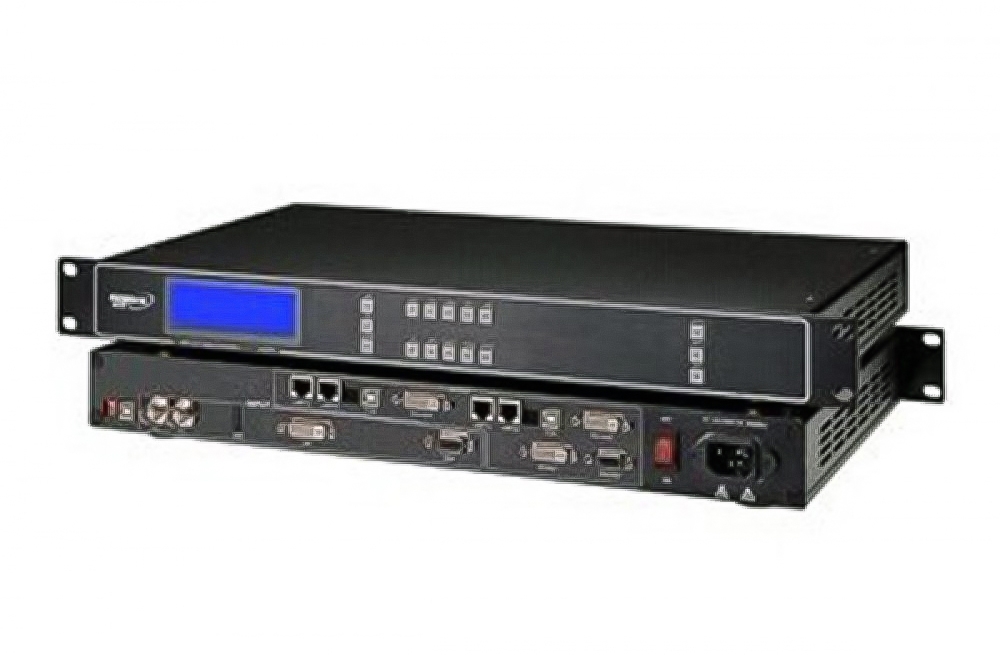
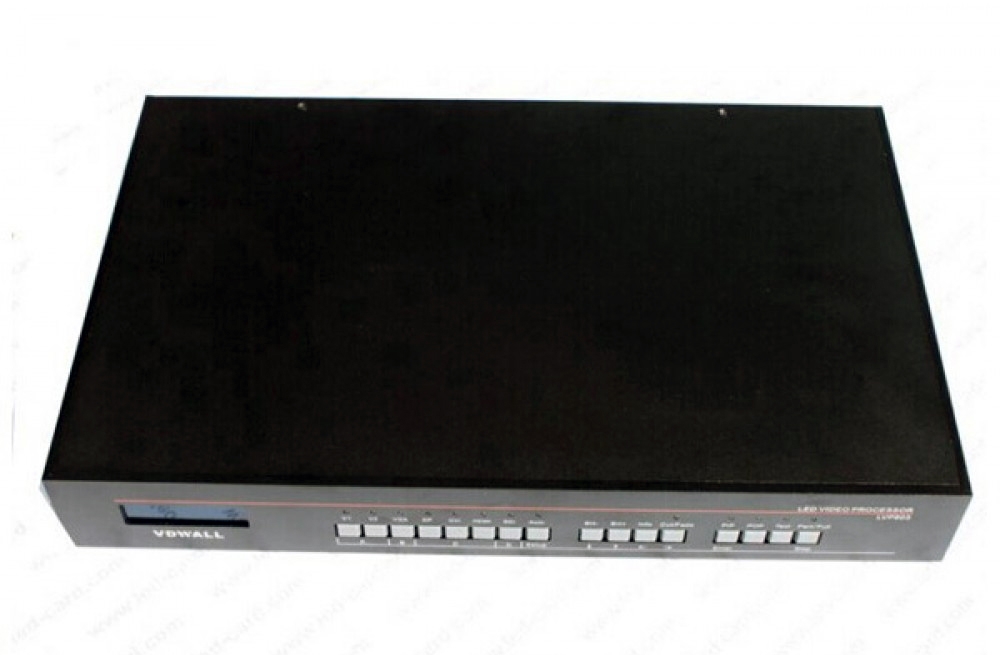
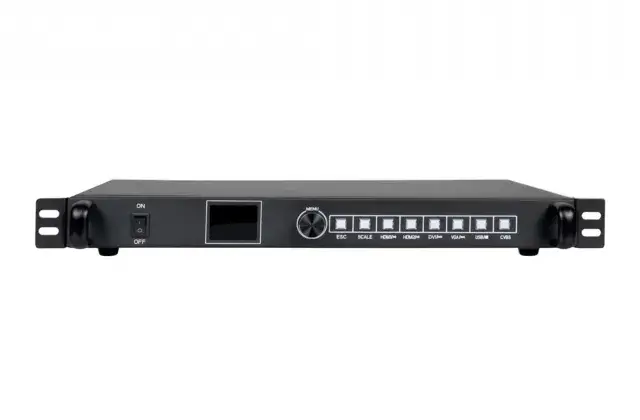
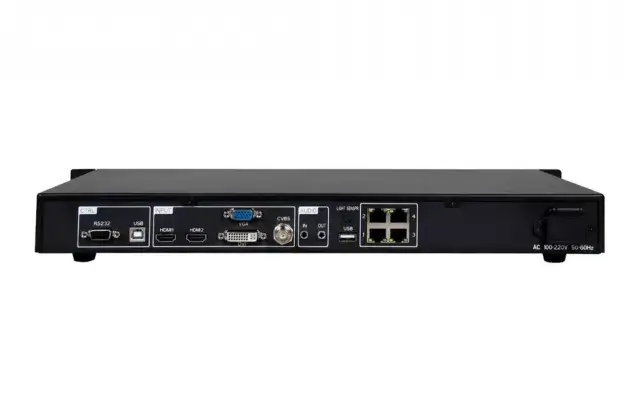
The Sysolution S40 combines video processing and LED display sending in one unit. Front-panel LCD, knob and button controls provide access to source selection and screen settings. The listed rear-panel configuration has four Ethernet outputs for connection to receiving cards.
Technical Specifications
| Parameter | Specification |
|---|---|
| Model | S40 |
| LED outputs | 4 × Ethernet, as listed in the rear-panel interface table |
| Video inputs | 2 × HDMI; 1 × DVI; 1 × VGA; 1 × CVBS |
| Audio | Independent 3.5 mm audio input and output |
| Saved user scenes | 8 |
| Screen controls | Window position, size and cropping; partial/full-screen switching |
| EDID | Custom input EDID supported |
| Control interfaces | RS232 and USB-B |
| Power input | AC 100–240 V, 50/60 Hz |
| Rated power | 11 W |
| Operating temperature | −20°C to 70°C |
| Case dimensions | 430 × 251 × 44 mm (L × W × H) |
Loading Capacity: Check the Hardware Revision
The feature list states a maximum load of 2.3 million pixels. The linked specification contains inconsistent port-count and loading entries in other sections, so confirm the supplied S40 revision and its loading limits before finalizing a screen layout. Do not calculate capacity from the number of Ethernet ports alone.
Saved Scenes and Source Switching
Create up to eight user scenes as templates for layouts used regularly. The processor supports seamless switching or fade transitions between input channels, window position and size adjustment, and image cropping.
Audio/video switching, engineer lock and one-key blank-screen control are also listed. For a replacement installation, retain the current cabinet configuration and check the source timing, receiving cards and output mapping against the supplied unit.
Product Images
Download Specification
Sysolution S40 LED Video Processor Specification (PDF)
Frequently Asked Questions
How many LED outputs does the S40 have?
The product page and rear-panel interface table list four Ethernet outputs. Check the supplied hardware revision because another section of the document gives a different port count.
What is the maximum LED load of the S40?
The feature list states 2.3 million pixels, but the specification has inconsistent loading entries. Confirm the capacity for the supplied revision before designing the screen.
Which video inputs are listed for the S40?
The rear-panel table lists two HDMI, one DVI, one VGA and one CVBS input. Use the exact-model document to check source timings.
Can I save different display layouts?
Yes. The S40 supports eight user scenes that can be saved as templates and recalled.
Can I adjust the image position and size?
Yes. The S40 supports window position, size adjustment and cropping, along with partial or full-screen switching.