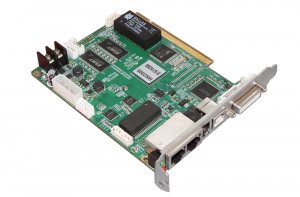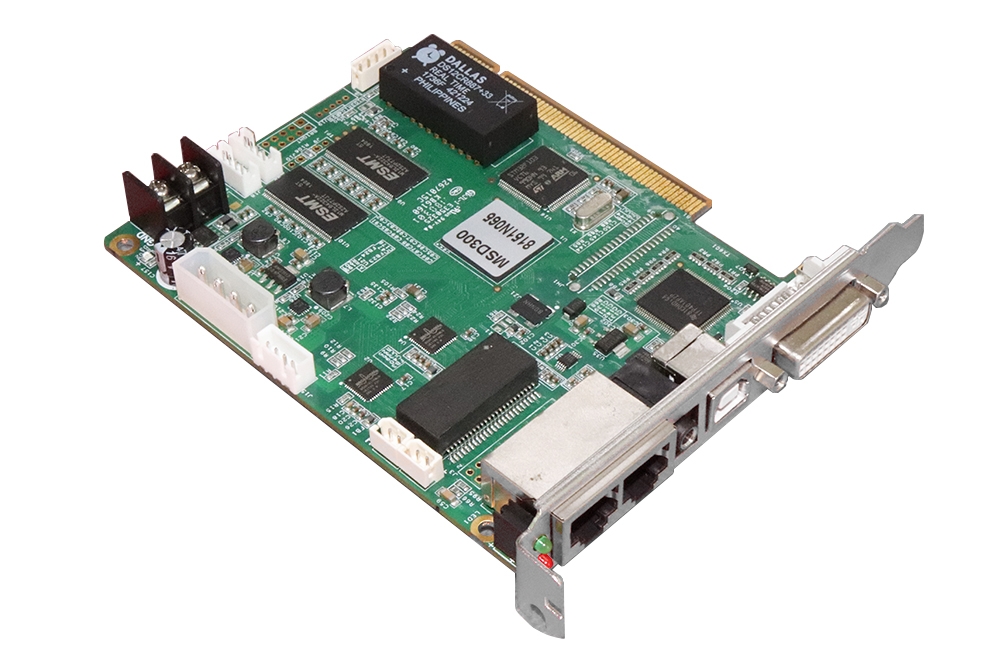
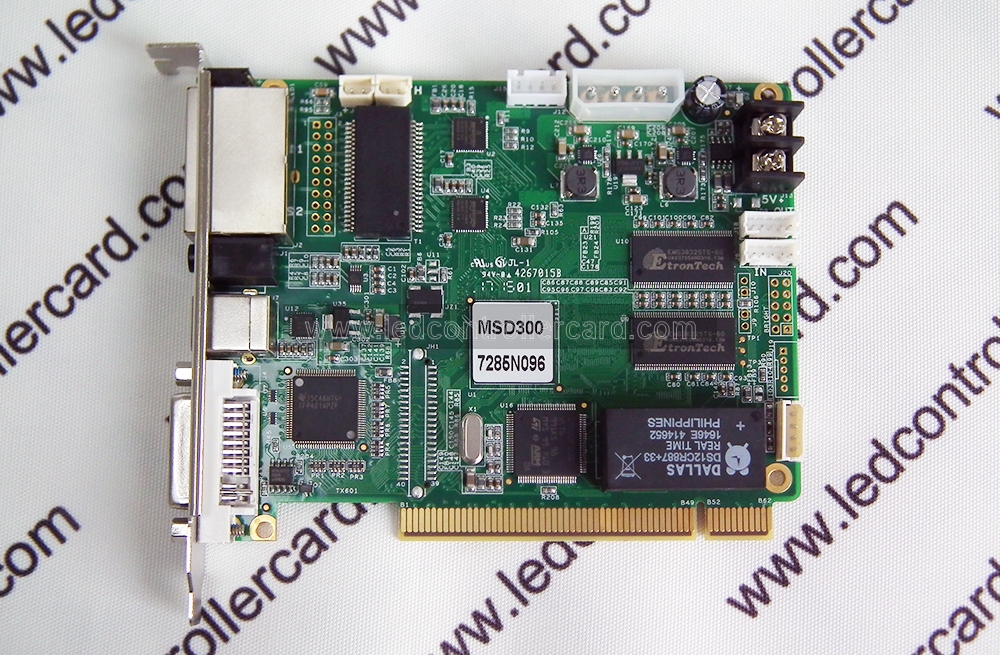
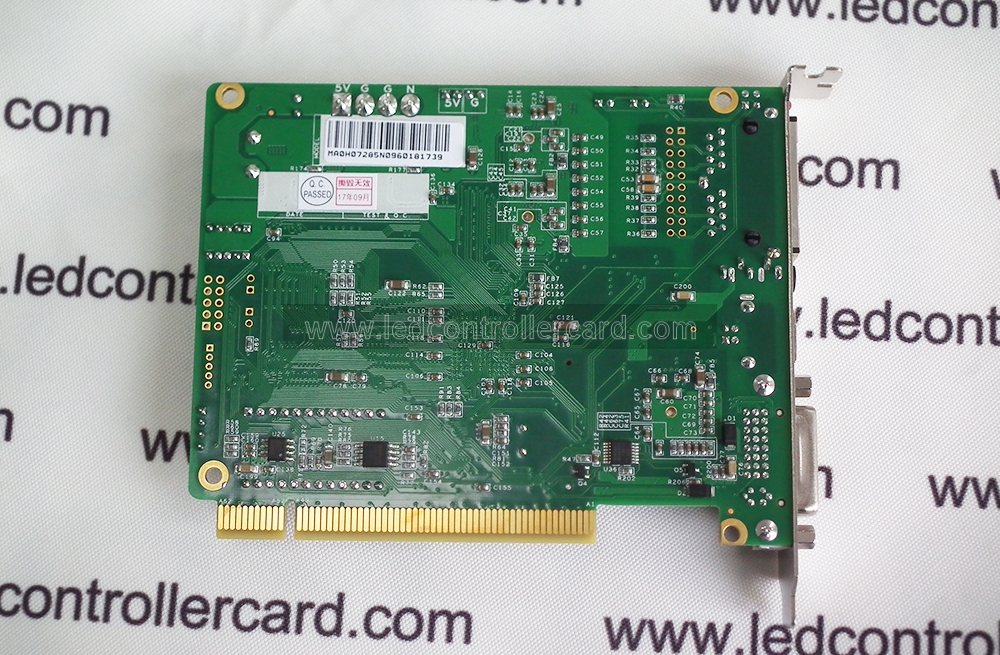
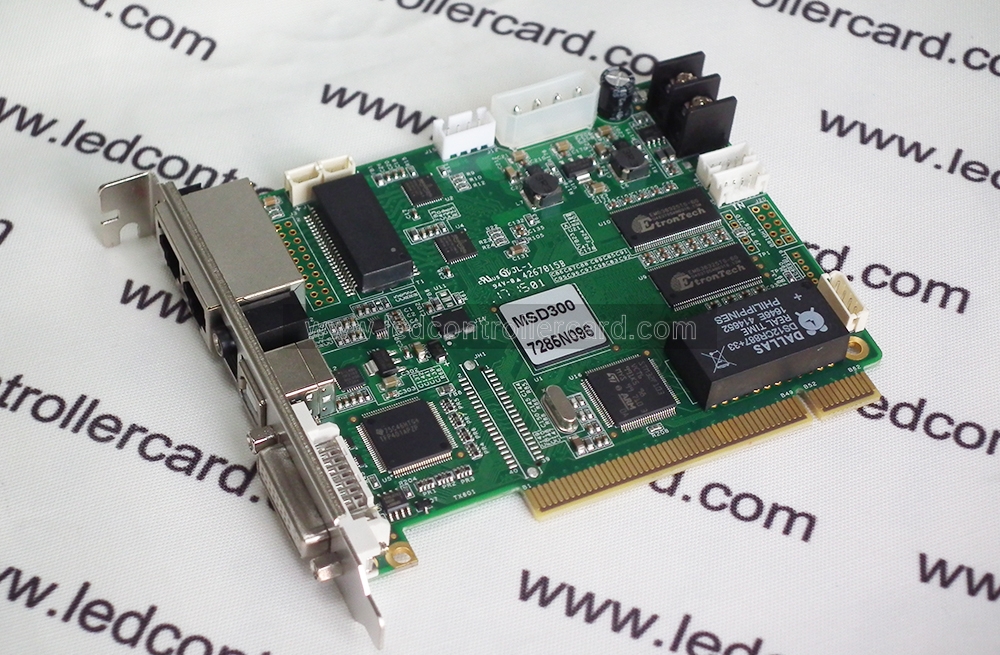
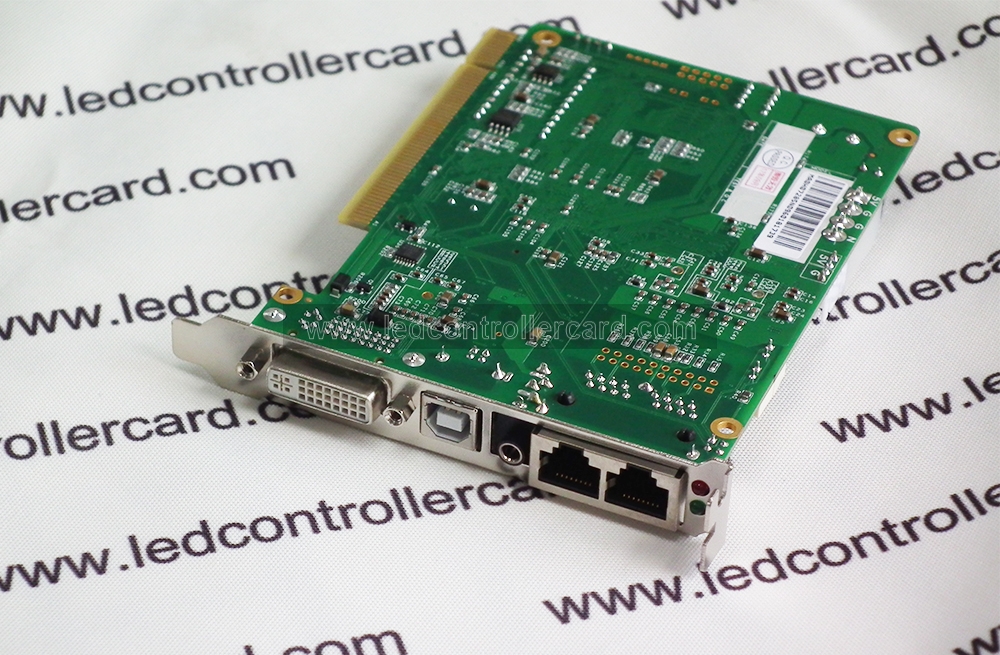
NovaStar MSD300 LED Sending Card Overview
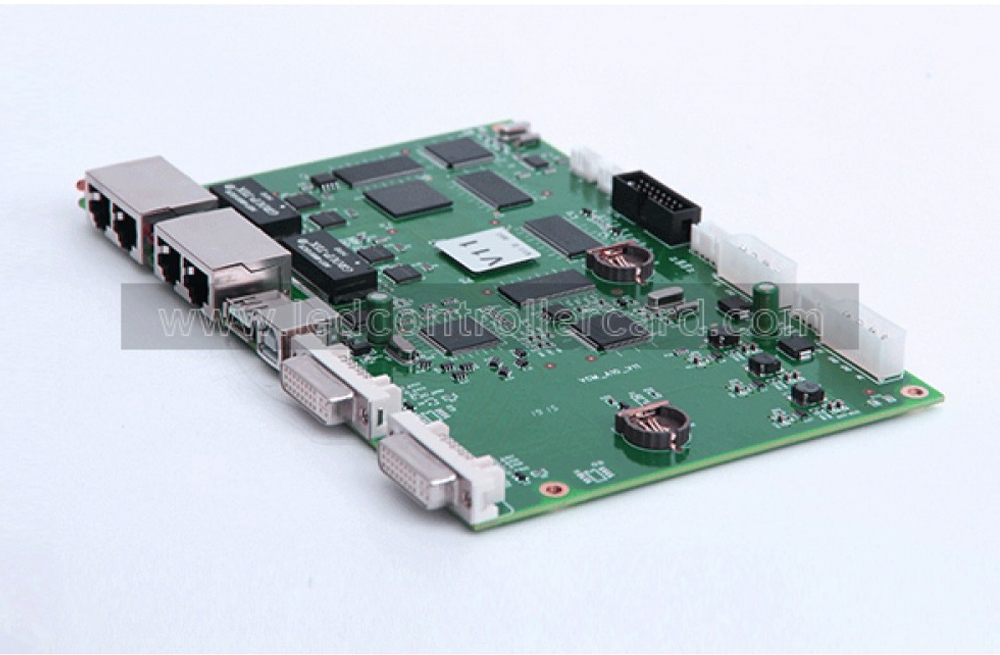
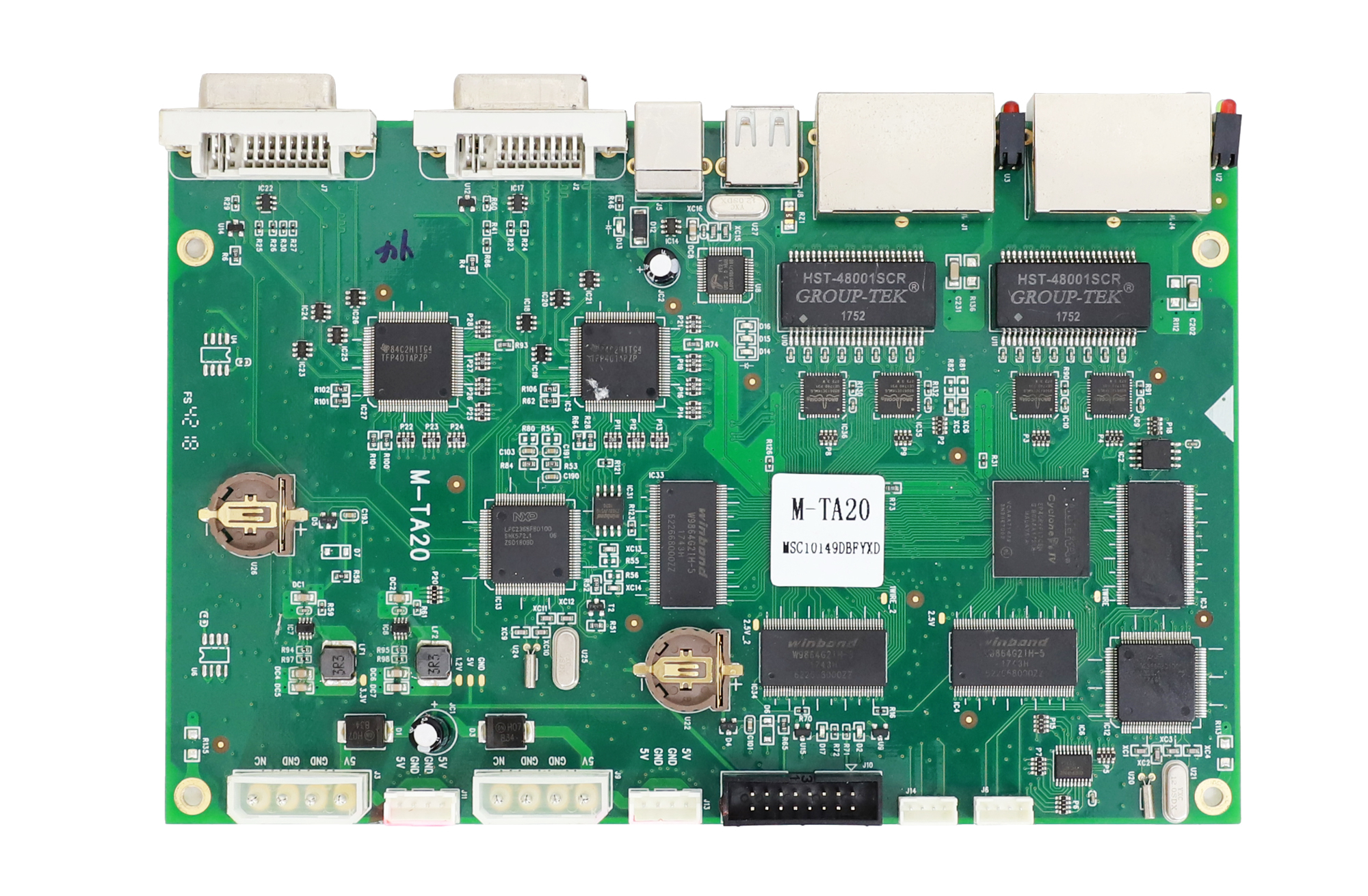
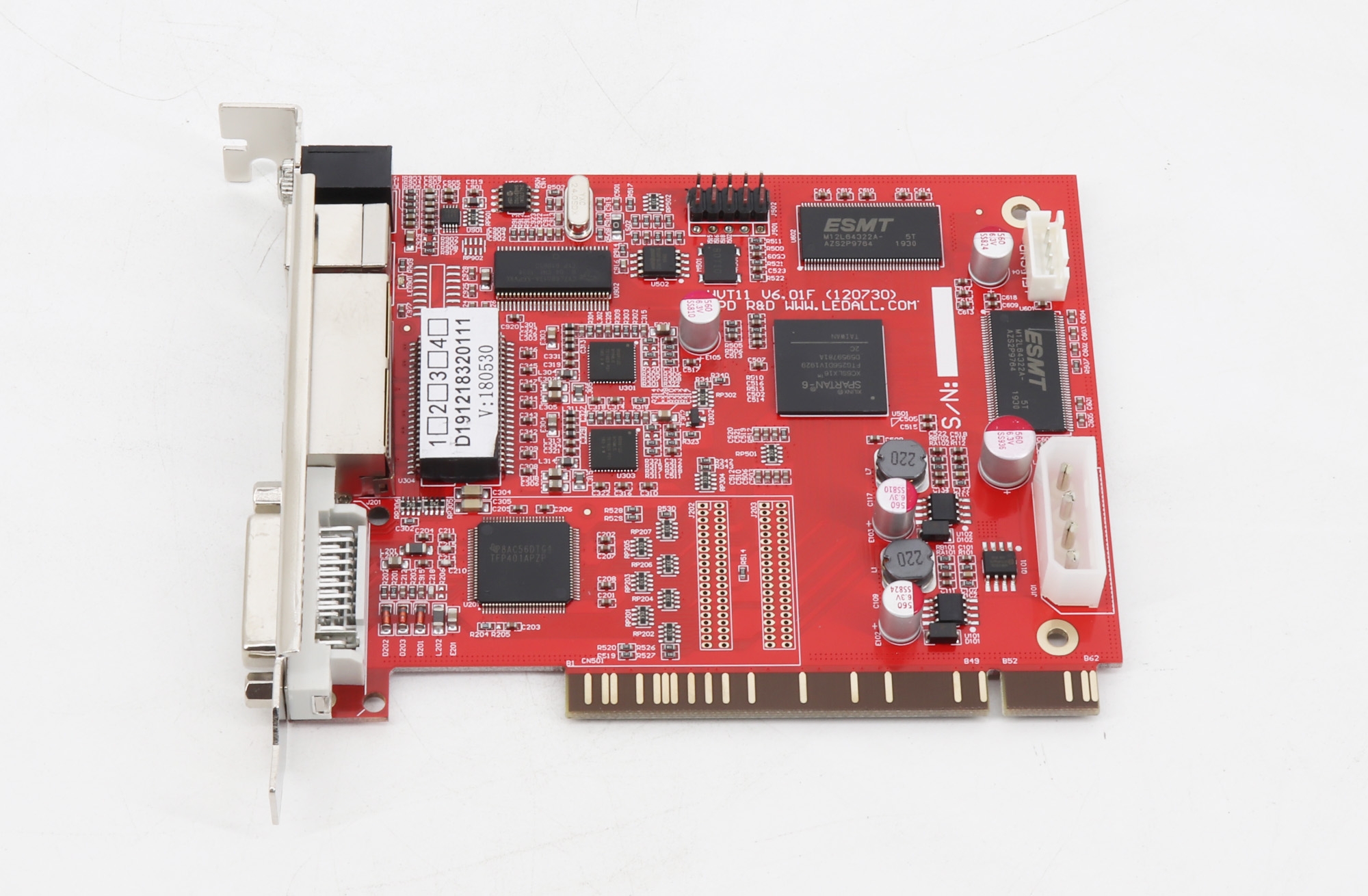
The NovaStar MSD300 LED sending card is a synchronous LED display control card that accepts a DVI video signal and sends display data through two Gigabit Ethernet outputs. It is a practical choice for building, replacing or maintaining a NovaStar-controlled LED screen.
The MSD300 supports commonly used LED display resolutions up to 2.3 million pixels, USB cascading for unified control of multiple sending cards, audio input and a light-sensor interface. This is an original NovaStar product supplied with a 2-year warranty. Quantity discounts are available for integrators, rental companies and wholesale buyers.
MSD300 Key Specifications
| Specification | Details |
|---|---|
| Video input | 1 x DVI |
| Audio input | 1 x audio input |
| Data outputs | 2 x Gigabit Ethernet ports |
| Control | USB interface with cascading support |
| Sensor connection | 1 x light-sensor interface |
| Supported resolutions | 1280 x 1024, 1024 x 1200, 1600 x 848, 1920 x 712 or 2048 x 668 |
Key Features
- Dual Ethernet output: sends LED display data through two Gigabit Ethernet ports.
- Flexible resolution support: handles multiple width-and-height combinations for standard and wide LED screens.
- USB cascading: multiple MSD300 cards can be linked for unified control of larger LED display systems.
- Audio and brightness control: dedicated audio input and a light-sensor interface support synchronized sound and automatic brightness workflows when used with compatible equipment.
- Original NovaStar hardware: suitable for new installations, replacement stock and service inventories.
Who Is the NovaStar MSD300 For?
The MSD300 is designed for LED display installers, system integrators, rental-screen operators and maintenance teams that need a dependable NovaStar sending card with DVI input. It can be used in indoor or outdoor LED display systems when paired with compatible NovaStar receiving cards and the correct screen configuration.
The MSD300 is a sending card, not a receiving card or standalone video processor. Before ordering, confirm the receiving-card family, cabinet wiring, required pixel load and software or firmware compatibility for your LED screen.
Setup and Compatibility
- Connect the video source to the DVI input.
- Connect the two Ethernet outputs to the LED display receiving-card network.
- Connect USB for configuration and, when required, cascade additional sending cards.
- Configure the screen parameters in the compatible NovaStar control software.
- Connect the optional audio source or light sensor as required, then test the complete signal path before operation.
Need another controller format or output capacity? Browse our LED sending card collection.
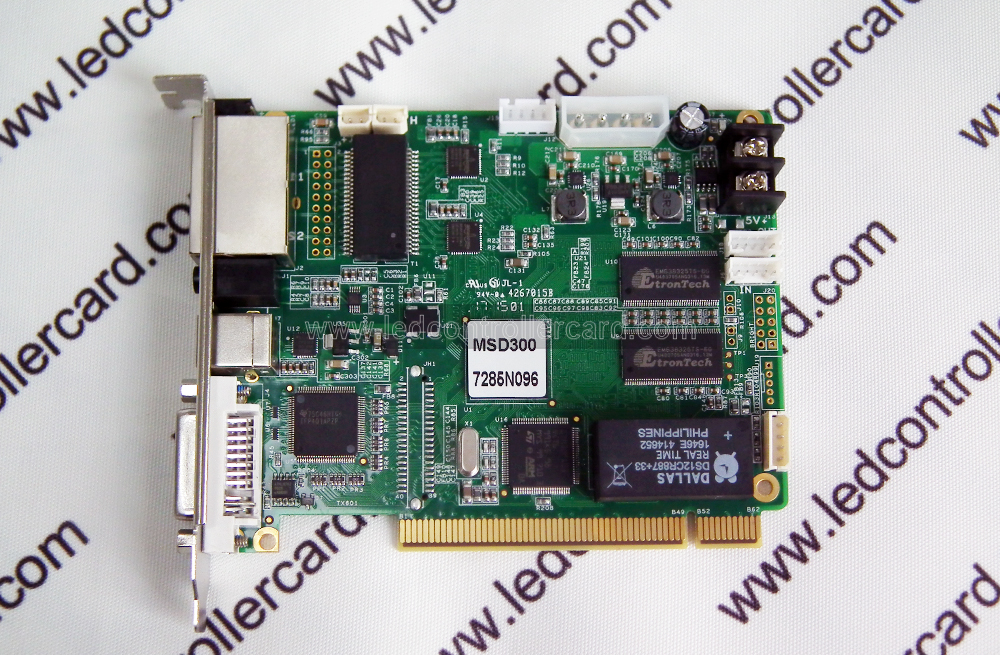
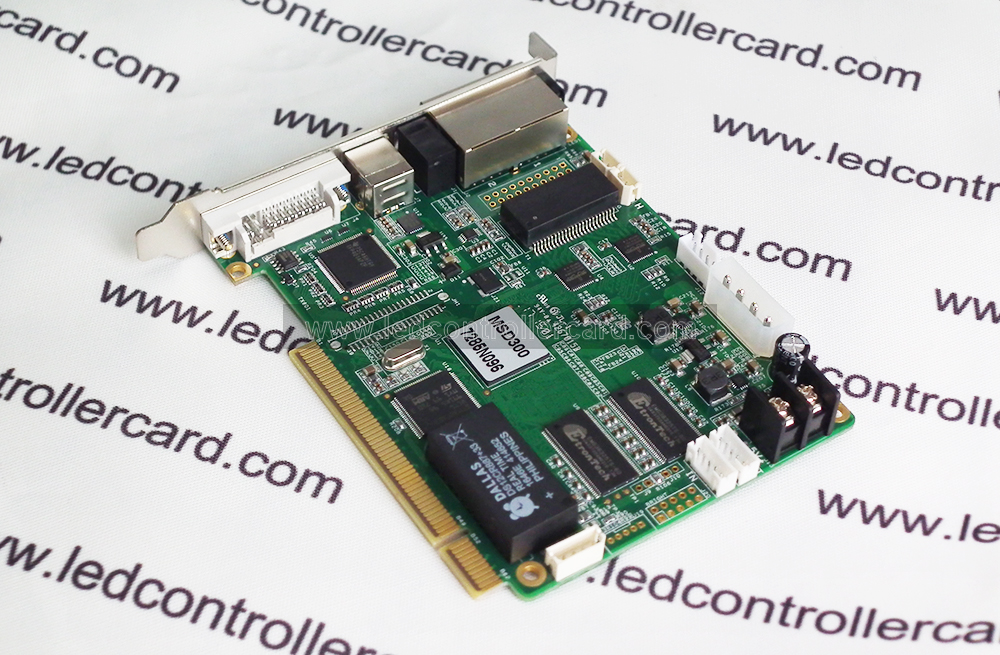
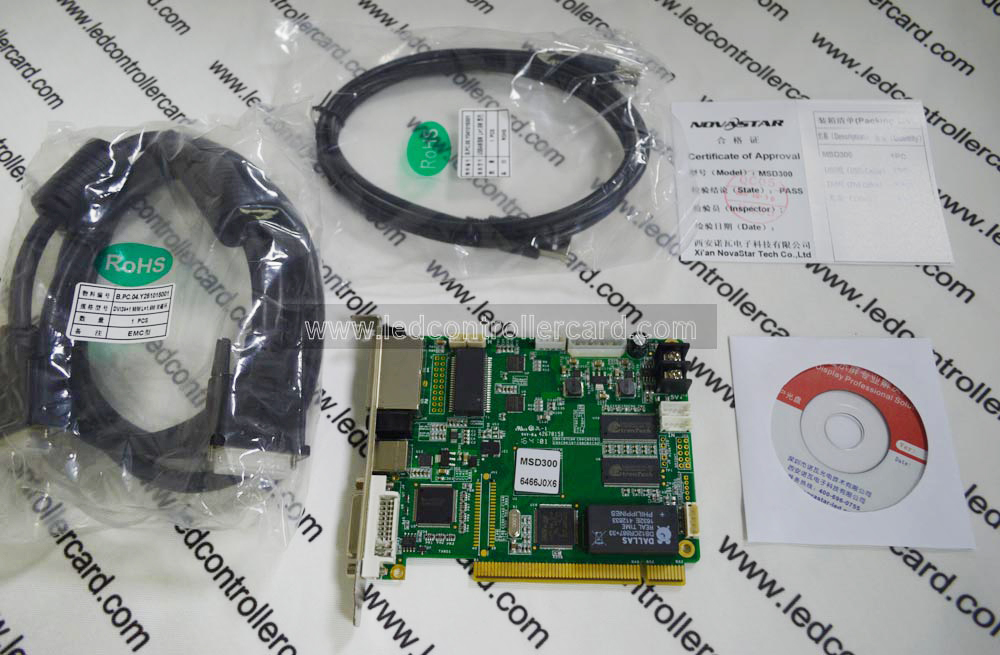
Product Images
Download the MSD300 Datasheet
Download the NovaStar MSD300 specifications (PDF).
Frequently Asked Questions
What does the NovaStar MSD300 do?
It receives a DVI video signal from the source and transmits configured display data to an LED screen through two Gigabit Ethernet ports.
What resolution does one MSD300 support?
Supported configurations include 1280 x 1024, 1024 x 1200, 1600 x 848, 1920 x 712 and 2048 x 668. The correct choice depends on the LED screen layout and total pixel load.
Can multiple MSD300 sending cards be cascaded?
Yes. The USB control interface supports cascading so multiple sending cards can be managed as one control system.
Does the MSD300 support audio and automatic brightness control?
It includes one audio input and one light-sensor interface. Automatic brightness adjustment also requires a compatible light sensor and correct system configuration.
Is wholesale pricing available?
Yes. Bulk discounts are available. Contact the sales team with the required quantity and destination for a quotation.