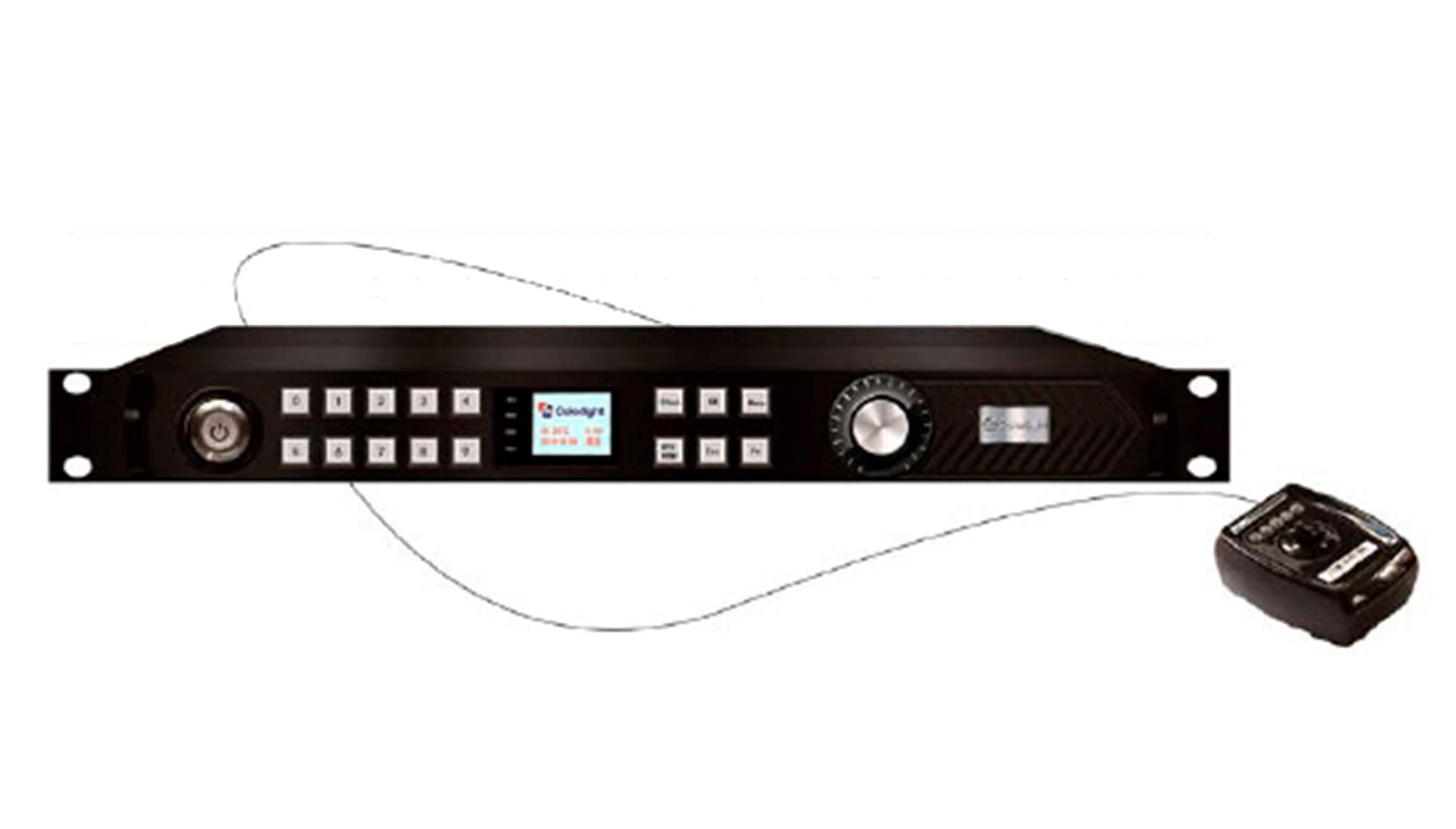
Colorlight 3D Sender for LED Displays
The Colorlight 3D Sender is a four-port LED sending controller for installations that need both standard 2D playback and synchronized, shutter-glasses 3D. Pair the sender with a compatible 3D emitter, active shutter glasses, and a suitable Colorlight receiving-card system. The front-panel LCD and controls support on-device setup and 2D/3D switching.
Key features
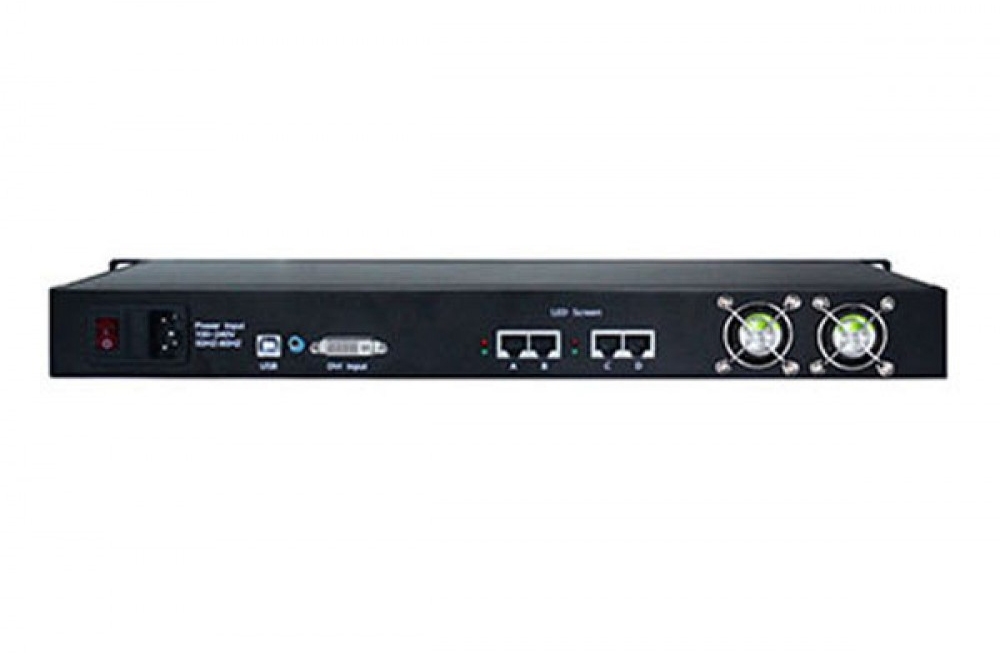
- 2D and 3D display modes with a dedicated 3D synchronization connection for an external emitter.
- One HDMI and one DVI video input, with front-panel input switching.
- Four Gigabit Ethernet outputs for mapping the LED screen to receiving cards.
- Front-panel LCD for screen status and setup, plus lock and black-screen controls.
- Two USB 2.0 ports for configuration and cascading; external audio input is also listed.
- Compatible receiving-card families listed for this sender include Colorlight 5A and i5A. Confirm the exact card, firmware, and 3D system before installation.
2D and 3D capacity: input versus LED screen
The listed maximum input resolution is 4096 × 2160 pixels. This describes the video signal the sender can accept; it does not mean the LED canvas can contain 4096 × 2160 physical pixels. The listed total LED loading capacity is 2,621,440 pixels in 2D mode and 1,310,720 pixels in 3D mode. Plan the actual screen width and height so their product stays within the applicable mode’s total capacity, then confirm port mapping and receiver-card limits for your installation.
| Item | Specification |
|---|---|
| Video inputs | 1 × HDMI; 1 × DVI |
| Maximum listed input resolution | 4096 × 2160 pixels |
| LED loading capacity, 2D | Up to 2,621,440 pixels total |
| LED loading capacity, 3D | Up to 1,310,720 pixels total |
| LED outputs | 4 × Gigabit Ethernet (RJ45) |
| Other connections | 3D sync for an external emitter; audio input; 2 × USB 2.0 for configuration/cascade |
| Controls | LCD status display, front-panel setup, input selection, lock and black-screen functions |
| Power and enclosure | AC 100–240 V; 1U enclosure; listed rated power 10 W |
How to use the 3D sender
- Connect an HDMI or DVI source and map the four Ethernet outputs to compatible Colorlight receiving cards.
- Connect a compatible 3D emitter to the sender’s 3D synchronization port and use matching active shutter glasses.
- Set the LED screen dimensions and operating mode within the applicable loading capacity. Check the source format, receiver cards, emitter, and glasses together before a live event.
Frequently asked questions
Does a 4096 × 2160 input mean a 4096 × 2160 LED screen?
No. Input resolution and physical LED loading capacity are different specifications. The listed 2D and 3D loading limits above govern the total screen pixels.
Are 3D glasses included or built into the controller?
The sender provides a 3D synchronization interface. An external emitter and compatible active shutter glasses are needed for the 3D viewing system; confirm the supplied accessories before ordering.
Can this sender also show normal 2D content?
Yes. The product listing specifies switching between 2D and 3D operation.
For help confirming receiver-card compatibility, the required 3D accessories, or a screen mapping, contact the product team. You can also browse the LED sending box category.
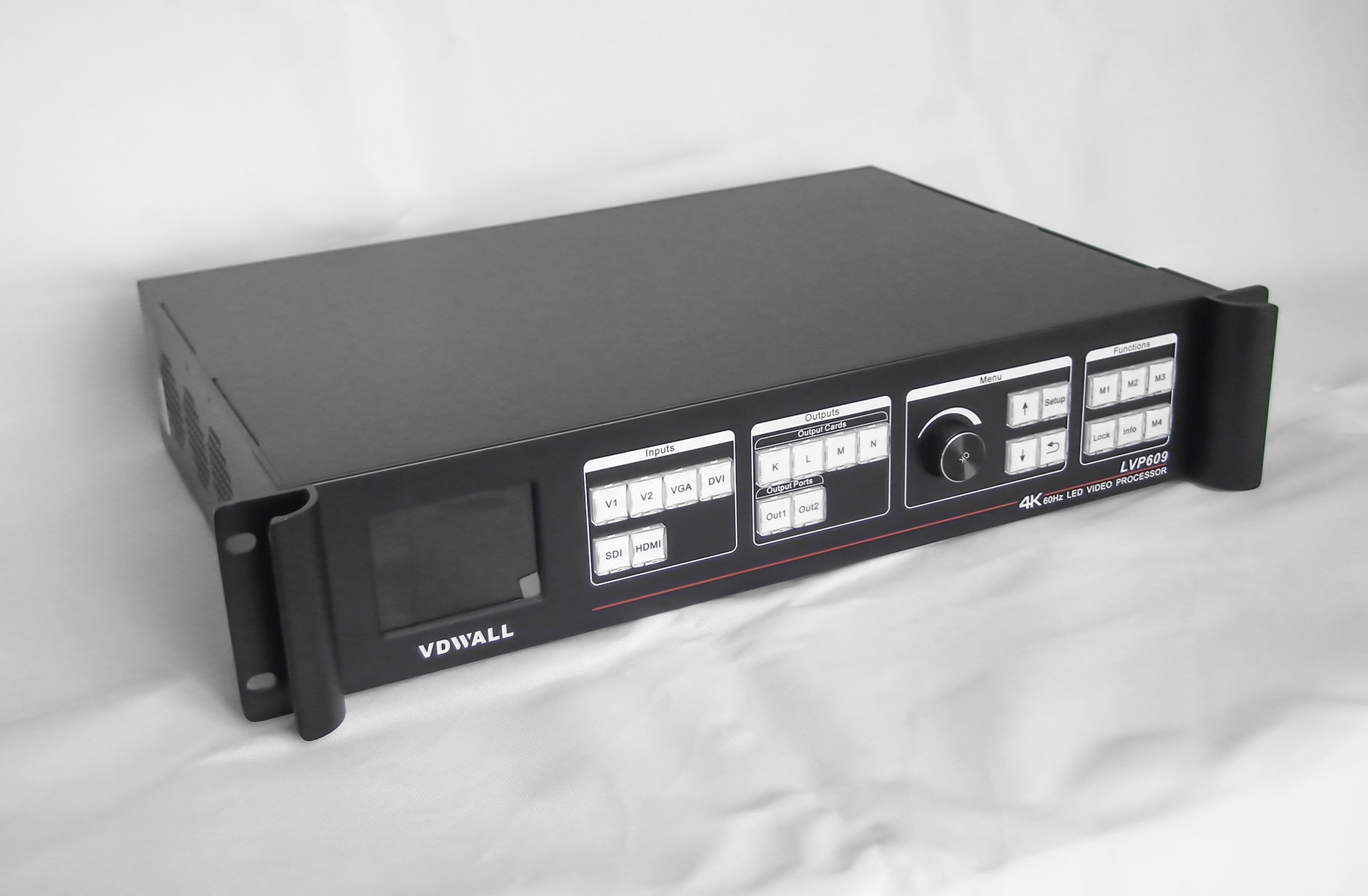
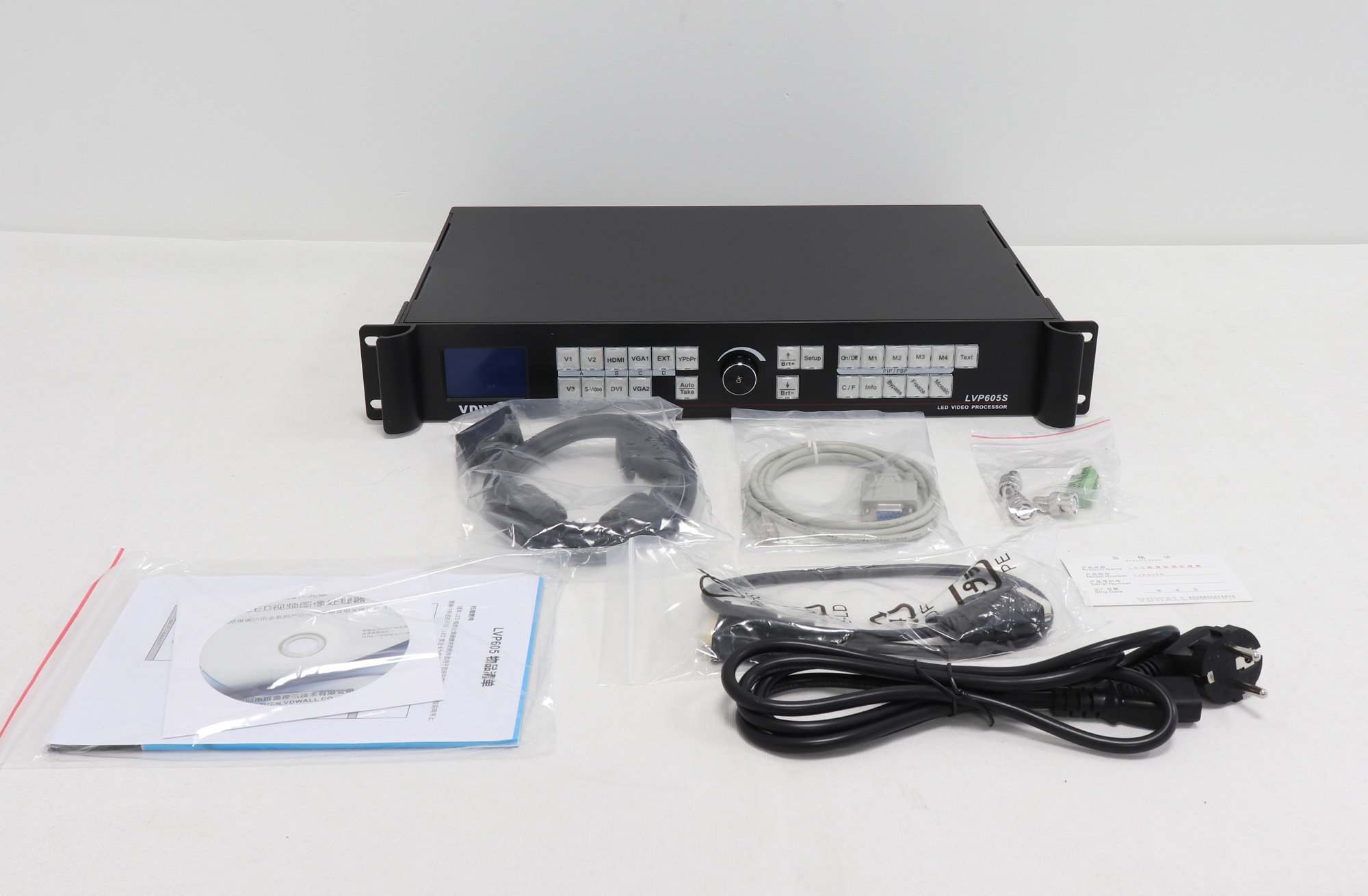
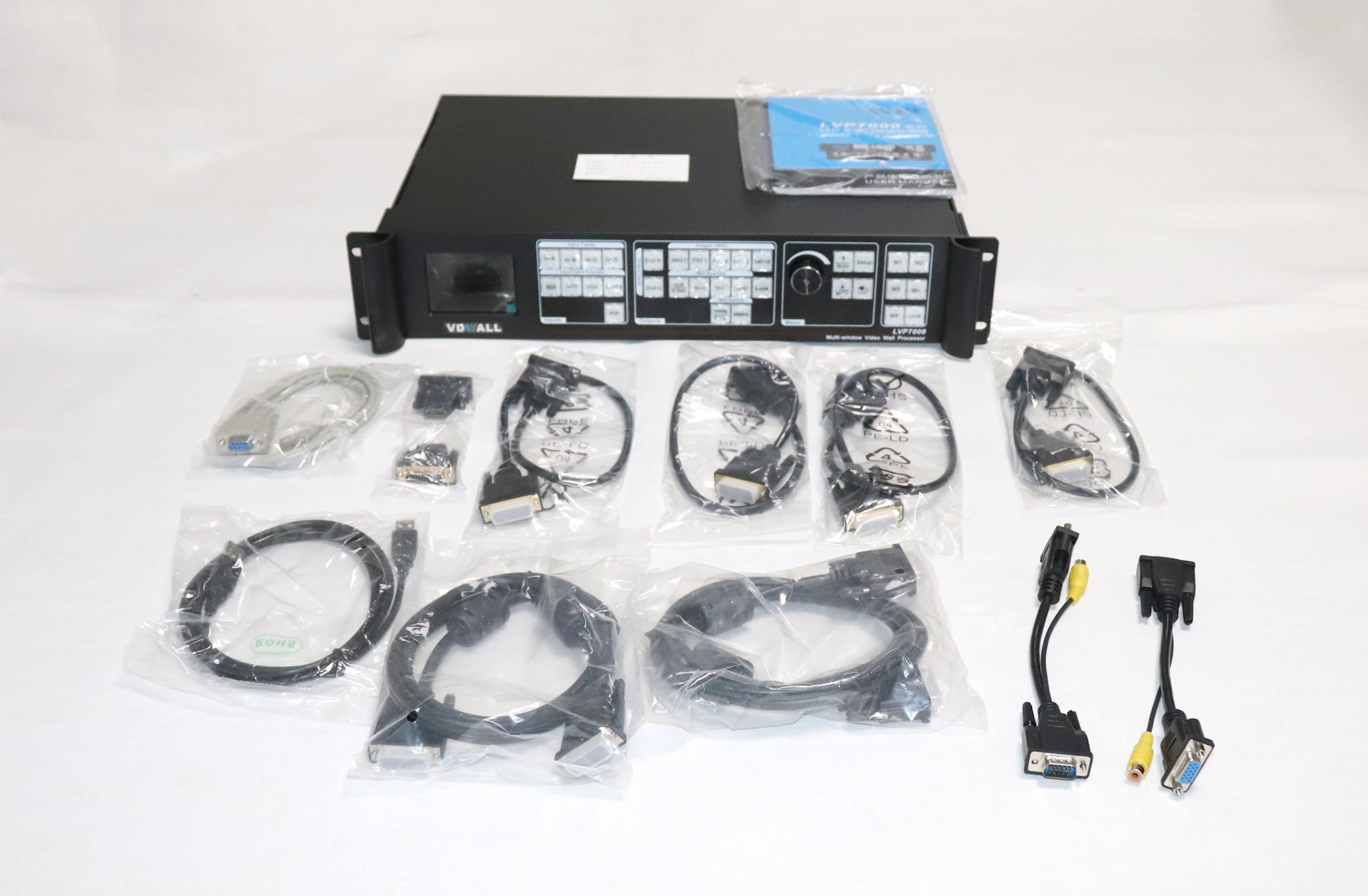
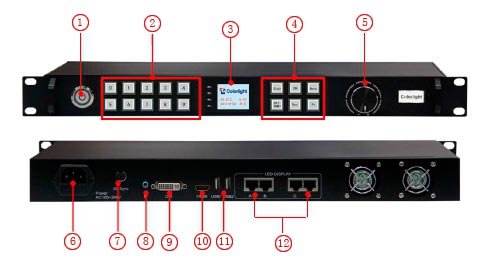
Product images and interface reference
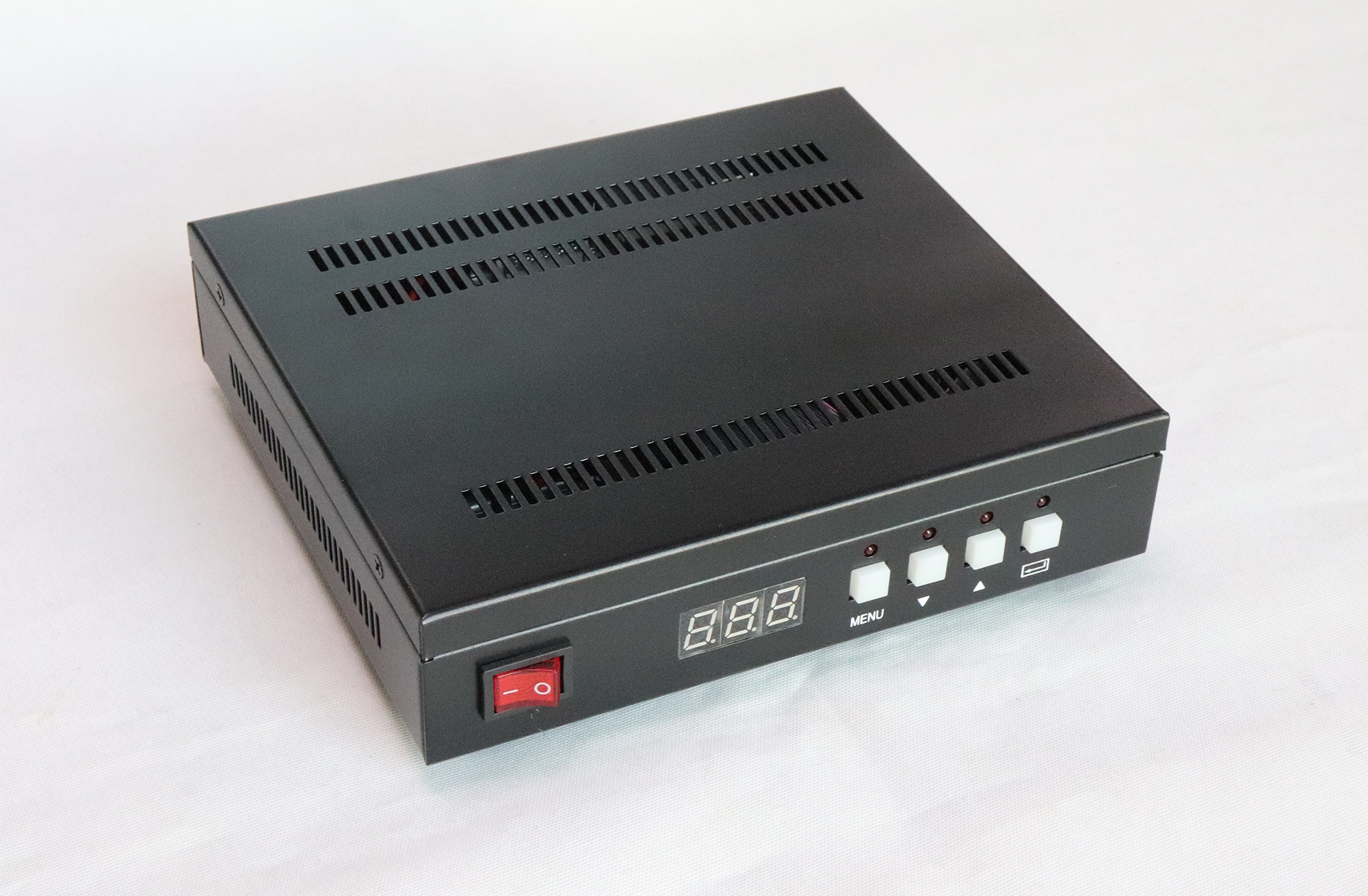
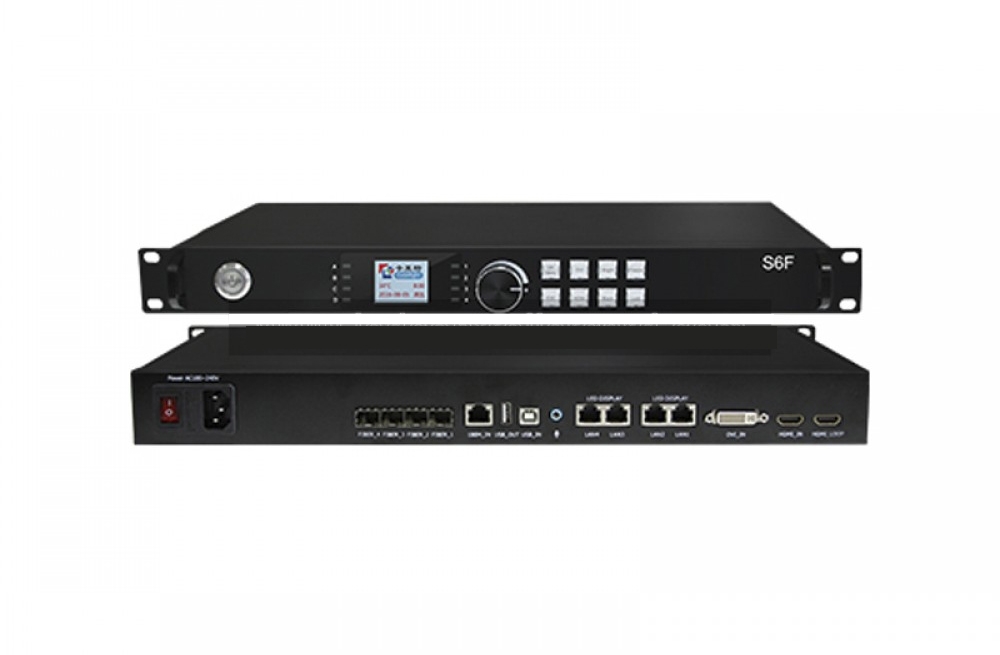
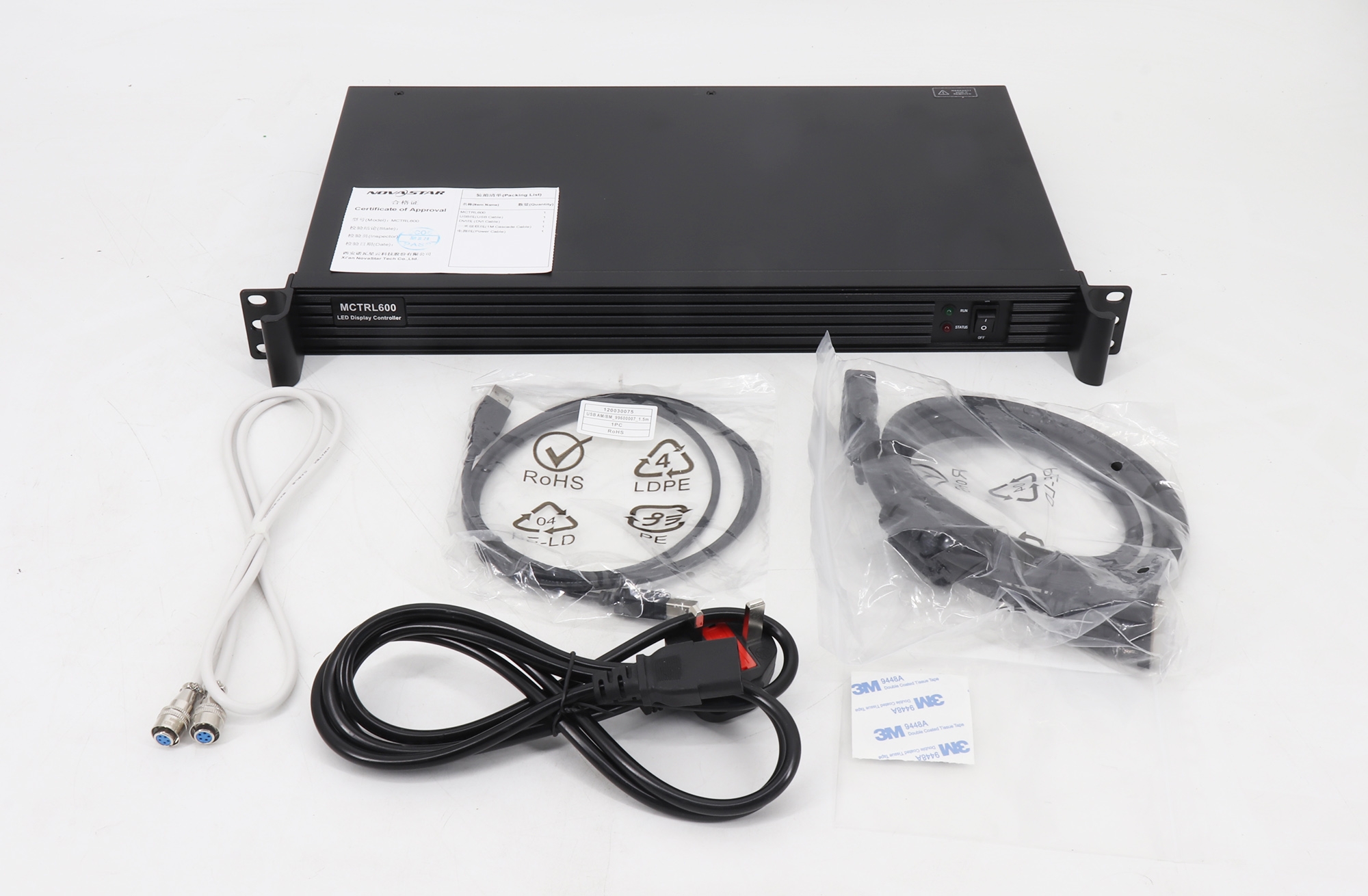
The original product images are retained below for visual identification of the sender and its controls.

Conclusion
The Colorlight 3D Sender suits LED displays that need a switchable 2D/3D signal path, four Ethernet outputs, and front-panel control. Size the LED canvas against the 2D or 3D pixel limit and verify the emitter, glasses, and receiving cards as one system.