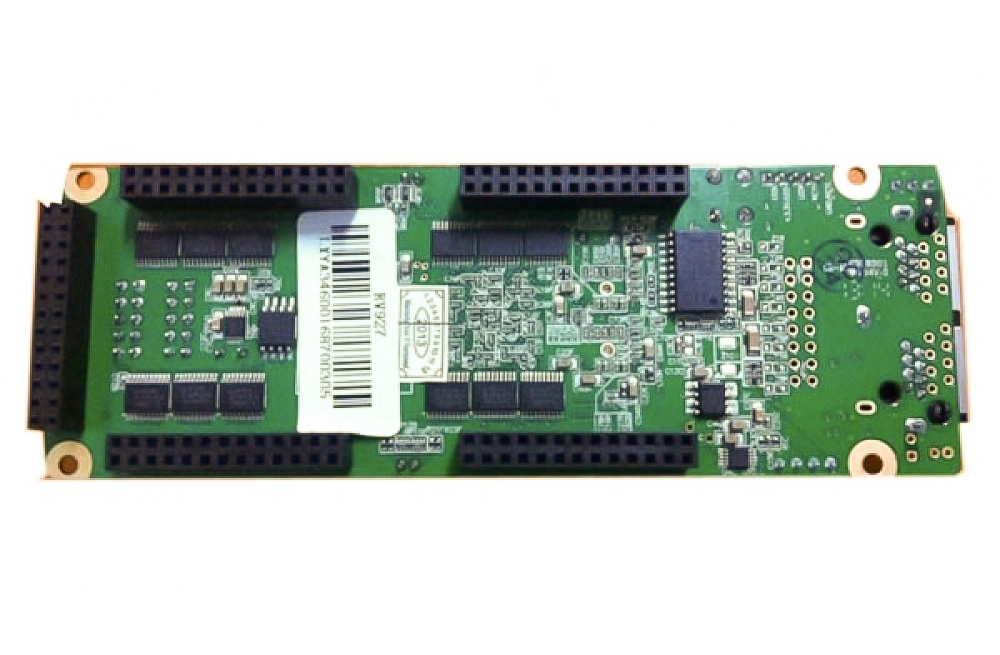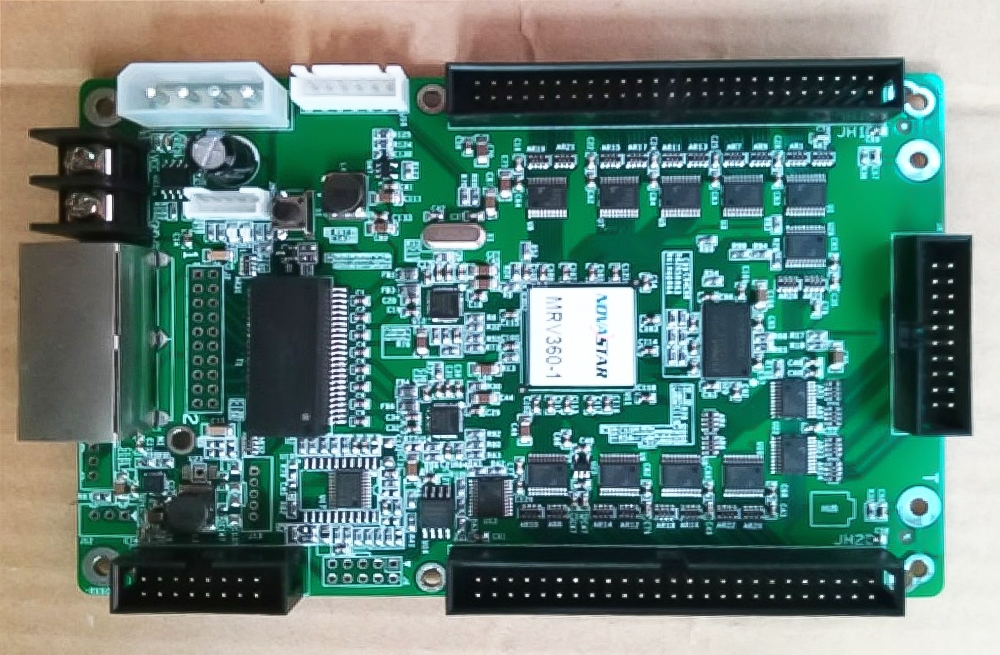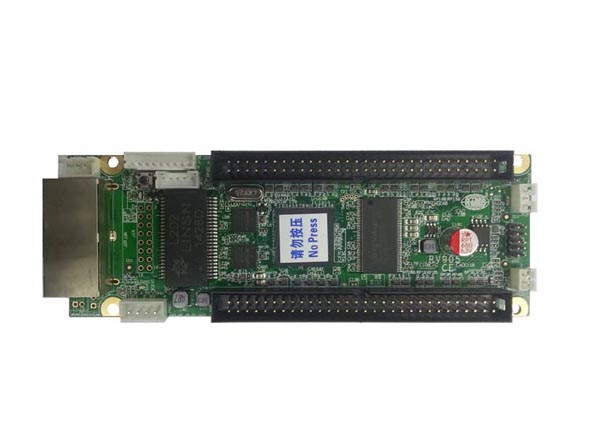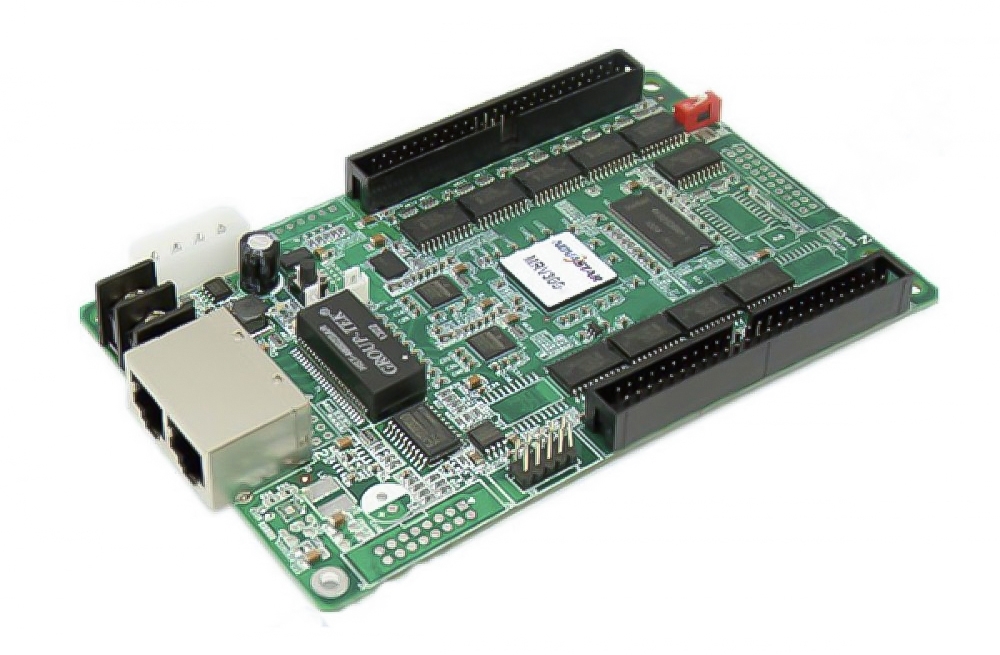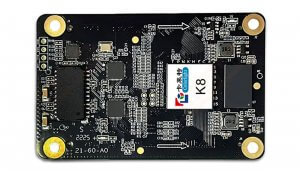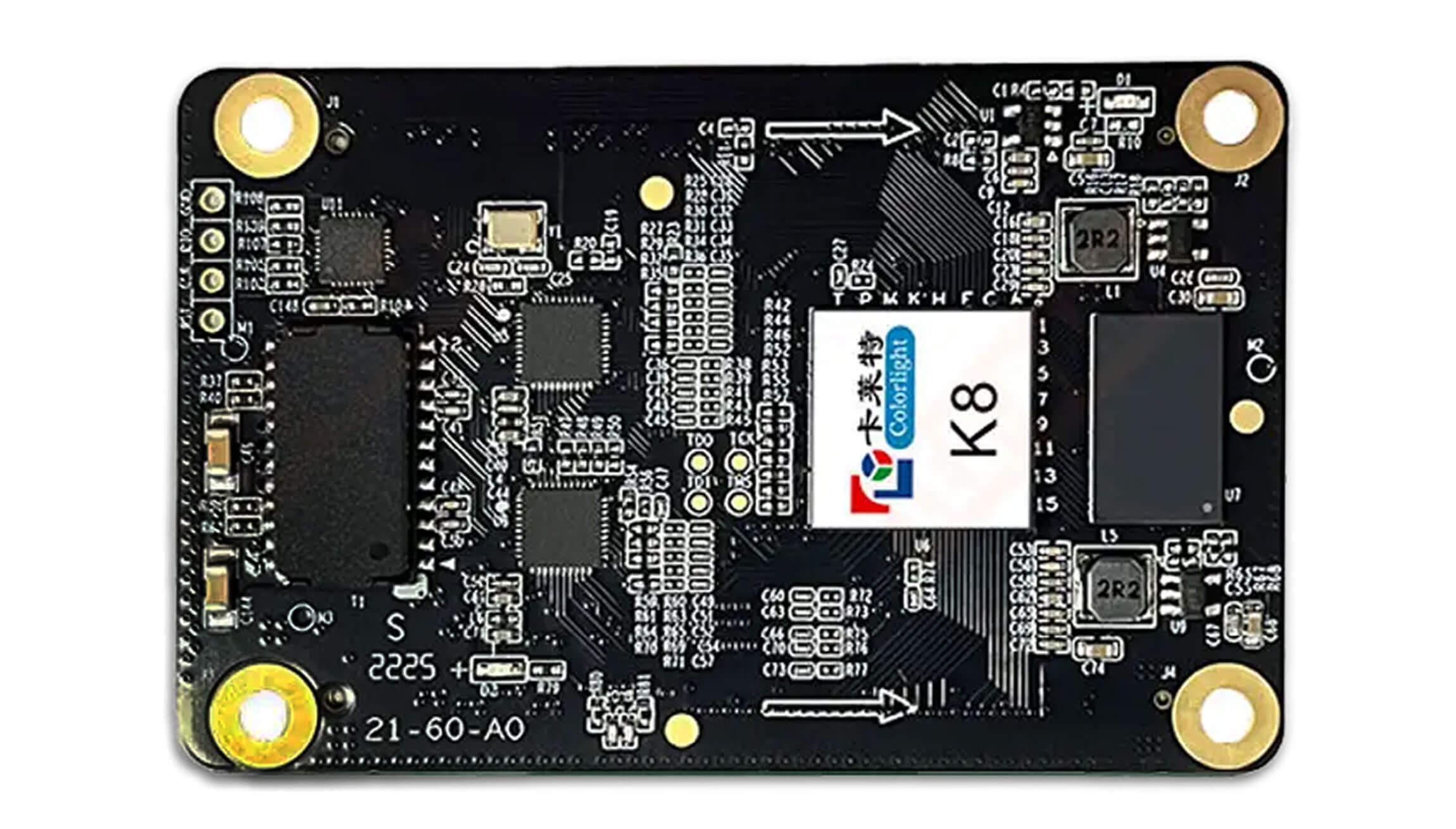
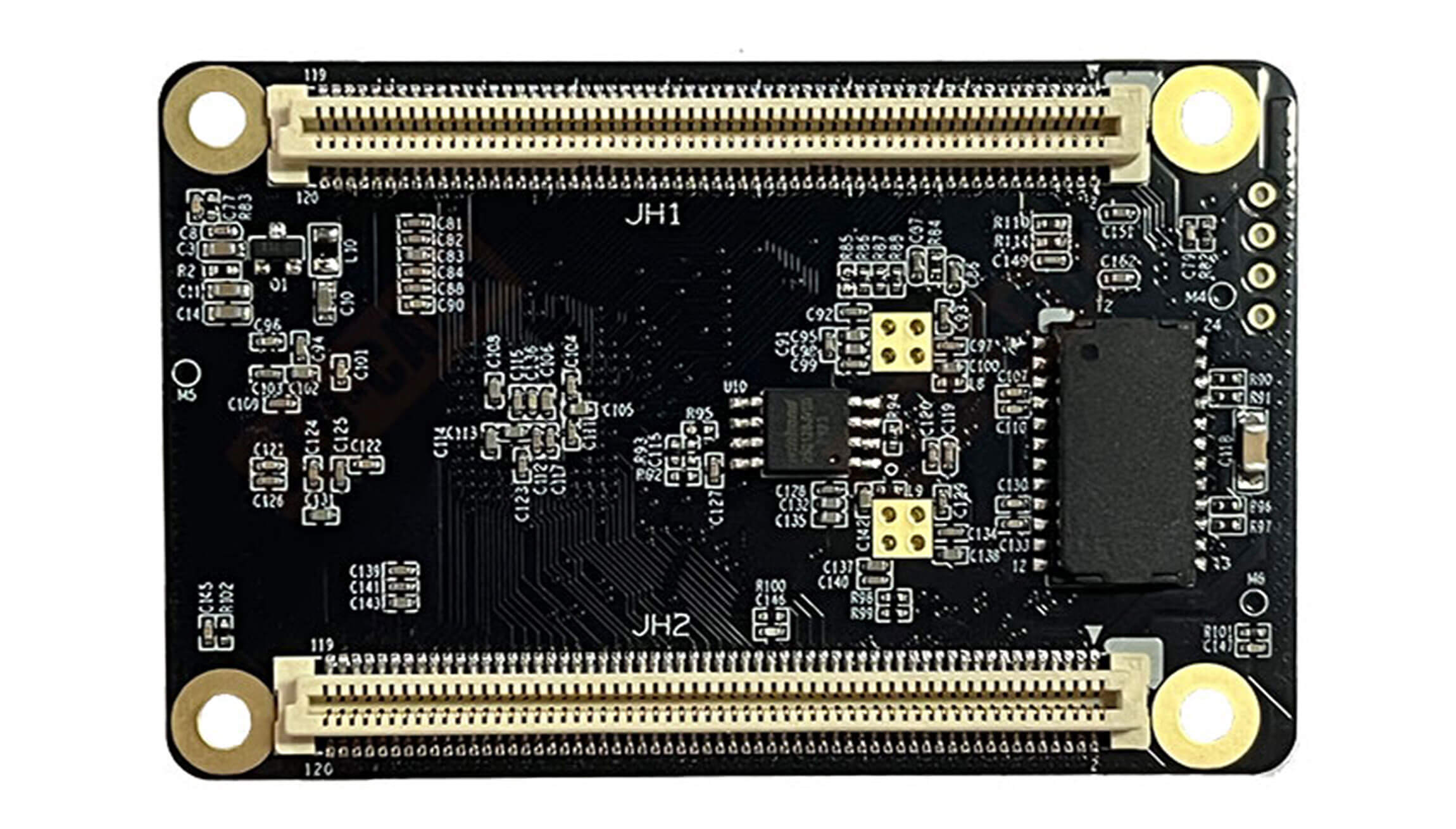
Colorlight K8 LED Receiving Card Overview
The Colorlight K8 receiving card controls LED cabinet modules in fine-pitch rental and fixed installations. It is intended for projects that need image adjustment, calibration and service functions in a compact receiving-card design.
Key Specifications
| Parameter | Specification |
|---|---|
| Maximum control area | 512 × 384 pixels; enabled features can reduce capacity |
| Parallel output | 32 RGB data groups |
| Module support | PWM driver ICs; scan types up to 1/128 |
| Video color depth | Up to 10-bit input/output in the V1.0.2 feature details |
| Calibration | Per-pixel brightness and chromaticity; up to 14-bit calibration accuracy |
| Cabinet interface | High-density connectors; matching HUB board required |
| Redundancy | Loop backup and dual receiving-card hot backup with suitable system design |
Capacity note: 512 × 384 is a maximum load, not a guarantee for every display mode. High-frame-rate operation affects capacity. Confirm the required cabinet resolution, scan mode and frame rate together before ordering.
Image Quality and Maintenance Features
- HDR, Infi-bit processing, grayscale refinement and independent gamma adjustment support image tuning.
- Seam correction helps adjust visible cabinet boundaries; cabinet highlight and OSD help identify cabinets during setup.
- Configuration, calibration-coefficient and firmware backups support maintenance and recovery.
- Cabinet monitoring functions depend on the cabinet design and any required monitoring hardware.
Check Compatibility Before Ordering
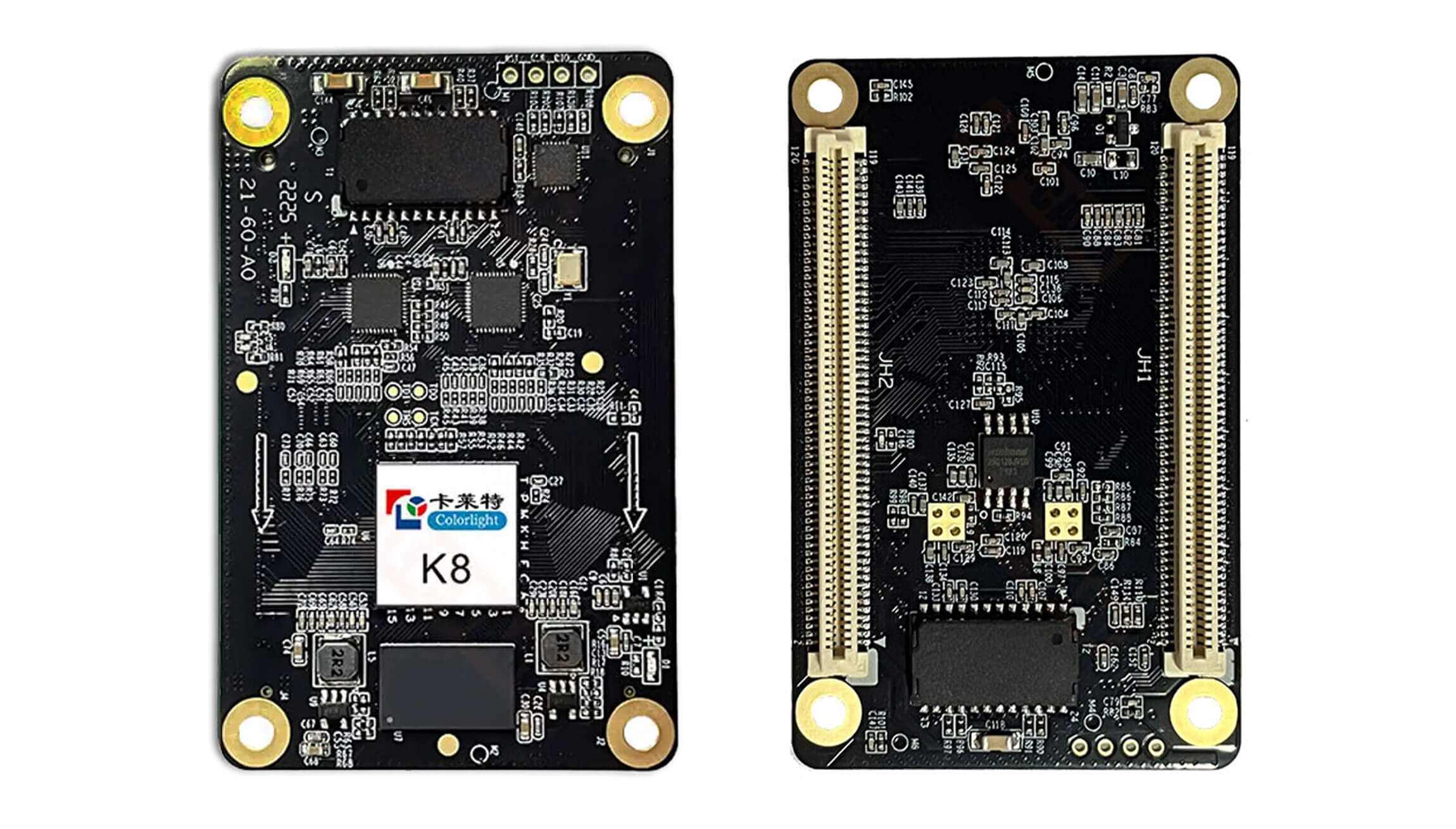
For a replacement, compare the existing card label and board revision with the proposed K8. A receiving card should be selected as part of the complete control system, rather than by its pixel capacity alone.
- Record the sending controller model, firmware version and current cabinet configuration.
- Check the HUB board connector, pin assignment, power arrangement and mounting space.
- Confirm the LED module driver IC, scan ratio, wiring and resolution per cabinet.
- Specify whether the project needs HDR, higher frame rates, monitoring or redundant receiving cards.
- Keep a copy of the existing configuration and calibration files before replacing hardware.
Serial output configuration: The linked V1.0.2 document gives different serial-data-group counts in its overview and parameter table. Confirm the required serial mode for the actual hardware and firmware before purchase.
Frequently Asked Questions
What is the maximum resolution of the Colorlight K8?
The specified maximum is 512 × 384 pixels per receiving card. Check the usable load for your selected display settings, especially when high-frame-rate features are enabled.
Can I replace another receiving card with a K8?
Do not assume a direct swap. First match the controller system, HUB interface, module wiring and saved configuration. Send clear photos of the current card and HUB board with the module specifications for a compatibility check.
Does one K8 provide dual-card backup?
Dual receiving-card hot backup uses two receiving cards and a suitable HUB board. Loop redundancy also needs the appropriate primary and backup signal connections.
Conclusion
Choose the K8 when its cabinet interface, supported module configuration and display features fit your project. For help selecting a replacement or planning a new screen, contact us with your cabinet specifications. You can also browse our LED receiving cards.
Product Image and Specification Download
Reference: Colorlight K8 Specification V1.0.2. Verify revision-specific requirements against the supplied hardware.
Download Specification:
Colorlight K8 LED Display Screen Receiving Card Specification