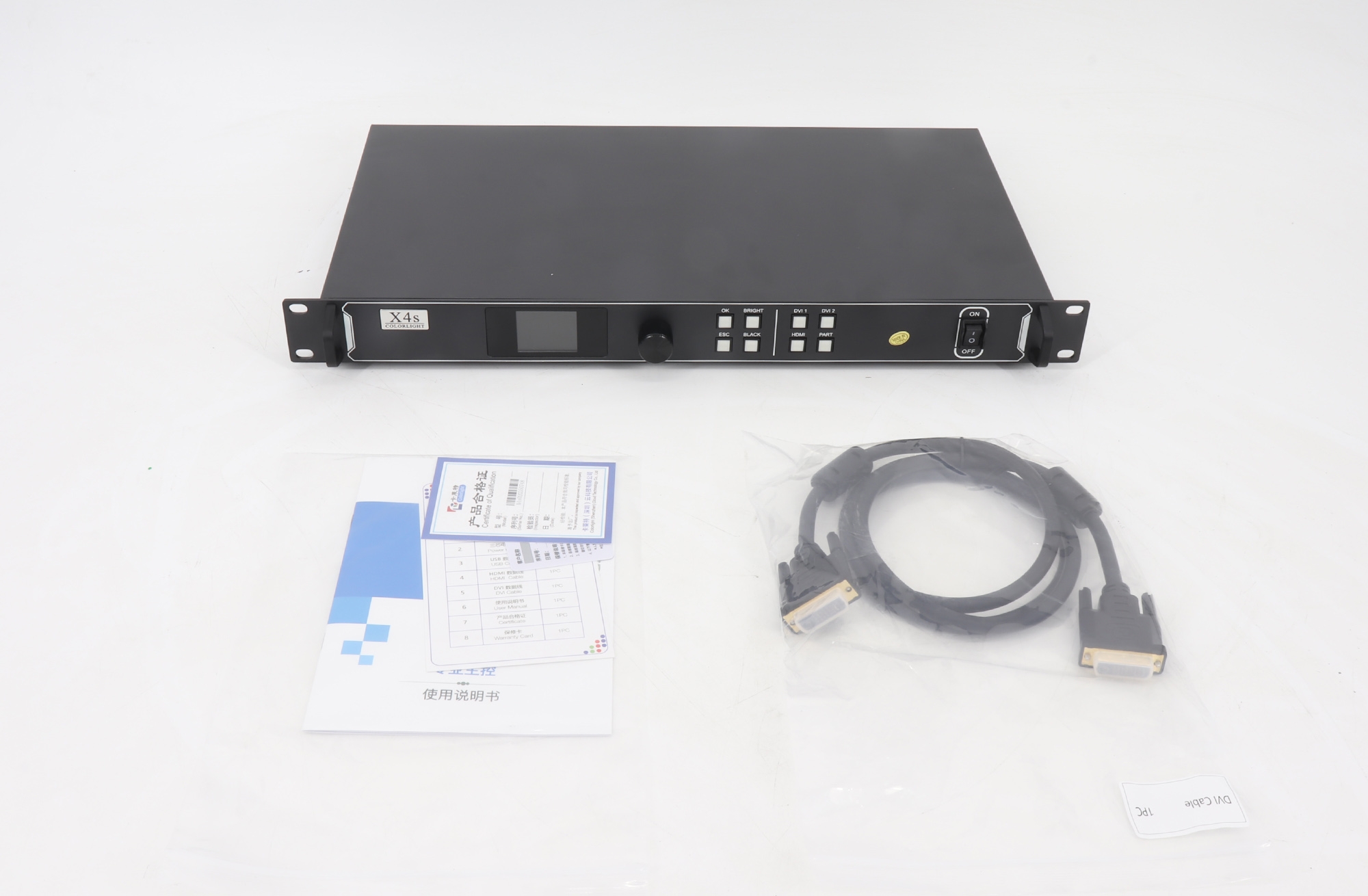
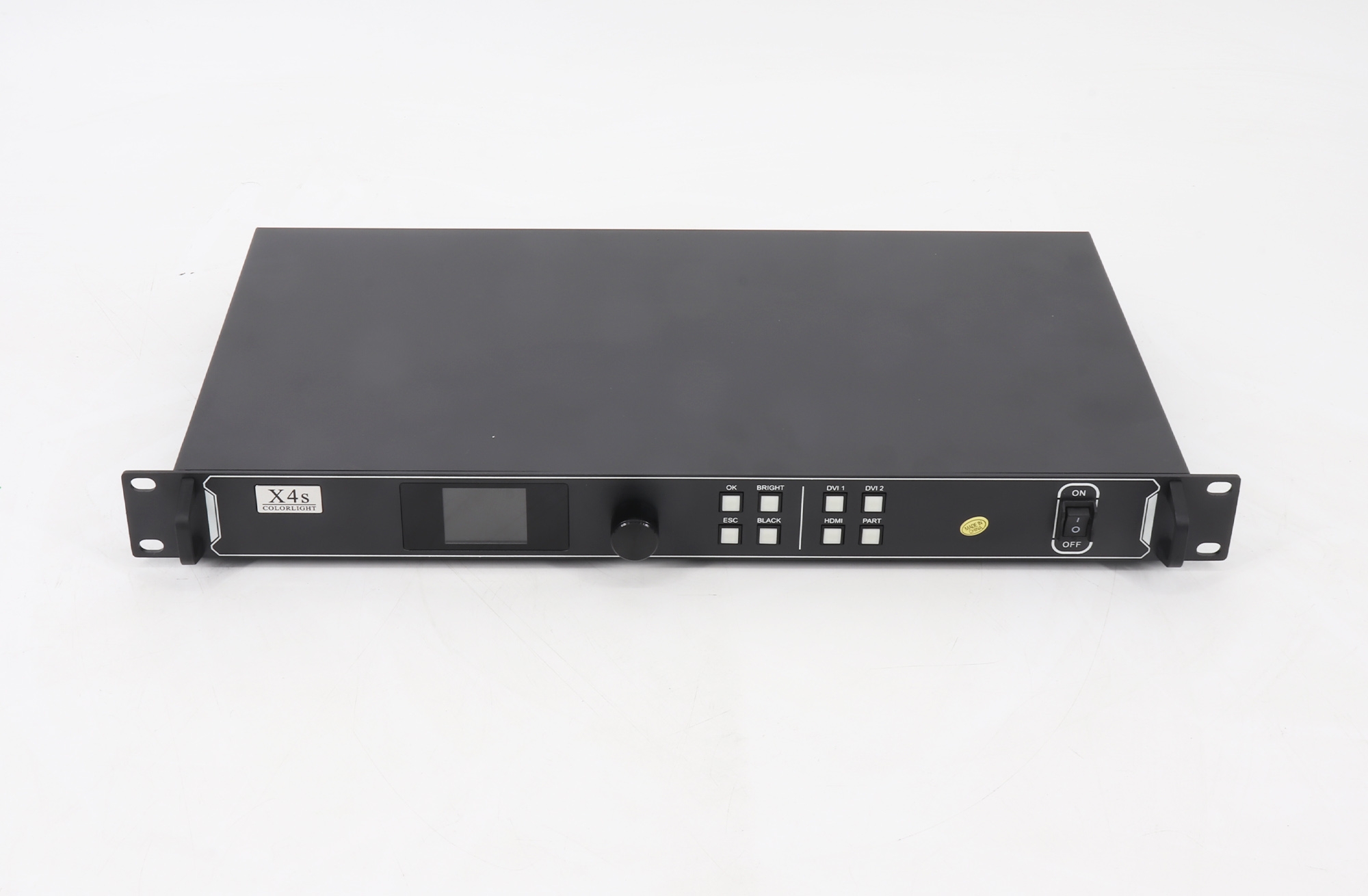
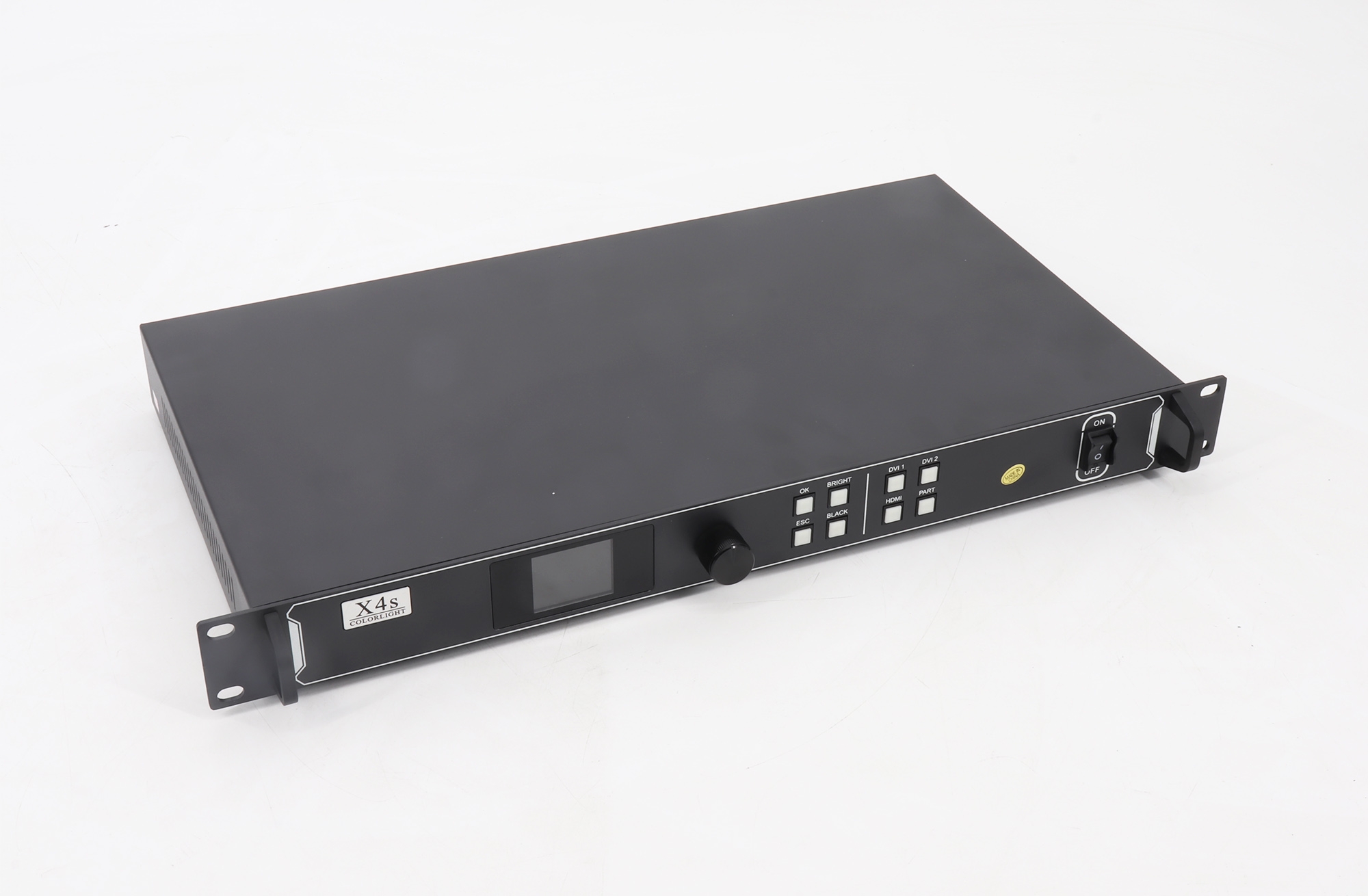
Colorlight X4s LED Video Controller Overview
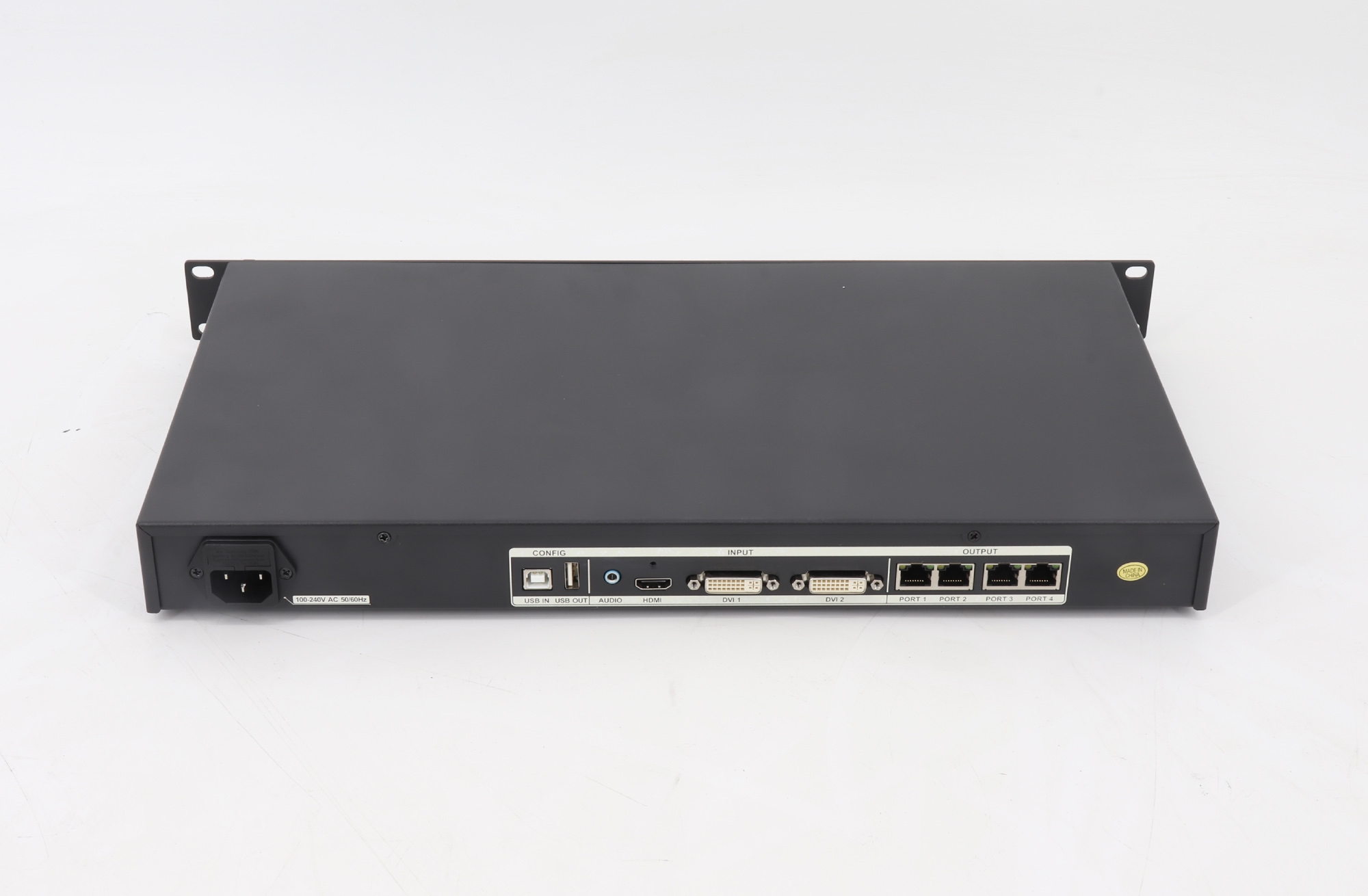
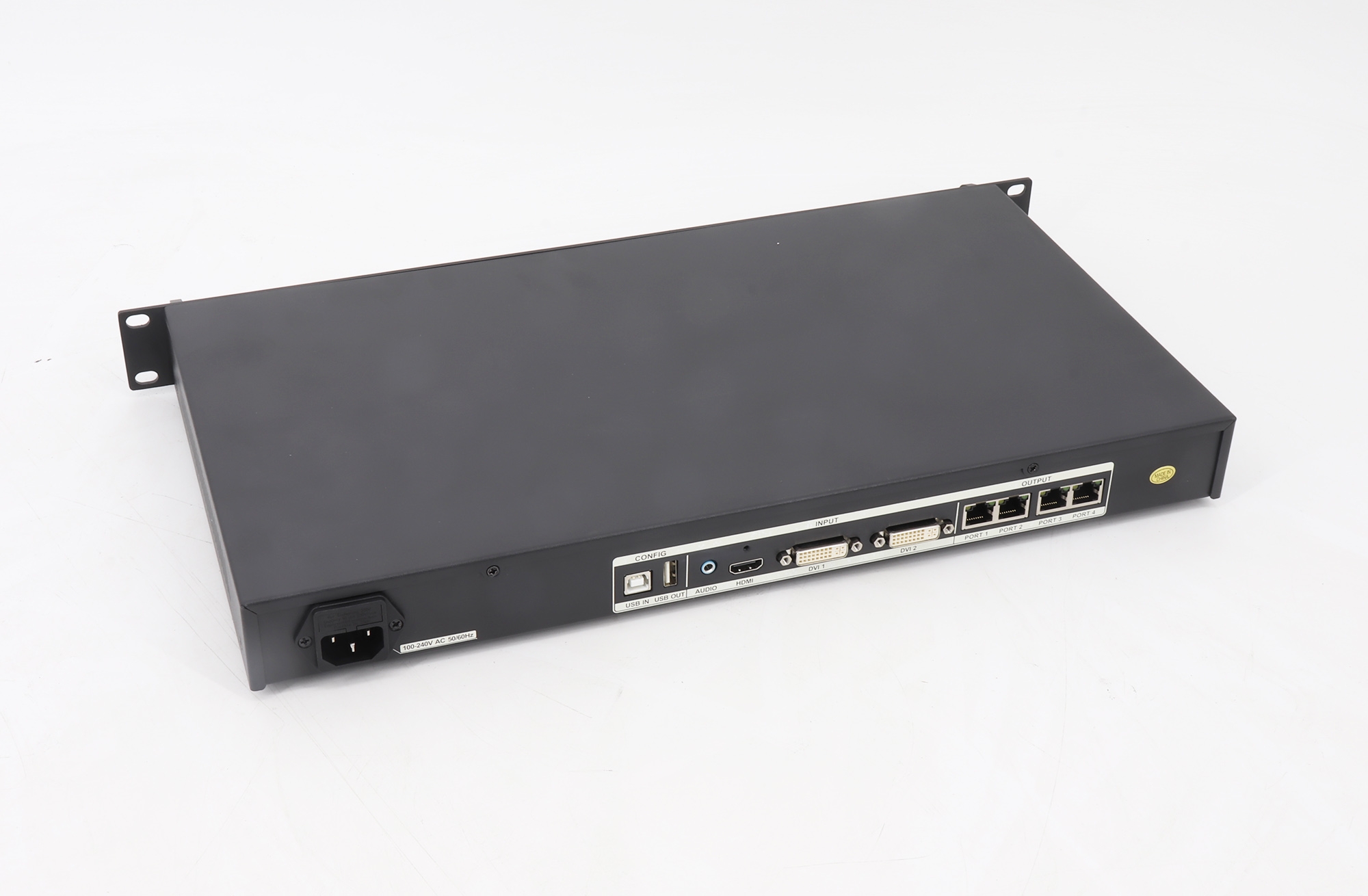
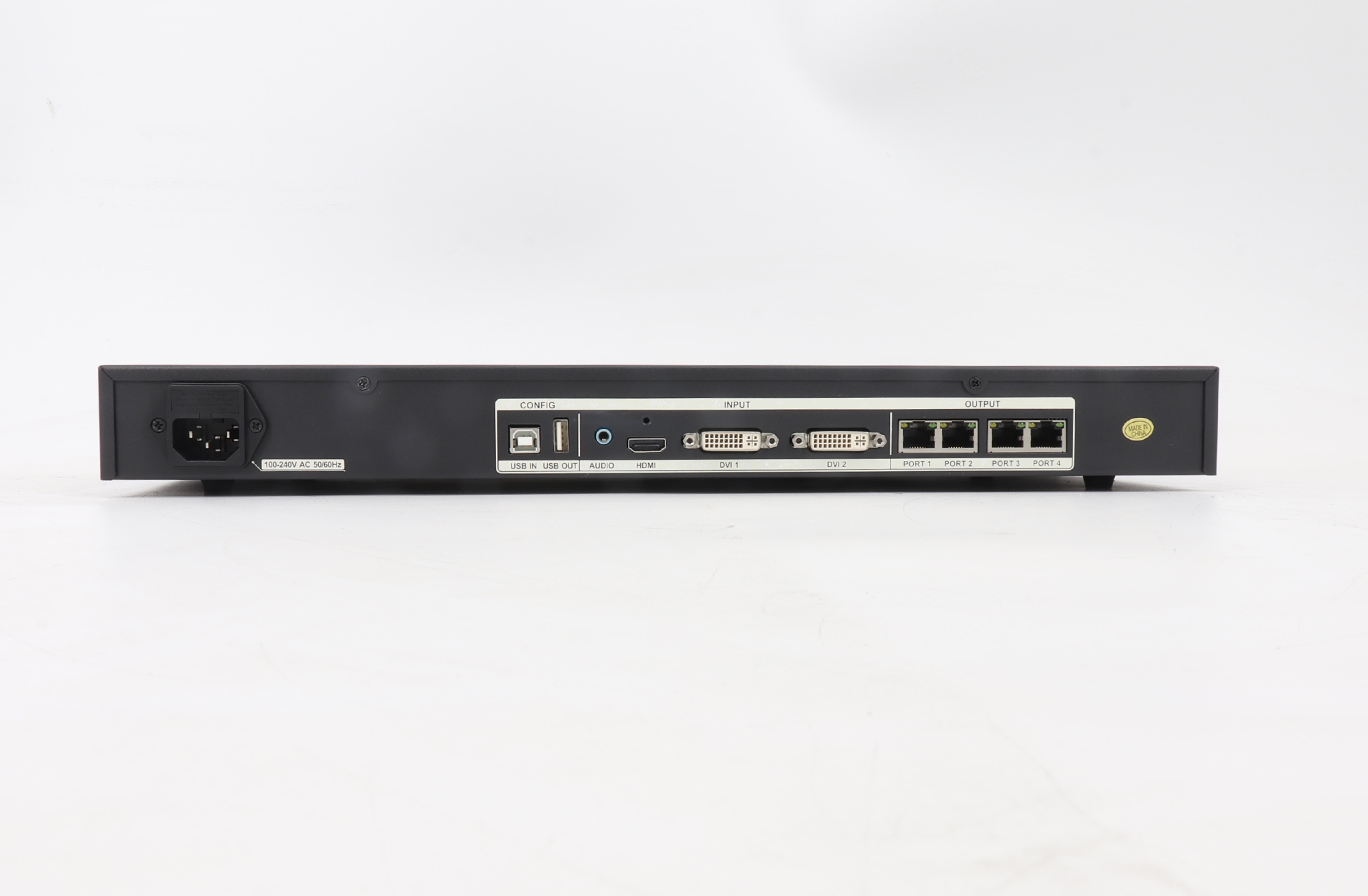
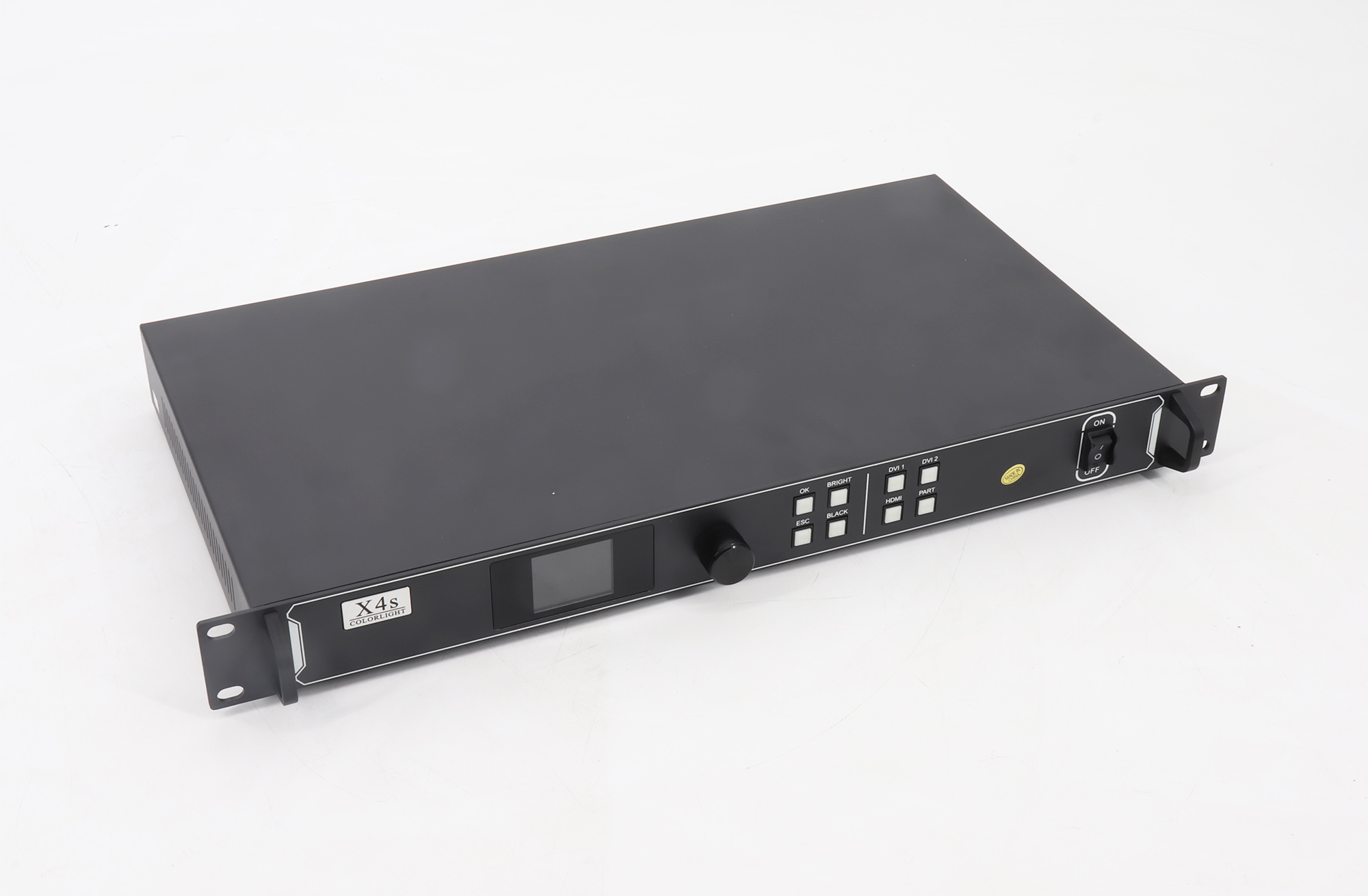
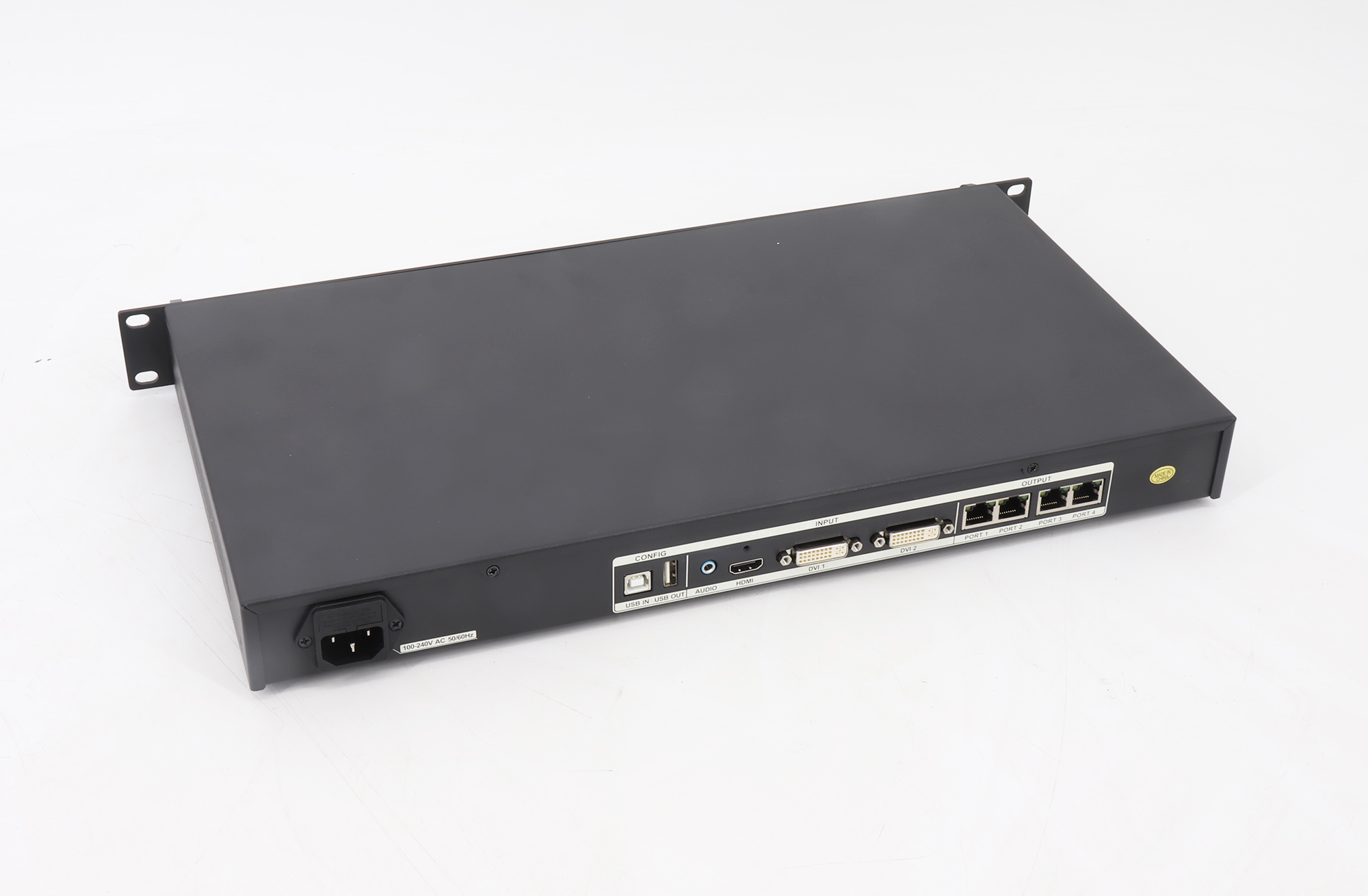
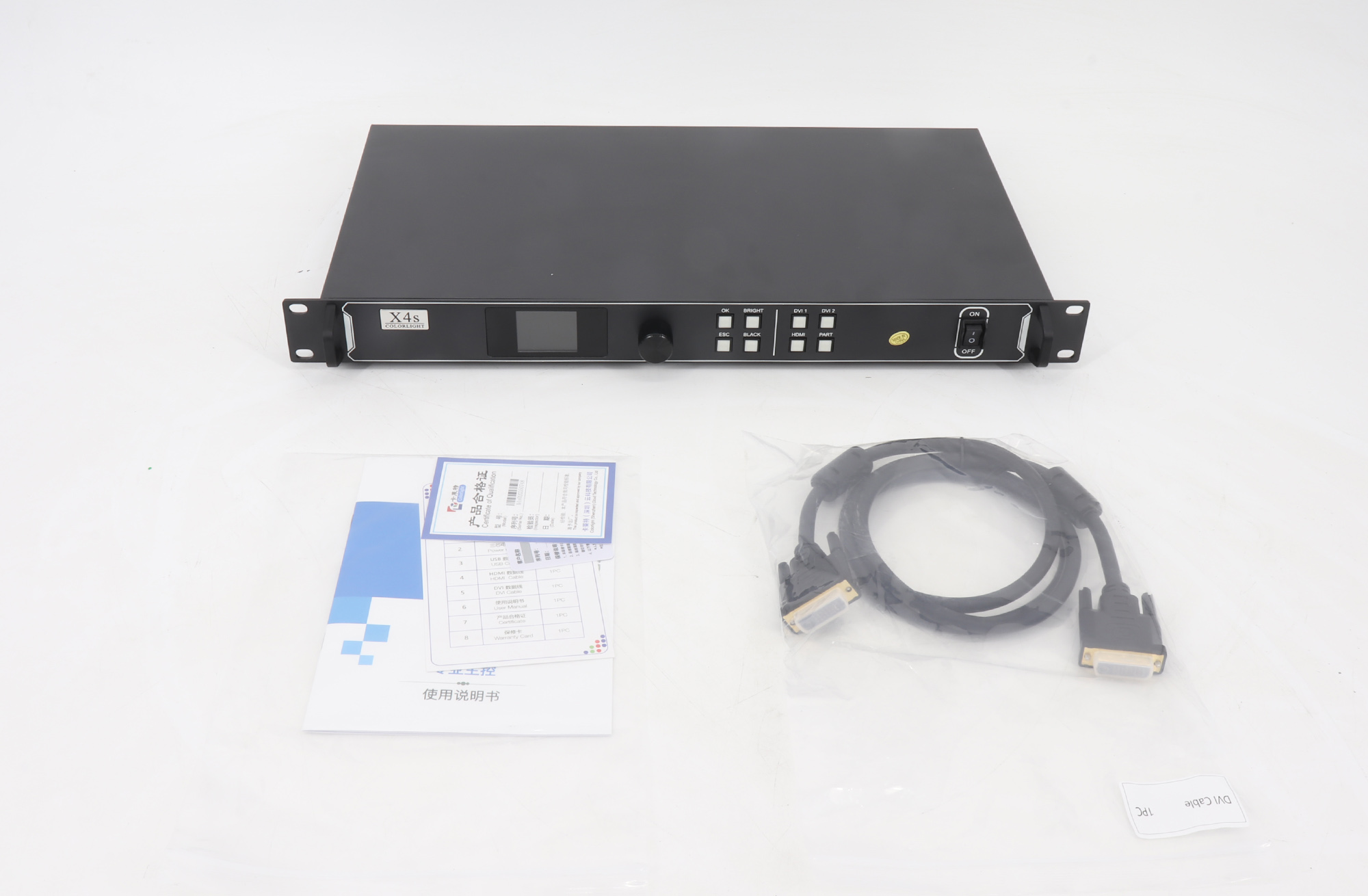
The Colorlight X4s is a professional LED video controller for receiving, processing, and sending video to an LED display. It accepts one HDMI and two DVI sources, supports input resolutions up to 1920 × 1200 at 60 Hz, and provides four Gigabit Ethernet outputs for compatible Colorlight receiving cards. Its total output loading capacity is up to 2.6 million pixels.
For LED walls with unusual proportions, the controller supports a maximum width of 4096 pixels or a maximum height of 2560 pixels, subject to the overall 2.6 million pixel capacity. These width and height limits are independent limits; they do not describe a 4096 × 2560 pixel canvas. Confirm the cabinet layout, receiving card configuration, and source resolution before ordering.
Key Features
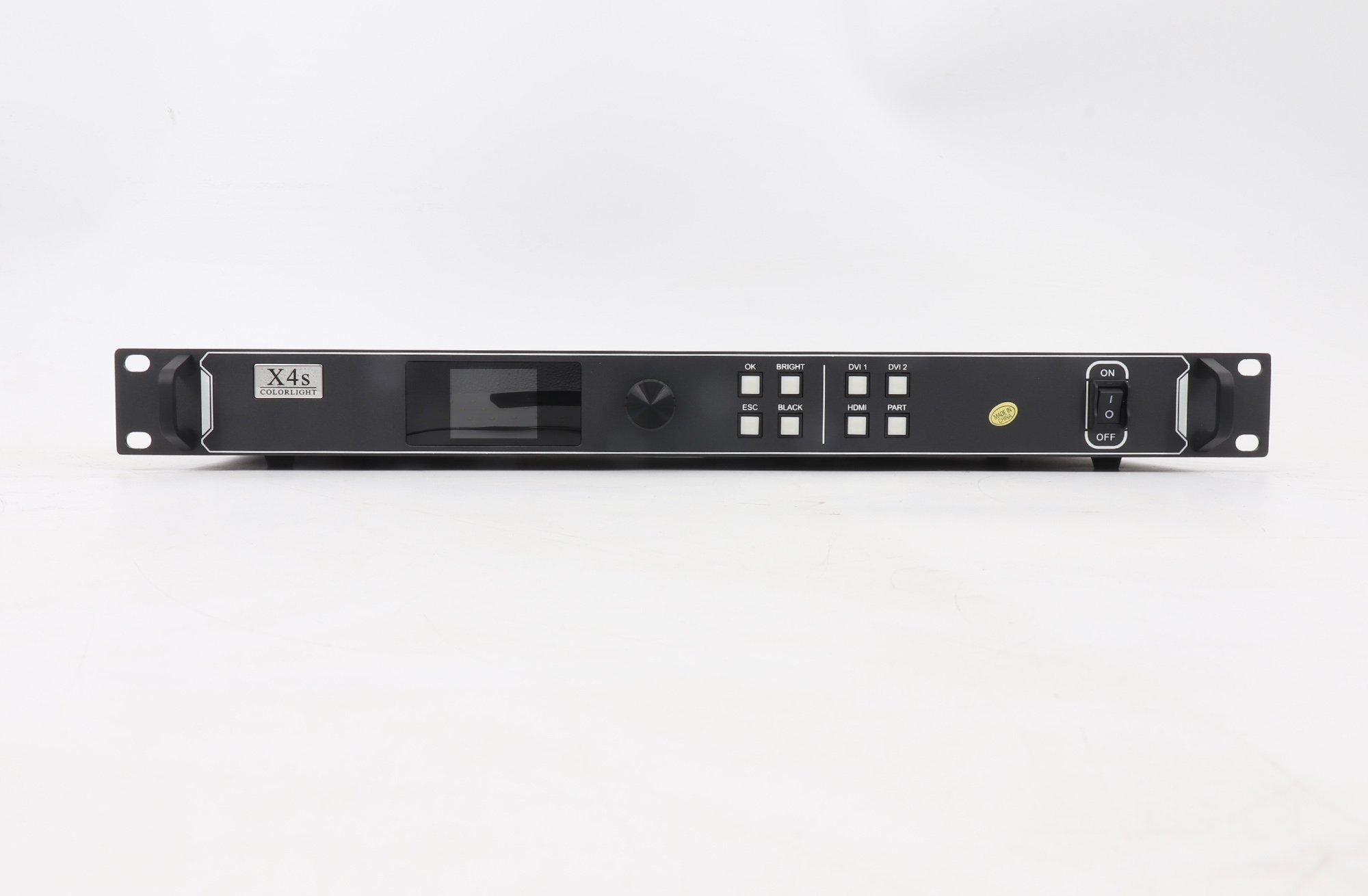
- Flexible source connection: one HDMI input and two DVI inputs, with switching between video sources.
- Four Ethernet outputs: four RJ45 Gigabit ports carry the processed image to the LED display’s receiving cards.
- Image adjustment: switch, crop, and scale video to fit the configured screen layout.
- Front-panel control: select a source and enable or restore cropping from the controller.
- USB control and cascading: connect a PC for configuration and cascade control between controllers.
Colorlight X4s Specifications
| Item | Specification |
|---|---|
| Video inputs | 1 × HDMI; 2 × DVI |
| Maximum input resolution | 1920 × 1200 at 60 Hz |
| LED outputs | 4 × RJ45 Gigabit Ethernet |
| Total loading capacity | Up to 2.6 million pixels |
| Maximum display width | 4096 pixels, within the total capacity |
| Maximum display height | 2560 pixels, within the total capacity |
| Control | USB IN for PC configuration; USB OUT for cascading |
| Power input | AC 100–240 V |
Connection and Setup
- Connect an HDMI or DVI video source to the X4s.
- Connect the four Gigabit Ethernet outputs as required by your receiving card and cabinet wiring plan.
- Use USB IN to configure the controller from a PC. USB OUT supports cascading control with another controller.
- Set the screen size and output mapping within the total loading limit, then adjust switching, crop, scaling, and brightness for the installation.
For interface diagrams and detailed setup information, use the X4s specification linked below and the Colorlight X4s/X2s product information. If you need help matching the controller to your cabinet resolution and receiving cards, contact our team with your screen width, height, and cabinet layout.
Frequently Asked Questions
How many Ethernet outputs does the X4s have?
The X4s has four RJ45 Gigabit Ethernet outputs. The two-port specification belongs to the X2s and should not be used for the X4s.
Can the X4s drive a 4096 × 2560 LED canvas?
No. The maximum width and height are separate limits. The configured display must also remain within the X4s total capacity of 2.6 million pixels.
Which video sources can I connect?
The X4s provides one HDMI input and two DVI inputs. Its supported input resolution reaches 1920 × 1200 at 60 Hz.
Conclusion
Choose the Colorlight X4s when your LED display needs HDMI or DVI input, four Gigabit Ethernet outputs, and up to 2.6 million pixels of total output load. Check the final screen mapping and receiving card compatibility against the specification before installation.
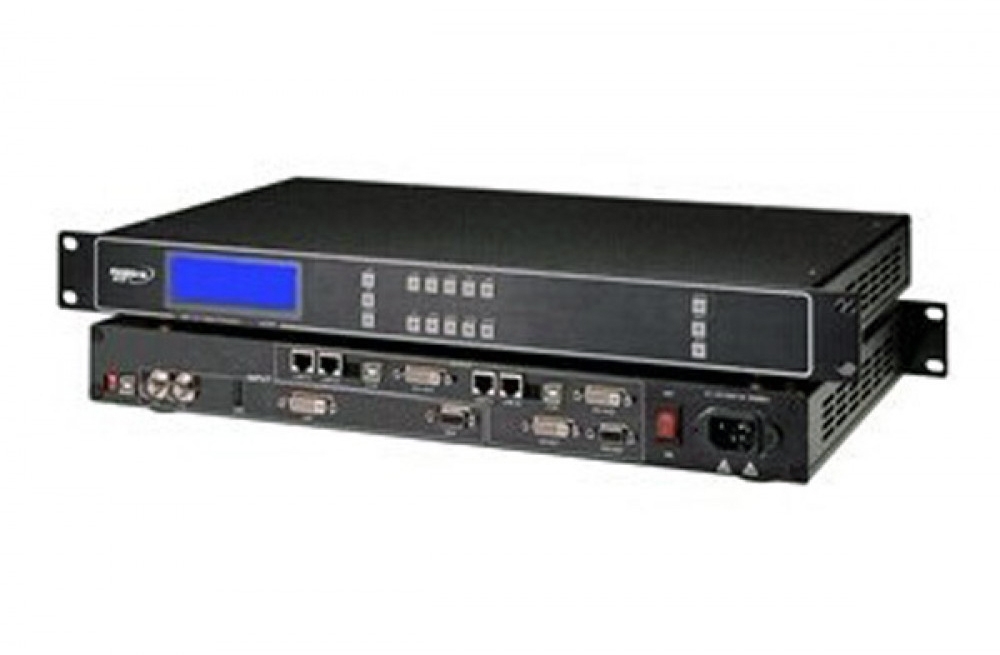
More Pictures of Colorlight X4s Colorlight Professional LED Display Panel Controller
Download Specification
Colorlight X4s Colorlight Professional LED Display Panel Controller Specification