EagerLED EA100U LED Video Processor Overview
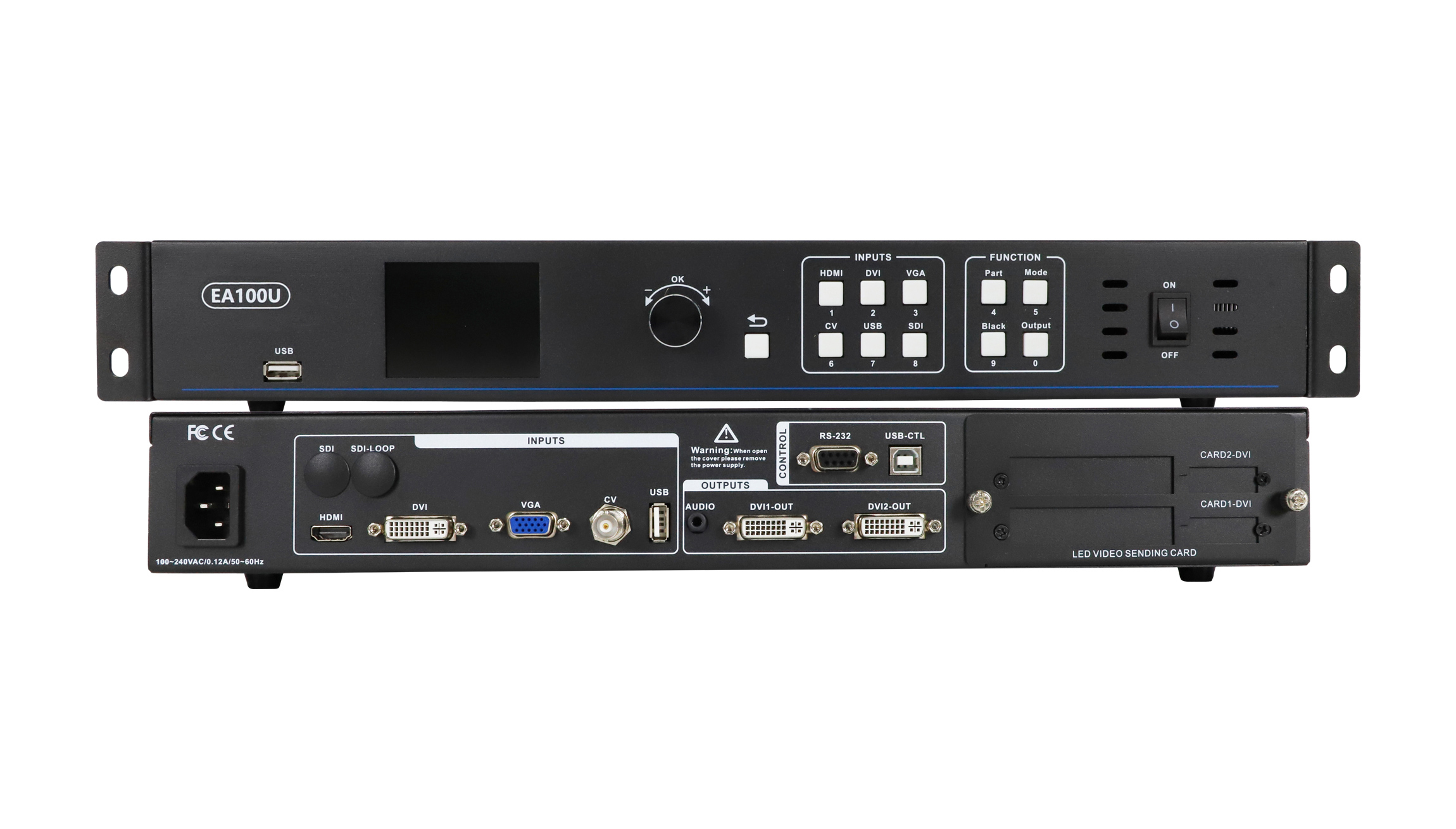
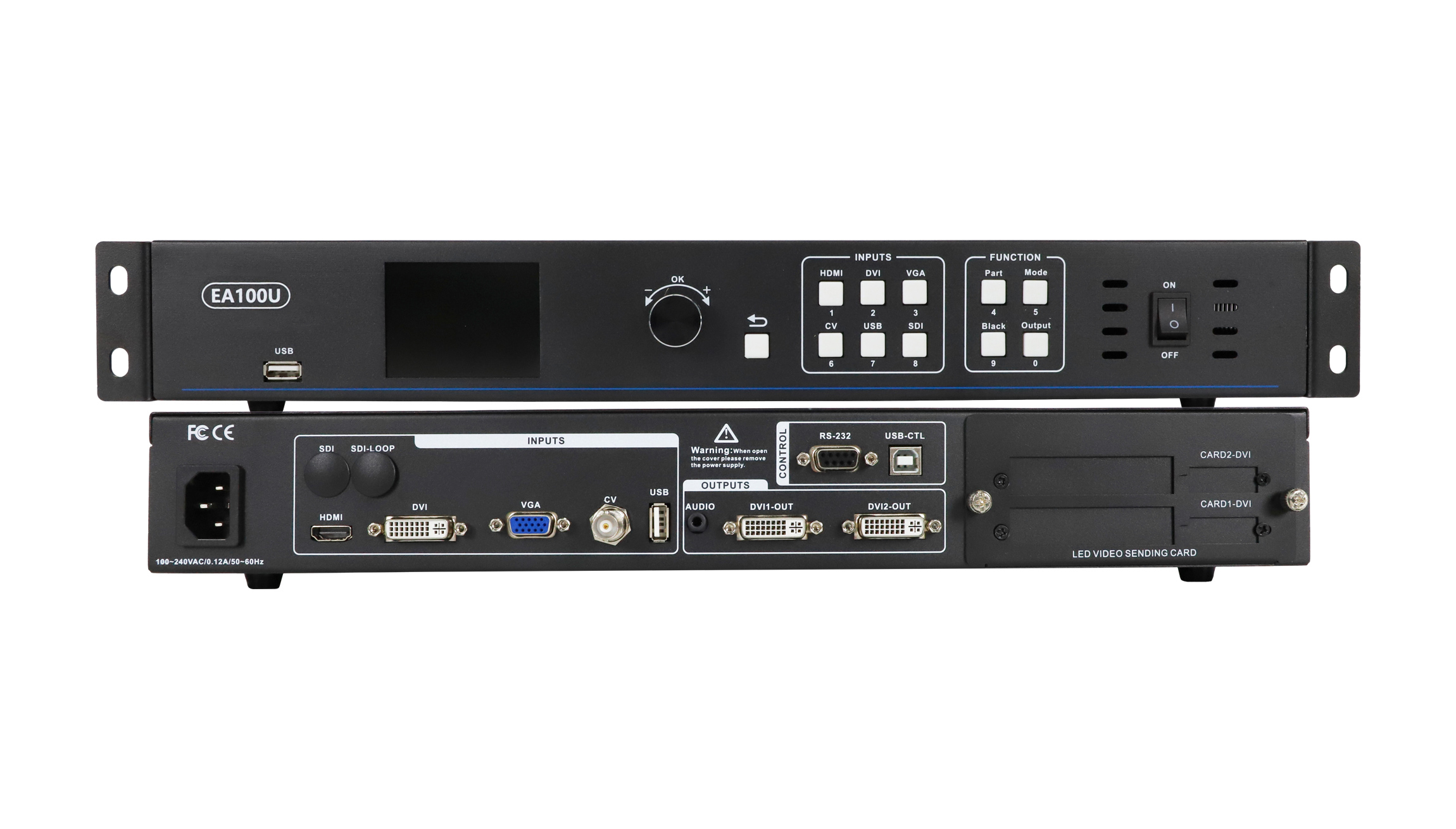
The EagerLED EA100U is an LED display video processor with USB playback, two DVI outputs and support for a 1920 × 1280 output resolution. It brings video and still-image playback, source switching and display adjustment together for an LED screen system.
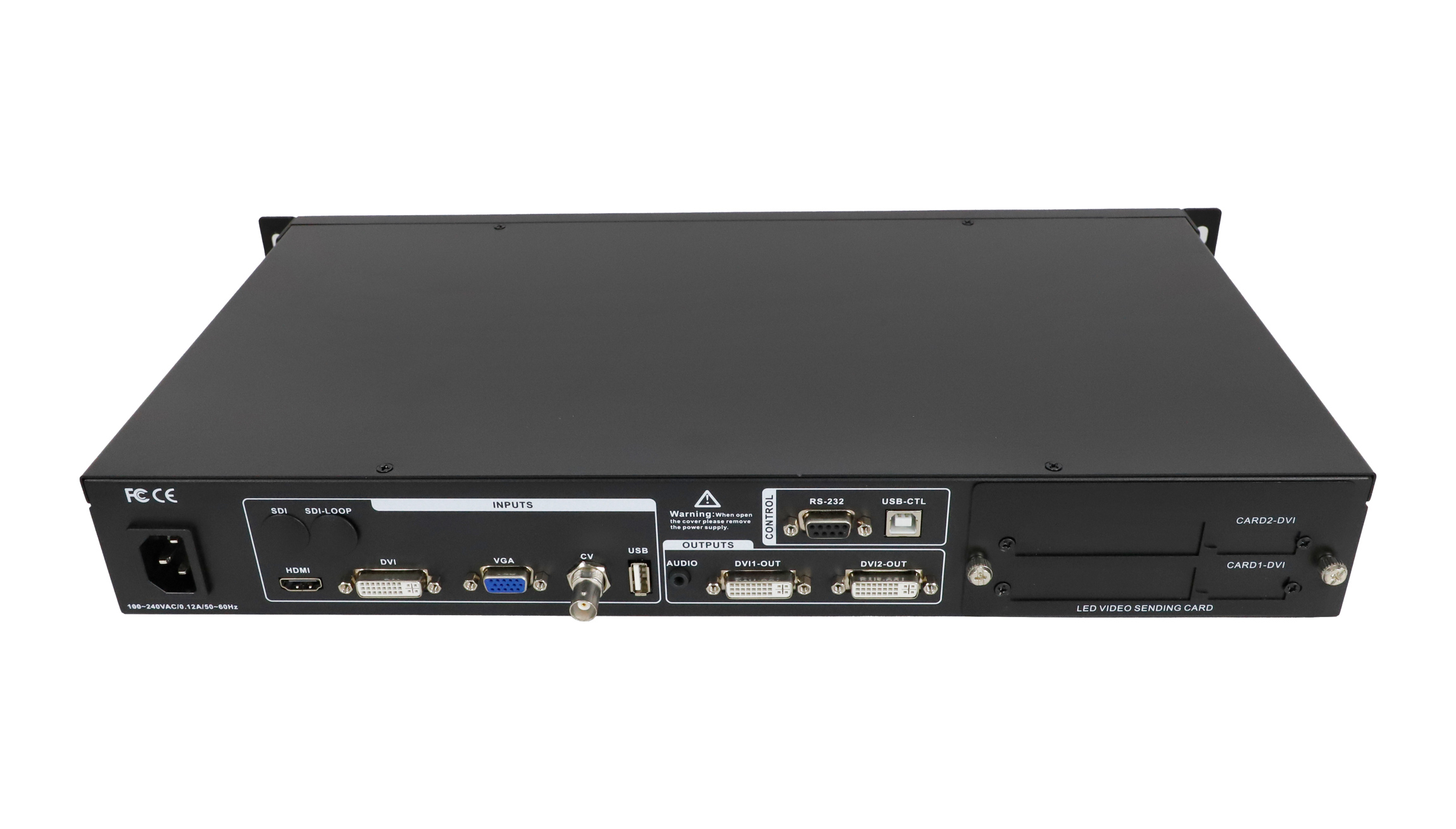
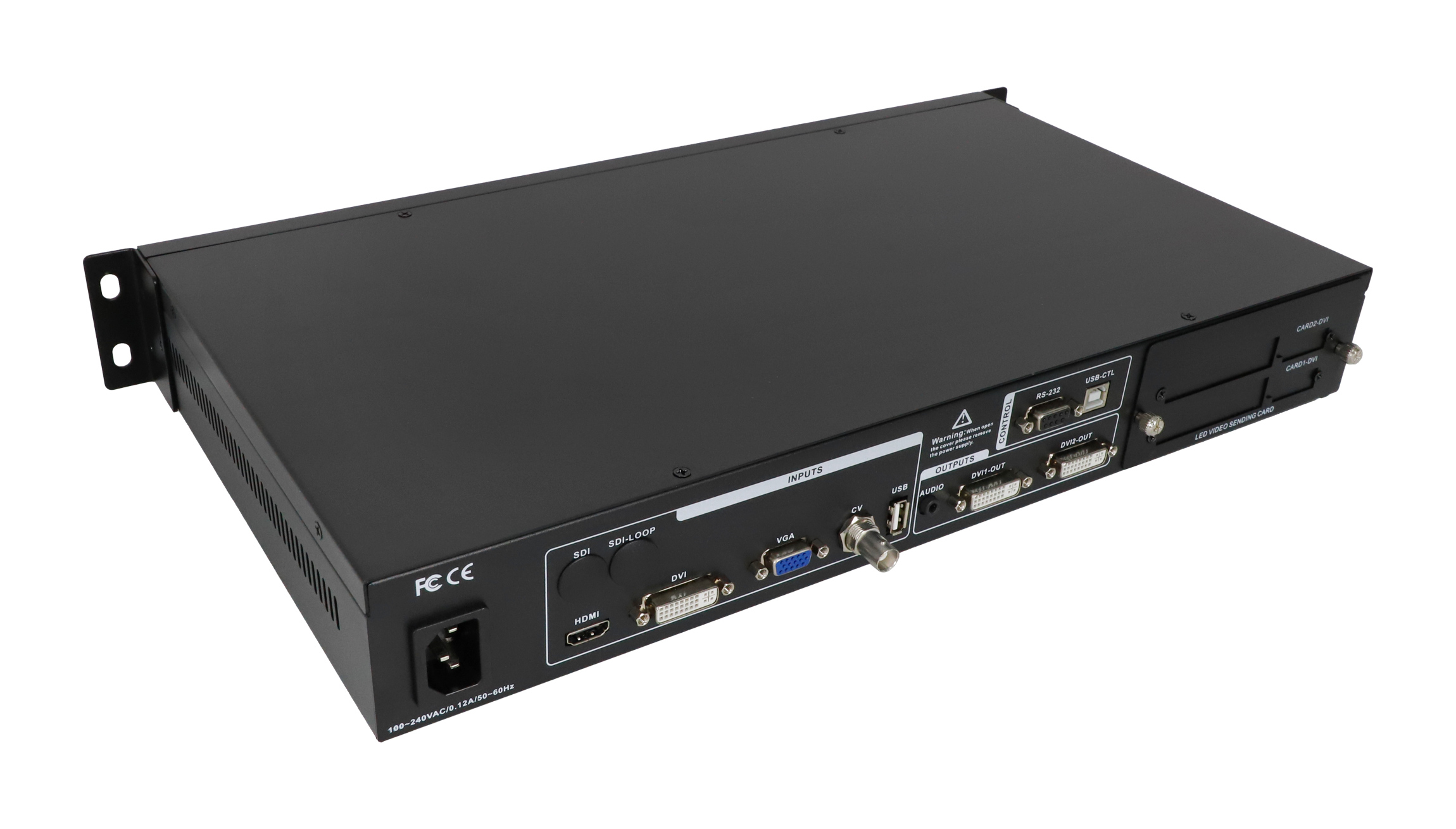
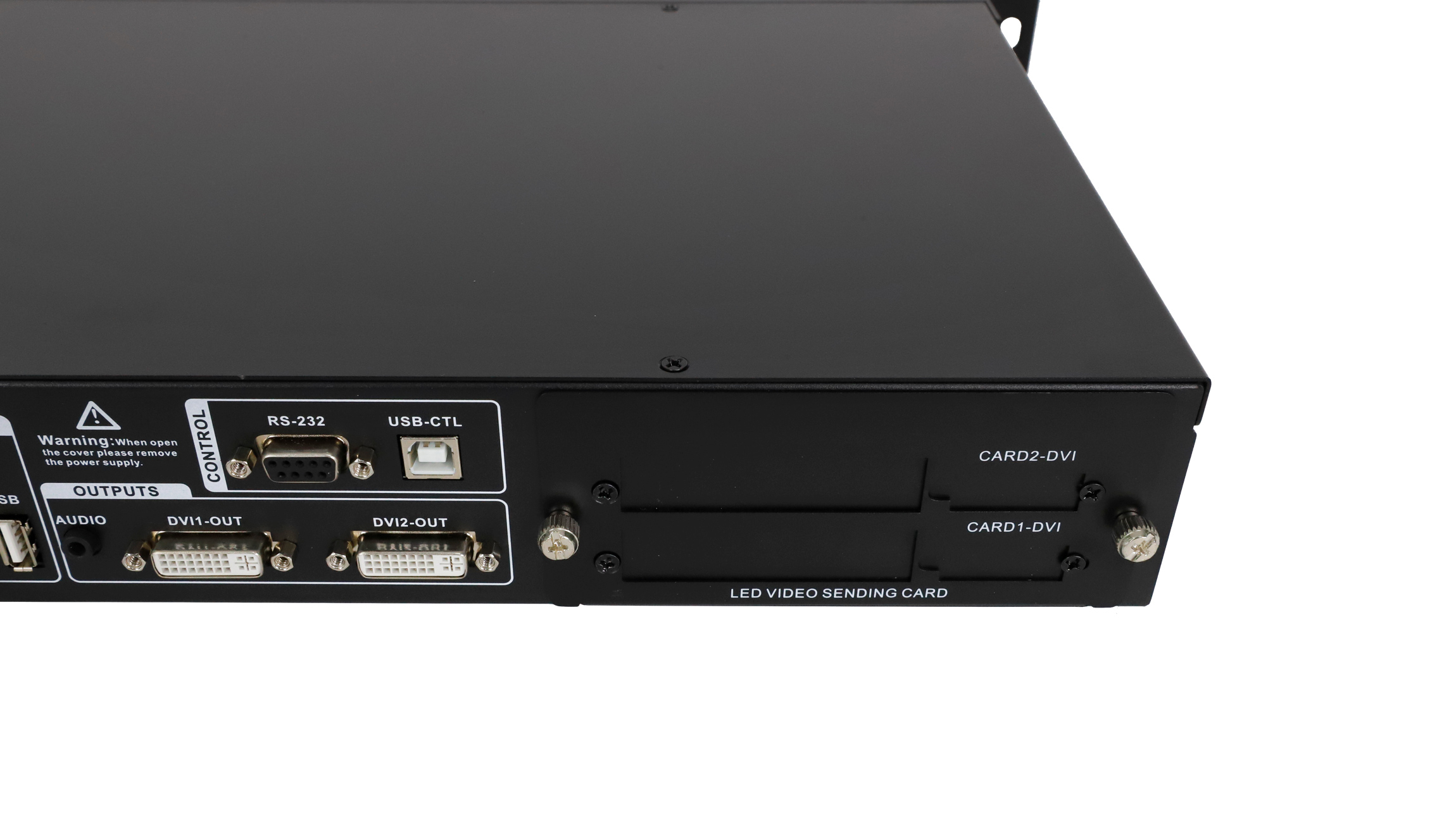
The two DVI outputs operate in copy mode, carrying the same processed image. The listed sending-card configurations are two 1.3-megapixel standard sending cards or one 2.6-megapixel sending card. Confirm the sending-card model and screen pixel layout before ordering; the processor’s output resolution and the sending card’s loading capacity are separate specifications.
Key Features
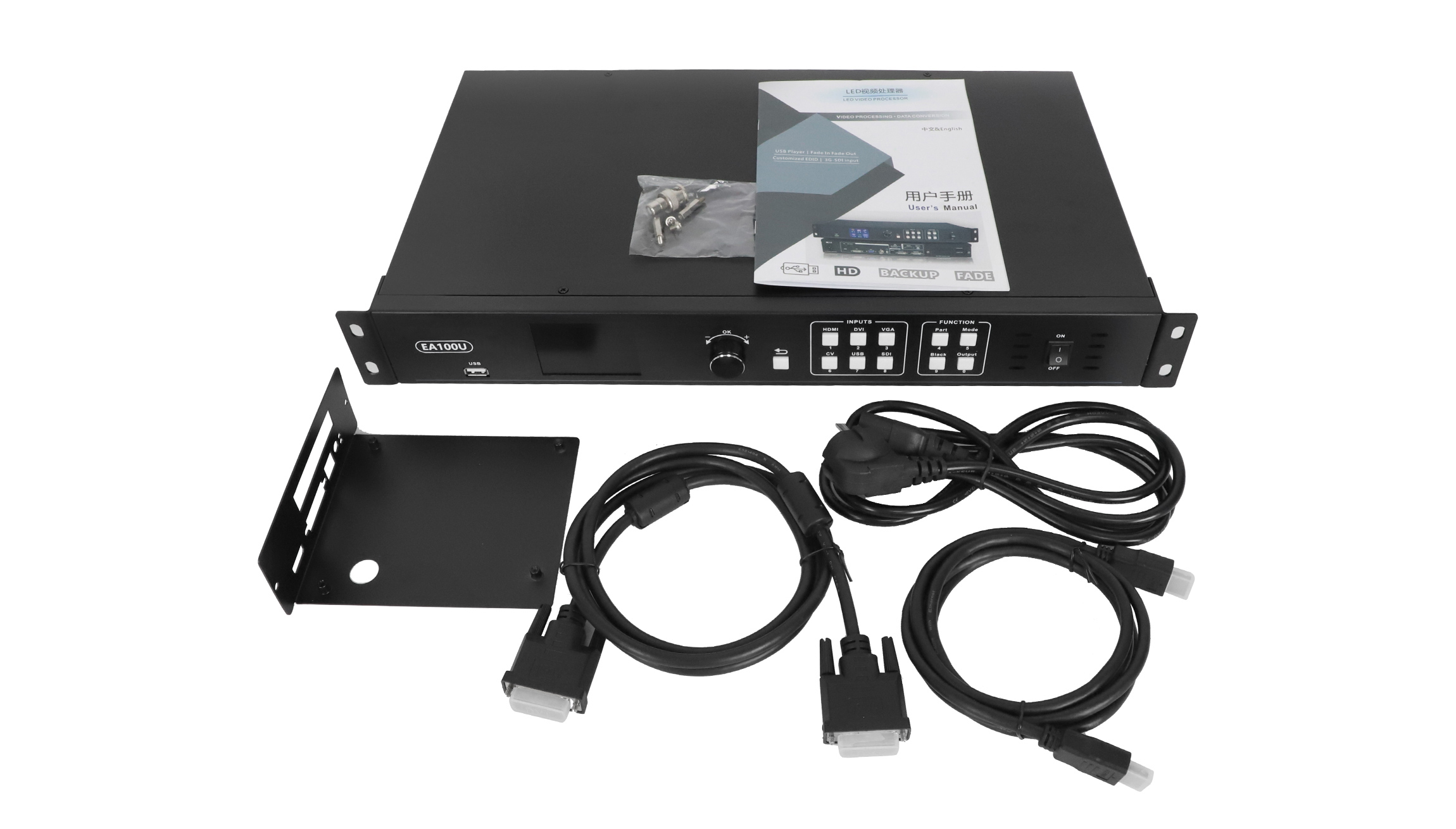
- USB playback: play video and still images, including mixed video-and-picture content.
- Display adjustment: use custom resolution, custom input EDID and partial- or full-screen display modes.
- Source switching: fade transitions and synchronized audio/video switching.
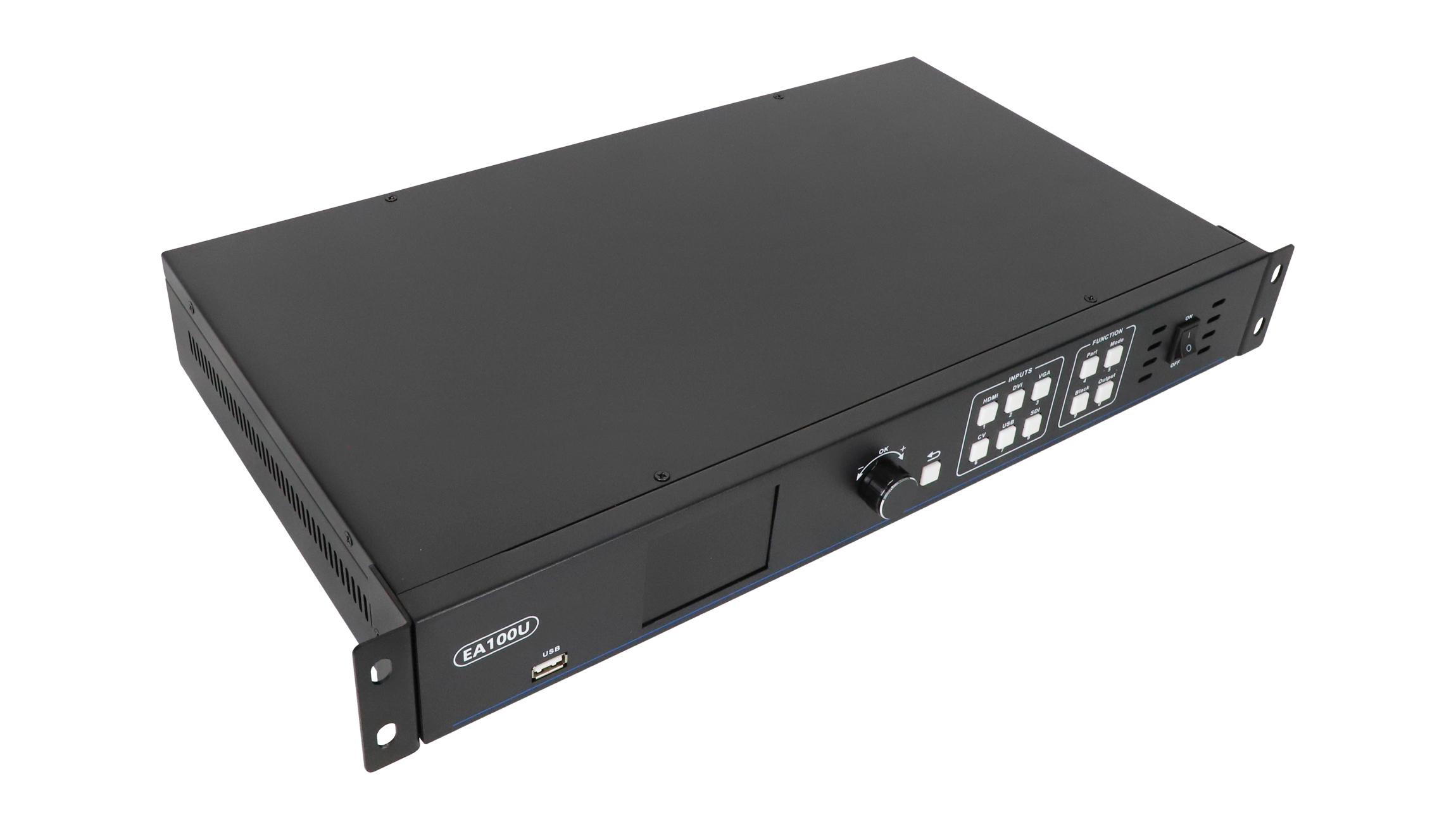
- Operating controls: a full-color IPS display, USB PC control, one-button black screen and machine lock.
- Signal handling: support for 3G-SDI input and signal hot backup.
EA100U Specifications and Functions
| Item | Specification or function |
|---|---|
| Model | EagerLED EA100U |
| Product type | LED display video processor with USB playback |
| DVI outputs | 2 outputs in copy mode |
| Output resolution | Up to 1920 × 1280; custom resolution supported |
| Sending-card configurations | Two 1.3-megapixel standard sending cards or one 2.6-megapixel sending card; verify compatibility and supplied configuration |
| USB playback | Video and still-image playback; video/picture mixing |
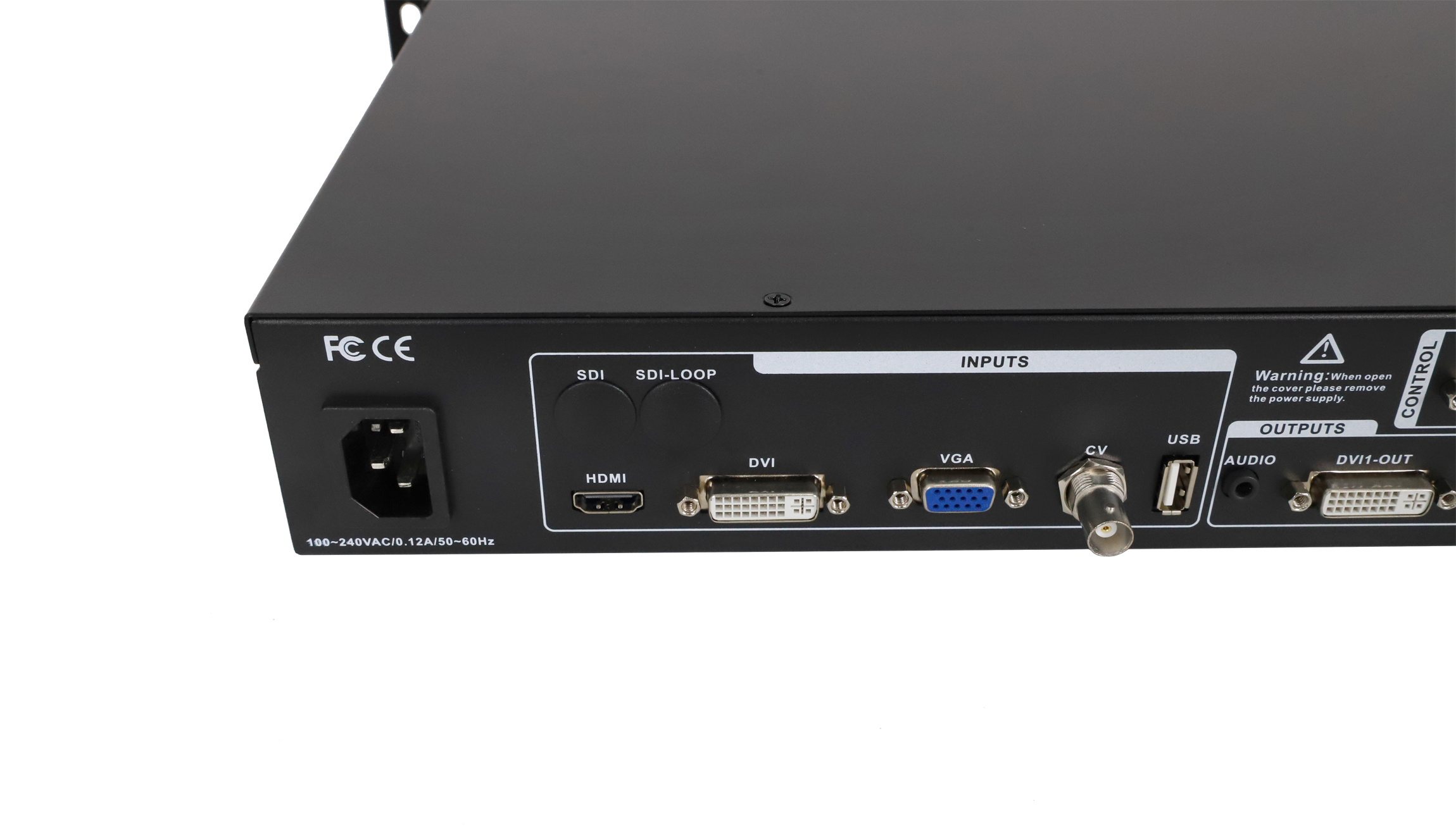
| USB playback ports | Front and rear USB ports share one playback core; use one at a time |
| USB video playback resolution | 1280 × 720 at 60 Hz, as listed in the downloadable specification |
| Switching | Fade transitions; synchronized audio/video switching |
| Display modes | Partial screen or full screen; one-button black screen |
| Input adjustment | Custom input EDID; support for 3G-SDI input |
| Control and protection functions | Full-color IPS display, USB PC control, machine lock and signal hot backup |
Planning Your LED Display Setup
Start with the LED screen’s width and height in pixels, then check the source format and the sending-card configuration. The DVI outputs provide the processed video signal to compatible sending cards. Copy mode does not provide two independently selected video programs.
For USB content, distinguish the listed 1280 × 720 at 60 Hz playback specification from the processor’s 1920 × 1280 output resolution. Check your actual media files during commissioning. Confirm the required input connections and whether sending cards are included in your order.
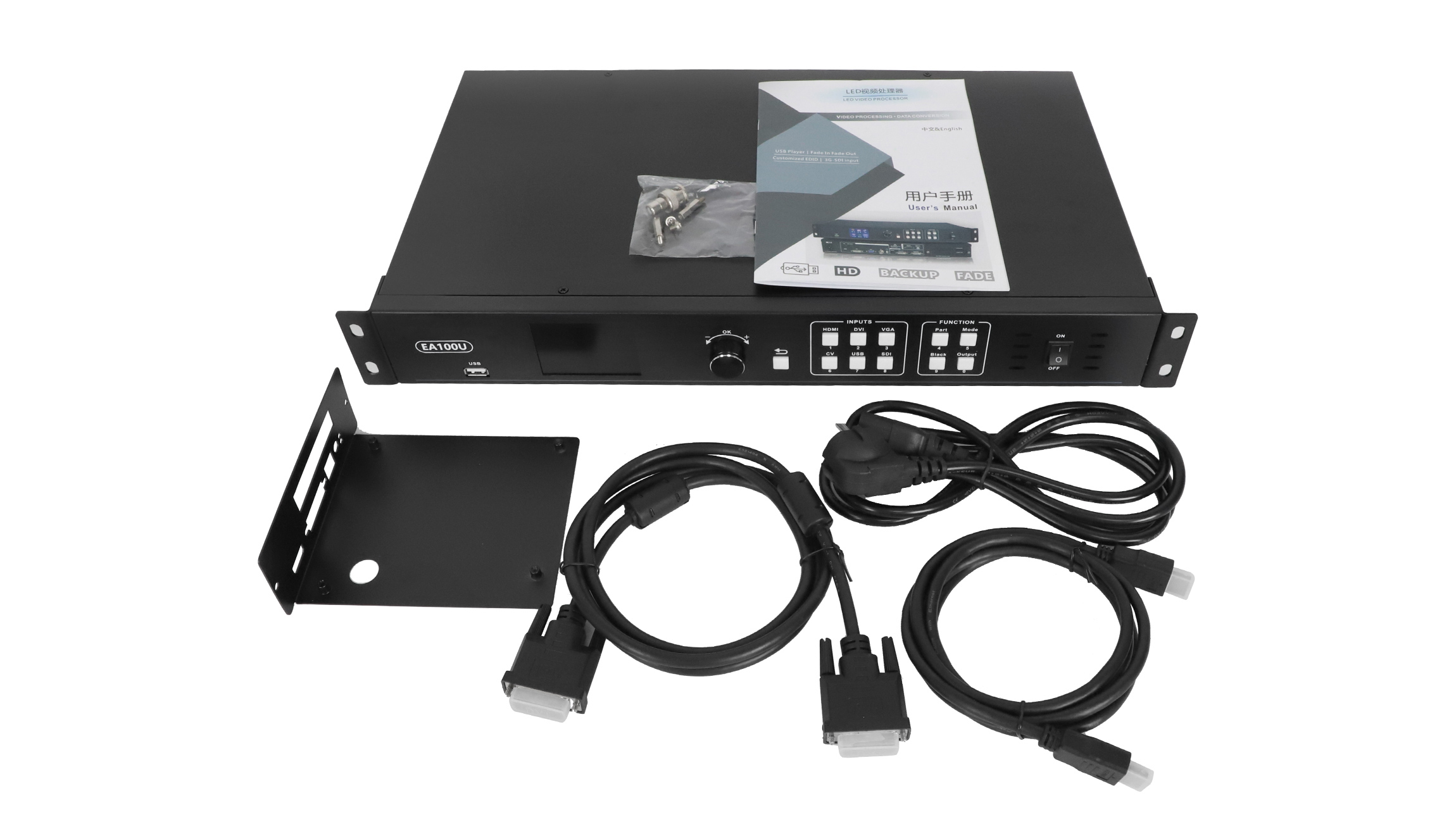
Browse our LED sending cards or contact us with your screen pixel dimensions and current controller model for configuration advice.
Frequently Asked Questions
Does the EA100U play video and images from USB?
Yes. It supports USB video playback, still-image playback and video/picture mixing. The front and rear USB playback ports share one playback core.
Can the two DVI outputs show different content?
The EA100U’s DVI outputs use copy mode, so they carry the same processed image. Plan the sending-card mapping around that output arrangement.
Is 1920 × 1280 the USB playback resolution?
No. It is the listed output resolution. The downloadable specification lists USB video playback at 1280 × 720 at 60 Hz.
Which sending-card configuration is listed?
The product information lists two 1.3-megapixel standard sending cards or one 2.6-megapixel sending card. Check the exact card model, screen mapping and order contents before purchase.
Which controls are available for live operation?
Available functions include fade switching, synchronized audio/video switching, partial- or full-screen display, one-button black screen, machine lock and signal hot backup.
Product Images