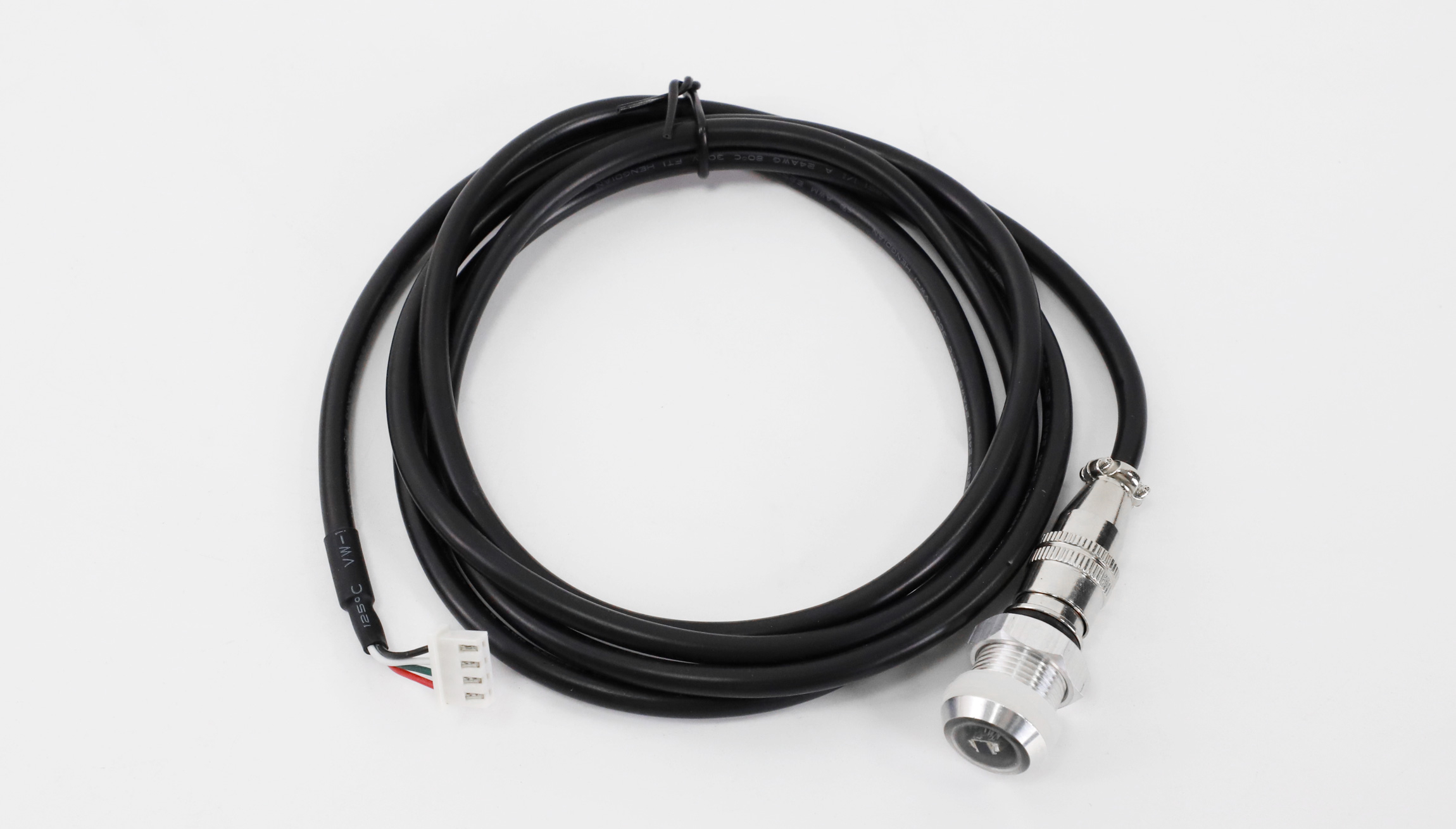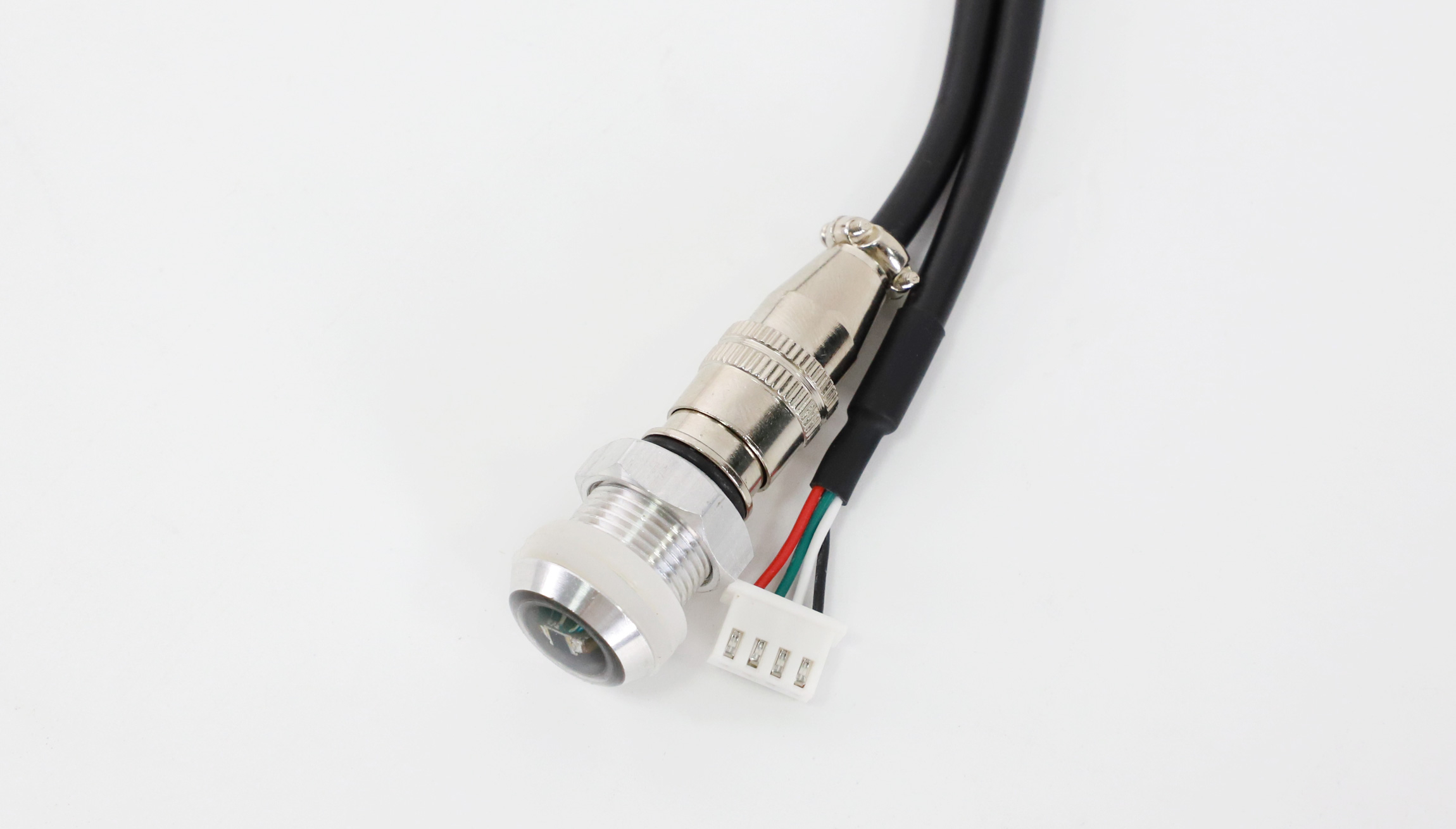
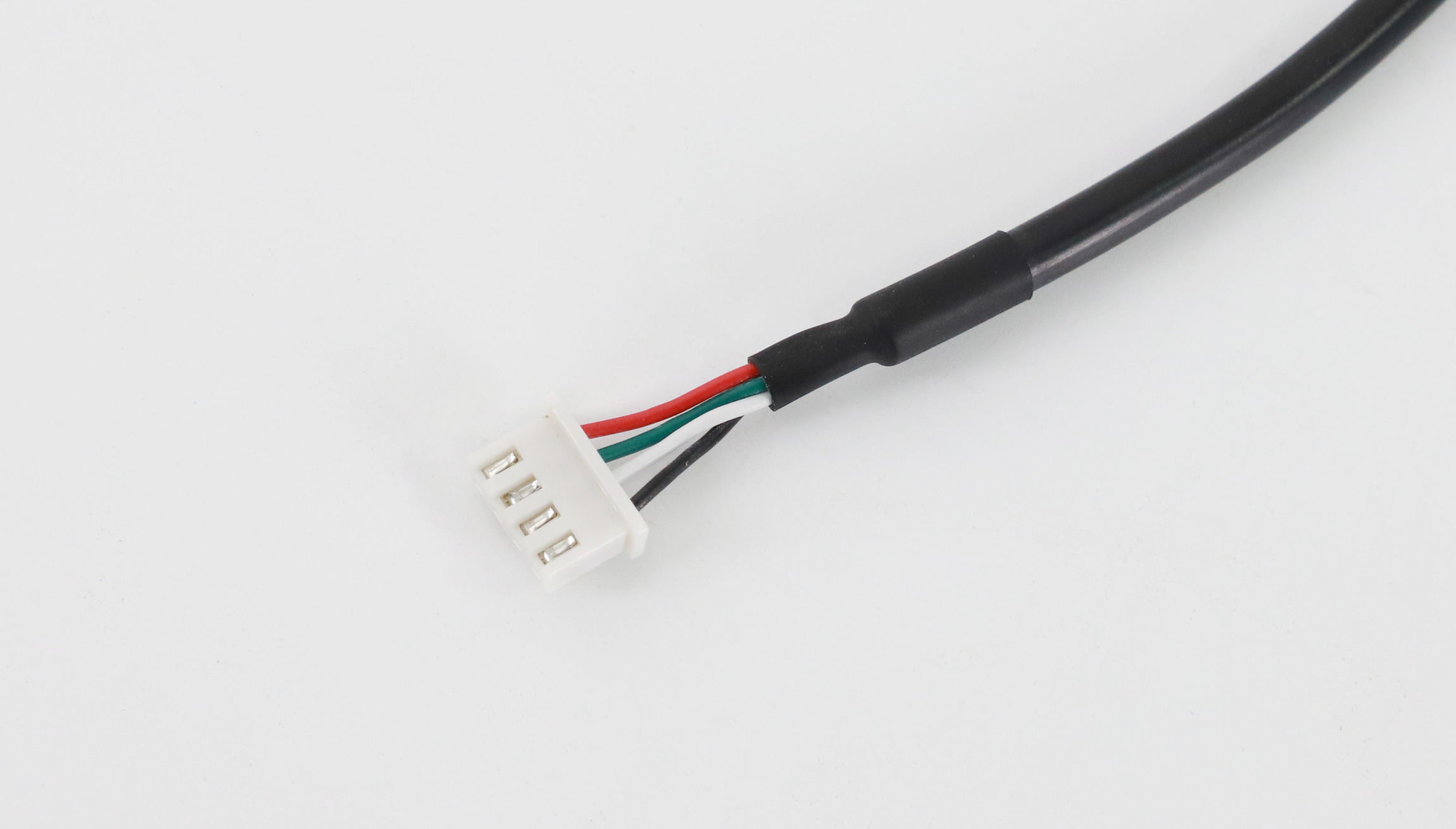
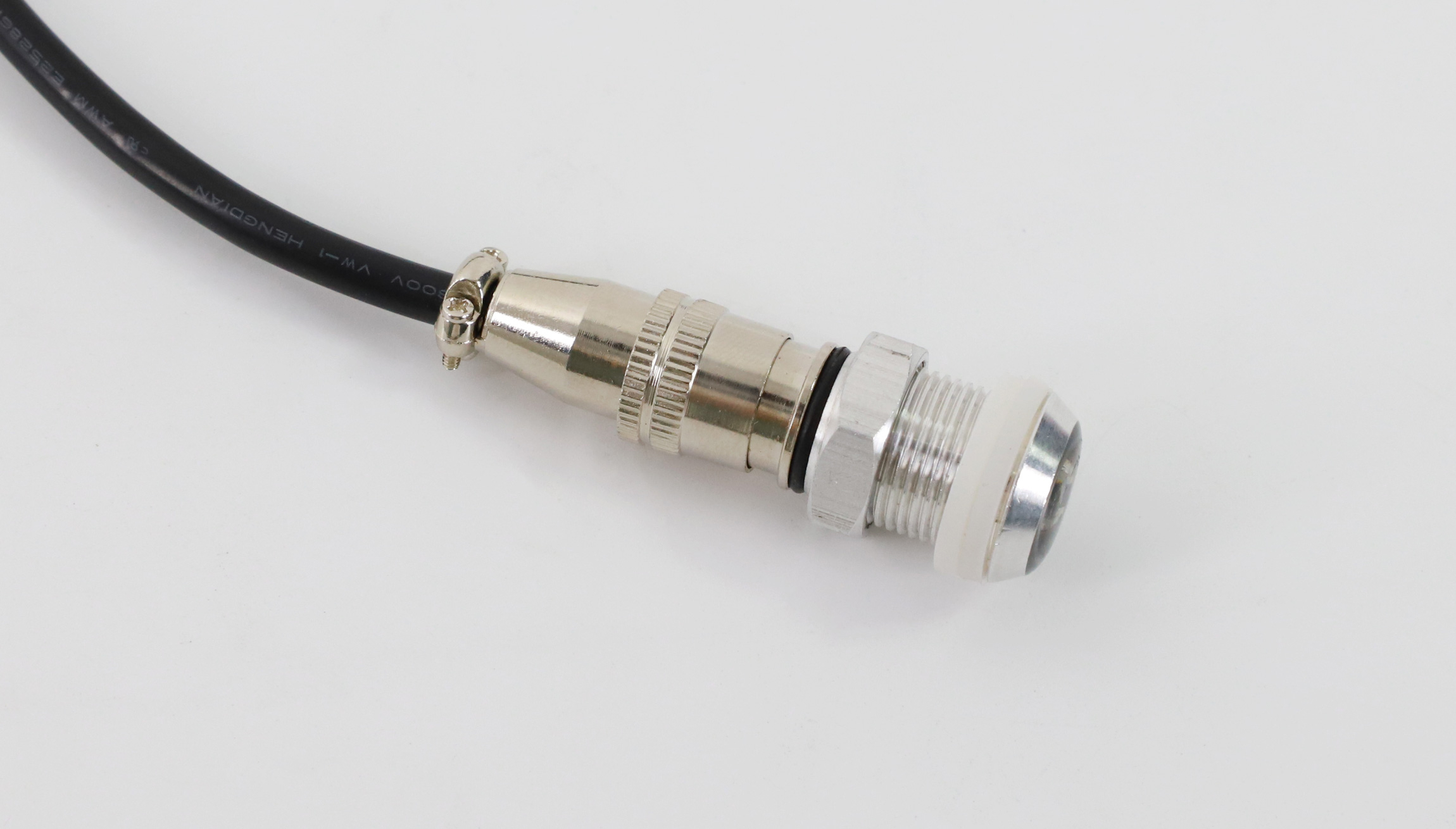
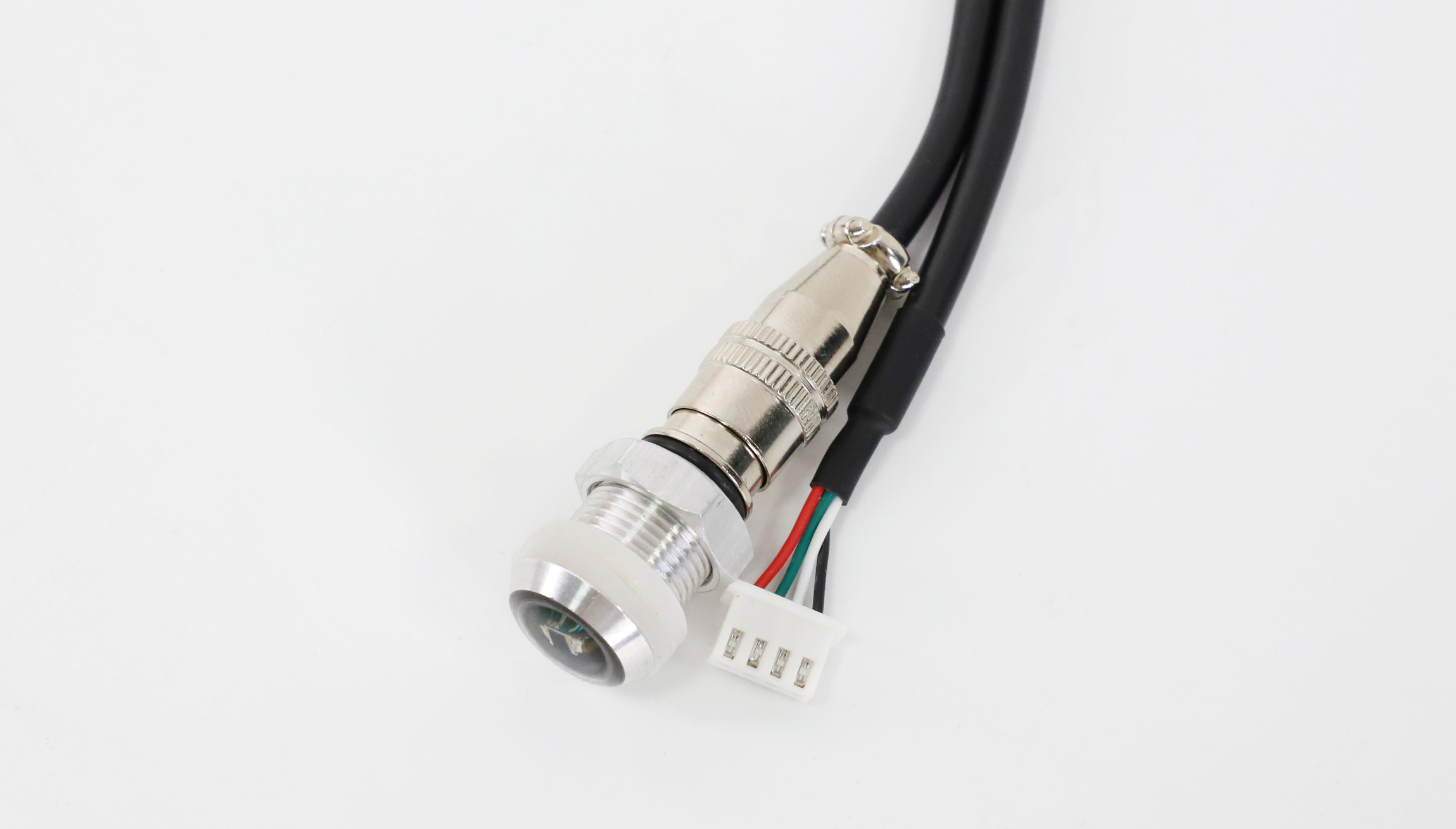
HD-S107 ambient brightness sensor
The Huidu HD-S107 connects to an LED display control system so display brightness can change with surrounding light. This listing identifies it as an accessory for the HD-C16C control card. Confirm the sensor connector and supported controller configuration before ordering.
Product parameters
| Parameter | Specification |
|---|---|
| Model | Huidu HD-S107 |
| Accessory function | Ambient brightness sensing for an LED control system |
| Working temperature | −25°C to 85°C |
| Brightness range | 1%–100%, as listed in the specification |
| Sensitivity: high | Data collected once every 5s |
| Sensitivity: medium | Data collected once every 10s |
| Sensitivity: low | Data collected once every 15s |
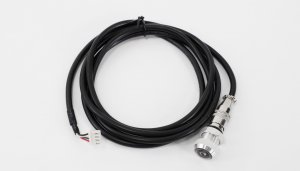
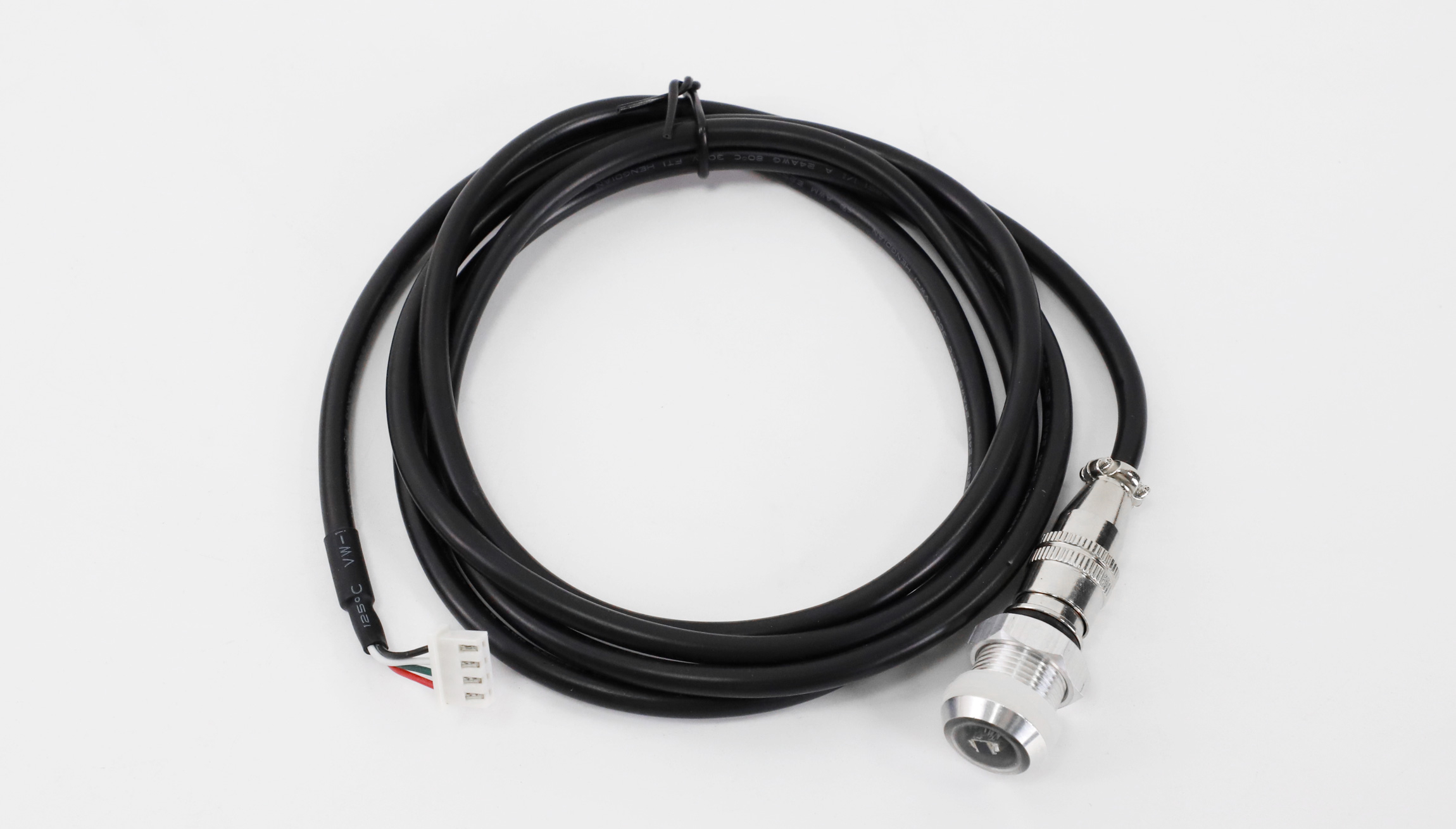
| Standard wiring length | 1500mm |
| Connection | Sensor interface on a compatible playback box or control card |
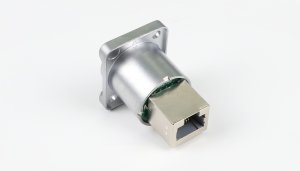
| Connector reference | XS10JK-4P/Y, as shown in the installation instructions |
Connection and mounting
Use the installation diagram in the original PDF to mount the sensor probe and connect the cable. Align the connector’s keyed bayonet before inserting it, then connect the other end to the compatible controller’s sensor interface. Check the supplied cable length against the planned mounting position.
Frequently asked questions
What does the HD-S107 do?
It senses ambient brightness and works with a compatible LED control system to adjust screen brightness as surrounding light changes.
How often does it collect brightness data?
The specification lists high, medium and low sensitivity intervals of 5, 10 and 15 seconds respectively.
What is the standard sensor cable length?
The listed standard wiring length is 1500mm. Check the installation distance before ordering.
Is the 1%–100% brightness range a lux measurement range?
The PDF lists the range as 1%–100%. It does not provide a lux measurement range, so that percentage should not be converted into an assumed lux value.
How do I connect it to a control card?
Connect the cable to the compatible controller’s sensor interface using the keyed connector arrangement shown in the PDF. Confirm compatibility and pin alignment for the supplied controller.
Original product images and diagrams