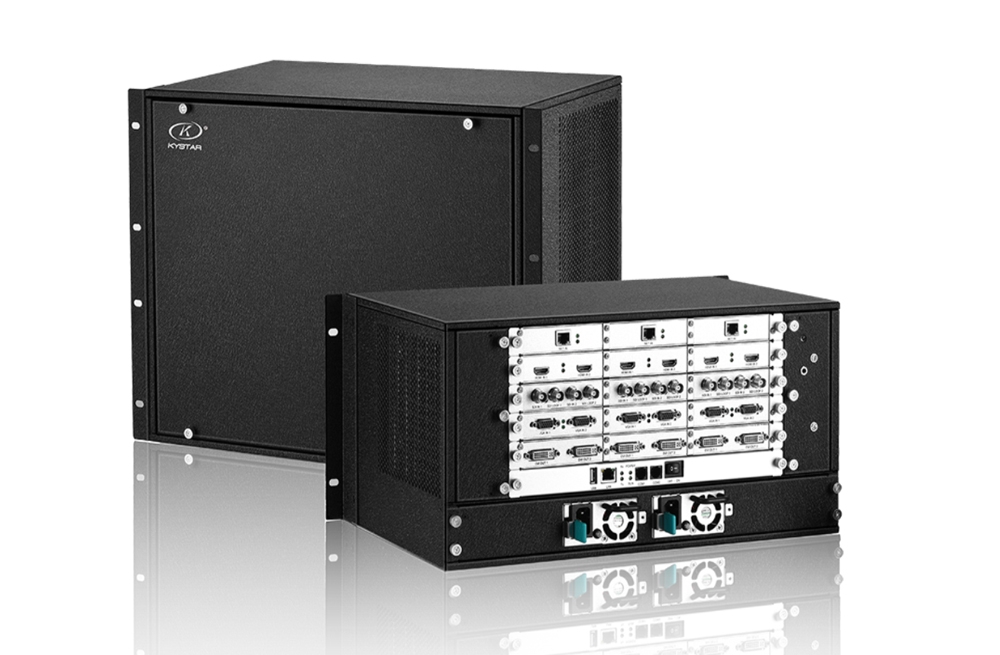
What Is the Kystar KS9000 Splicing Processor?
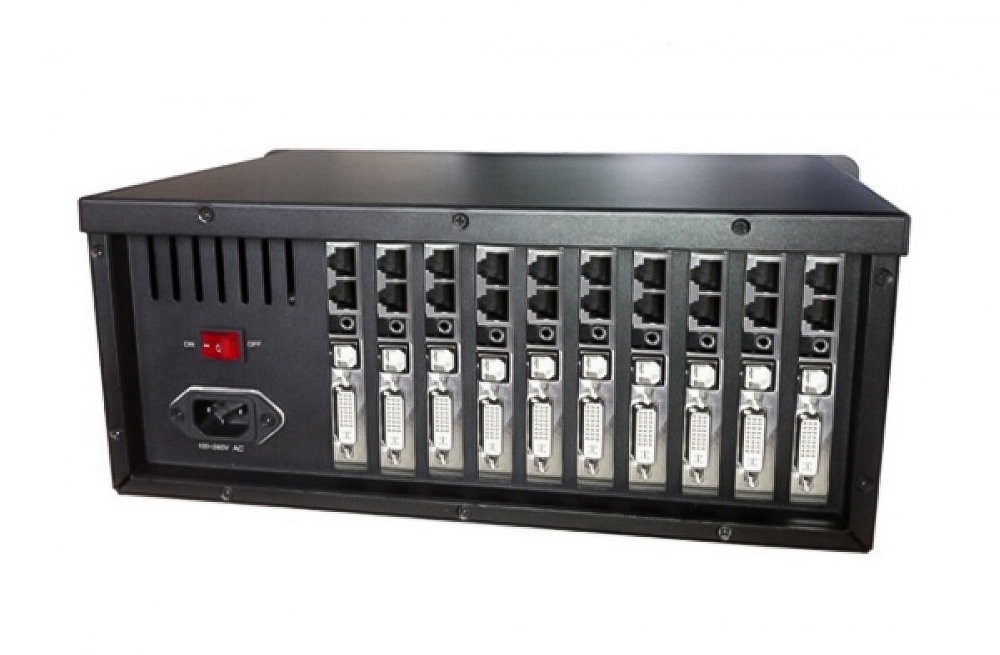
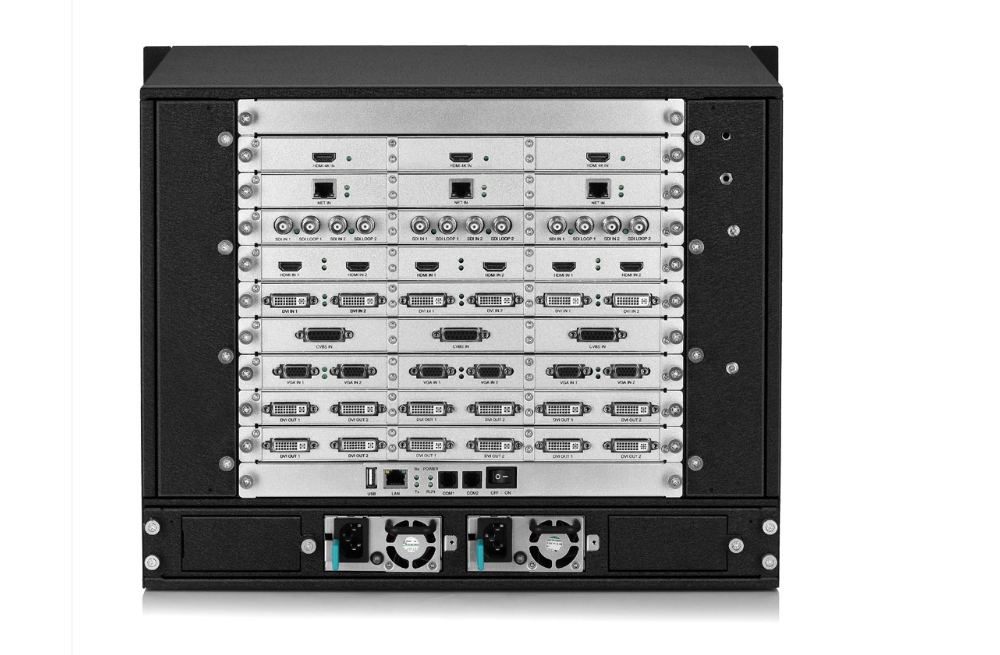
The Kystar KS9000 is a multi-window video wall processing platform built around FPGA hardware. It processes sources and maps them across a configured display system, with PC software for parameter setup and operation. It is intended for installations such as monitoring or dispatch centers, video conference rooms and large display layouts.
Display Layout and Control Functions
- Configurable hardware: select the input/output board arrangement for the source formats and display connections required by the project.
- Multi-window operation: arrange source windows across the mapped screen and configure their size and position.
- Source and layout switching: use the supported switching and stored layout workflow for presentations or monitoring tasks.
- Image and text overlays: add supported graphical or text content to the display layout.
- Output mapping: configure each output’s display area, arrangement and applicable timing before adjusting the source windows.
KS9000 Configuration and Signal Specifications
| Specification | Details |
|---|---|
| Processing architecture | FPGA hardware with a modular input/output board arrangement. |
| Available source formats | Manufacturer information describes DVI, Dual Link DVI, HDMI, VGA and SDI options. Confirm the installed board types and connector quantities. |
| DVI input reference | Standard DVI input is listed up to 2048 × 1152 at 60 Hz. |
| 4K input reference | Compatible Dual Link DVI and HDMI 1.4a configurations are listed up to 4096 × 1152 at 60 Hz or 4096 × 2160 at 30 Hz. Confirm the fitted board and supported timing. |
| VGA input reference | Up to 1920 × 1200 at 60 Hz in the manufacturer table. |
| Outputs and chassis | DVI program outputs and monitoring arrangements depend on the chassis and boards. Confirm the actual unit’s output count, per-port timing and total layout. |
| PC control | The original v2.3 manual describes network and COM/RS-232 connection workflows. Confirm the supplied control software and cable. |
Input Timing, Output Mapping and LED Pixel Load
Input resolution, processor output resolution and LED sending-system pixel load are separate checks. A 4096 × 2160 source at 30 Hz does not establish 4K at 60 Hz on every connector, and a large video wall canvas does not prove that one output can drive the entire wall.
The manufacturer describes platform maximums across multiple chassis and board configurations. Confirm the exact chassis size, fitted boards, enabled outputs, number of simultaneous windows and total pixel budget for the supplied unit. Check power redundancy and monitoring requirements against that configuration rather than assuming they are included.
The original manual’s screen setup workflow maps rows and columns to output areas and adjusts each area’s resolution. Plan those areas to match the downstream displays or LED sending cards. Check gaps, overlaps, cabinet coordinates and color balance across the finished wall before saving the working layout.
Control Software and System Compatibility
The preserved manual is KS9000 v2.3, dated October 2021. Its PC software examples use Windows 7 and list older Windows versions through Windows 10. Confirm the software release, operating-system compatibility and supported drivers for the computer you intend to use.
For LED screens, use a compatible downstream sending and receiving system. For example, evaluate the Kystar S2 sending card against the actual output timing and complete wall load; the processor’s general product category does not guarantee compatibility with every sending card.
Frequently Asked Questions
Does every KS9000 include the maximum number of inputs and outputs?
No. The platform is configurable. Confirm the actual board quantities, interface types, output capability and chassis supplied with the order.
Can KS9000 handle both LED and LCD display layouts?
The original manual describes large-screen, projection and LCD splicing applications. Confirm the output timing and signal interface for the specific displays and control system.
Can I use an existing layout without checking output mapping?
Check the output arrangement and display areas first. A layout from another chassis or installation may not match the installed cards, screen dimensions or cable routing.
Summary and Documentation
Choose KS9000 for a configured multi-window video wall workflow. Define the sources, output map and display system before selecting boards, then confirm software and timing compatibility. Refer to the official Kystar KS9000 page and the preserved original manual below.
Original Product Images and Manual
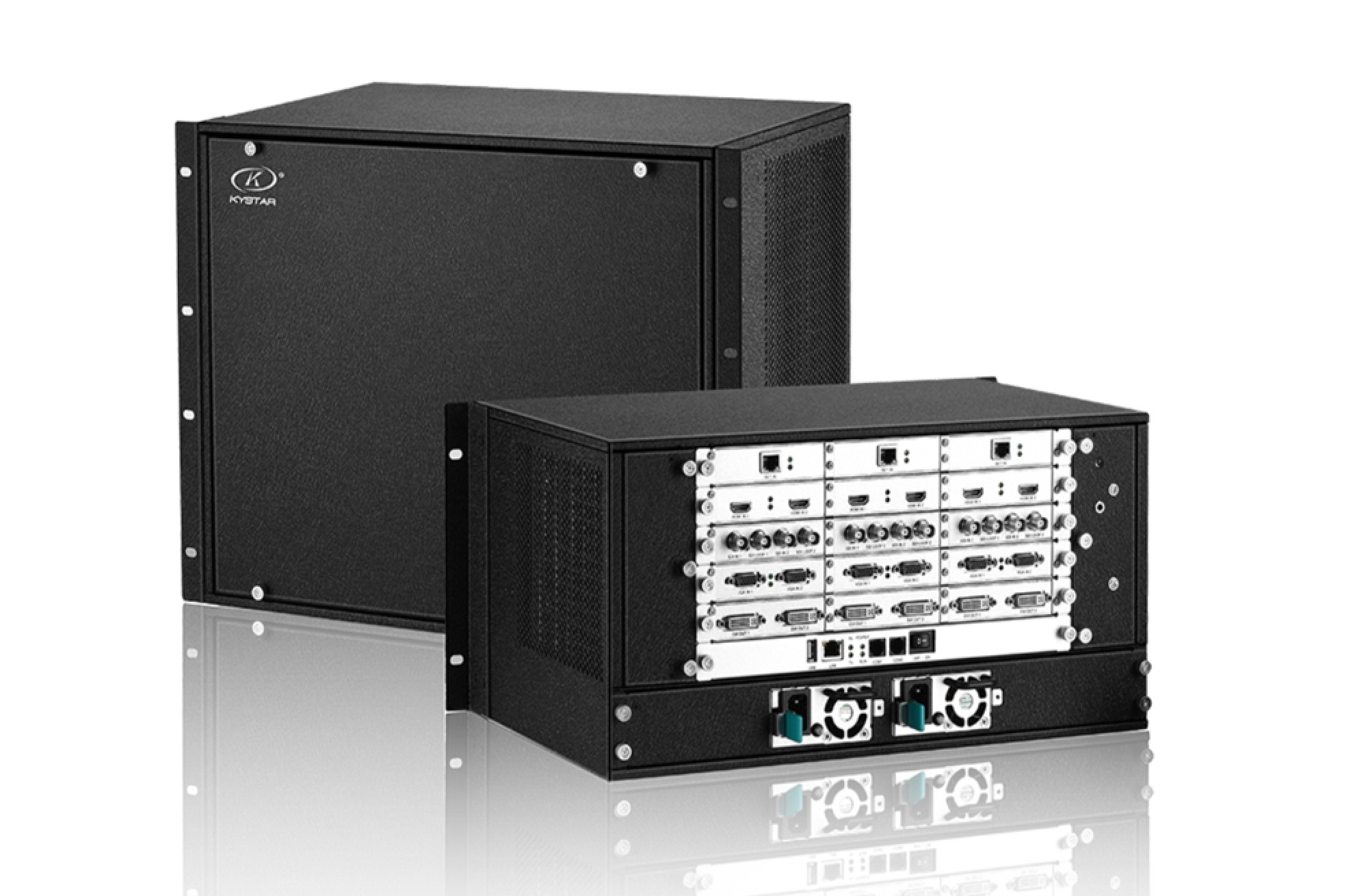
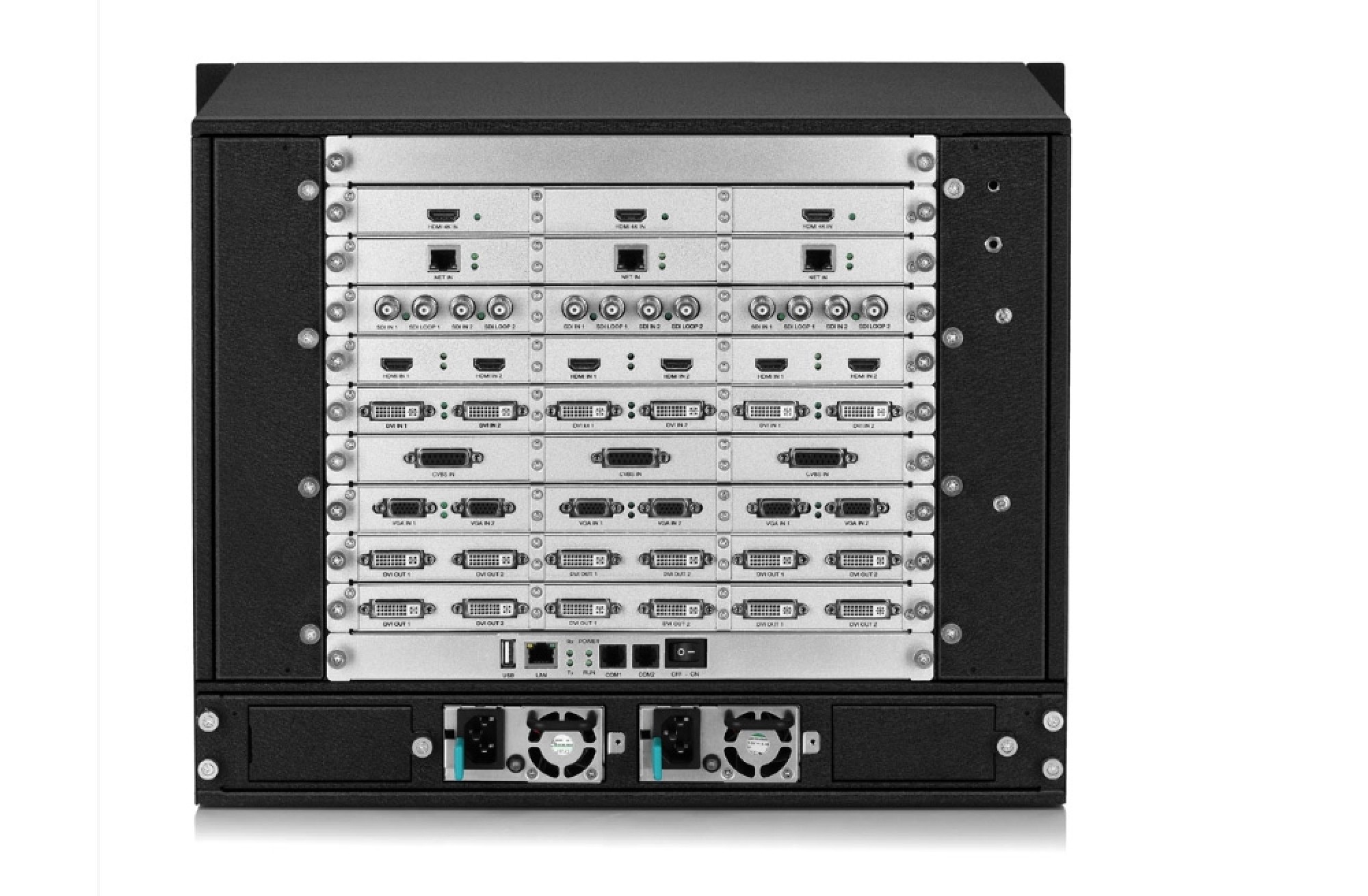
More Pictures of KYstar KS9000 plicing processing platform
Download Specification of KYstar KS9000 plicing processing platform: