Kystar U3 and U3 Pro: Which LED Video Processor Fits Your Screen?
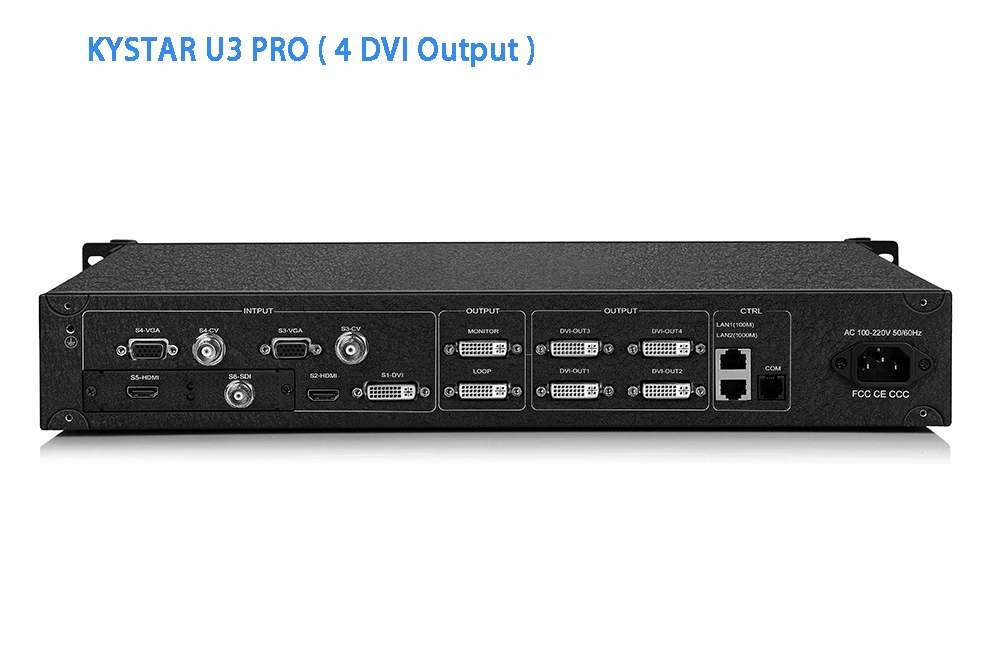
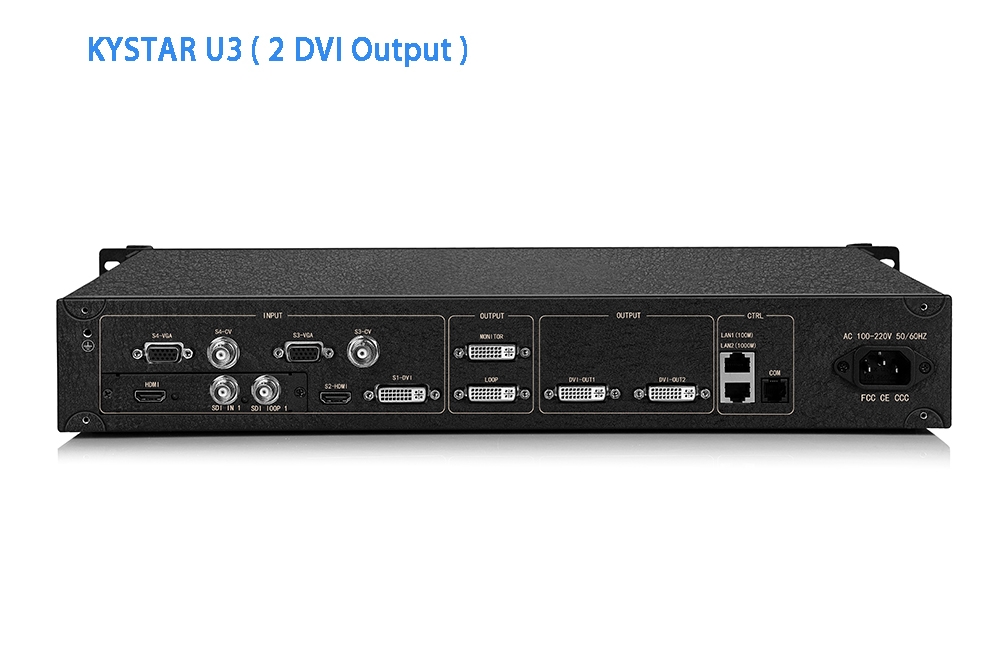
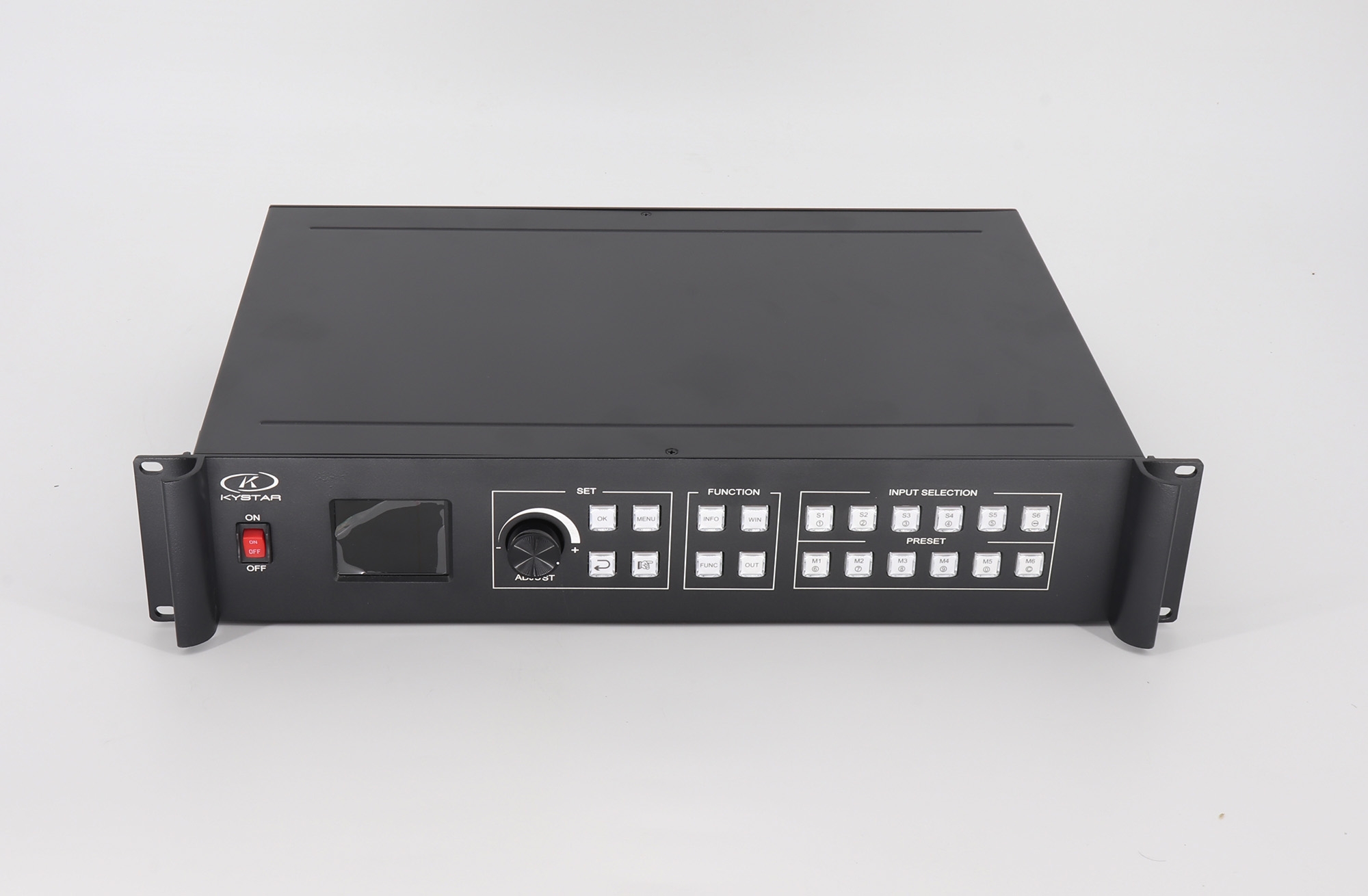
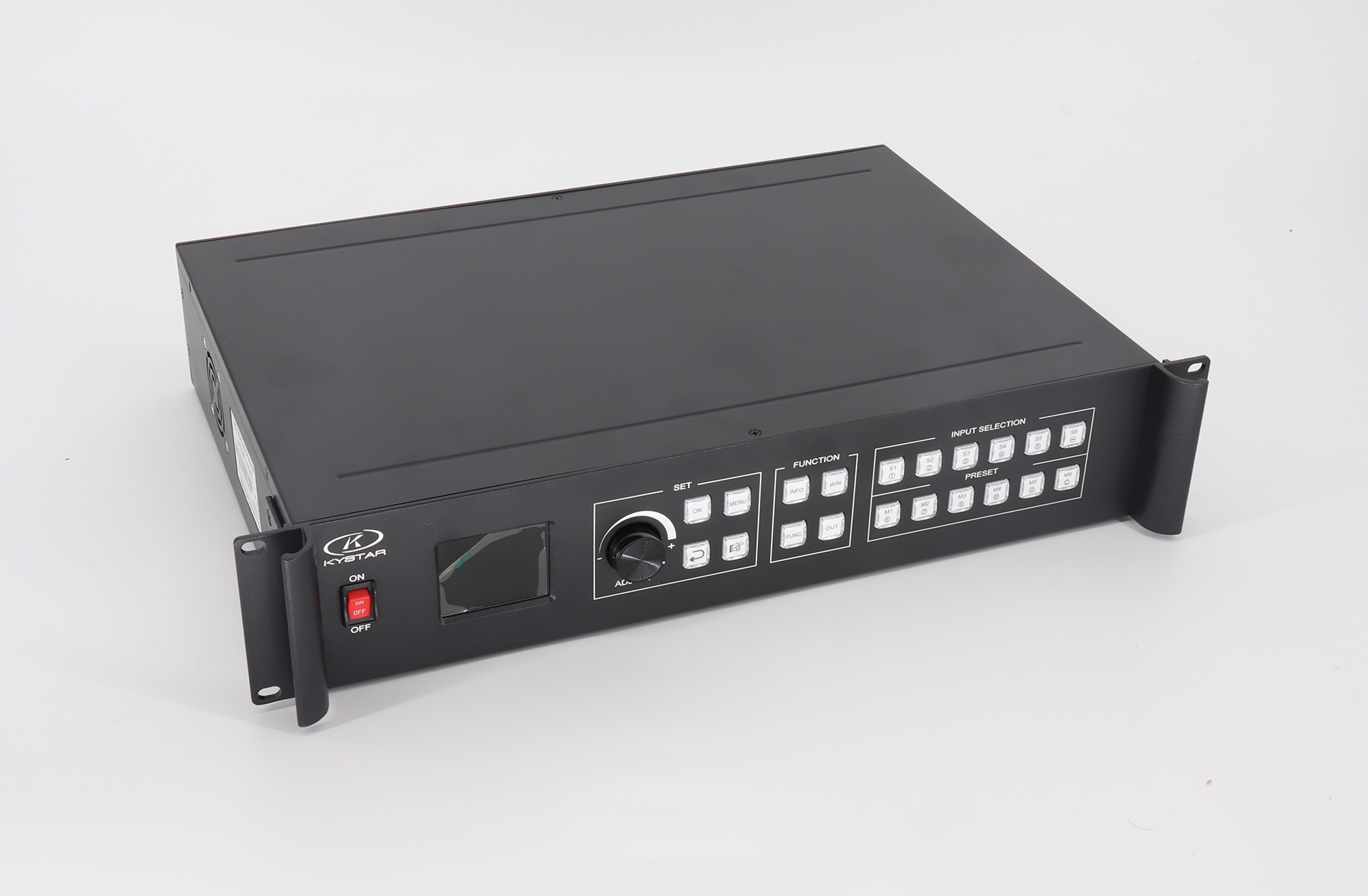
The Kystar U3 / U3 Pro series combines three independently positioned video windows with LED screen splicing, preview and source switching. These are different models: U3 offers two splicing outputs plus a monitoring output, while U3 Pro offers four splicing outputs for wider or taller layouts. Select the required model in the product options and confirm the actual input boards before ordering.
Uses and Key Features
- Three-window layouts: adjust each window’s position and layer order for main and side stage screens or multi-source presentations.
- Preview and monitoring: inspect input and output signals through the control software before switching the live display.
- Presentation effects: use transitions, editable text and image overlays, luma key, transparency and edge feathering.
- Input backup: configure a backup source so the processor can switch when the selected signal fails. Test source recovery and switching behavior in the intended installation.
U3 vs U3 Pro: Verified Output Specifications
| Specification | Details |
|---|---|
| Product family | Three-window LED video processor with independent window positioning and layering. |
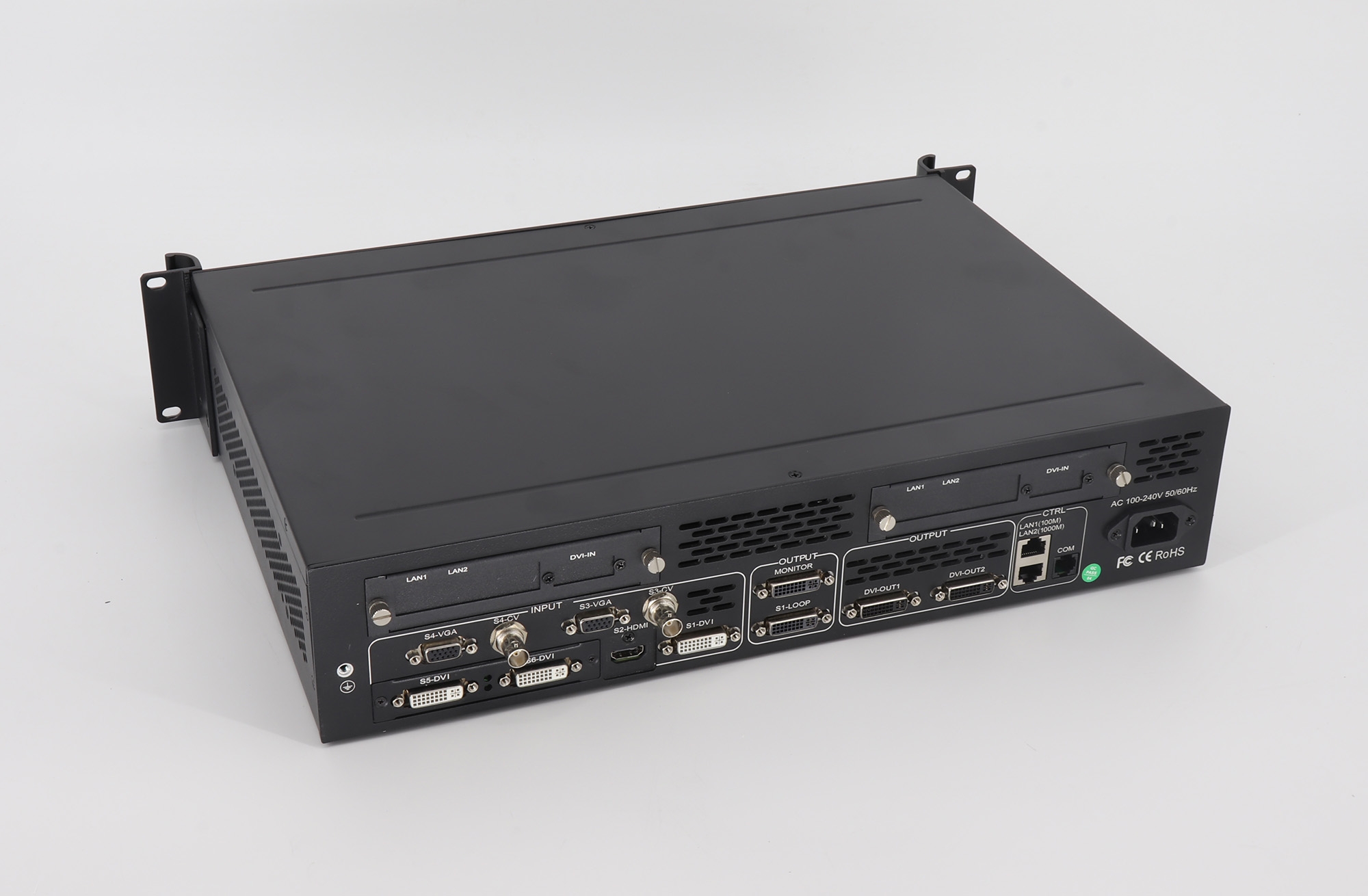
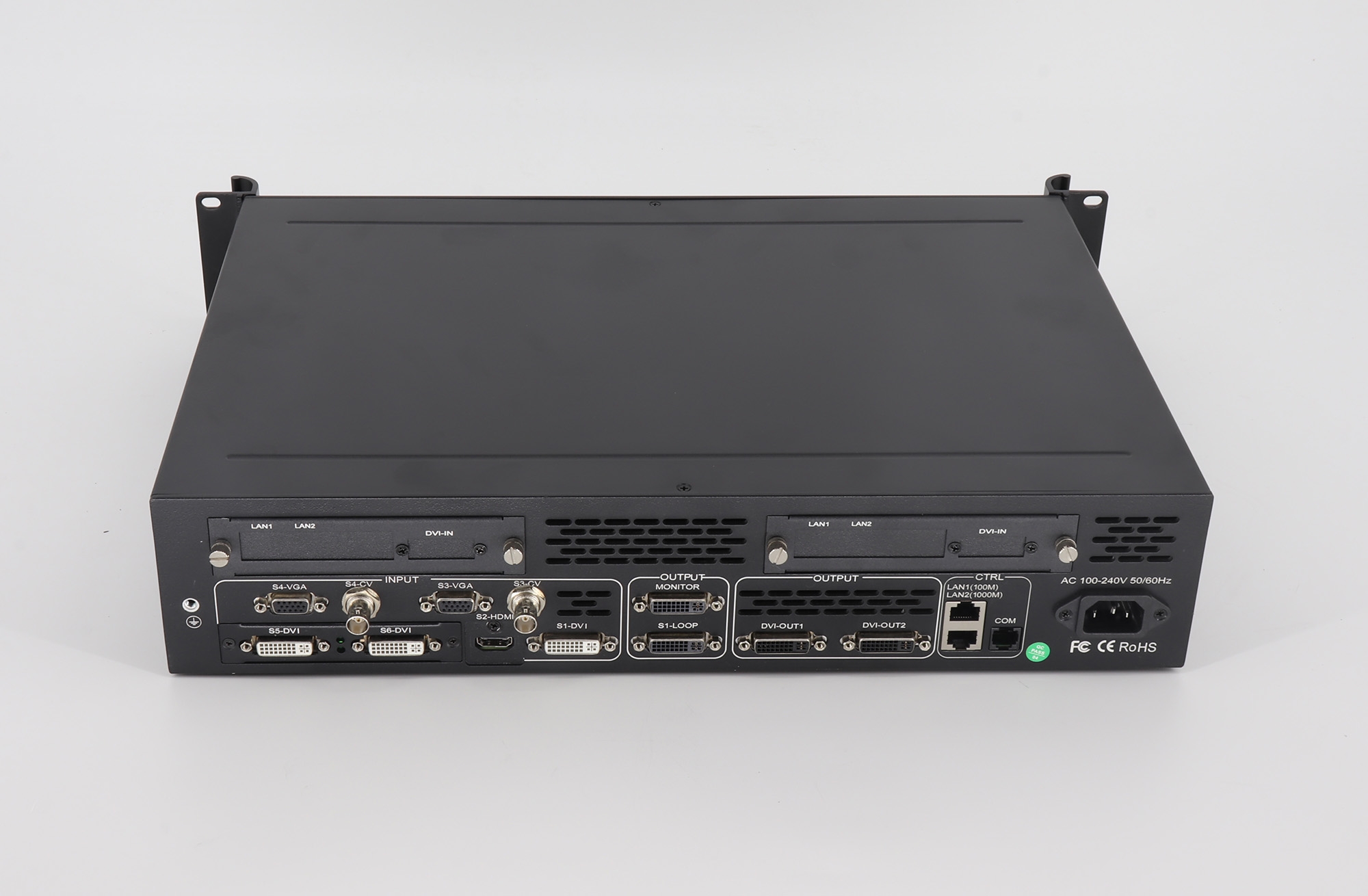
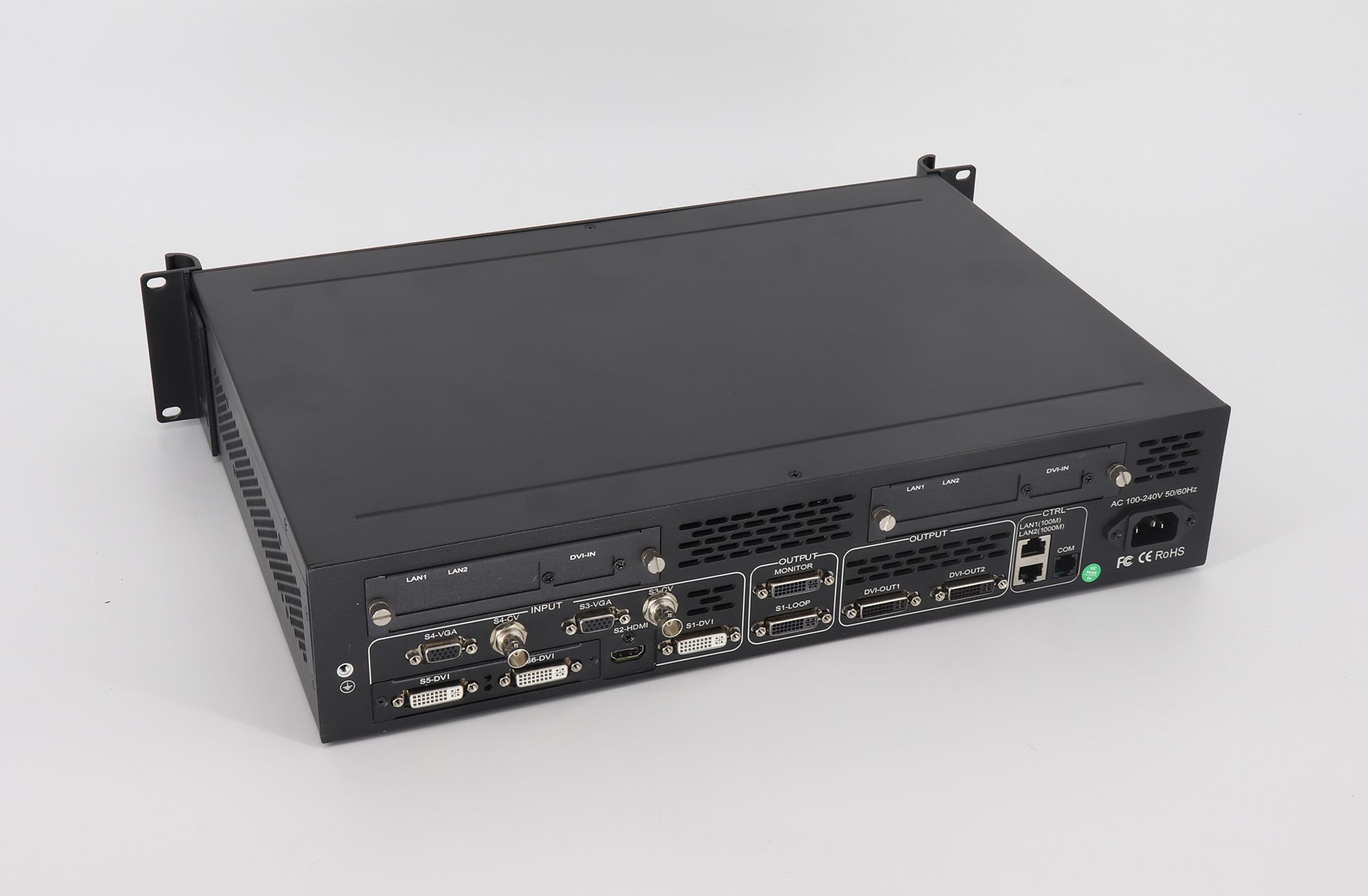
| U3 output connections | Two splicing outputs and one pre-monitoring output. |
| U3 copy mode | Up to 2.6 million pixels of user-defined output for a single port in copy mode. |
| U3 mosaic mode | Up to 2560 × 1536 at 60 Hz, with 2 × 1 or 1 × 2 splicing arrangements. |
| U3 Pro output connections | Four splicing outputs; horizontal, vertical and cross splicing. |
| U3 Pro custom output | The brochure lists up to 5.2 million pixels of user-defined output. Confirm the timing and layout for the supplied unit. |
| U3 Pro wide/tall layouts | Up to 15,360 pixels horizontally or 6,144 pixels vertically. These are separate dimension limits, not a combined 15,360 × 6,144 canvas. Brochure examples include 15,360 × 400 and 960 × 6,144. |
| Input interfaces listed in the brochure | 1 DVI, 1 HDMI, 2 VGA, 2 CVBS, 1 SDI and 1 expansion slot. Confirm fitted interfaces and expansion options for the selected unit. |
| 4K source input | The brochure describes HDMI 1.4 and Dual Link DVI input configurations up to 4096 × 2160. Confirm the applicable input board and refresh rate. |
Input Resolution, Output Capacity and System Compatibility
4K input support is a source-processing specification. It does not mean that every connector accepts every 4K timing or that the LED wall can use the same resolution as one unspliced output. HDMI 1.4 and Dual Link DVI capabilities must be checked against the installed hardware; the brochure does not establish 4096 × 2160 at 60 Hz for every input.
Likewise, U3’s 2.6-million-pixel copy-mode figure must not replace its separate mosaic-mode limit. Plan U3 Pro layouts within the unit’s supported pixel budget, output timings and width or height limits. Check the LED sending system’s video inputs, each output’s mapped area and the panel resolution before installation; do not assume compatibility with every sending card.
For systems needing more simultaneous windows, compare the Kystar U4 four-window processor or Kystar U6 six-window processor, checking each model’s input and output configuration.
Frequently Asked Questions
What is the main difference between U3 and U3 Pro?
U3 has two splicing outputs and a pre-monitoring output; U3 Pro has four splicing outputs. Their custom-output pixel budgets and available layouts also differ. Select the model for your required output map.
Can the processor display three sources at once?
The series supports three video windows with independent position and layer order. Confirm the connected sources and the desired window arrangement during setup.
Does 4K input mean a 4K LED output at 60 Hz?
No. Input timing, processing mode, splicing outputs and LED screen pixel capacity are separate checks. Confirm all four for the selected model and boards.
Summary and Documentation
Choose U3 for its two-output splicing workflow or U3 Pro when four splicing outputs and its wider range of layouts are required. Use the preserved U3/U3 Pro brochure below for the model-specific details and consult Kystar’s official website for manufacturer support. Confirm hardware revision, input options and the final LED screen mapping before purchase.
Original Product Images and Downloads
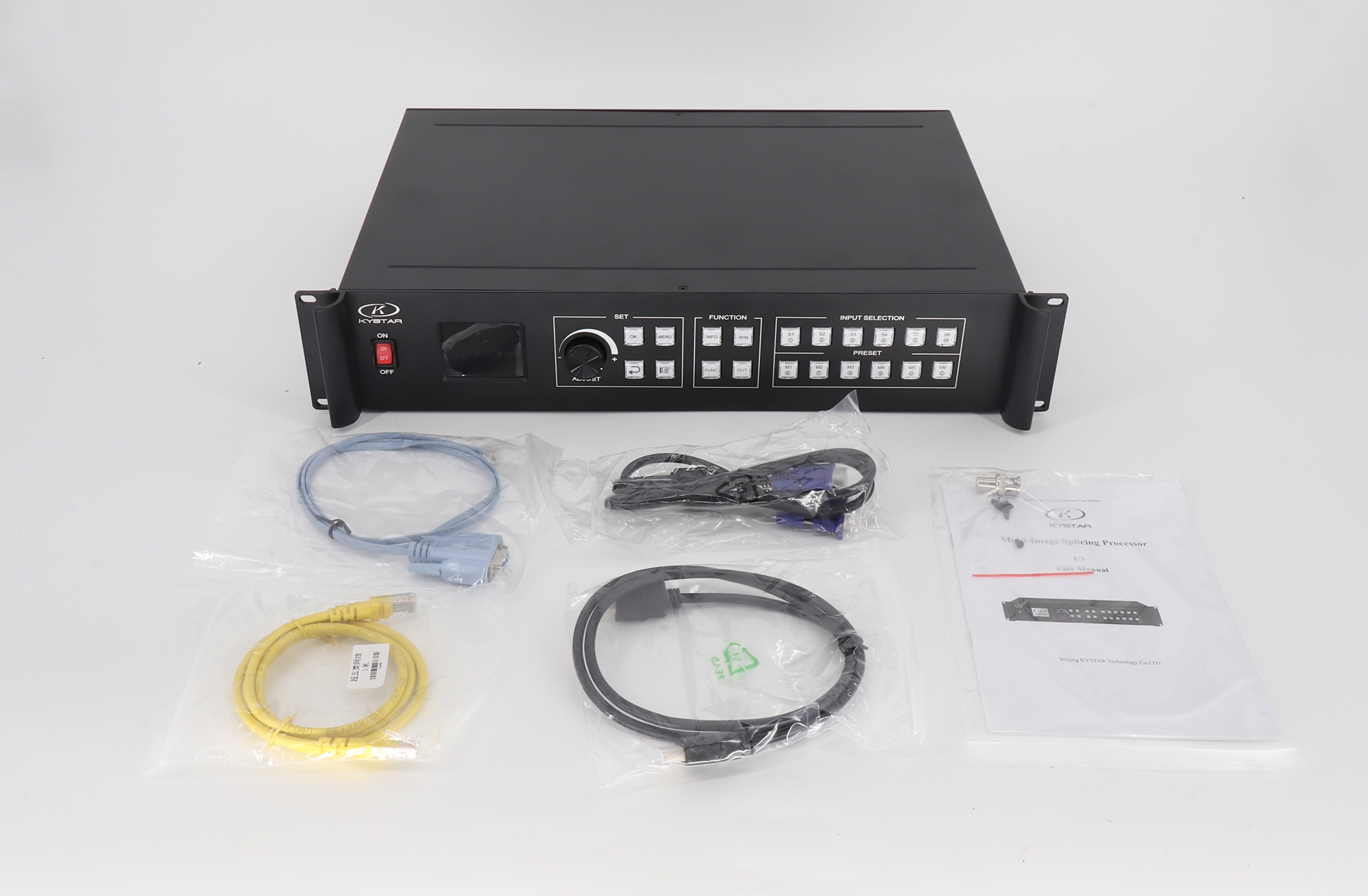
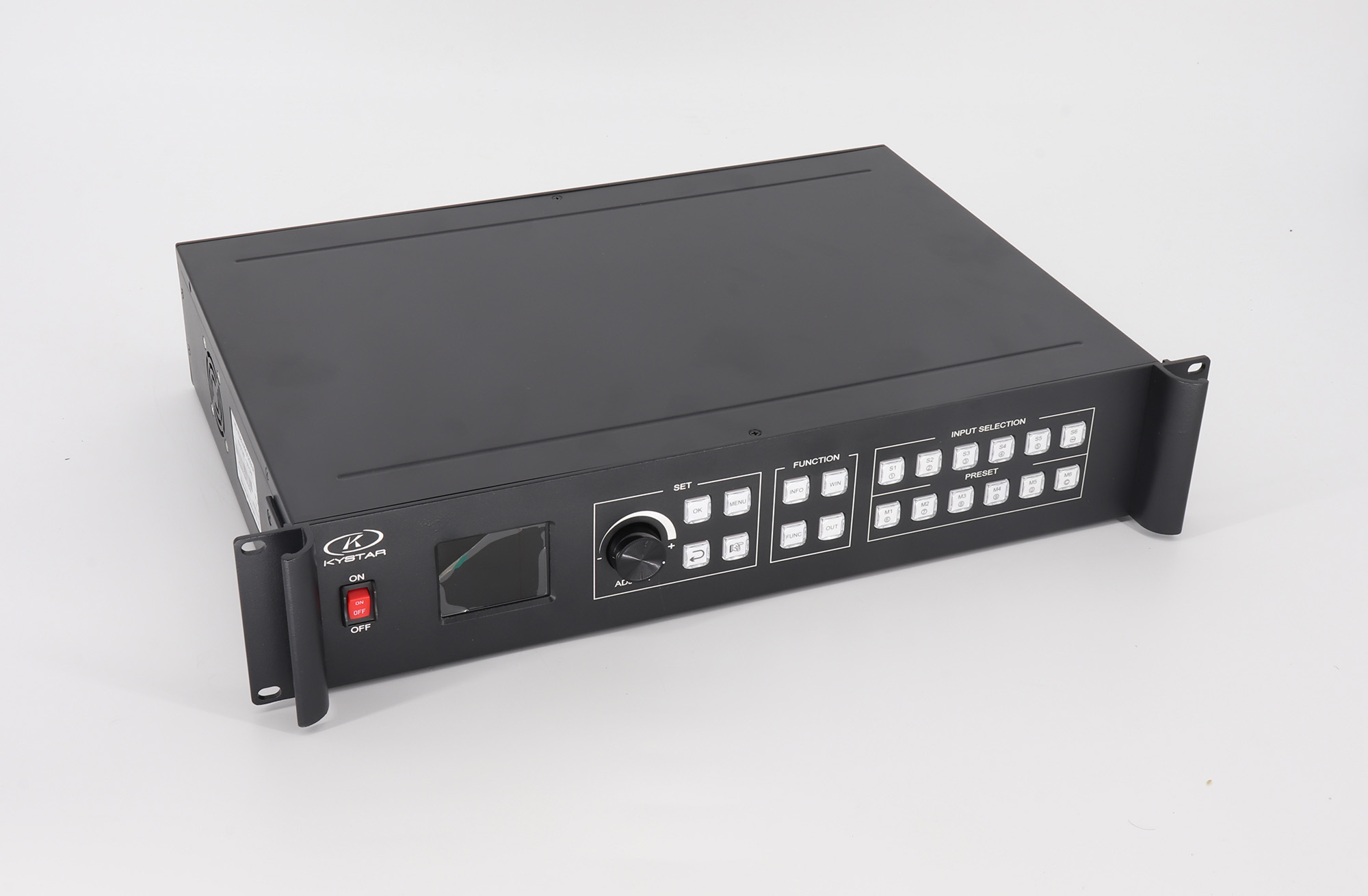
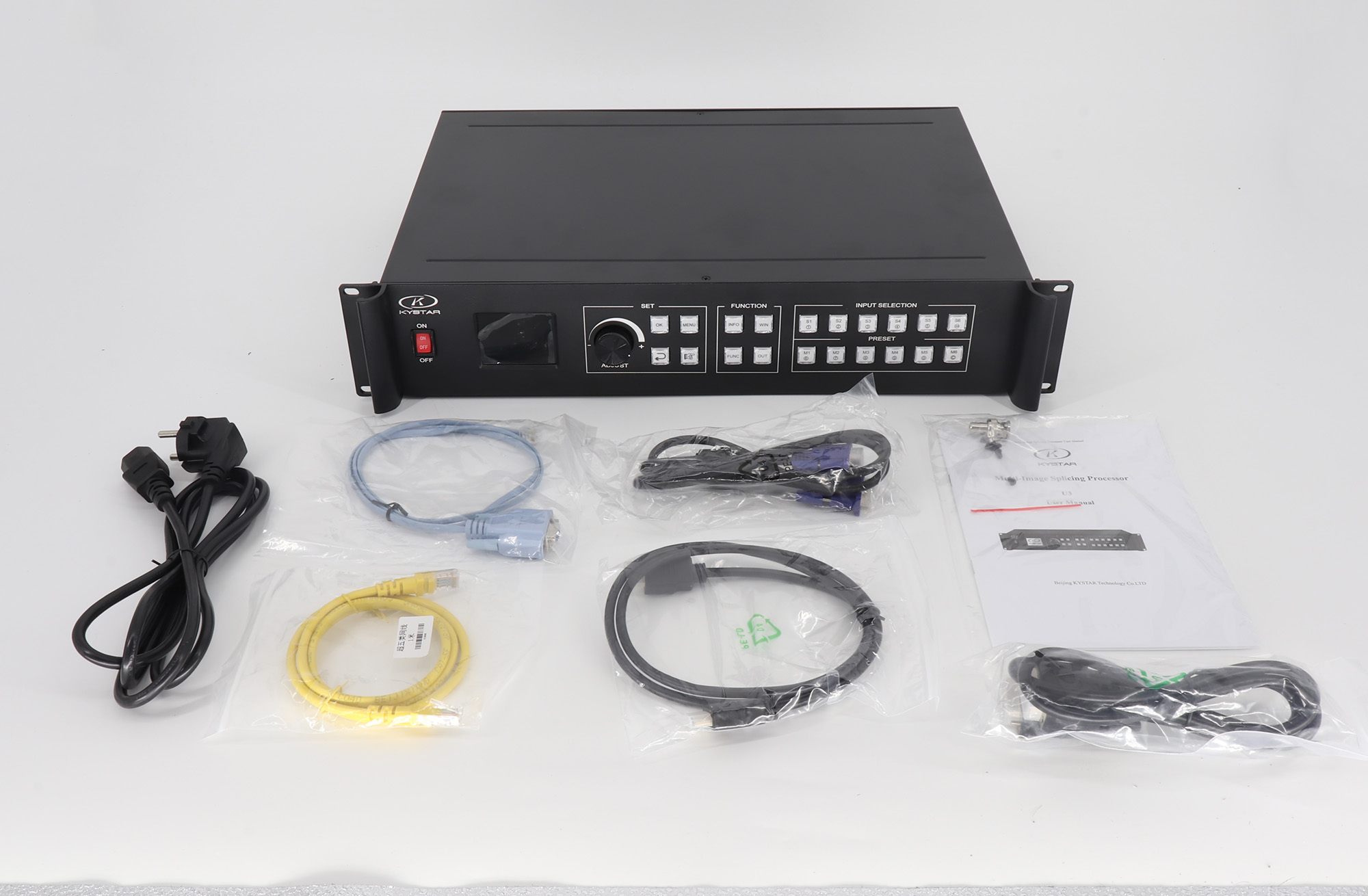
More Pictures of Kystar U3 UHD LED Display Video Processor:
Download Specification
Download Software