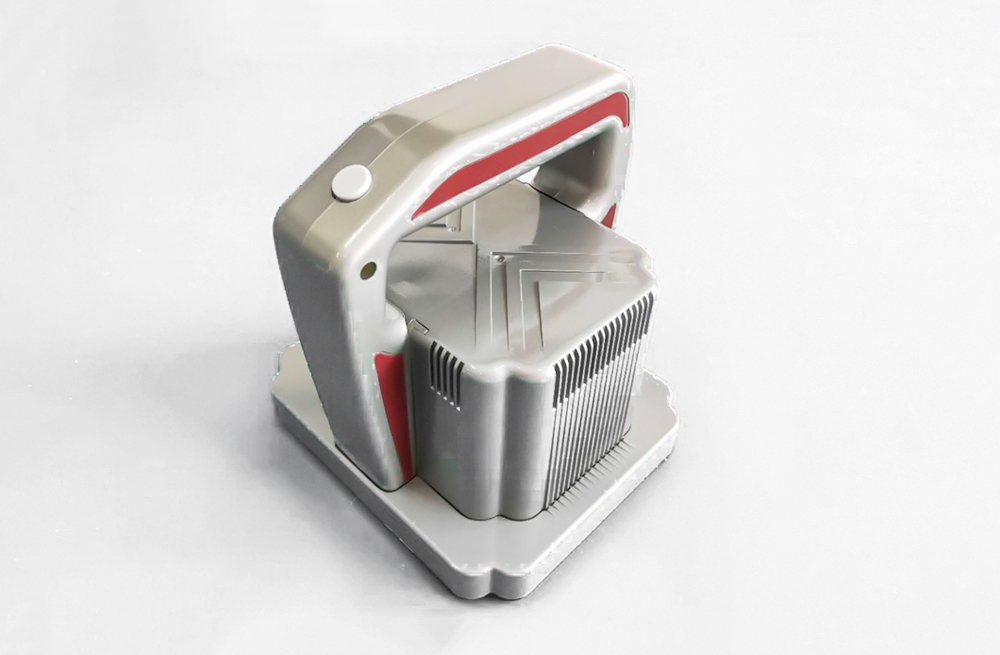
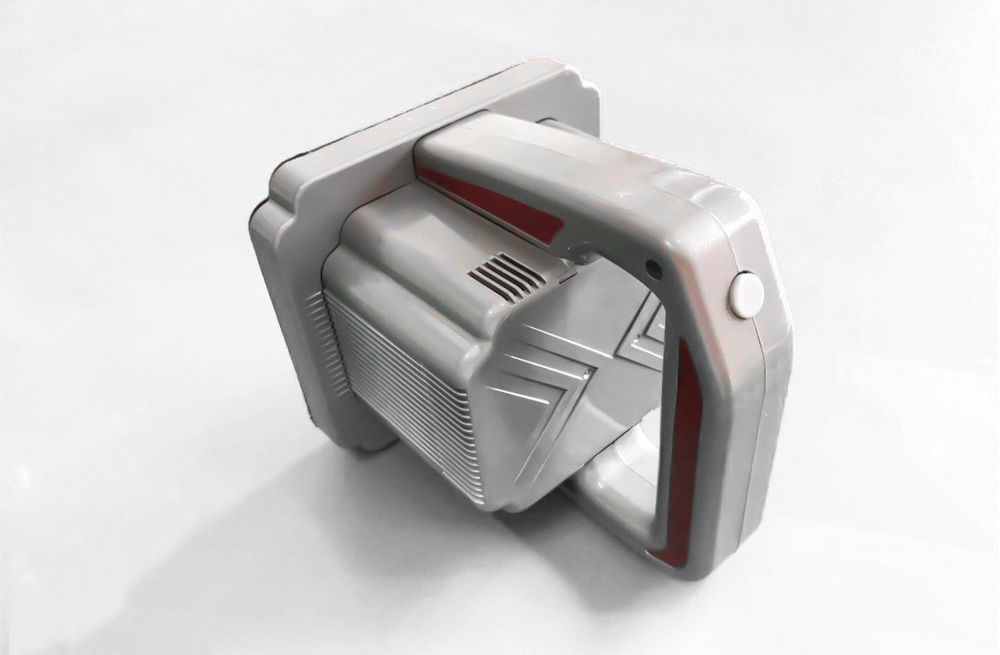
NB-01 LED Screen Vacuum Tool for Front Maintenance
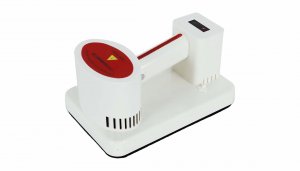
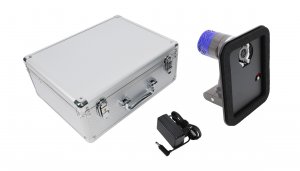
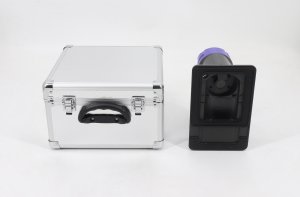
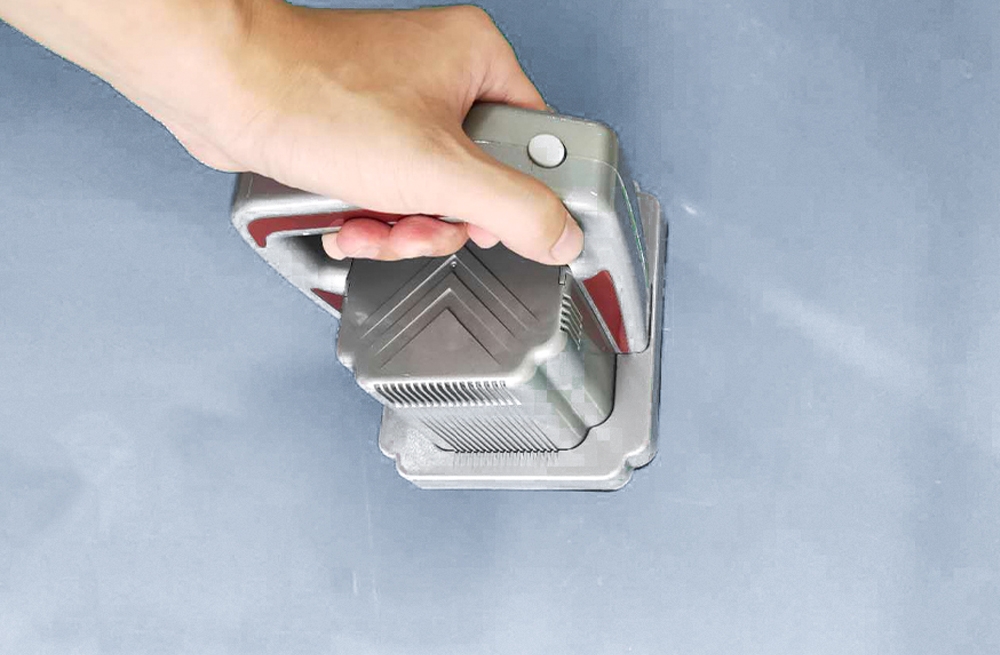
The EagerLED NB-01 is a vacuum front maintenance tool for compatible magnet-mounted indoor LED display modules. It draws air out to create negative pressure, allowing the module to be lifted from the front of the LED video screen through the resulting pressure difference.
An adjustable valve lets the operator set the tool for the module being serviced. The main switch controls power, while the touch switch starts and stops operation.
Module Compatibility
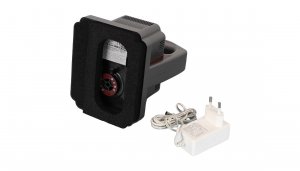
This LED vacuum tool is intended for indoor LED modules fixed by magnets. Before ordering, confirm that your module is designed for front removal and is suitable for vacuum lifting. Check its dimensions, front surface and mounting arrangement against the 148 × 125 mm suction cup. Compatibility should be confirmed for the specific module; do not assume the tool works with every indoor or outdoor screen.
NB-01 Specifications
| Item | Specification |
|---|---|
| Model | NB-01 |
| Removal method | Vacuum / negative pressure |
| Intended application | Compatible magnet-mounted indoor LED display modules |
| Listed battery capacity | 12,000 mAh |
| Charging specification | 24 V, 1 A |
| Battery energy rating | Unit requires confirmation; see note below |
| Net weight | 0.9 kg |
| Tool dimensions | 148 × 125 × 150 mm |
| Suction cup size | 148 × 125 mm |
| Controls | Adjustable valve, main switch and touch switch |
| Low-battery indication | Red indicator below 25% battery level |
Battery specification note: The existing product information lists the energy value as “42wh” in the summary and “42 wAh” in the specification table. The unit is inconsistent. Confirm the battery label before relying on this rating; it is not a verified motor power specification.
How to Use the Front Maintenance Tool
- Confirm module compatibility and follow the display manufacturer’s service procedure. Adjust the valve to suit the module model.
- Turn on the main switch.
- Use the touch switch to start and stop the vacuum operation. Support the module during removal and release.
- After servicing, turn off the main switch before storing the tool.
Battery Care and Storage
The indicator turns red when the battery level is below 25%. Recharge promptly and avoid storing the tool for long periods with a low battery. Check the tool and charger labels against the listed 24 V, 1 A charging specification before charging.
Frequently Asked Questions
How does the NB-01 remove an LED module?
It creates negative pressure by drawing out air. The pressure difference provides the suction used to lift a compatible magnet-mounted module from the front of the display.
Can this vacuum tool service every LED screen?
No universal compatibility is confirmed. It is intended for compatible magnet-mounted indoor modules. Confirm the module surface, size and mounting method before purchase, especially for outdoor or specialty modules.
What are the tool dimensions and weight?
The listed dimensions are 148 × 125 × 150 mm, the suction cup measures 148 × 125 mm, and the net weight is 0.9 kg.
What should I do when the battery indicator turns red?
A red indicator means the battery level is below 25%. Recharge promptly and do not leave the tool in long-term storage with a low battery.
Need to check suitability? Contact us with your LED module model and photos, or browse our LED front maintenance tools.