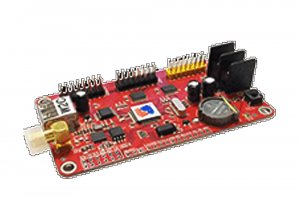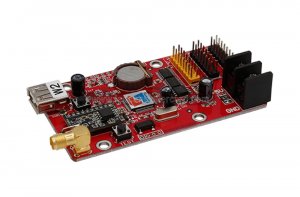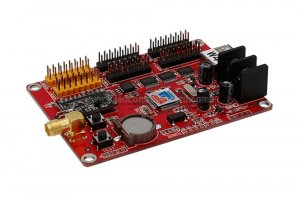
W8WiFi wireless LED sign control
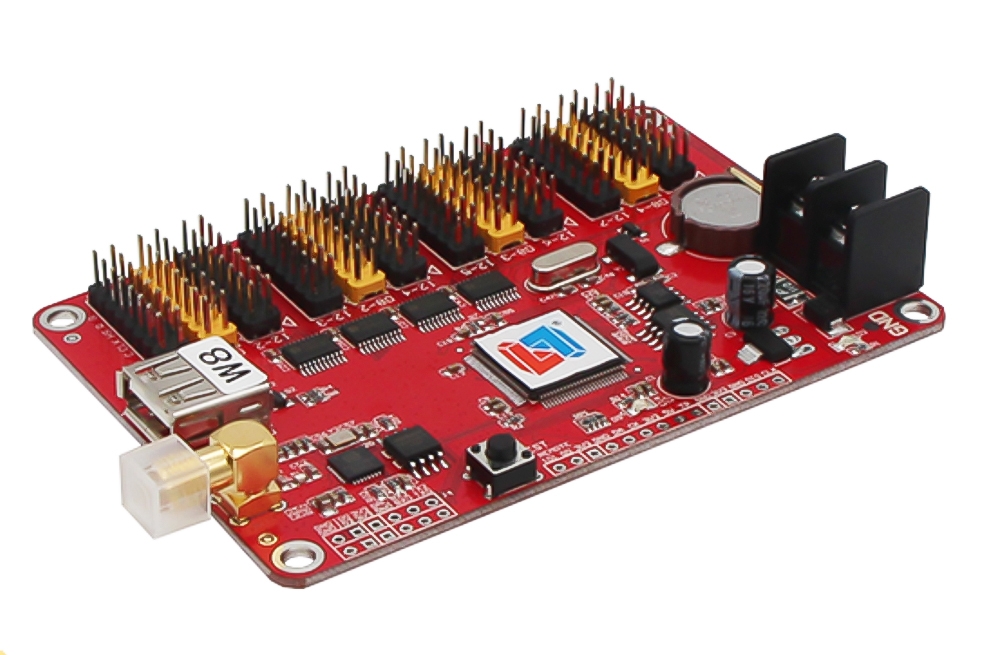
The Listen Vision W8WiFi supports local USB updates and Wi-Fi communication with cluster management. Use it for compatible single or dual-color signs displaying text, graphics, clocks and multiple information zones.
| Parameter | Details |
|---|---|
| Model | W8WiFi |
| Display type | Single color or dual color |
| Memory | 2MB |
| Pixel capacity | Single color: 128K; dual color: 64K |
| Listed dual-color layouts | 1024 × 64; 672 × 96; 512 × 128 |
| Programs / zones | 128 programs; 16 zones per program |
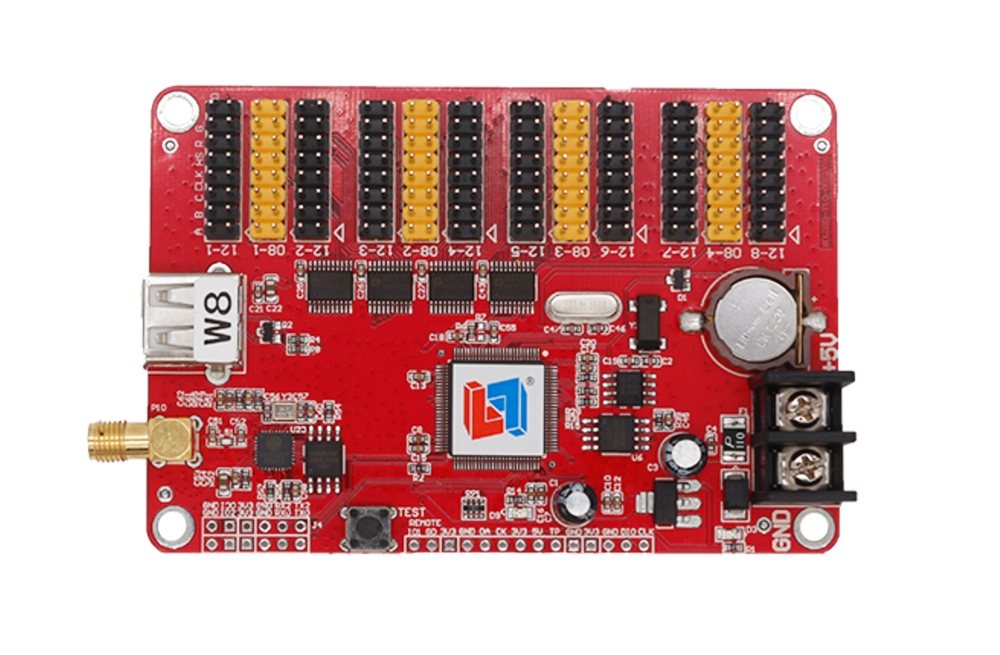
| Communication | Wi-Fi with cluster management; USB port |
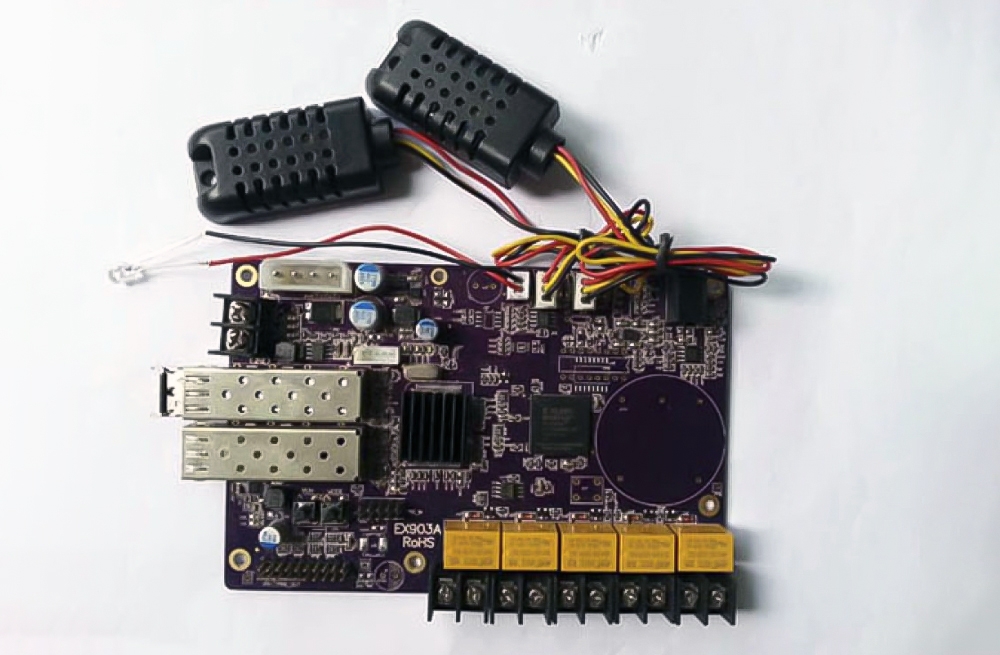
| Display ports | 4 × HUB08; 8 × HUB12 |
| Clock functions | Digital clock, analog clock, count-up and countdown |
| Brightness | 16 levels; automatic brightness supported |
| Power control | Timed automatic switch, software switch and external relay control |
| Startup display | Custom splash screen / logo supported |
| Voltage / power | 4.5–6 V; less than 2 W |
| Operating temperature | −40°C to 85°C |
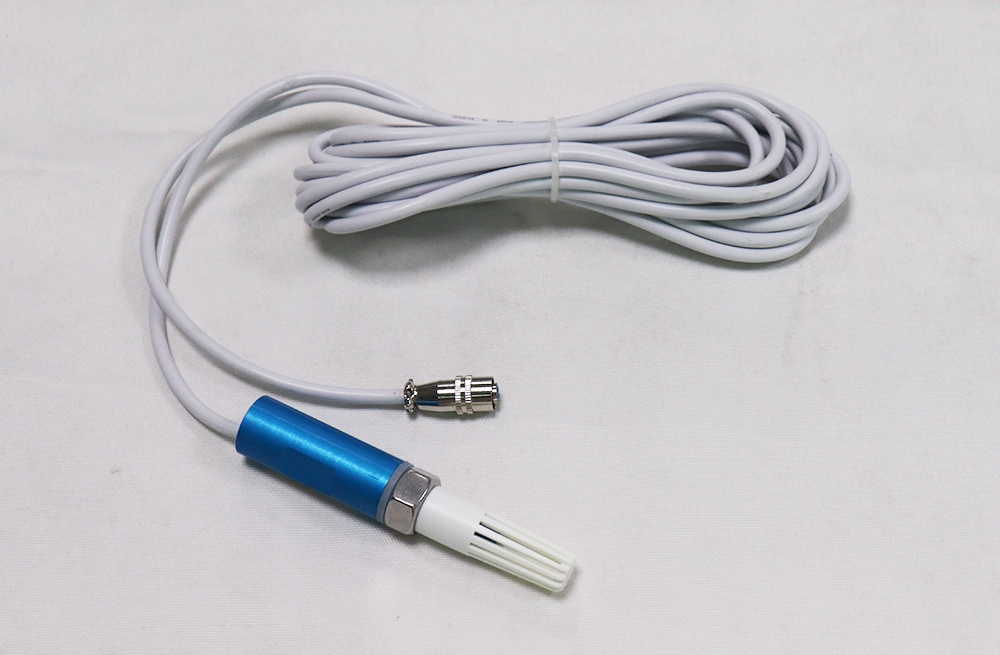
| Sensor support | Temperature; temperature and humidity |
| Software | LED Player 6.0; choose Wi-Fi in versions above 6.1.3, as noted in the listing |
| Development | Communication protocol and SDK support |
Setup and content management
The card supports multi-area display and multilingual software versions, including text, images, animations, backgrounds, clocks, static tables and sensor information. USB parameter readback and a separate preview window assist setup. Before installation, match the HUB interface, display color and module scan configuration; single-color and dual-color capacities are different.
Frequently asked questions
Can I update the W8WiFi without a USB drive?
Yes. It supports Wi-Fi communication, including cluster management, as well as USB.
Which display ports are available?
The card has four HUB08 ports and eight HUB12 ports.
What size dual-color screen can it control?
The listed dual-color layouts are 1024 × 64, 672 × 96 and 512 × 128, with a stated 64K dual-color pixel capacity. Confirm the module configuration.
Which software should I use?
The listing names LED Player 6.0 and notes selecting Wi-Fi in versions above 6.1.3. Use the version appropriate for your controller.
Can I recover the card parameters using USB?
Yes. The product description lists USB-drive parameter readback. Keep a copy of the working configuration before making changes.
Specification download