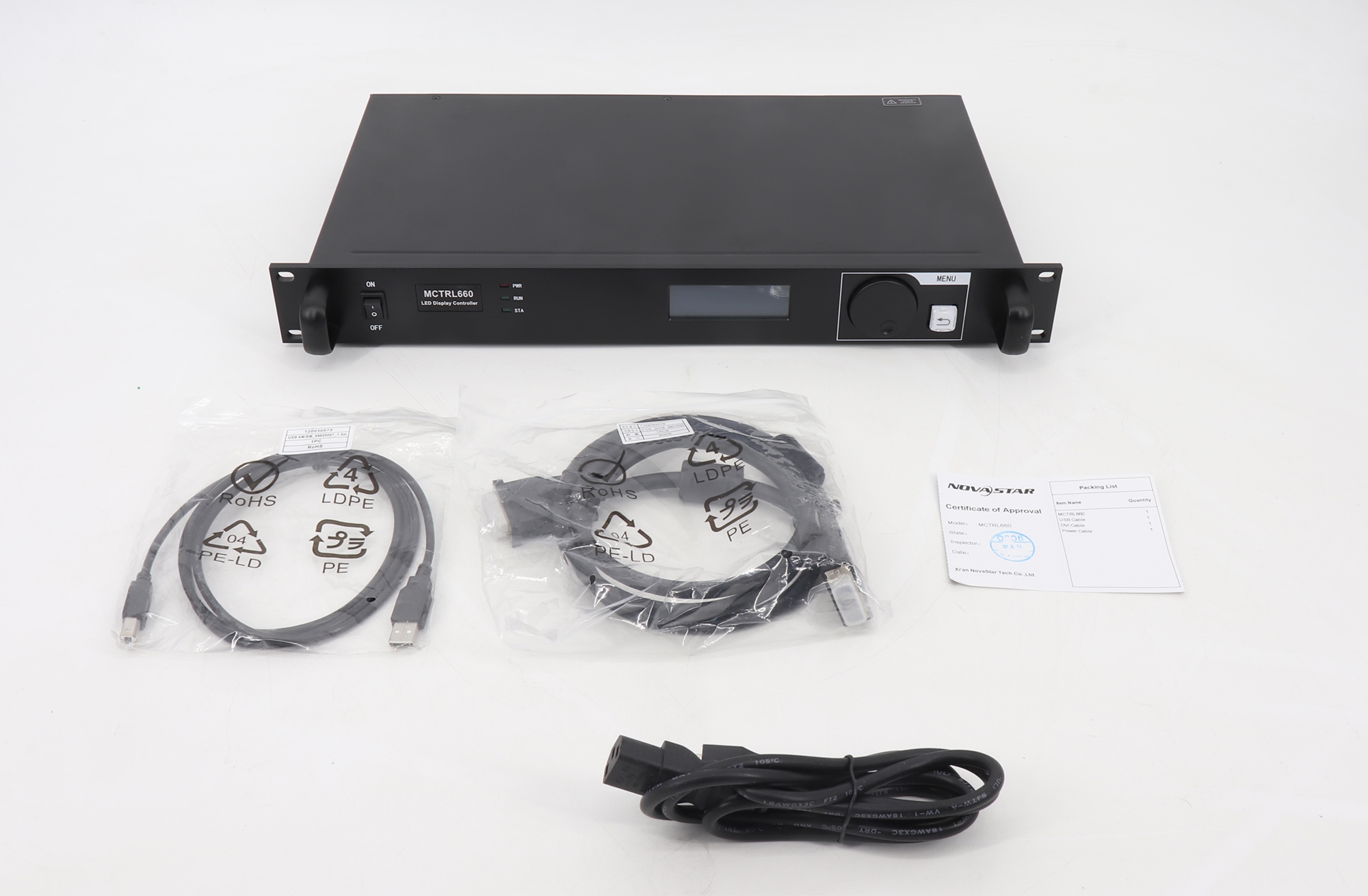
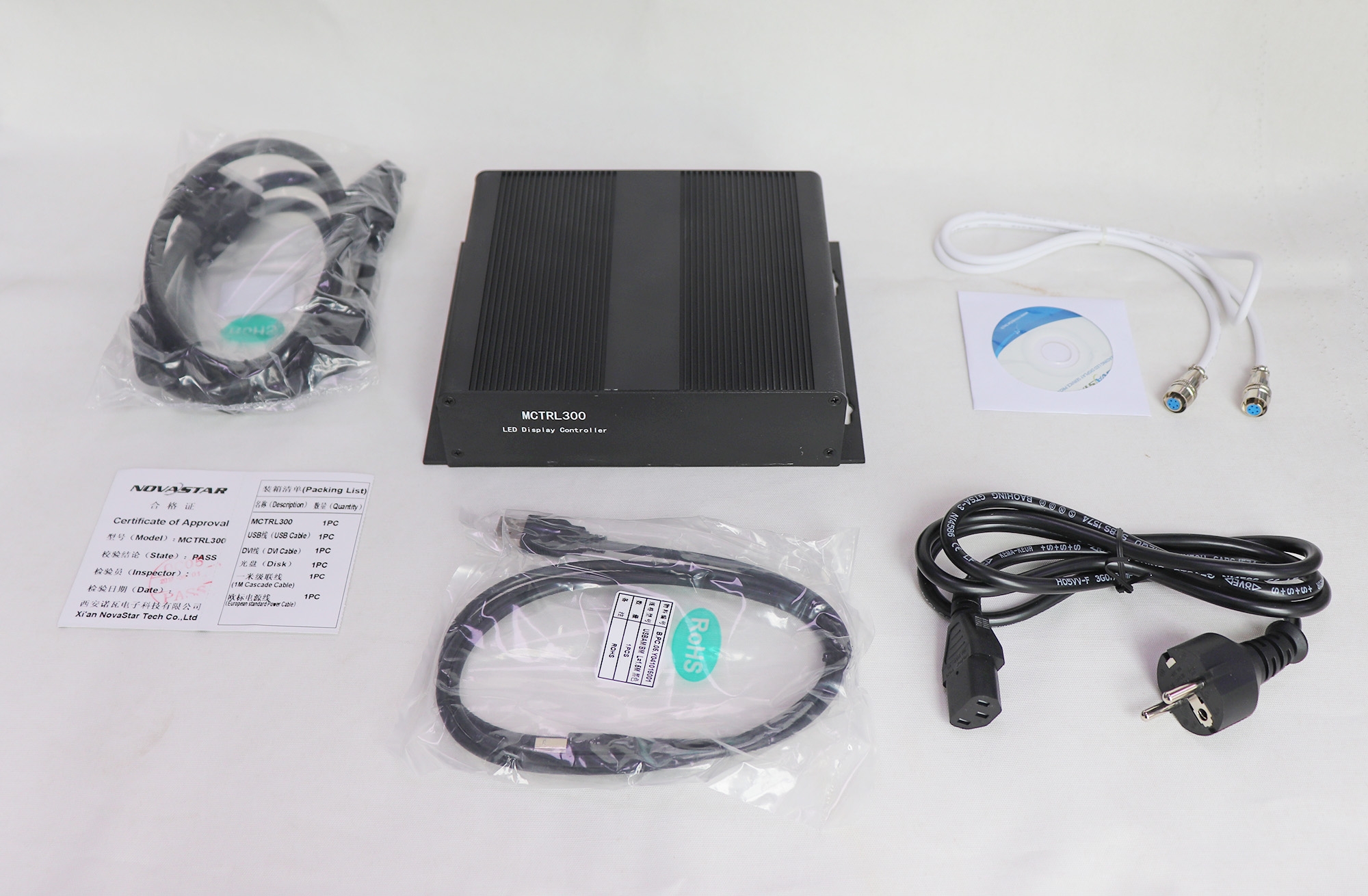
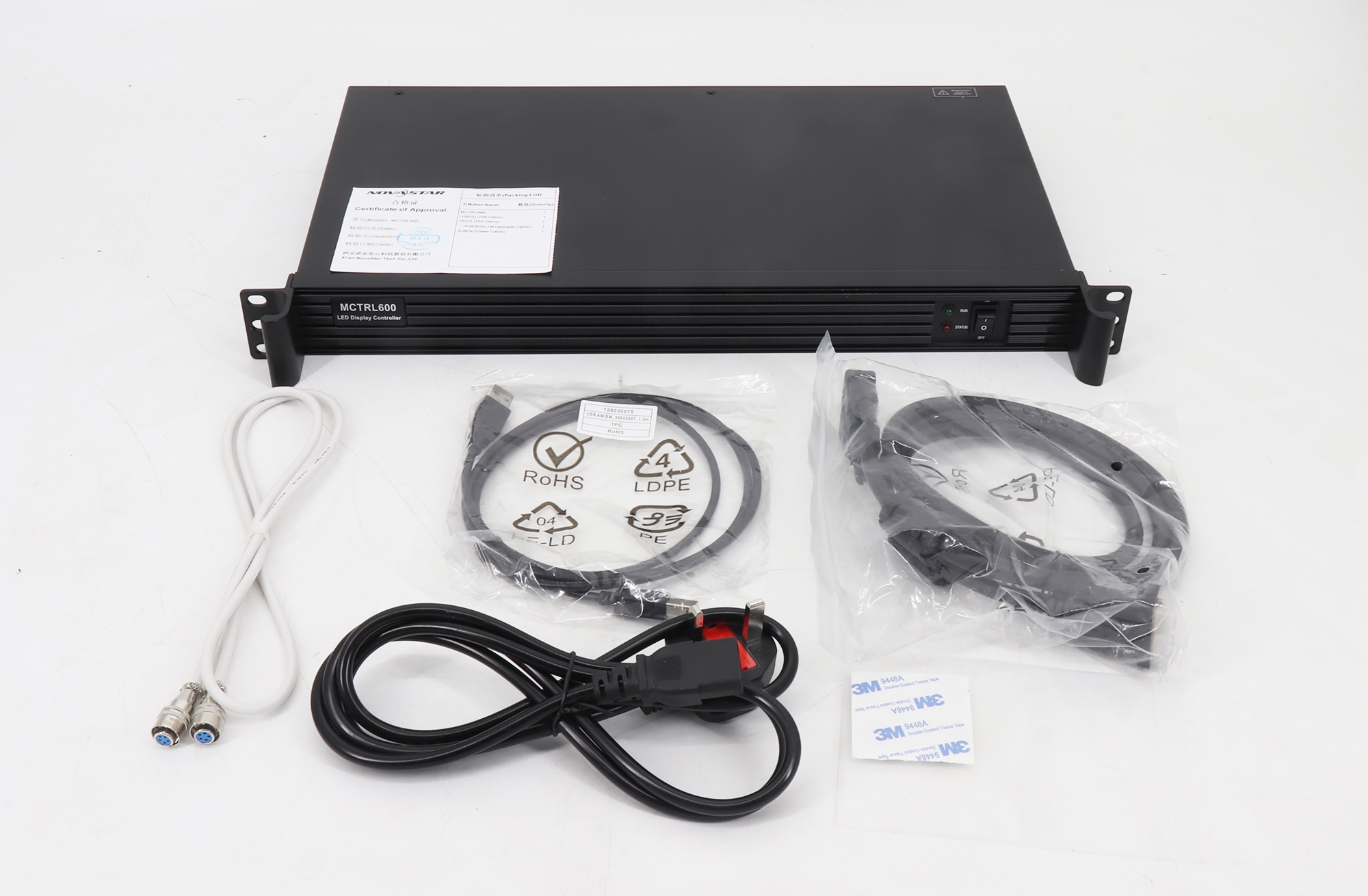
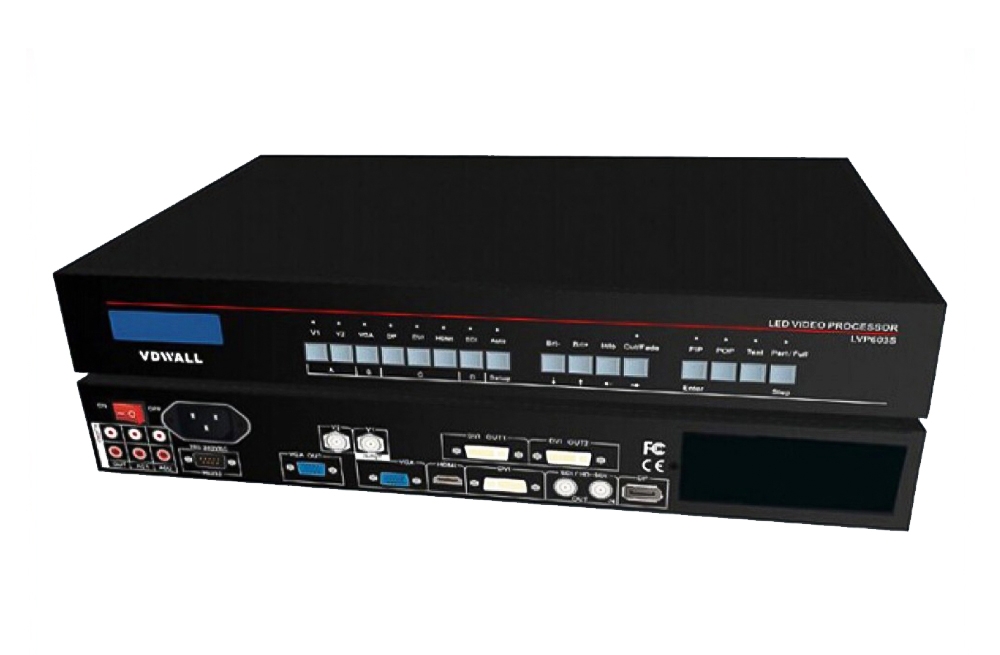
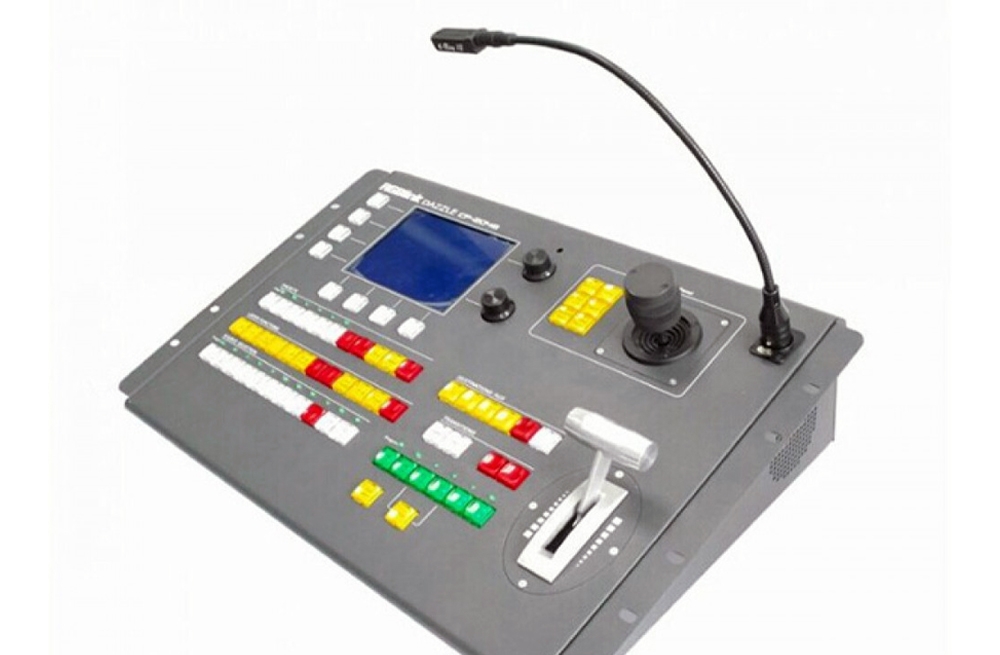
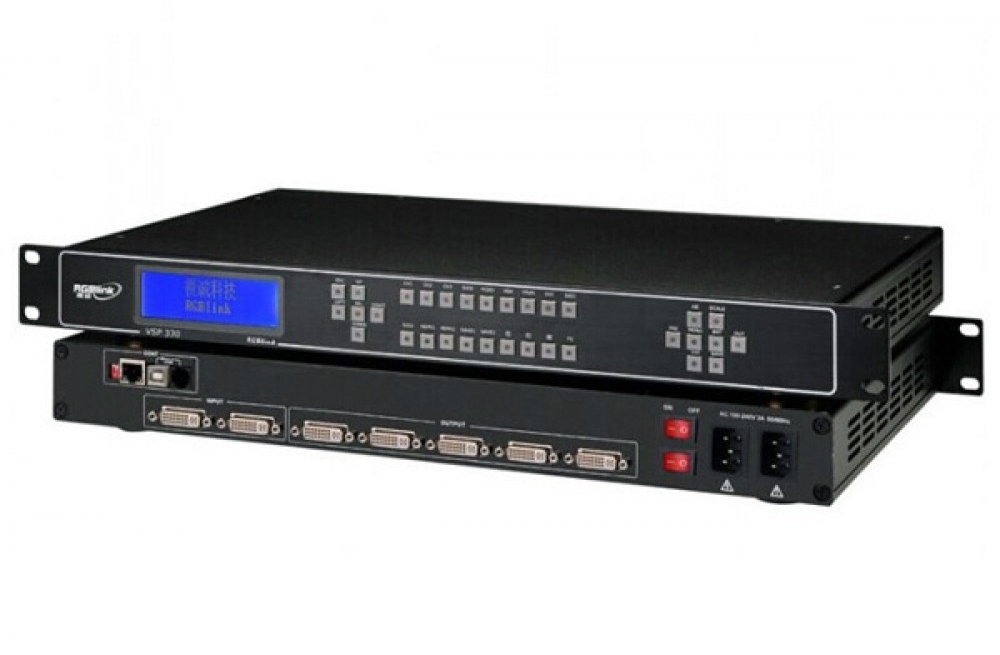
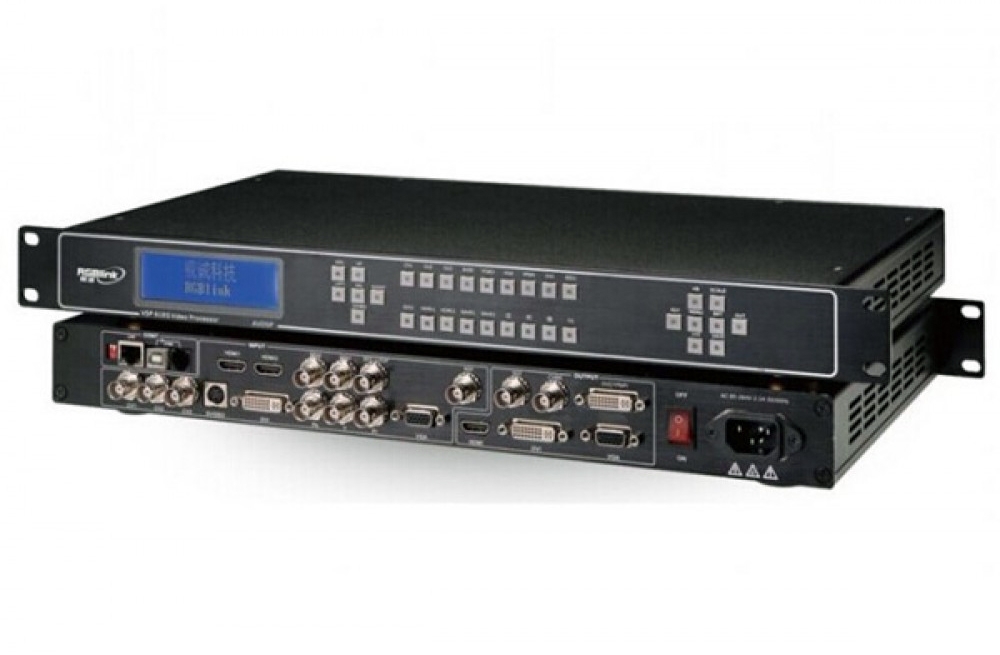
The Magnimage LED-500C series is designed for LED video walls that need two-picture composition, source switching and splicing. Adjust the position and size of the two pictures, then use saved templates to return to a single-picture or dual-picture layout.
LED-500C and LED-500CS Parameters
| Parameter | Specification |
|---|---|
| Base model | LED-500C |
| SDI expansion model | LED-500CS; SDI input with one loop connection |
| Standard video inputs | 2 × VGA, 1 × DVI, 1 × HDMI, 2 × AV |
| AV standards | PAL, NTSC, SECAM |
| Picture layout | Dual picture with adjustable position and size |
| Switching | Fade-in/fade-out transitions |
| Preset operation | Template saving and loading |
| Splicing | Equal or unequal screen splicing with multiple processors |
Splicing and Model Selection
The published arrangement uses one LED-500C as the host linked to two additional units. For layouts with more than three units, the original product guidance specifies an additional DVI splitter. Plan the signal distribution and downstream LED control equipment before ordering.
Select LED-500CS when the SDI expansion input is required. Confirm the exact rear-panel connections and model option; do not assume every member of the 500C series includes SDI.
Frequently Asked Questions
What is the difference between LED-500C and LED-500CS?
LED-500C is the base model. LED-500CS adds an SDI input with a loop connection.
Can I show two pictures at the same time?
Yes. The dual-picture function lets you change the position and size of both pictures.
Can I save a single-picture and dual-picture layout?
Yes. Template saving and loading provide a shortcut for switching between those layouts.
Does it support fade transitions?
Yes. Fade-in/fade-out switching is supported.
Can several processors form a larger video wall?
Yes. The described setup links one host to two other units. For more than three units, plan an additional DVI splitter as specified in the product guidance.
Product Images and PDF Downloads


Download of Magnimage LED-500C Video Processor For Video Wall: