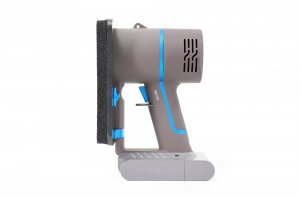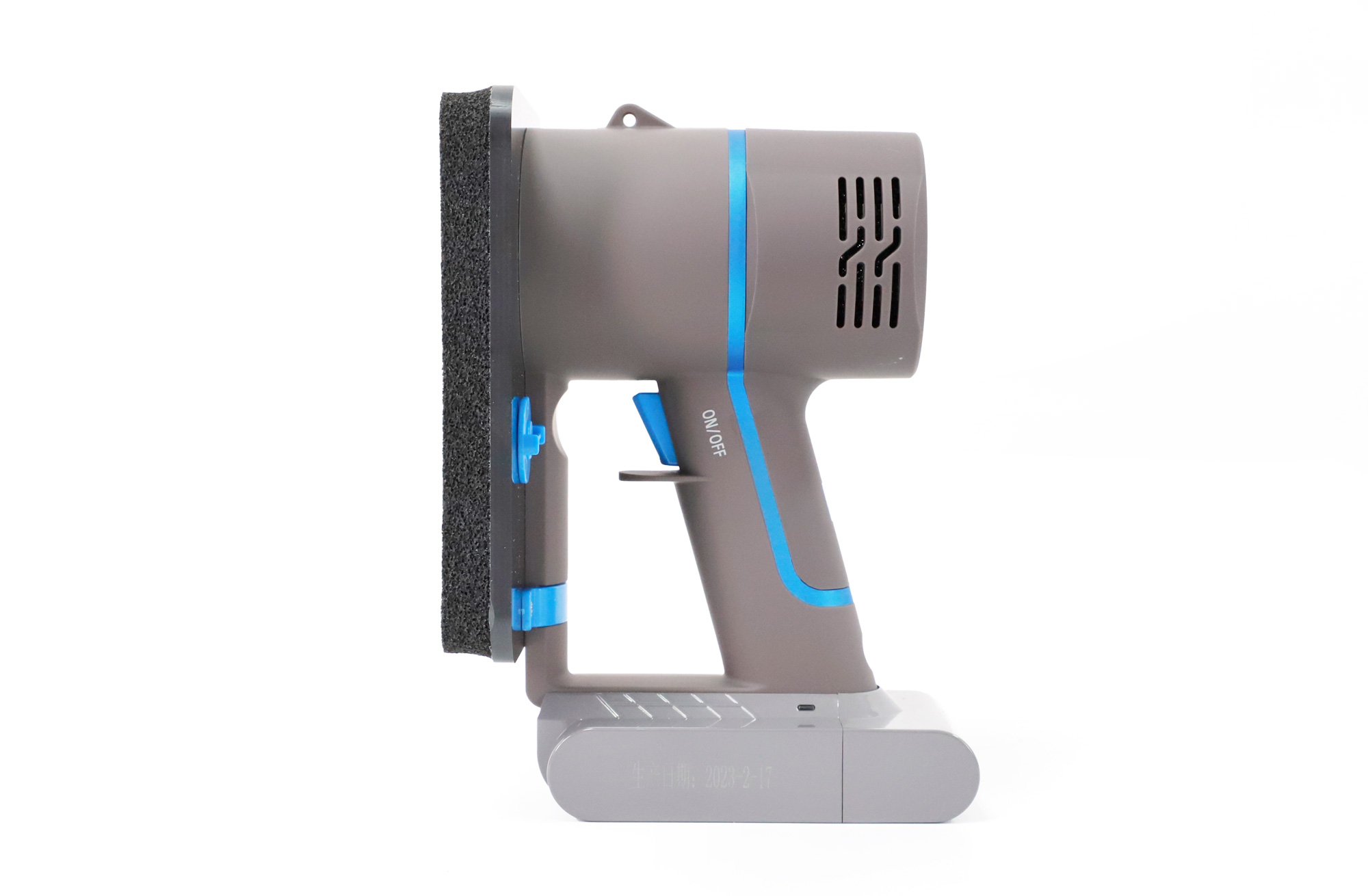
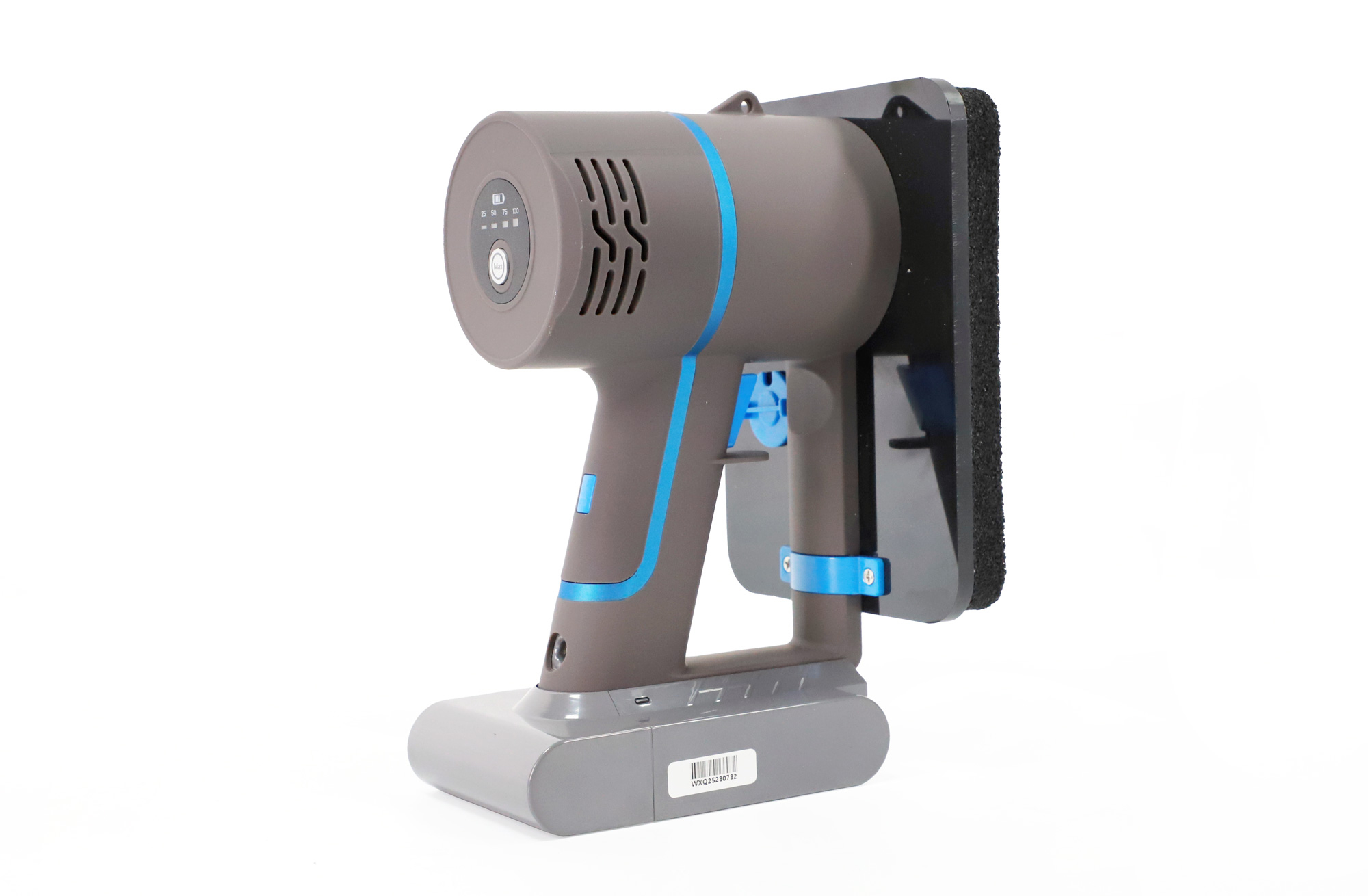
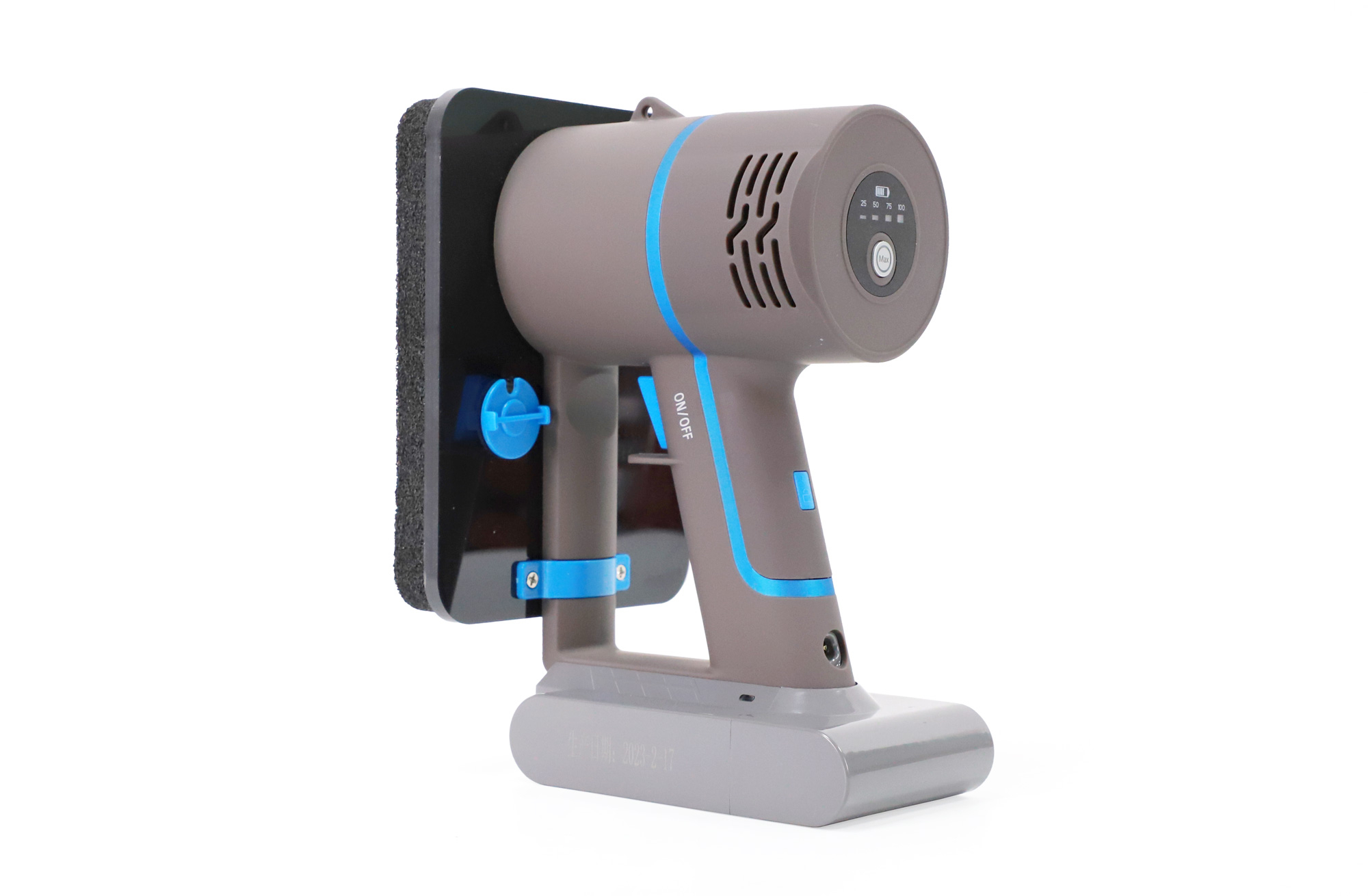
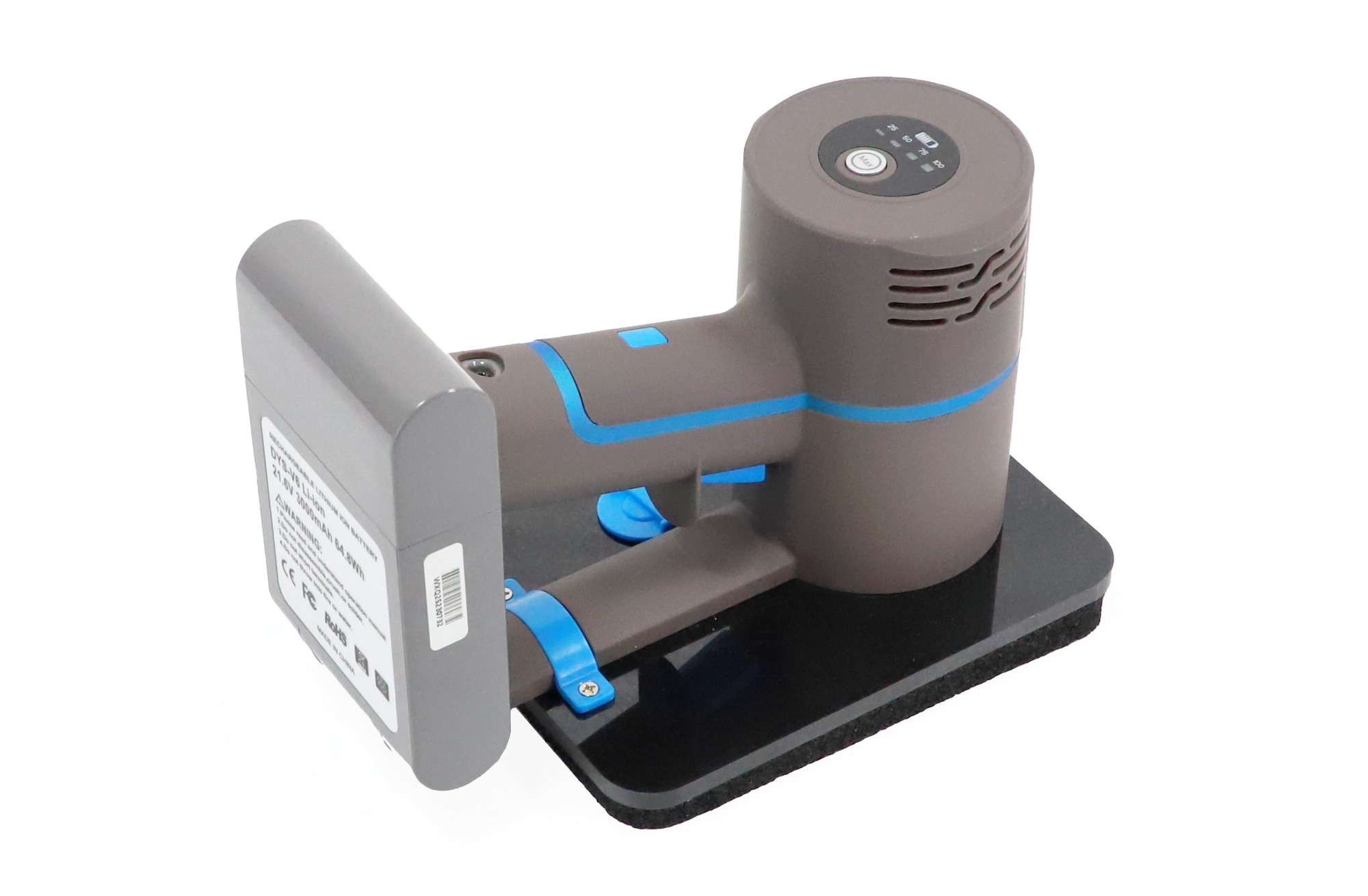
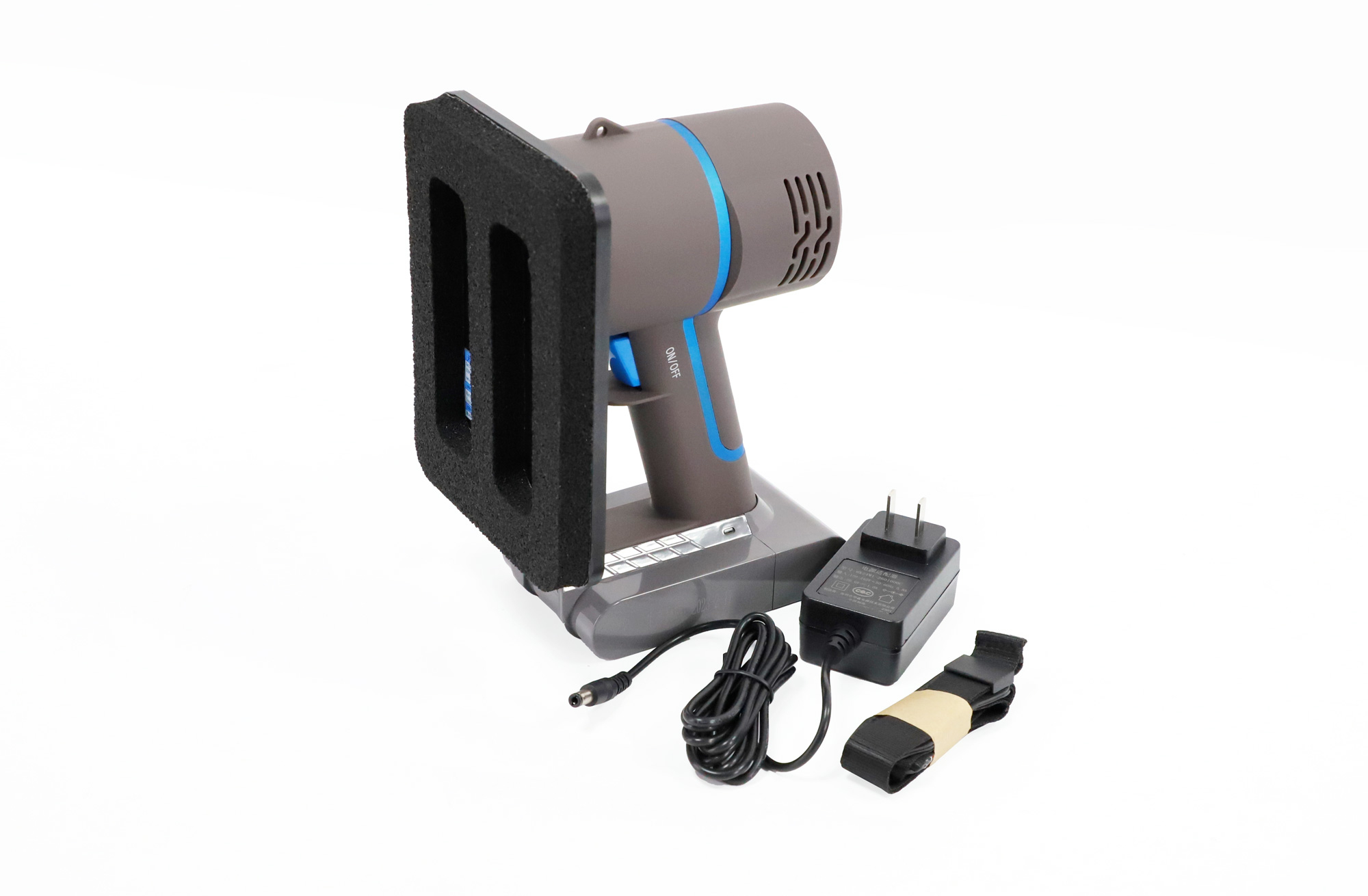
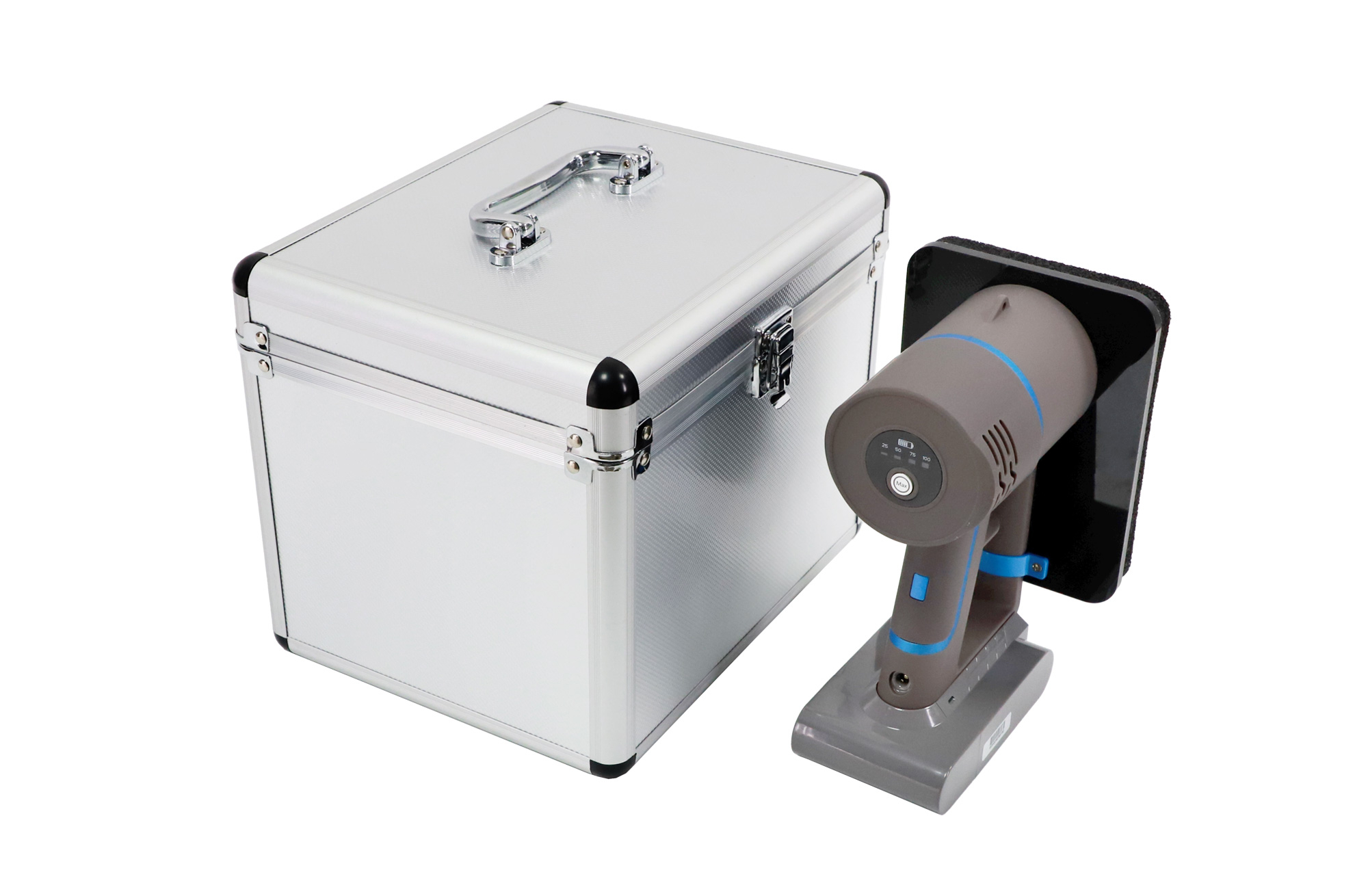
MG5-E200 LED Display Front Maintenance Tool
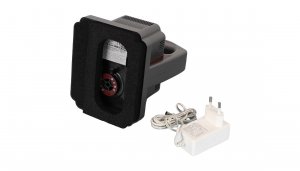
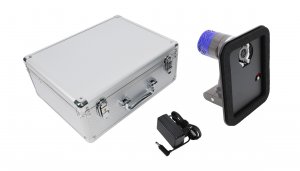
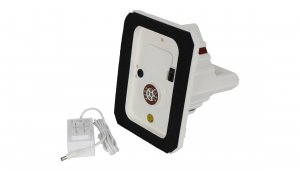
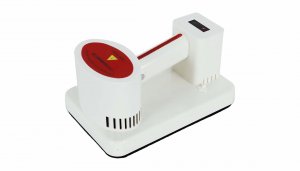
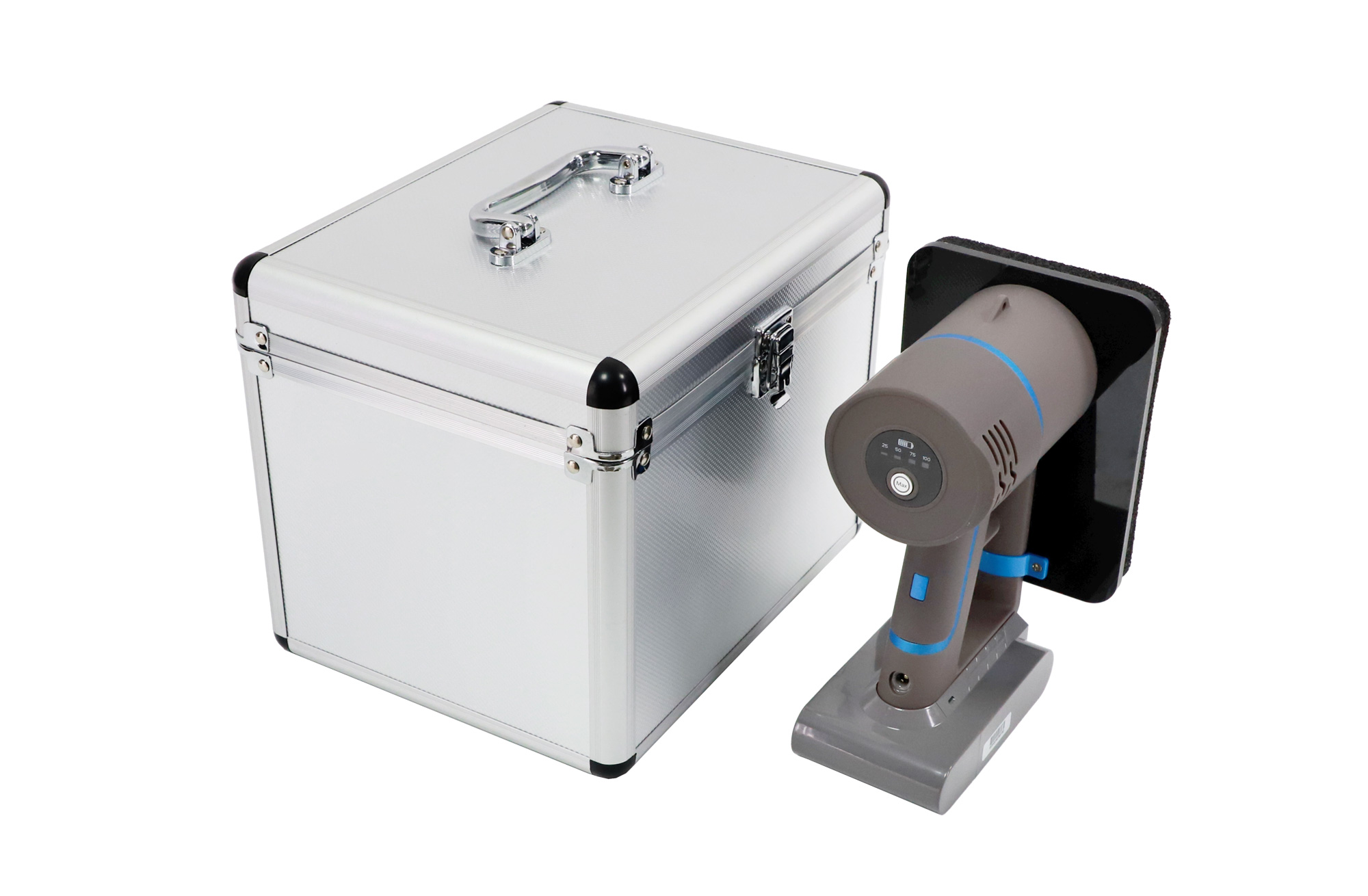
The MG5-E200 is a rechargeable vacuum tool for LED display maintenance and flexible LED module installation. It uses a soft honeycomb sponge contact surface and an adjustable valve to suit the module being serviced. A main power switch and touch switch control operation.
Flexible LED Module Compatibility
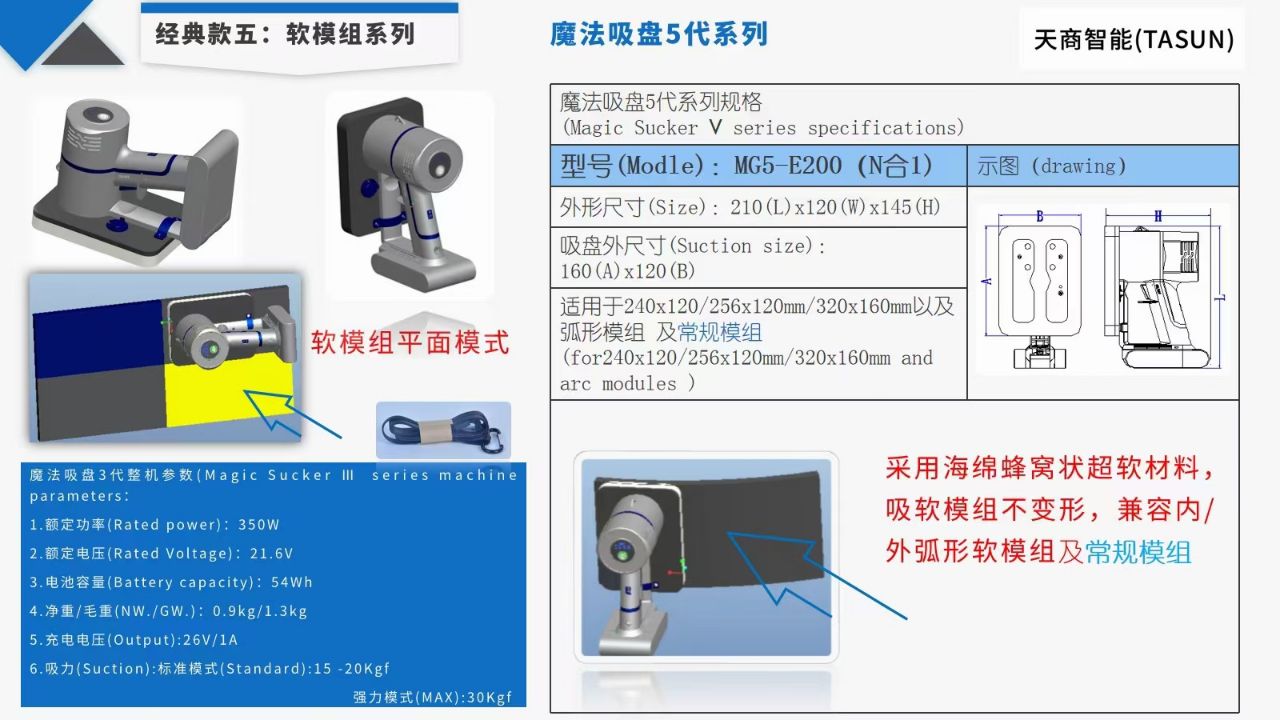
The MG5-E200 product illustration lists 240 × 120 mm, 256 × 120 mm and 320 × 160 mm modules, as well as curved and conventional modules. It describes use with inner-arc and outer-arc flexible modules. Check the module dimensions, surface and front-service arrangement before ordering; the listed applications do not establish compatibility with every LED screen.
- Soft contact surface: honeycomb sponge material for contact with flexible LED modules.
- Adjustable valve: set according to the module model before switching on.
- Touch control: start and stop operation using the touch switch.
- Rechargeable operation: lithium-ion battery with a low-charge indicator.
Product Details
| Item | Details |
|---|---|
| Model | MG5-E200 |
| Tool type | LED display vacuum front maintenance tool |
| Applications | Flexible LED module maintenance and installation |
| Module sizes listed in the MG5-E200 illustration | 240 × 120 mm; 256 × 120 mm; 320 × 160 mm |
| Module formats listed | Flat, inner-arc and outer-arc flexible modules; conventional modules, subject to compatibility checks |
| Contact material | Soft honeycomb sponge |
| Controls | Adjustable valve, main power switch and touch switch |
| Battery type and voltage | Rechargeable lithium-ion; 21.6 V |
| Low-battery indication | Red indicator below 25% battery charge, according to the operating instructions on this listing |
Battery specification note: The existing battery information lists DYS-V6, 3000 mAh and 64.8 Wh. The retained product graphic also contains a separate series-parameter panel listing 54 Wh. Confirm the supplied MG5-E200 battery label before ordering a replacement battery or planning transport. The mixed series panel is not used here to establish MG5-E200 power, weight or suction-force ratings.
How to Use the Vacuum Front Maintenance Tool
- Read the operating manual and confirm that the LED module is suitable for vacuum front servicing.
- Adjust the valve according to the module model.
- Turn on the main power switch.
- Use the touch switch to start and stop the tool during the maintenance or installation task.
- Turn off the main switch before storing the tool.
Battery Care and Storage
Charge the battery when the indicator turns red. Do not store the tool for long periods with a low battery. Follow the battery warnings: do not disassemble, crush or solder the battery; do not short its terminals; and do not place it in fire or water.
Frequently Asked Questions
What is the MG5-E200 used for?
It is a vacuum front maintenance tool for servicing and installing compatible flexible LED display modules.
Can it be used on curved soft LED modules?
The MG5-E200 illustration lists inner-arc and outer-arc soft modules as applications. Confirm the actual module dimensions and surface before use, and adjust the valve for that module.
How do I start and stop the tool?
Adjust the valve first, turn on the main switch, then use the touch switch to start and stop operation. Turn off the main switch for storage.
What does the red battery indicator mean?
The operating instructions state that the indicator turns red below 25% battery charge. Recharge promptly and avoid prolonged storage with a low battery.
What should I confirm before ordering?
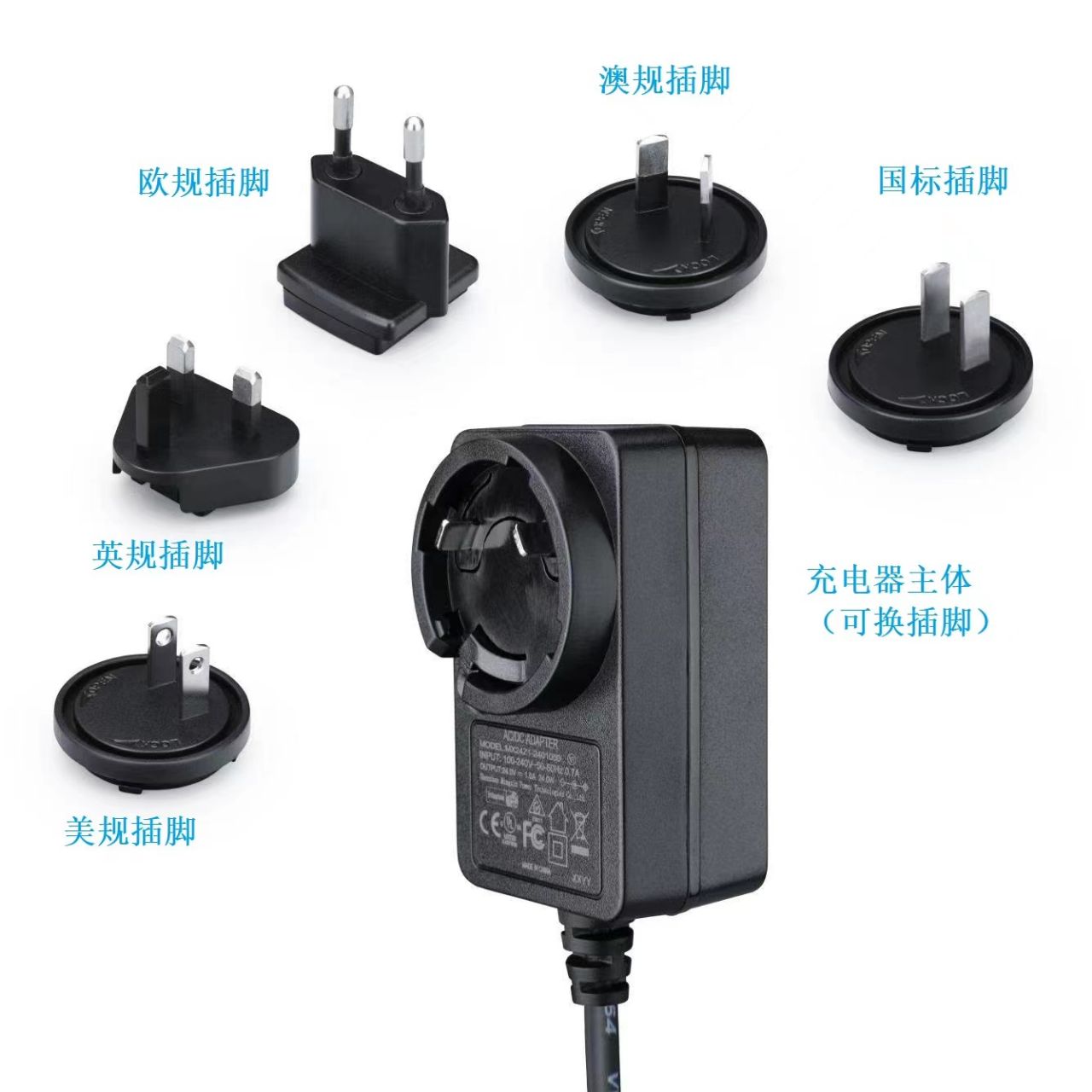
Confirm your LED module model, dimensions and curvature, together with the supplied battery capacity and charger plug. Contact us for MG5-E200 compatibility and package details.
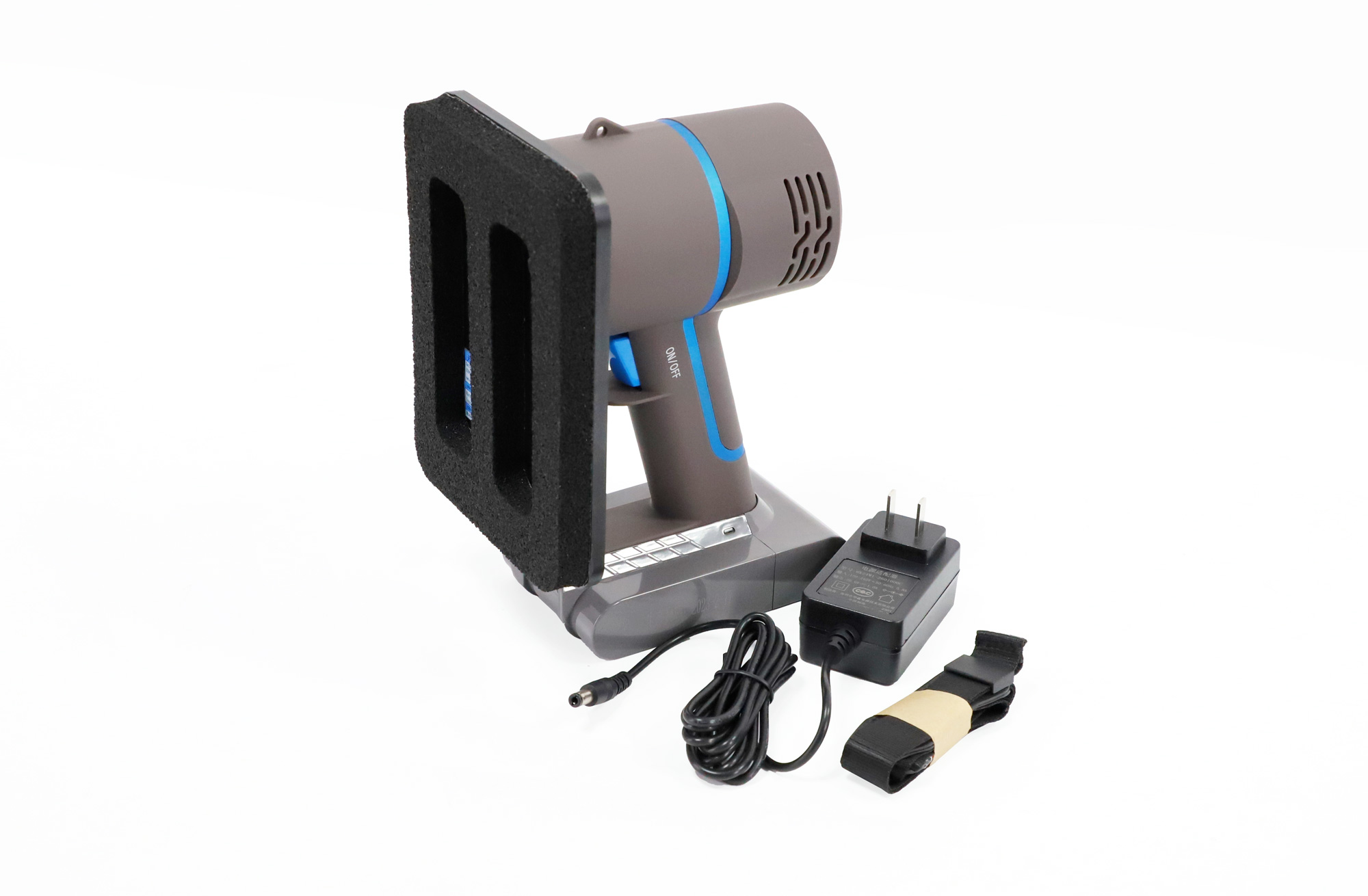
Product Photos and Reference Illustration
Reference Document
Download the existing air-transport report (PDF)
Document note: This retained PDF is a 2023 air-transport identification report naming MG5-E100, with stated validity ending December 31, 2023. It is not an MG5-E200 specification sheet or current transport approval. Contact us for documentation matching the supplied MG5-E200 unit.
Browse our LED front maintenance tools to compare other models.