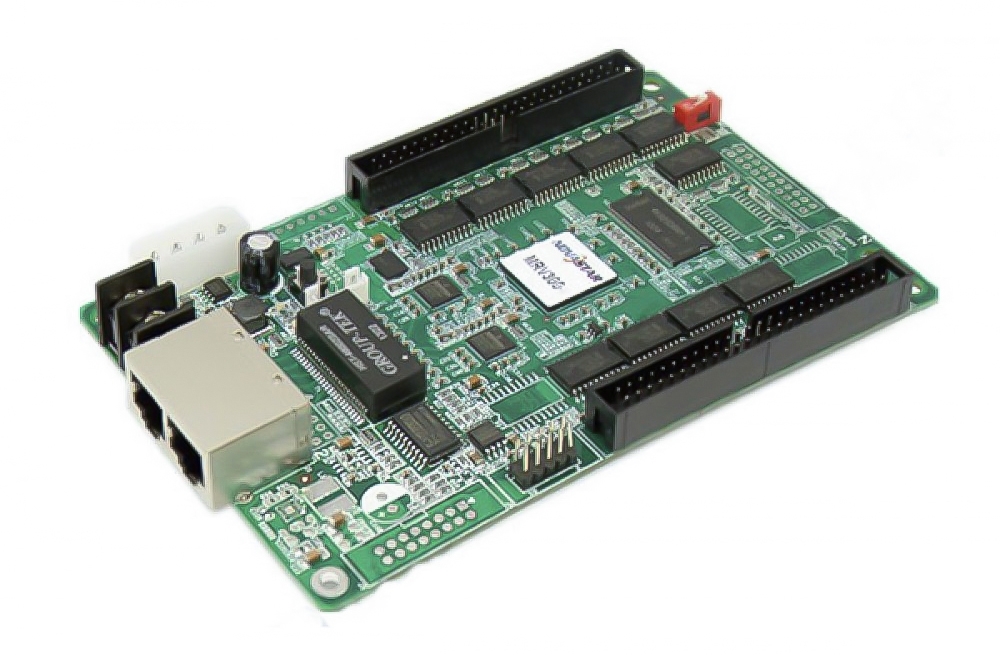
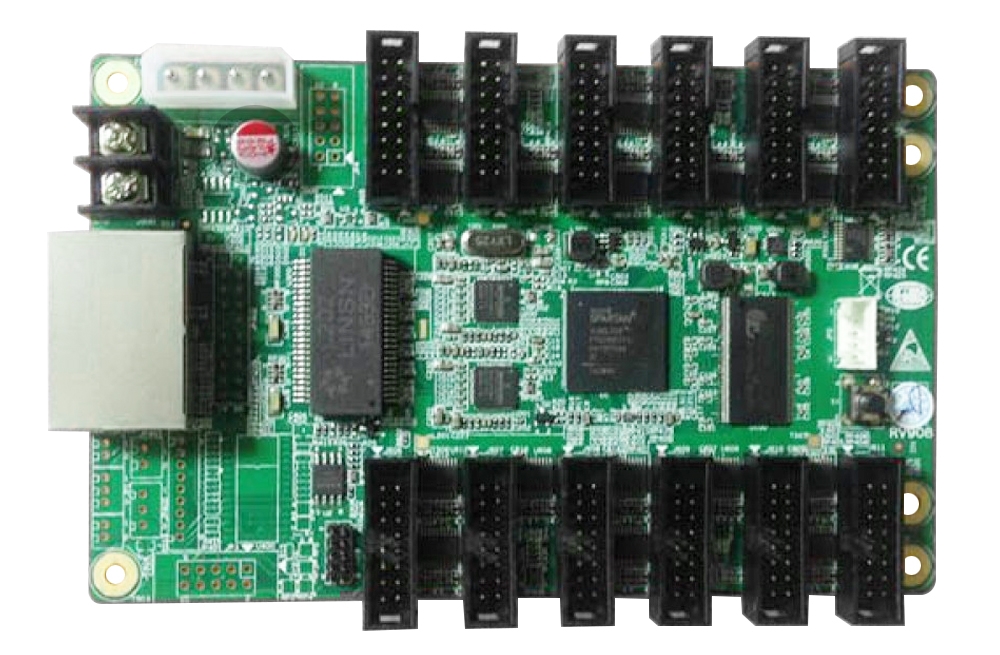
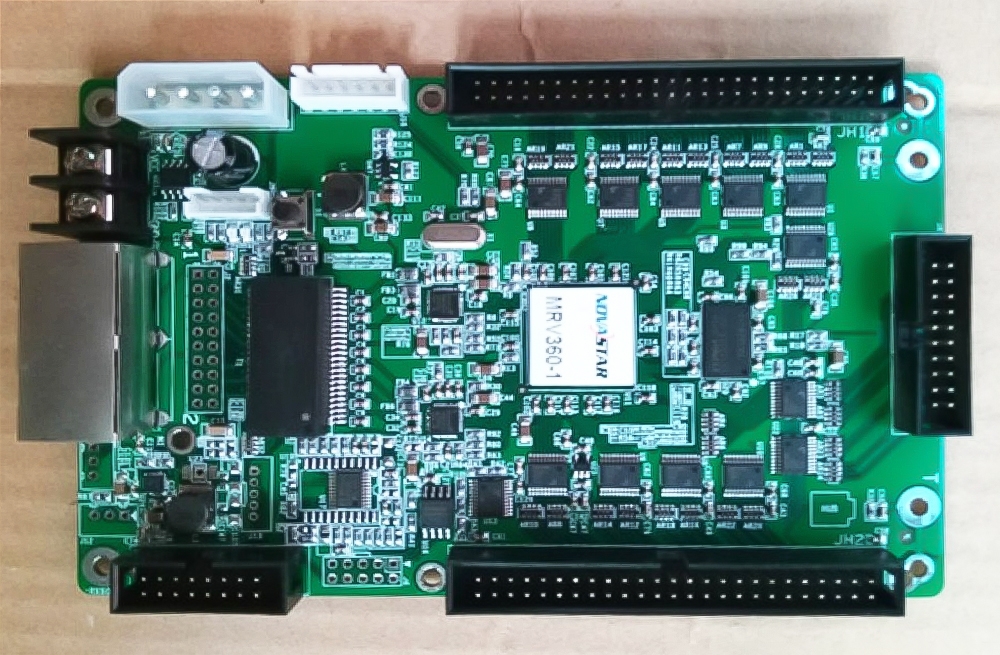
The Mooncell A712 and A716 LED receiving cards connect to LED modules through HUB75E interfaces. Choose between them according to the cabinet wiring, RGB data groups and required pixel layout.
A712 and A716 specifications
| Parameter | Specification |
|---|---|
| A712 module interfaces | 12 × HUB75E |
| A712 parallel data | Up to 24 RGB groups |
| A712 maximum load | 512 × 384 pixels, as listed in the product description |
| A716 module interfaces | 16 × HUB75E |
| A716 parallel data | 32 RGB groups |
| A716 maximum load | 768 × 256 pixels, conventional and PWM drivers |
| A716 brightness calibration load | 512 × 256 pixels with conventional drivers; 768 × 256 with PWM drivers |
| A716 chroma calibration load | 256 × 320 pixels |
| A716 scan support | 1–64 scan |
| A716 input voltage | DC 3.5–5.5 V |
| A716 rated current / power | 0.6 A / 3 W |
A712 figures above come from the existing product description. The A716 values are detailed in its linked specification. Calibration limits are separate from maximum loading capacity.
Cabinet layout and image adjustment
Both models are listed with brightness and chroma correction, rotation in multiples of 90 degrees, custom data interfaces and support for complex cabinet arrangements. For A716, AutoLED provides layout and configuration controls. Confirm the module and driver configuration before setting the load.
Frequently Asked Questions
What is the difference between the A712 and A716?
A712 has 12 HUB75E interfaces and up to 24 RGB data groups, with a listed maximum load of 512 × 384 pixels. A716 has 16 HUB75E interfaces, 32 RGB groups and a maximum load of 768 × 256 pixels.
Does calibration change the A716 loading capacity?
Yes. Brightness calibration is specified at 512 × 256 pixels for conventional drivers and 768 × 256 for PWM drivers. Chroma calibration is specified at 256 × 320 pixels. Use the limit for the intended driver and calibration mode.
Can the receiving card rotate the screen image?
The listed features include rotation in multiples of 90 degrees. For A716, the specification identifies AutoLED as the configuration software for this function.
Can I replace an A712 with an A716 directly?
Check the cabinet wiring, HUB75E pin assignments, module driver, scan mode and receiving-card configuration first. Different interface counts and loading layouts mean the two cards should not be treated as automatic drop-in replacements.
Where can I download the A712 and A716 specifications?
Both original PDF download links are below. Check the document matching the exact card and revision before installation, especially when using calibration or a custom data interface.
Product photos and PDF specifications


Download Specification:
mooncell A712 receiving card Specification
Download Specification: