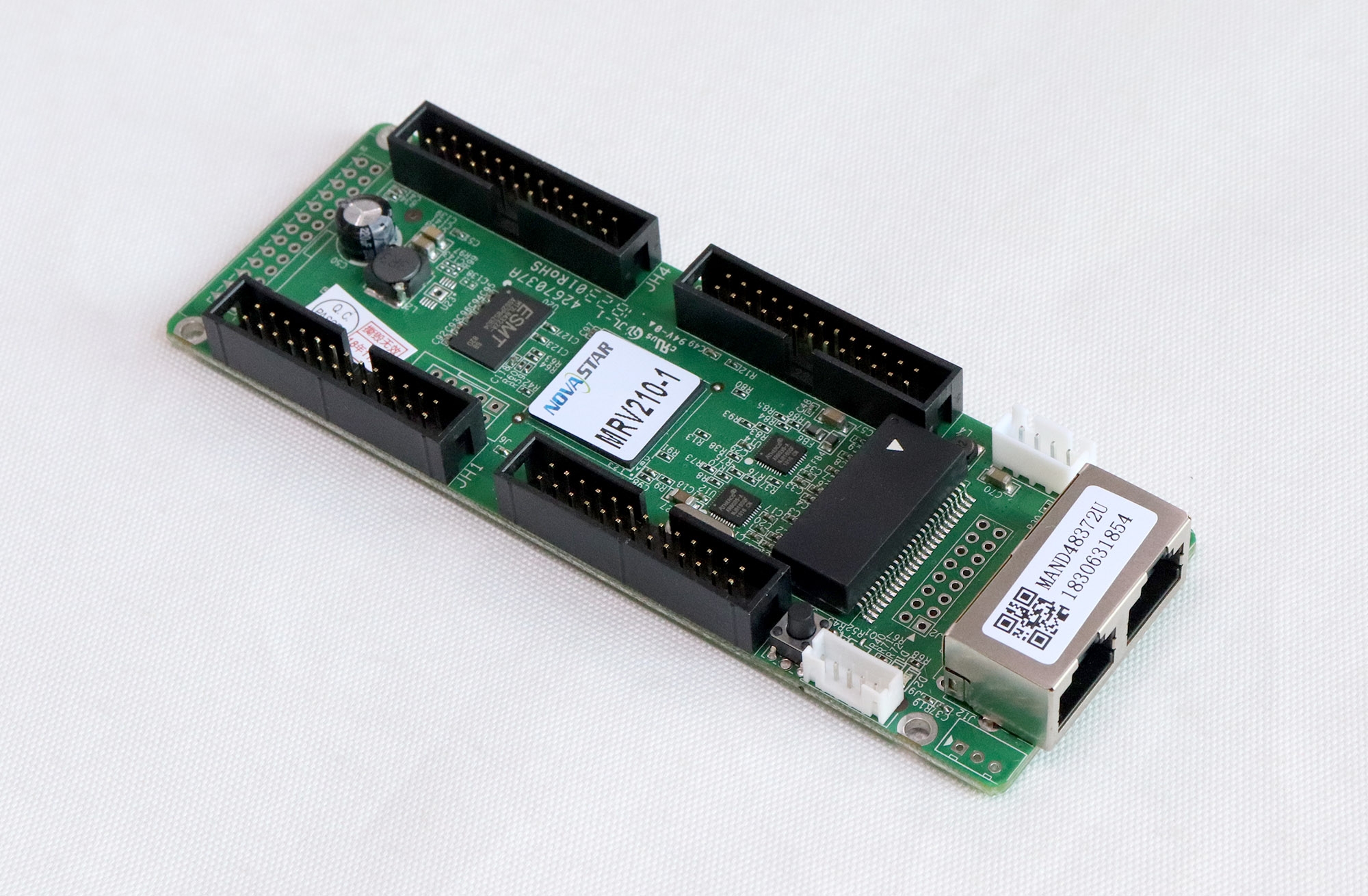
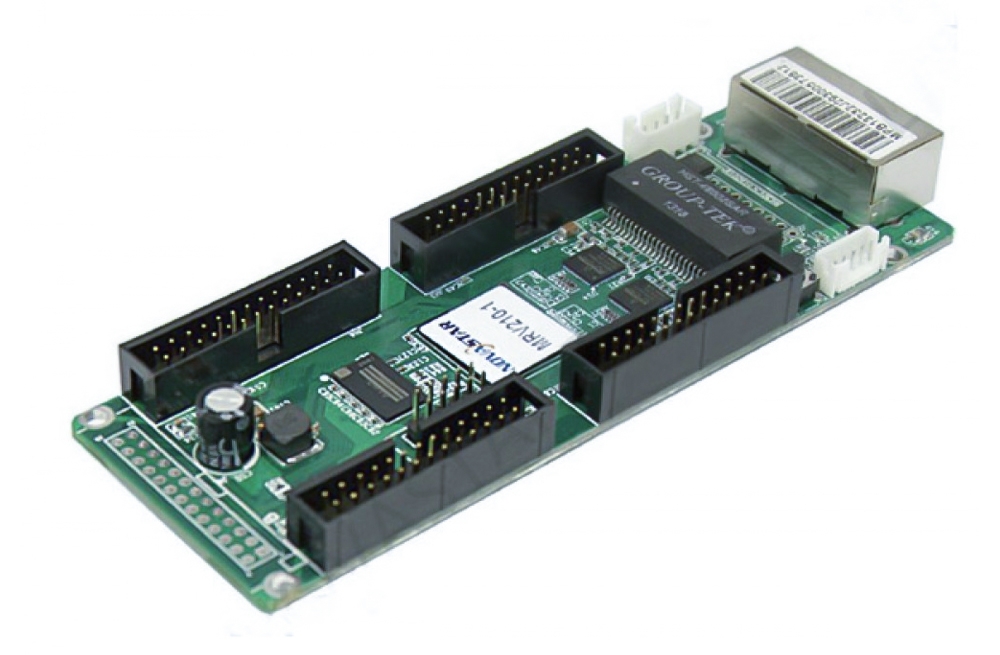
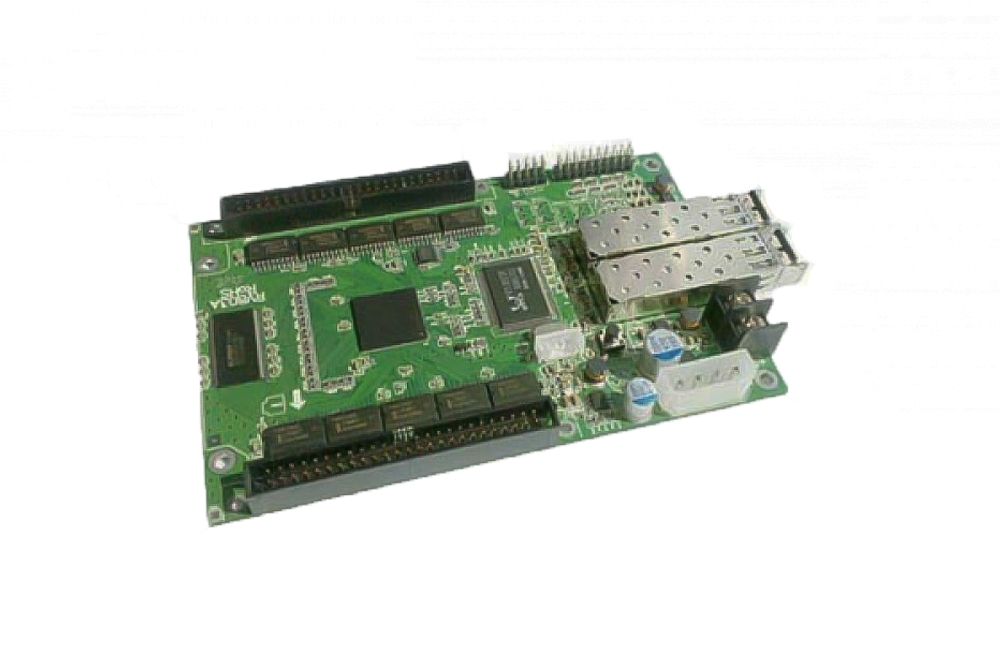
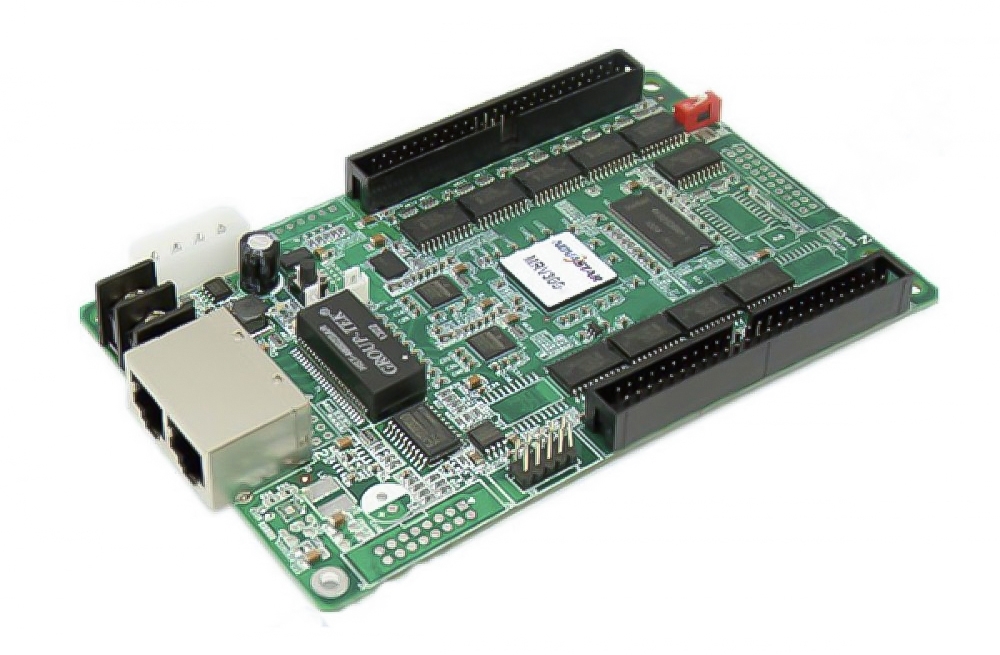
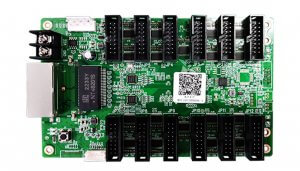
Mooncell A712 LED Receiving Card
The Mooncell A712 LED receiver card connects to display modules through twelve HUB75E interfaces. It supports up to 24 parallel data groups and a maximum loading capacity of 512 × 384 pixels, with calibration and AutoLED maintenance functions for LED cabinets.
Technical Specifications
| Parameter | Specification |
|---|---|
| Module interfaces | 12 × HUB75E |
| Parallel data groups | Up to 24 groups |
| Maximum loading capacity | 512 × 384 pixels |
| Calibration | Pixel-level brightness and chroma calibration using Mooncell calibration software |
| Card identification | Sequence number and network-port information displayed on the target cabinet through AutoLED testing |
| Backup | Ethernet cable hot backup with loop connection |
| Configuration recovery | Stored-configuration readback through Mooncell AutoLED |
| Network diagnostics | Real-time network cable connectivity and error-rate checks through AutoLED |
Calibration and AutoLED Maintenance
Mooncell calibration software adjusts brightness and chroma at pixel level to improve display consistency. AutoLED provides configuration readback and network-port testing, including cabinet display of card sequence numbers and port information.
Real-time cable-connectivity and error-rate checks help investigate a communication problem. Record the current wiring and retain the working configuration before replacing hardware or changing the screen layout.
Ethernet Hot Backup
The card supports a loop connection for Ethernet cable hot backup. Plan and configure the alternate path as part of the installation; simply using a backup-capable card does not establish a complete redundant connection.
Product Image and Specification Download
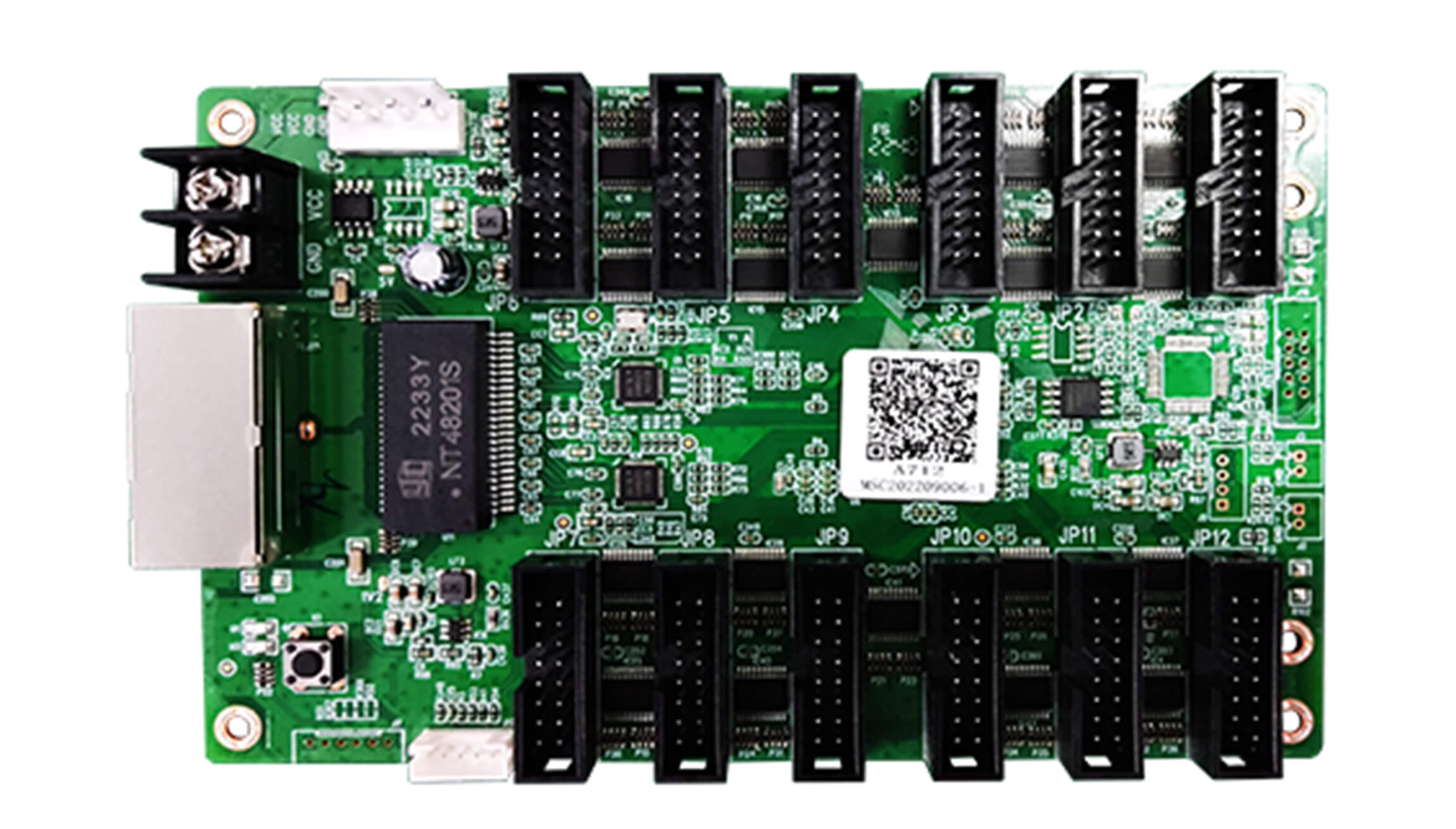
Download Specification:
Mooncell A712 Receiver Card Specification
Frequently Asked Questions
How many HUB75E interfaces does the A712 have?
The A712 has twelve HUB75E interfaces and supports up to 24 parallel data groups.
What is the maximum LED load of the A712?
The maximum loading capacity listed for this card is 512 × 384 pixels. Confirm module compatibility and the intended cabinet configuration before selecting it.
Which software reads back the A712 configuration?
Mooncell AutoLED supports reading back configuration data stored in the receiving card. Keep a copy of the working screen configuration for maintenance.
How can I identify an A712 card in a screen?
Use the network-port testing function in Mooncell AutoLED. It displays the card sequence number and network-port information on the target cabinet to help locate cards and understand the connection layout.
Does the A712 support Ethernet cable backup?
Yes. It supports hot backup using a loop connection, providing an alternate data path if a cable fails. The screen must be wired and configured for that backup arrangement.