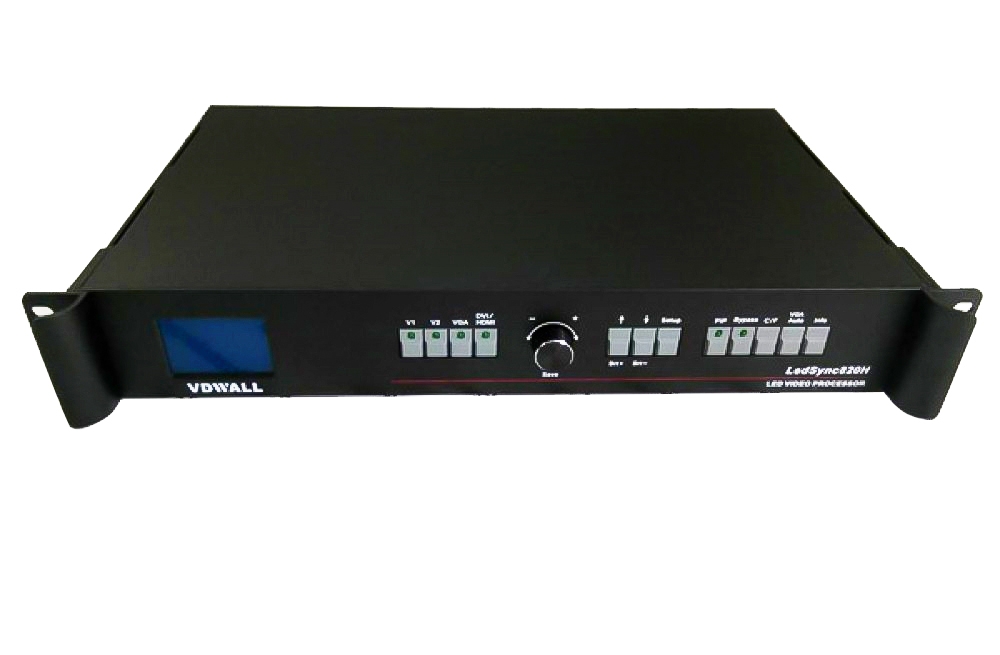
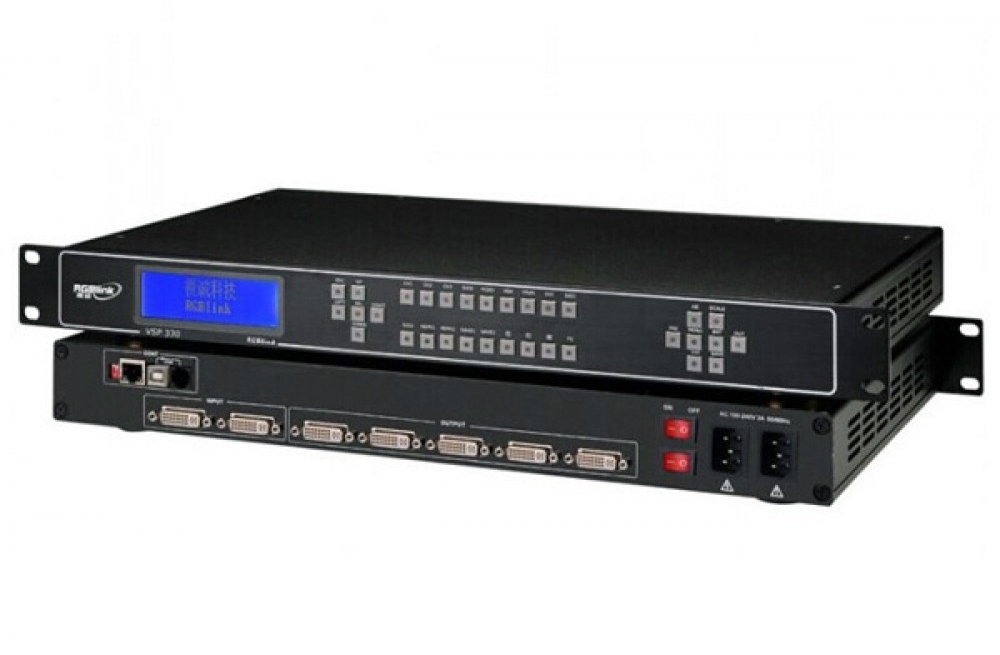
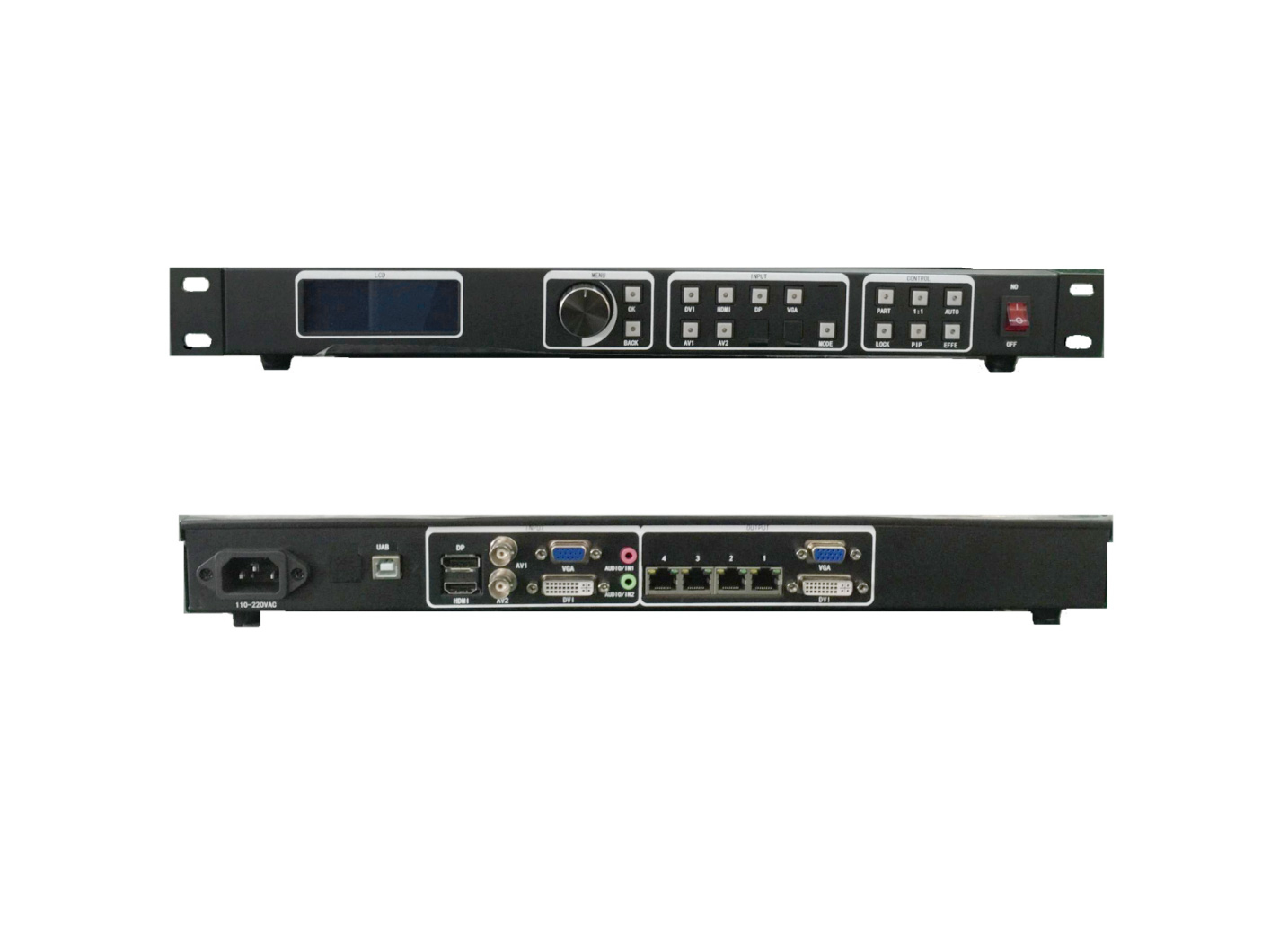
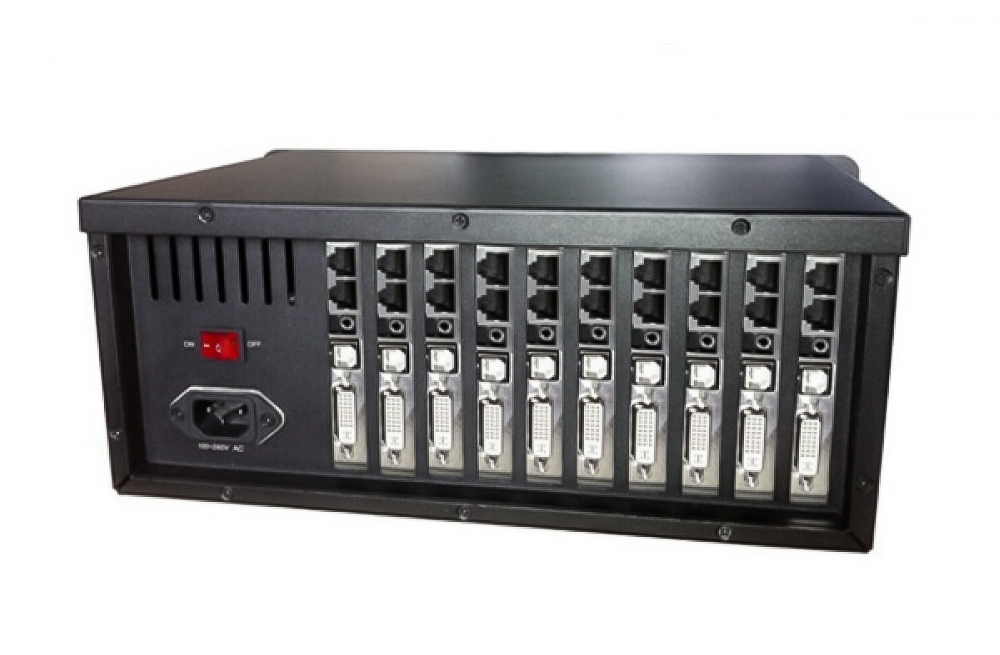
The Mooncell MTB400S LED master controller provides HDMI and DVI video inputs, four Gigabit Ethernet outputs and a listed total loading capacity of 2.6 million pixels. It is intended for sending video to LED receiving cards while providing PC configuration and monitoring.
MTB400S product specifications
| Parameter | Specification |
|---|---|
| Model | Mooncell MTB400S |
| Total LED loading capacity | Up to 2.6 million pixels |
| Video inputs | 1 DVI and 1 HDMI |
| Audio input | 1 AUDIO input; synchronous transmission over network cable |
| LED outputs | 4 Gigabit Ethernet ports |
| PC communication | 1 USB interface |
| Preset resolution examples | 1024 × 768, 1280 × 1024, 1366 × 768, 1600 × 1200, 1920 × 1080, 2048 × 1152, 2560 × 960 |
| Resolution configuration | Custom resolutions supported |
| Listed input frame rates | 30, 50, 60 and 120 Hz |
| Backup options | Network-port loop backup and dual-master backup |
| Brightness expansion | ST_EXT expansion board support |
Configuration, monitoring and brightness
Use the USB interface to communicate with the PC software. Multiple sending cards can be cascaded for control from the same computer. Configuration readback and network error-rate monitoring help check an installed system.
For brightness control through the supported ST_EXT expansion board, confirm the accessory configuration before ordering. The listed frame rates are supported input options, not a guarantee that every custom resolution works at every rate.
Frequently Asked Questions
How many pixels does the Mooncell MTB400S support?
The listed total loading capacity is up to 2.6 million pixels. Check the screen resolution and allocation across its four Ethernet outputs before configuration.
Which video sources can connect to the MTB400S?
The product description lists one HDMI input and one DVI input. It also lists a separate AUDIO input for synchronous audio transmission over the network cable.
Does the MTB400S support custom resolutions?
Yes. In addition to the listed presets, the controller supports custom resolution settings. Confirm that the intended resolution and frame-rate combination fits the screen and sending configuration.
Can the MTB400S adjust screen brightness automatically?
The listed ST_EXT expansion-board support provides cascaded brightness control and automatic brightness adjustment. Confirm the required expansion board and accessories for the installation.
What diagnostic and backup functions are available?
The listed functions include network-loop and dual-master backup, configuration readback, operating-status monitoring and Gigabit network error-rate detection. Proper backup wiring and configuration are required.
Product photo and original manual

manual pdf Download::