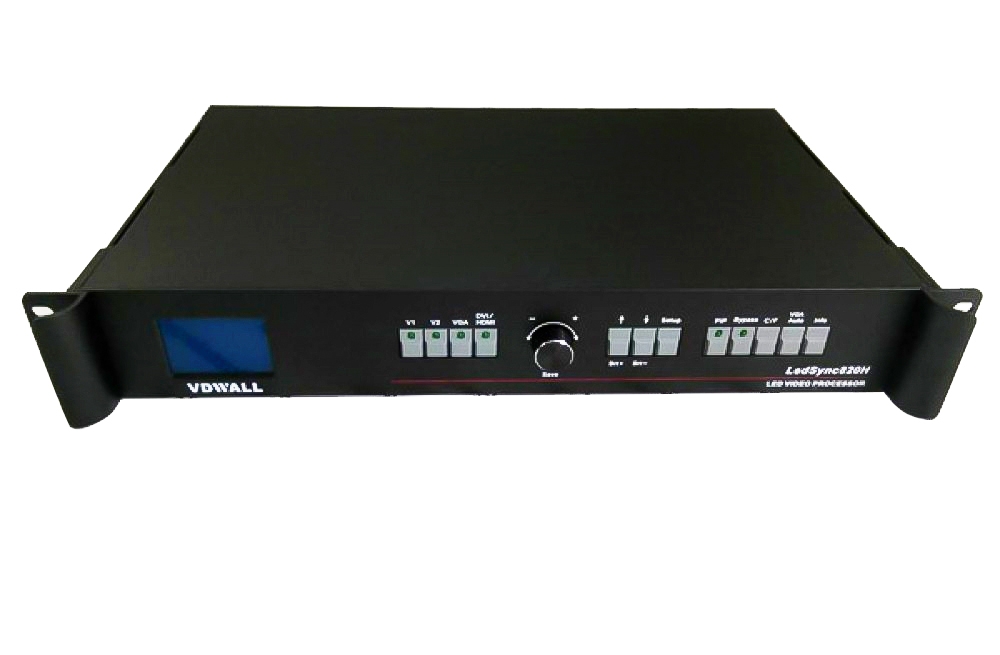
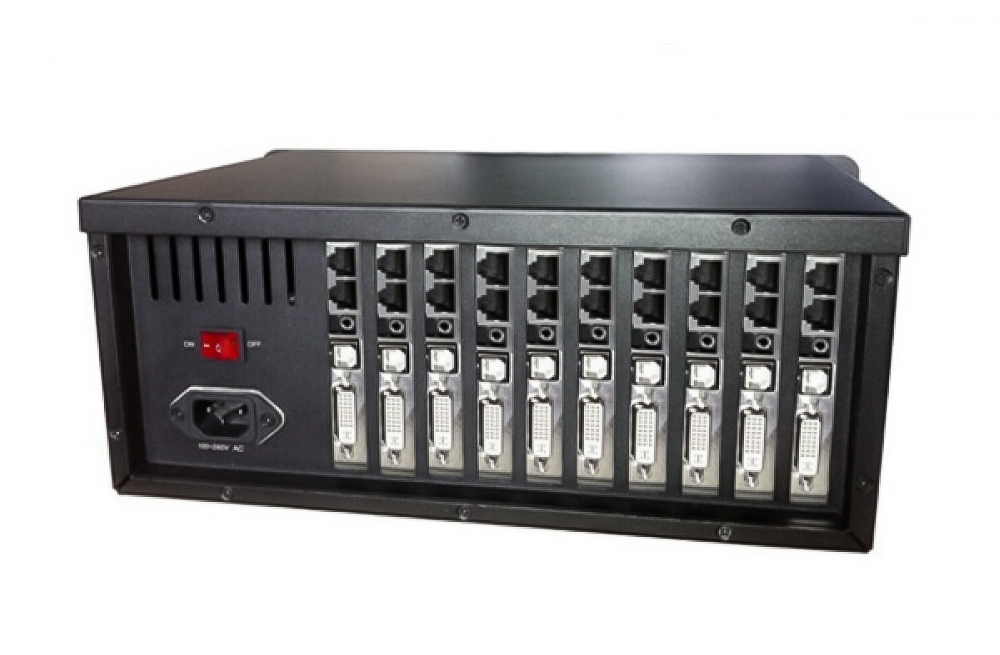
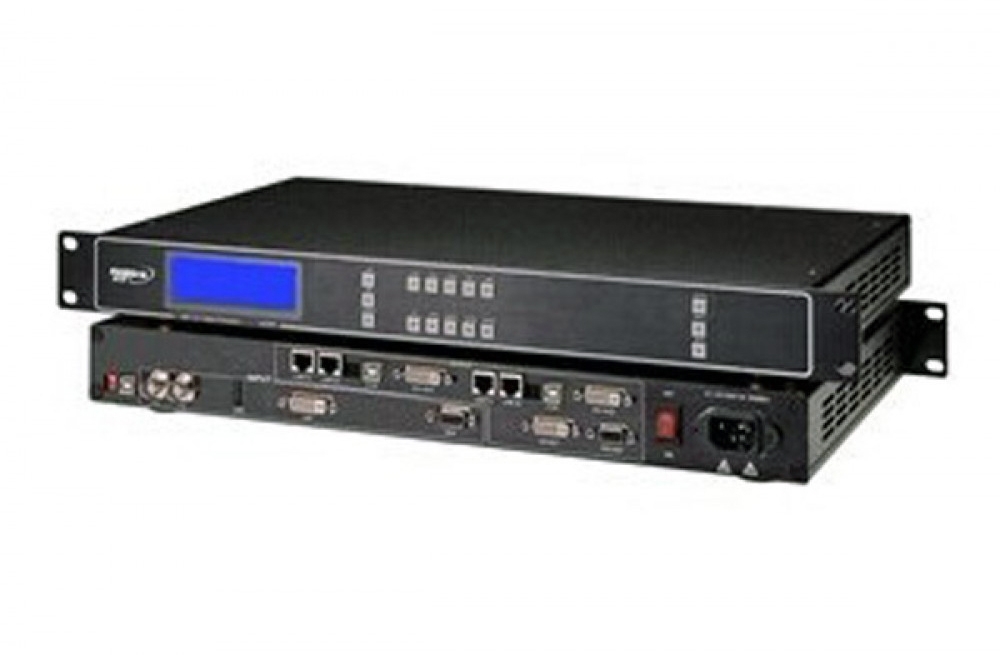
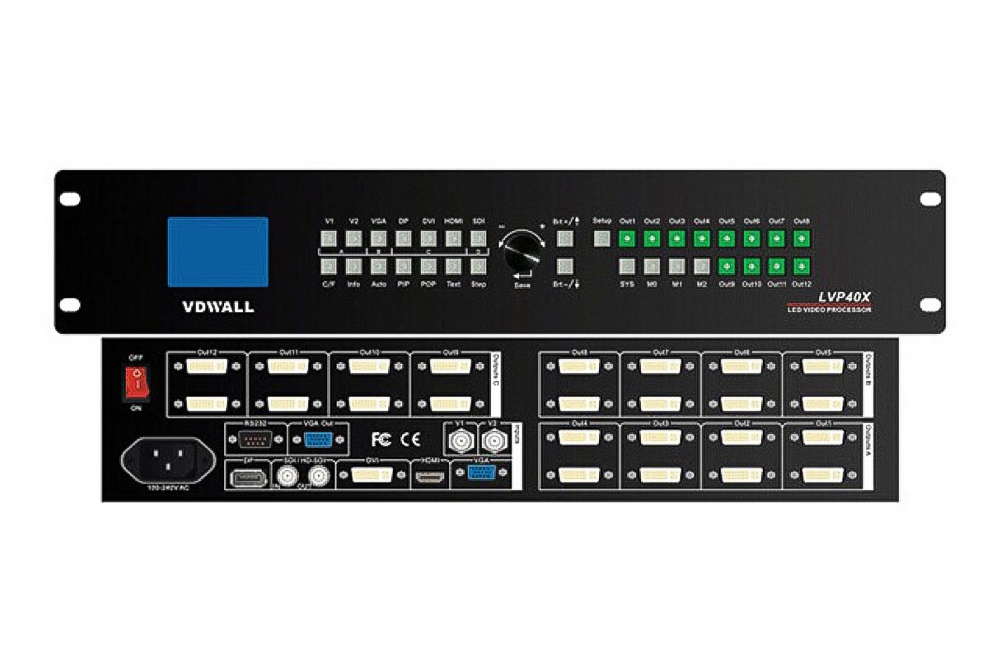
The Mooncell MVB4S LED video processor combines video processing and LED sending in one unit. Four Gigabit Ethernet outputs connect to receiving cards, while USB playback provides a way to show stored videos and images.
MVB4S specifications
| Parameter | Specification |
|---|---|
| LED outputs | 4 Gigabit Ethernet ports |
| Total LED load | 2.5 million pixels |
| Per-port capacity | 650,000 pixels; total unit limit remains 2.5 million |
| Maximum width / height | 3840 / 1920 pixels, subject to the output restrictions below |
| Maximum video input | 1920 × 1080 at 60 Hz |
| Video connections | 2 HDMI, 1 DVI, 1 VGA and 1 CVBS |
| USB video playback | Up to 1080p at 30 fps |
| USB file systems | NTFS, FAT32 and FAT16; exFAT not supported |
| User presets | 8 scenes |
| Scaling modes | Full-screen, point-to-point and custom |
| Power input / rated power | AC 100–240 V, 50/60 Hz / 11 W |
Output layout limits
Keep the screen within 2.5 million pixels. The manual states that widths above 1920 require heights within 1080, and heights above 1080 require widths within 1080. It also specifies a point-to-point EDID restriction above 1920 pixels wide; check the manual for the capture and scaling configuration.
Screen setup and source switching
Use the front-panel controls for quick screen connection, window sizing and position adjustment. Save frequently used scenes, switch video and audio together, or use independent audio input and output for the installation.
Frequently Asked Questions
How many LED pixels can the MVB4S control?
The specified total load is 2.5 million pixels across four Ethernet outputs. The per-port figure is 650,000 pixels, but the complete unit must remain within the 2.5-million-pixel limit.
Can the MVB4S play videos directly from a USB drive?
Yes. Its front and rear USB ports support media playback, including videos and pictures. The specification lists up to 1080p at 30 fps and supports NTFS, FAT32 and FAT16 drives, not exFAT.
Does the MVB4S support 4K video input?
The MVB4S specification states a maximum input of 1920 × 1080 at 60 Hz. Its maximum output width is a separate screen-layout limit, not a 4K input rating.
Can I configure the screen without a computer?
The front-panel LCD, buttons and rotary control support quick screen configuration. Prepare the cabinet layout and receiving-card information before setup.
Can I save layouts for later use?
Yes. MVB4S supports eight user scenes that can be saved and recalled. It also offers full-screen, point-to-point and custom scaling, plus input switching with seamless or fade transitions.
Product photo and specification PDF

Download Specification: