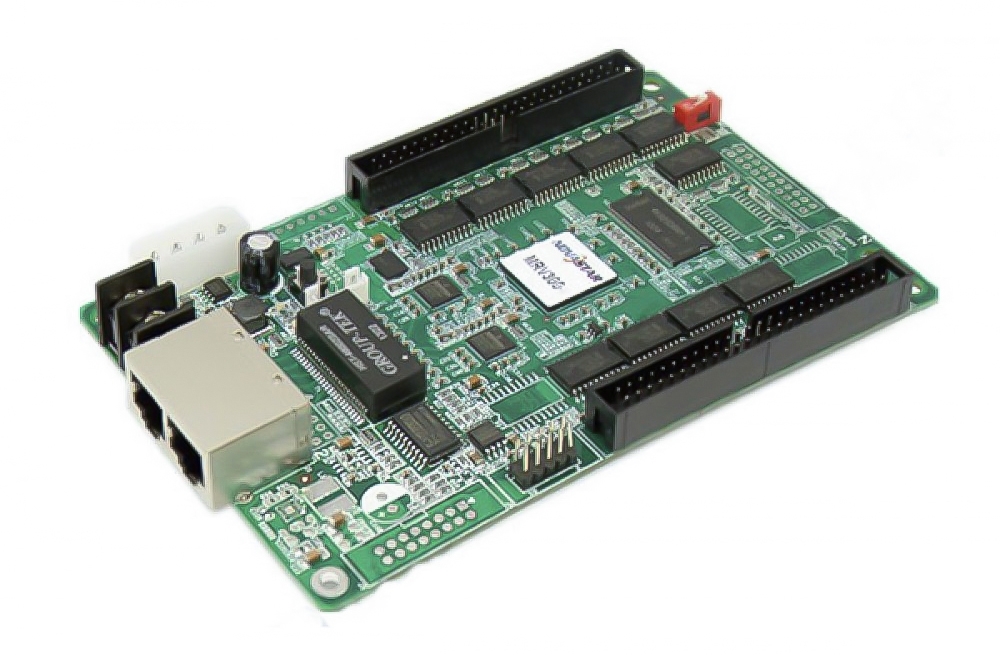
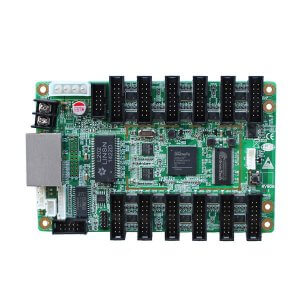
The Mooncell VCSG3-V52A LED receiving card is listed with up to 21 RGB groups and a 64K-pixel maximum card load. It includes serial-output expansion, calibration and monitoring functions described below.
VCSG3-V52A specifications
| Parameter | Specification |
|---|---|
| Model | VCSG3-V52A |
| Serial outputs | 60, expandable to 120 as listed |
| Maximum RGB groups | 21 |
| Maximum card load | 64K pixels |
| Per-data-group load | 8K pixels |
| Supply voltage | 3.5–6 V |
| Calibration | Single-pixel calibration; listed without reduced loading area |
| Driver support | PWM, point-detection and conventional ICs |
| Maintenance and backup | Saved settings, parameter/environment monitoring, recovery and dual network-cable backup |
| Compliance stated | RoHS and CE-EMC |
Select by the complete model
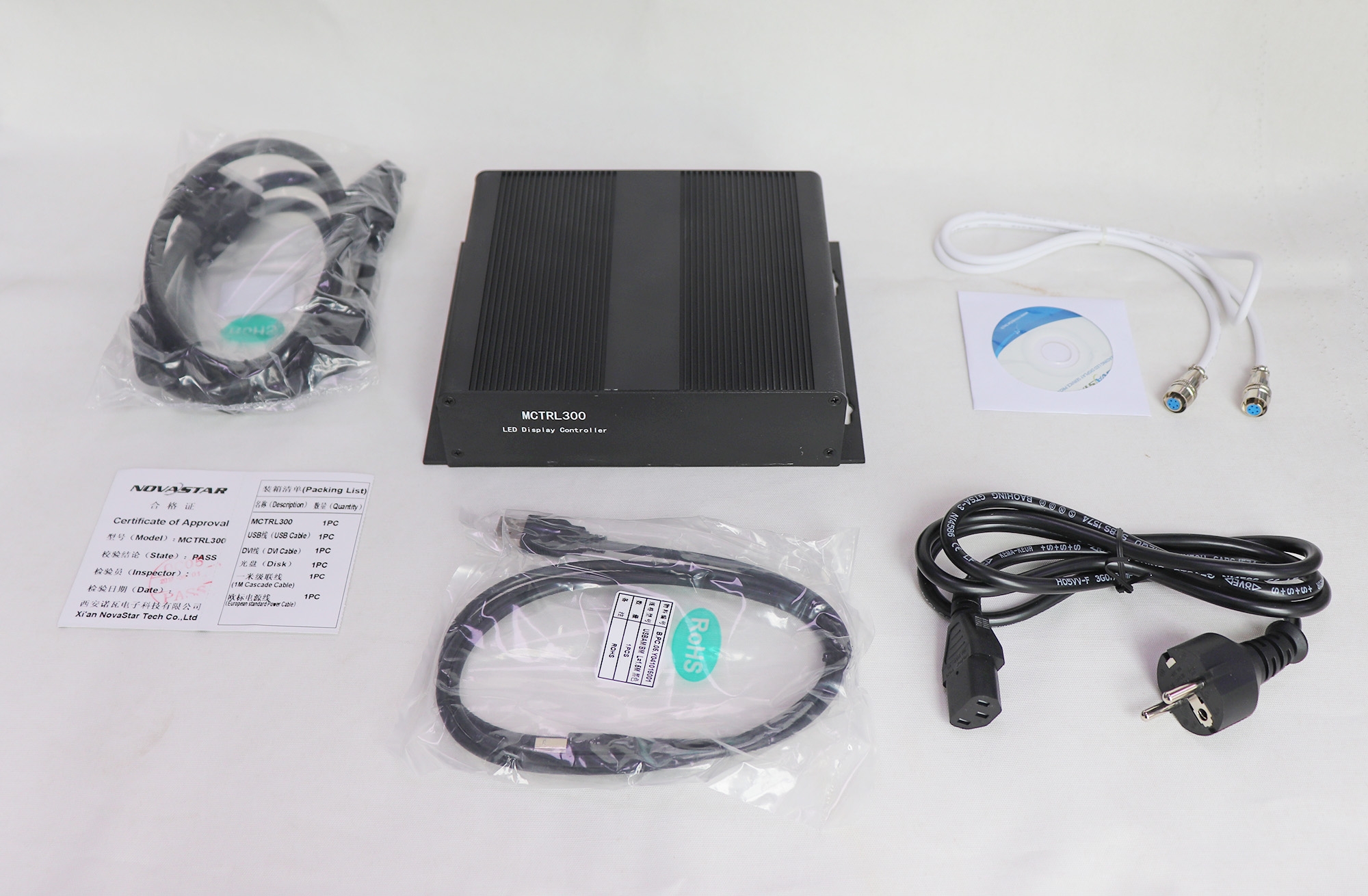
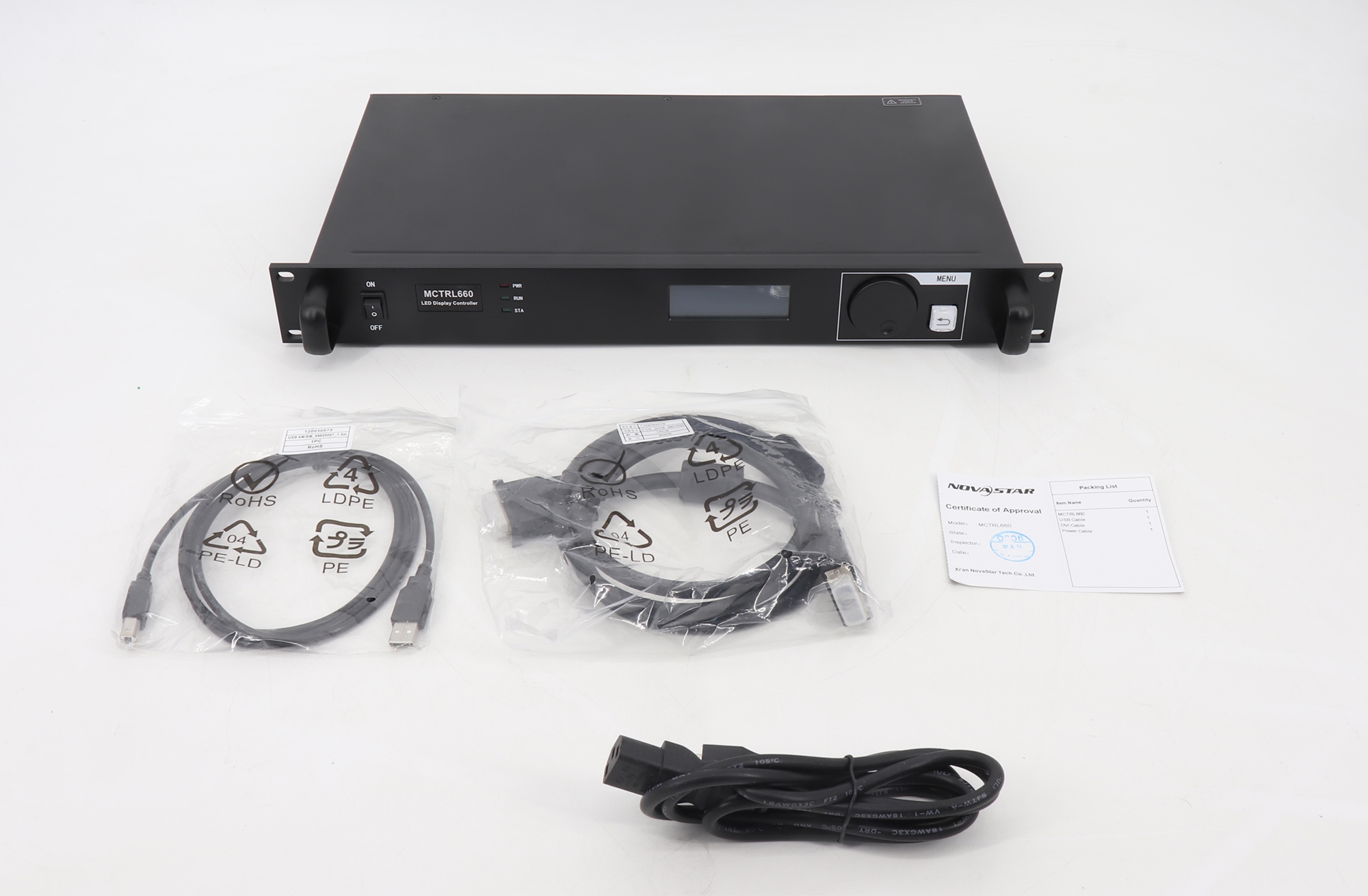
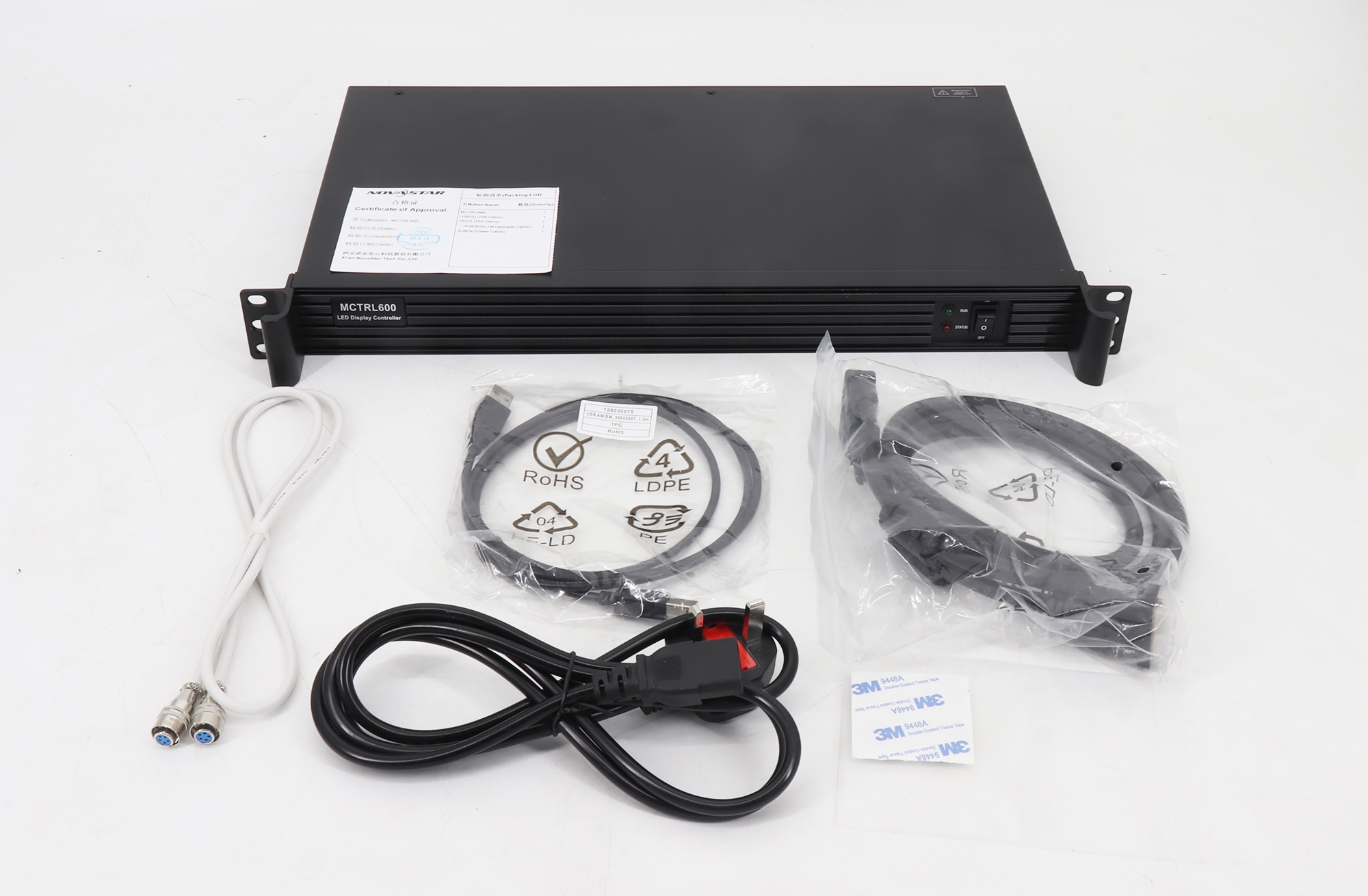
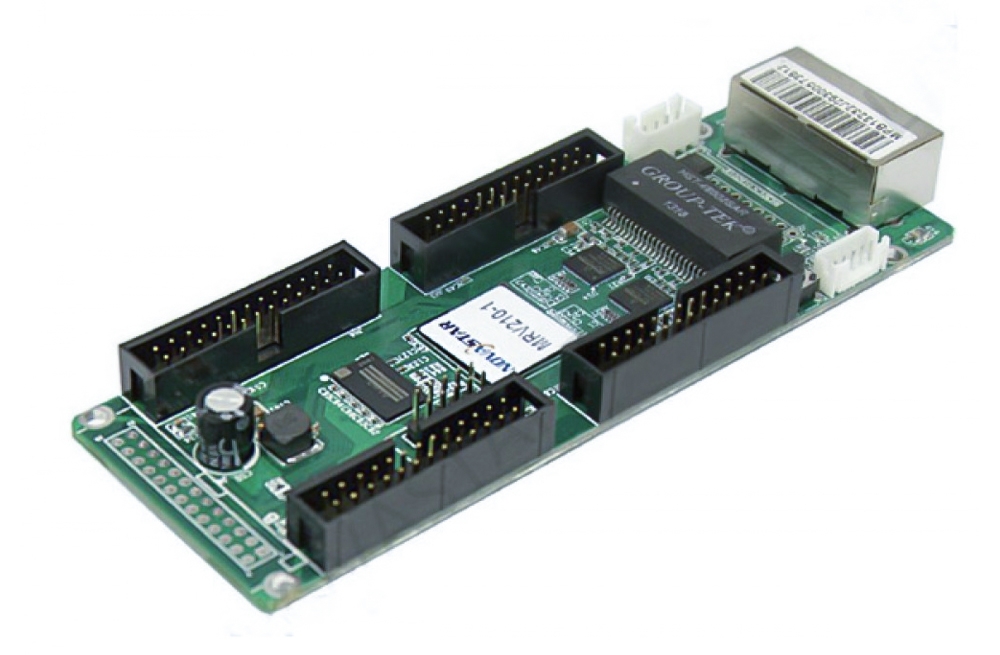
Check the V52A marking, hardware revision and connector layout against the installed card. The original product photos are retained for visual identification. Confirm output expansion and the saved module configuration before replacement.
The listed backup and recovery functions rely on compatible system hardware and wiring; they do not establish an unconditional guarantee against a black screen.
Frequently Asked Questions
What are the RGB and serial output counts for V52A?
The listing states up to 21 RGB groups and 60 serial outputs, with serial expansion to 120. Confirm the required expansion equipment and configuration for the intended output mode.
What loading capacity does the VCSG3-V52A support?
The stated maximum is 64K pixels for one card and 8K pixels per data group. Expansion of output channels does not establish a larger whole-card capacity.
Is VCSG3-V52A the same as VCSG3-V52A-G?
This page identifies VCSG3-V52A without the -G suffix. The listing does not confirm interchangeability with V52A-G. Compare the complete model, revision and connector layout before replacement.
Can the V52A use point-by-point calibration?
The page lists single-pixel calibration without reducing the loading area. Confirm the supported module driver, software and calibration settings for the exact board.
What should I verify before powering the card?
Check the listed 3.5–6 V supply range against the board label, then verify polarity and connector wiring. Review the saved configuration and backup connections before commissioning the display.
Original V52A product photos